
Before the widespread adoption of advanced power-saving technologies in laptops, extending battery life often meant carrying a spare battery or making significant compromises on performance. Battery Doubler offered a different approach, aiming to optimize existing battery power by identifying and disabling unnecessary processes and hardware components. While not a solution that magically doubles battery life in every scenario, it presented a unique method for extending usage time beyond what conventional techniques, like dimming the screen, could achieve.
Understanding Battery Doubler’s Approach
Battery Doubler differentiated itself from other battery optimization tools by focusing on proactive power management rather than relying solely on passive measures like screen brightness adjustments. Its core functionality centered on intelligent power consumption analysis. The software would identify components or processes consuming significant power, even if those processes were not immediately apparent to the user. This could include anything from unused USB ports to background applications consuming significant resources. By detecting and selectively disabling these, Battery Doubler aimed to reduce overall power draw, ultimately extending the operational time on a single battery charge.
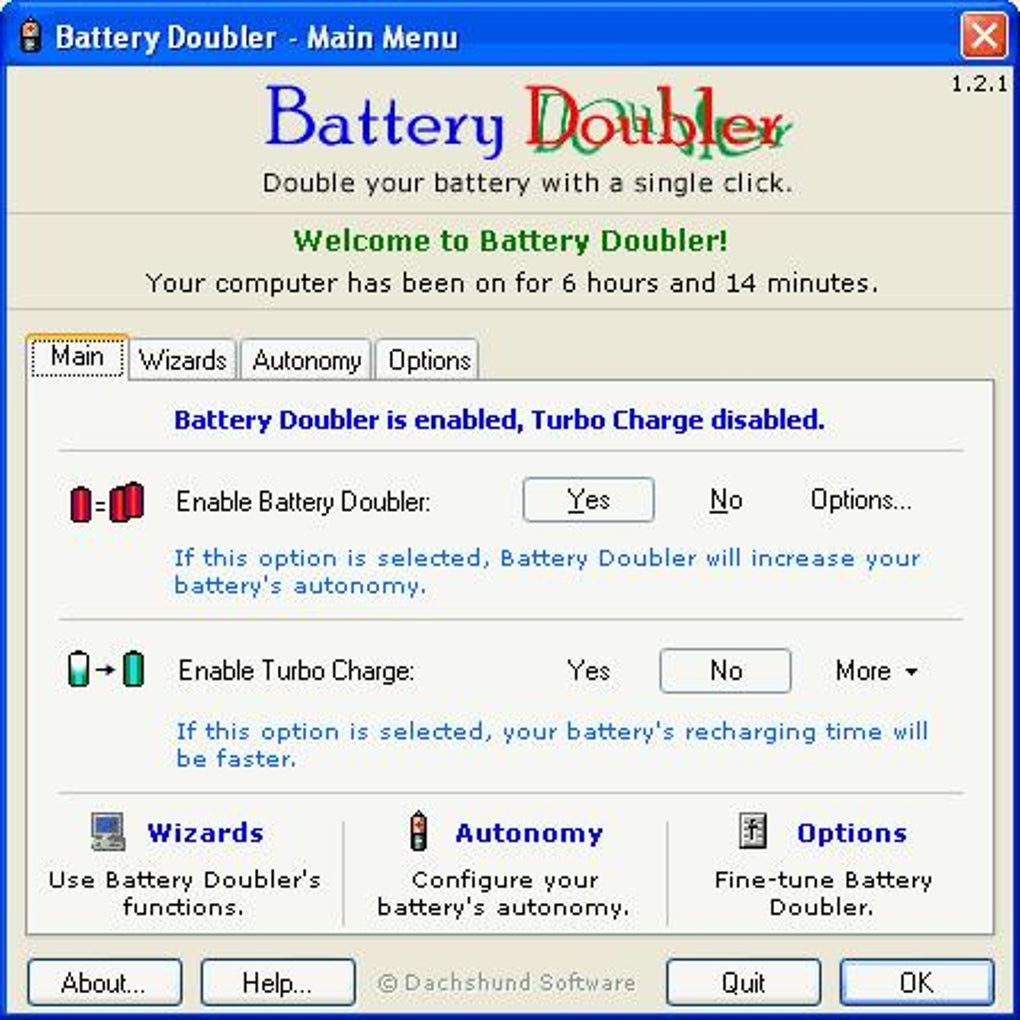
Unlike many applications that simply offer a pre-set collection of power-saving options, Battery Doubler’s strength lay in its dynamic approach. The software adapted its power management strategy based on ongoing monitoring of system activity and power consumption. This real-time adjustment helped to optimize performance without requiring continuous manual intervention. The key to its effectiveness was its ability to identify and address power-consuming elements often overlooked by users and even by standard power management tools.
However, it is crucial to acknowledge that claims of “doubling” battery life were likely aspirational rather than universally achievable. The actual increase in battery runtime would vary dramatically depending on several factors, including the laptop’s hardware configuration, the user’s operational habits, and the software’s effectiveness in identifying and managing specific power drains. Its success depended heavily on the system’s power consumption profile. In laptops with already optimized power management, the benefits of Battery Doubler might be minimal.
Recalibration: Restoring Battery Performance
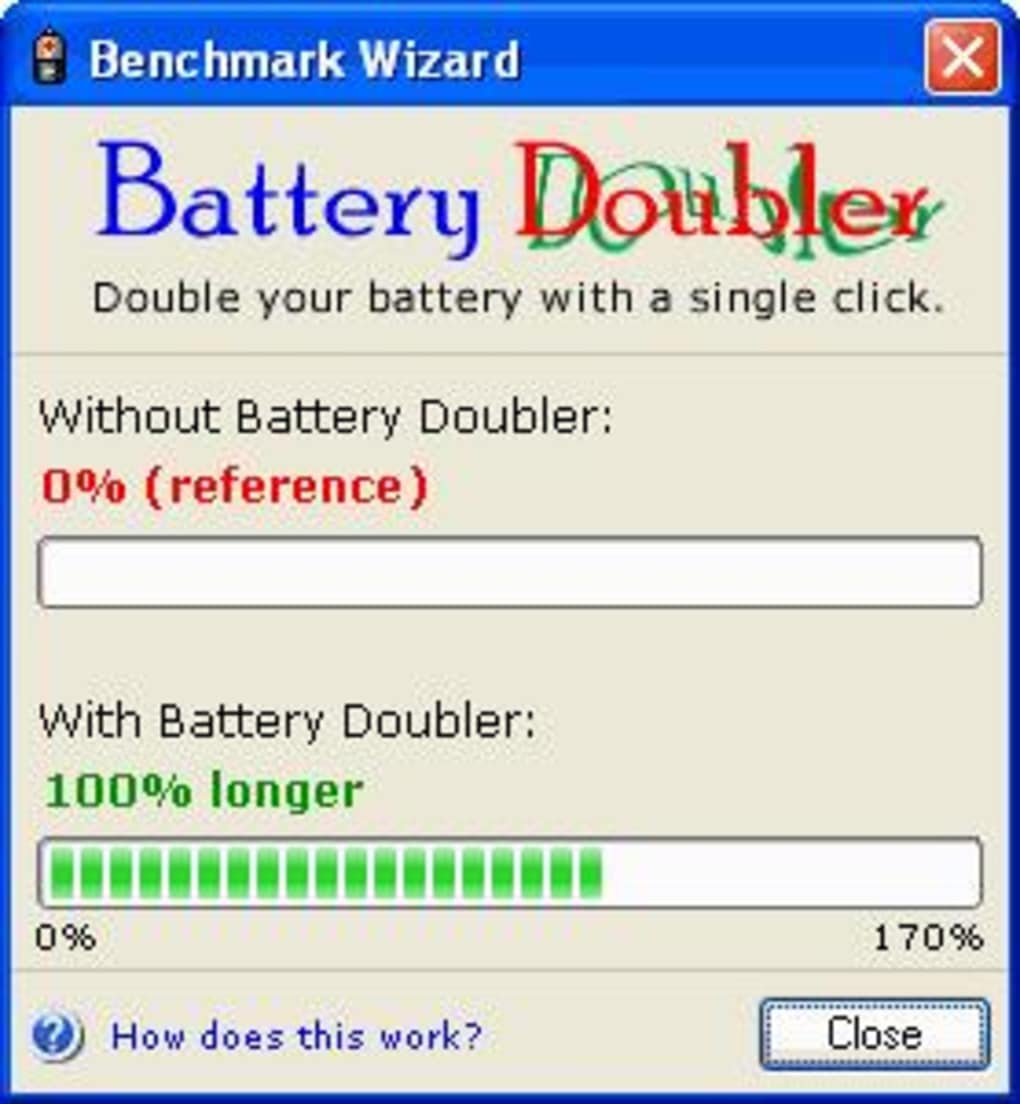
A significant feature of Battery Doubler was its battery recalibration wizard. Over time, repeated charging cycles can lead to a degradation in a laptop battery’s performance. The recalibration feature aimed to address this degradation by performing a process that re-established the battery’s internal calibration data, providing a more accurate representation of its charge level and capacity. This recalibration was not just a software adjustment; it involved a systematic process of charging and discharging the battery under controlled conditions. This process ultimately aimed to improve the accuracy of the battery’s remaining power indicator and potentially enhance its overall performance.
The recalibration process was presented as a relatively straightforward and automated procedure, requiring minimal user interaction. However, user reviews (as seen below) indicate that the duration of the recalibration could vary significantly, and there was some uncertainty around the optimal conditions for executing it (plugged in or on battery power). This highlights a potential area of ambiguity in the software’s instructions or implementation. The lack of clear guidance on this critical aspect could lead to user frustration and uncertainty about the process’s effectiveness.
User Interface and Ease of Use
Battery Doubler’s design prioritized ease of use. The interface reportedly adhered to Microsoft’s design guidelines, making it intuitive and familiar to Windows users. The developers emphasized a user-friendly experience, explicitly stating their intention to avoid the complexity of lengthy manuals. This focus on simplicity suggests that the application was intended for a broad audience, including users with limited technical expertise. The inclusion of a clear battery status indicator further enhanced its accessibility, providing users with real-time feedback on their battery’s power level and the effects of Battery Doubler’s optimizations.
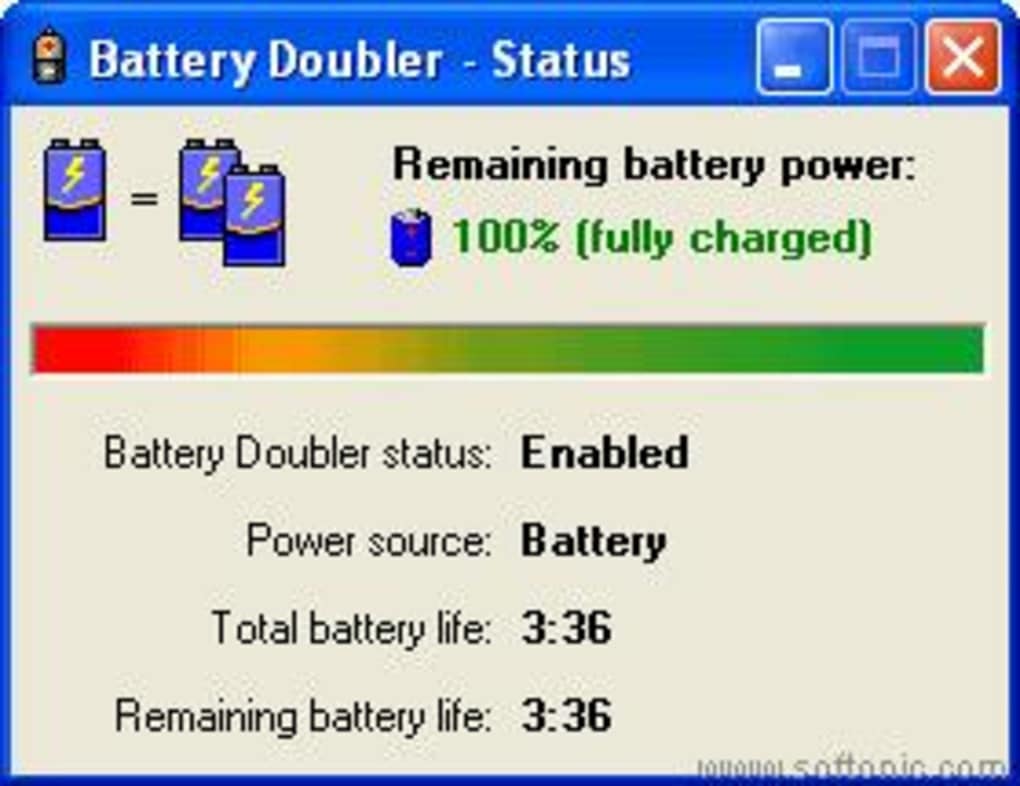
A streamlined interface contributes significantly to a positive user experience. For users already overwhelmed by complex software, a simple and intuitive design minimizes the learning curve and encourages adoption. By adhering to established design conventions and providing clear visual feedback, Battery Doubler aimed to create a user experience that was both effective and enjoyable. The focus on simplicity was a critical element of its intended user-friendliness, a key factor contributing to its popularity.
Technical Aspects and Limitations
Battery Doubler was a Windows-only application, targeting a specific operating system and its power management capabilities. The software’s size was relatively compact (1.40 MB), suggesting a minimal resource footprint, although this could also indicate limited functionality compared to more comprehensive power management tools. The version 1.2.1 release date (August 4, 2004) indicates that the software was developed at a time when laptop battery technology and power management were less sophisticated than they are today.
The software’s effectiveness was likely tied to the limitations of the hardware and operating systems prevalent at the time of its release. Modern operating systems and hardware have evolved to incorporate far more advanced power management strategies. Features such as dynamic clock frequency scaling, intelligent background process management, and advanced power states are now routinely built into laptops and their operating systems, often rendering the need for separate third-party applications like Battery Doubler less critical. The functionality that Battery Doubler provided might be partially or fully integrated into modern systems.
It is important to note that the reliance on disabling hardware components like USB ports could have potential drawbacks. While it might save power, it also could temporarily disrupt other processes that depend on these hardware connections. This trade-off between power saving and functionality highlights the inherent limitations of such a solution. Moreover, the effectiveness of selectively disabling hardware or software components is significantly dependent on the particular hardware and software configuration.
User Reviews and Feedback
The available user reviews reveal both positive and negative aspects of the user experience with Battery Doubler. One user inquired about the recalibration process, specifically whether it should be performed with the laptop plugged in or running on battery power. The lack of clear instructions or guidance on this crucial aspect of the software indicates a potential usability issue. Another user reported that the recalibration process took an unusually long time (over two hours), raising concerns about the efficiency or reliability of the recalibration algorithm. These reviews highlight the need for clear and comprehensive documentation and possibly improvements in the software’s responsiveness and performance.
The contrasting experiences shared by the users emphasize the variability in results and the potential limitations of the software. While some users might have experienced a noticeable improvement in battery life, others faced issues with the recalibration process or other aspects of the software’s functionality. This underscores the fact that the software’s effectiveness would be highly dependent on specific laptop configurations and usage patterns.
In conclusion, Battery Doubler represented an early attempt at proactive battery power management for laptops. While its claim of “doubling” battery life was likely an overstatement, it offered a unique approach by focusing on identifying and managing less obvious power consumers. Its intuitive user interface aimed to make battery optimization accessible to a wider range of users. However, the limitations of its technology, the ambiguity in some aspects of its functionality, and the evolution of more sophisticated power management techniques in modern laptops mean that its relevance in today’s computing landscape is significantly diminished. The software serves as a historical example of early efforts to improve laptop battery performance before the widespread integration of advanced power management features within operating systems and hardware.
File Information
- License: “Trial version”
- Version: “1.2.1”
- Latest update: “August 4, 2004”
- Platform: “Windows”
- OS: “Windows 98”
- Language: “English”
- Downloads: “93.5K”
- Size: “1.40 MB”


