The Bijoy to Unicode Converter is a valuable tool for anyone working with Bengali text, bridging the gap between the traditional Bijoy input method and the universally compatible Unicode standard. This article provides a detailed exploration of this converter, its functionalities, advantages, and potential drawbacks, guiding users through its effective utilization.
Understanding the Need for Bijoy to Unicode Conversion
Before delving into the specifics of the converter, it’s crucial to understand the context surrounding Bijoy and Unicode. Bijoy is a proprietary keyboard layout predominantly used for typing Bengali. While deeply entrenched in the Bengali typing landscape and offering a familiar experience for many users, it suffers from significant limitations in terms of cross-platform compatibility. Unicode, on the other hand, is a universal character encoding standard that supports a vast range of languages and scripts, including Bengali. This means text encoded in Unicode can be readily displayed and processed across diverse operating systems, applications, and devices.
The incompatibility between Bijoy and Unicode creates a significant challenge. Documents or text created using Bijoy may not render correctly on systems or applications that don’t support this specific layout. This can lead to significant problems in sharing documents, collaborating on projects, and publishing content online. The Bijoy to Unicode converter serves as a bridge, enabling seamless transition between these two formats, thereby ensuring broad compatibility and accessibility of Bengali text.
Functionality and User Interface of the Bijoy to Unicode Converter
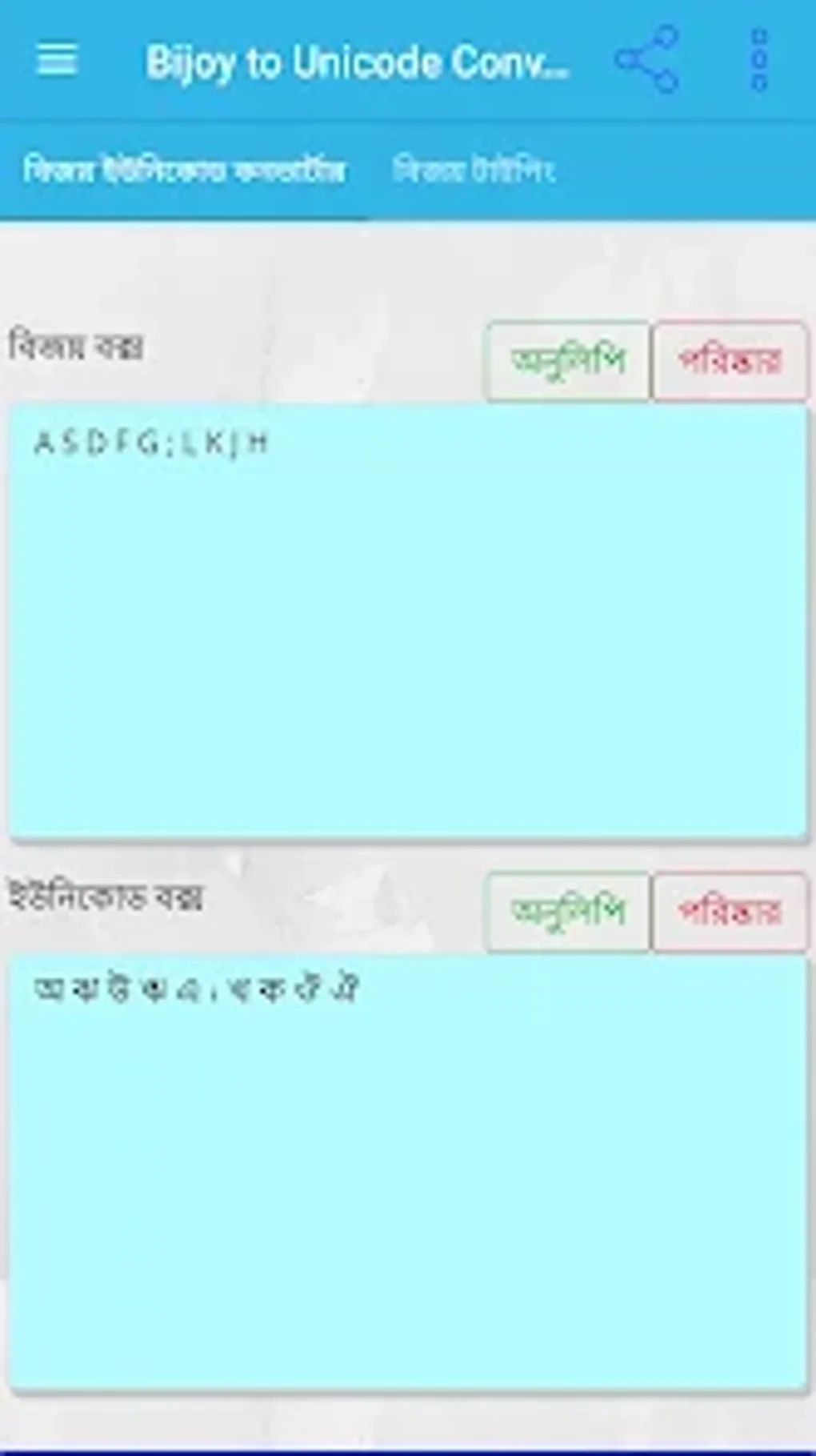
The Bijoy to Unicode Converter application boasts a streamlined and intuitive interface, prioritizing ease of use. Its minimalist design avoids unnecessary complexities, focusing on the core functionality of converting text between Bijoy and Unicode formats. Users will find the process remarkably straightforward, regardless of their technical expertise. The conversion itself is typically instantaneous, enabling efficient handling of both short text snippets and lengthy documents.
A key feature is its offline capability. This means the conversion process doesn’t require an internet connection, ensuring users can perform conversions anytime, anywhere, without relying on network connectivity. This is especially beneficial in areas with limited or unreliable internet access. Furthermore, the application’s portability is a significant advantage. It is available on various platforms, including Android, simplifying text conversion across devices.
The core functionality of the converter revolves around a simple, user-friendly interface. Typically, the application presents a text input field where users can paste or type text in either Bijoy or Unicode format. A button or toggle switch allows users to specify the input format (Bijoy or Unicode) and initiate the conversion. The converted text is then displayed in the output field, readily available for copy-pasting or further use.
Advantages and Disadvantages of Using the Converter
While the Bijoy to Unicode Converter presents a compelling solution for bridging the compatibility gap between these two text systems, it’s essential to acknowledge both its benefits and limitations.
Advantages:
-
Seamless Compatibility: The primary advantage lies in its ability to ensure compatibility across different platforms and applications. Documents converted to Unicode can be seamlessly shared and viewed on any device or software that supports Unicode, eliminating the limitations imposed by Bijoy’s proprietary nature.
-
Enhanced Accessibility: The converter facilitates broader access to Bengali text. By converting text to Unicode, it makes the content accessible to a wider audience, regardless of their operating system or software choices. This is crucial for online publishing, content sharing, and cross-platform collaboration.
-
Offline Functionality: The offline capability is a significant advantage, allowing users to perform conversions without an internet connection, providing flexibility and convenience in diverse situations.
-
Ease of Use: The user-friendly interface makes the conversion process simple and straightforward, even for users with limited technical skills. The intuitive design minimizes the learning curve, allowing rapid adoption and efficient usage.
-
Speed and Efficiency: The conversion process is generally fast and efficient, enabling rapid processing of large volumes of text. This characteristic is particularly valuable for users who regularly need to convert significant amounts of data.
Disadvantages:
-
Occasional Instability: While generally reliable, some users have reported occasional crashes or unexpected behavior, particularly when frequently switching between Bijoy and Unicode conversions. These instances, while infrequent, can be disruptive and detract from the user experience.
-
Limited Features: The converter’s minimalist approach, while advantageous for ease of use, may be viewed as a drawback by users who seek advanced functionalities or additional options for text processing.
-
Dependence on Accurate Input: The accuracy of the conversion entirely depends on the correctness of the input text. Errors in the original Bijoy text will be reflected in the Unicode output. Therefore, careful attention to the input data is crucial for accurate results.
-
Lack of Advanced Editing Features: The converter primarily focuses on the conversion itself. It typically lacks integrated text editing features such as spell-checking, grammar correction, or formatting options, requiring users to employ separate applications for these purposes.
Practical Applications and Use Cases
The Bijoy to Unicode Converter has a broad range of practical applications across various domains:
- Document Sharing and Collaboration: Individuals and organizations working with Bengali documents can use the converter to ensure seamless sharing and collaboration across different platforms. This eliminates the need for recipients to have Bijoy installed, expanding the reach and accessibility of the documents.
-
Online Publishing and Content Creation: The converter is crucial for individuals and organizations publishing Bengali content online. Converting text to Unicode ensures accurate rendering on websites and blogs, making the content accessible to a wider audience.
-
Software Development and Application Design: Developers working on software or applications that support Bengali text can integrate the converter’s functionality to ensure compatibility across various platforms and environments.
-
Education and Research: Researchers and educators working with Bengali texts can utilize the converter to ensure consistent and accurate rendering of their materials across different devices and platforms, fostering effective knowledge dissemination.
-
Government and Administrative Tasks: Government agencies and administrative bodies handling Bengali documents can leverage the converter to enhance interoperability and improve data exchange between different systems.
Conclusion: A Valuable Tool for Bengali Text Processing
The Bijoy to Unicode Converter fills a critical gap in the Bengali digital landscape, enabling seamless interaction between the traditional Bijoy input method and the modern, universally accepted Unicode standard. While it may suffer from occasional stability issues and lack advanced features, its ease of use, offline functionality, and essential role in ensuring compatibility make it an indispensable tool for anyone working with Bengali text, significantly enhancing the accessibility and usability of this important language. Despite minor limitations, the overall benefits significantly outweigh the drawbacks, making it a valuable asset for individuals, organizations, and institutions dealing with Bengali digital content.
File Information
- License: “Free”
- Version: “1.1.32”
- Latest update: “October 29, 2024”
- Platform: “Android”
- OS: “Android 9.0”
- Language: “English”
- Downloads: “13.6K”
- Size: “14.25 MB”
- Download Options: “APK, Google Play”
- Filename: “bijoy-to-unicode-converter-1-1-32.apk”