
BitLord stands as a veteran in the realm of online file sharing, offering a robust and user-friendly solution for both downloading and streaming content via the BitTorrent protocol. For years, it has maintained its position as a go-to application for individuals seeking efficient peer-to-peer file distribution. Completely free of charge, BitLord has evolved to cater to a broad user base, boasting compatibility across virtually any system capable of running a modern browser. Its availability on both desktop and mobile devices makes it a highly convenient choice for those who appreciate the organization and accessibility of a single program functioning seamlessly across their various gadgets. While it shares fundamental similarities with other popular torrent clients like uTorrent, BitLord distinguishes itself through a more streamlined interface and a simplified user experience, making the often-complex world of torrenting more accessible to everyone.
This article delves deep into what makes BitLord a compelling option, exploring its core functionalities, unique features, recent enhancements, and how it stacks up against its competitors. We will unravel the intricacies of its operation, highlight its strengths, and provide a holistic view for both new and experienced users navigating the landscape of P2P file sharing.
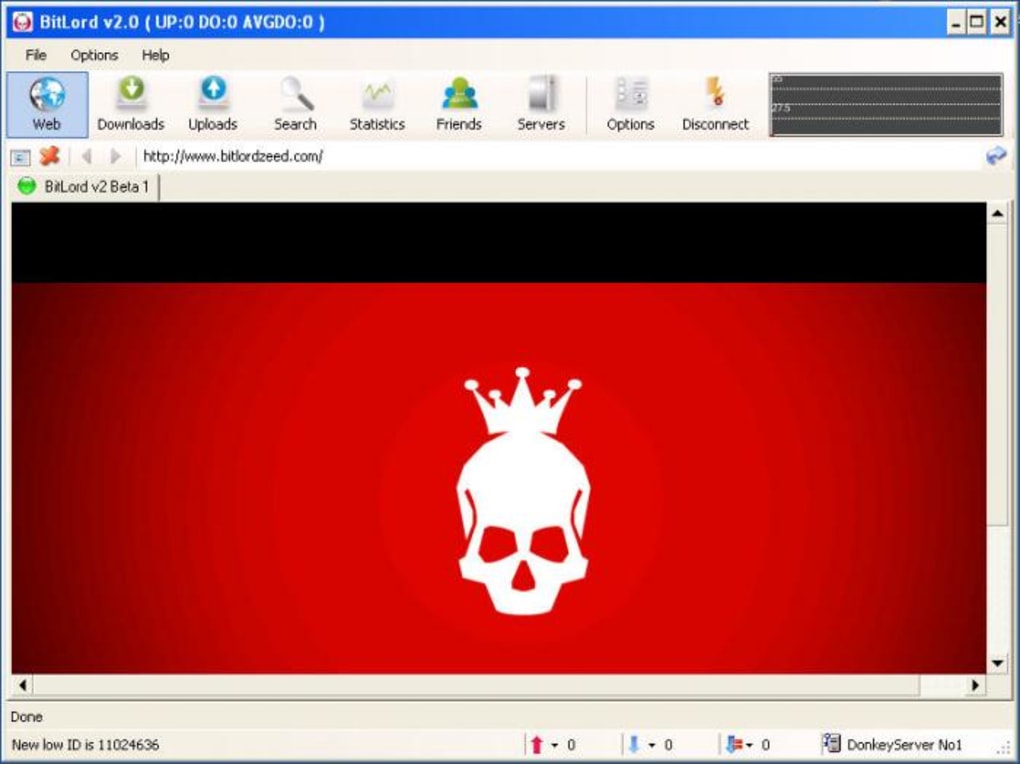
Understanding BitLord: The Core of Torrenting and Streaming
At its heart, BitLord operates on the BitTorrent protocol, a groundbreaking file-sharing technology specifically engineered for the high-speed distribution of exceptionally large files, ranging from hundreds of megabytes to many gigabytes. Unlike traditional client-server models where a single server handles all requests, BitTorrent thrives on a decentralized, peer-to-peer (P2P) network. This innovative approach allows users to share pieces of files directly with each other, dramatically increasing efficiency and reducing the strain on any single server, especially when distributing content to a vast number of users simultaneously. In more technical terms, it represents the most efficient method for sharing substantial files among multiple computers, leveraging the collective bandwidth of its participants.
The Fundamentals of BitTorrent and P2P
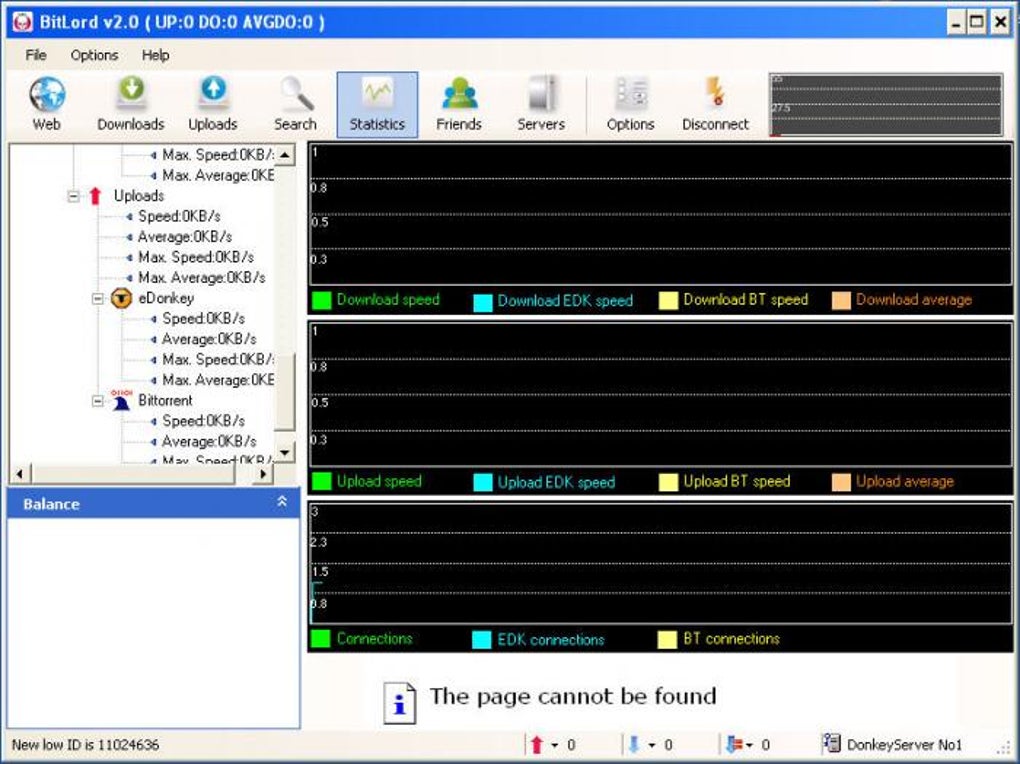
To fully appreciate BitLord, it’s essential to grasp the underlying mechanisms of BitTorrent. When you wish to download a file via BitTorrent, you first acquire a small .torrent file or a magnet link. This tiny file doesn’t contain the actual data you want but rather acts as a set of instructions. It holds metadata about the file(s) to be shared, including their names, sizes, and a list of “trackers” – special servers that help BitTorrent clients locate other users (peers) who are sharing the same file. Once your BitLord client opens this torrent file, it communicates with the tracker to discover other peers in the swarm (the group of users sharing a particular file).
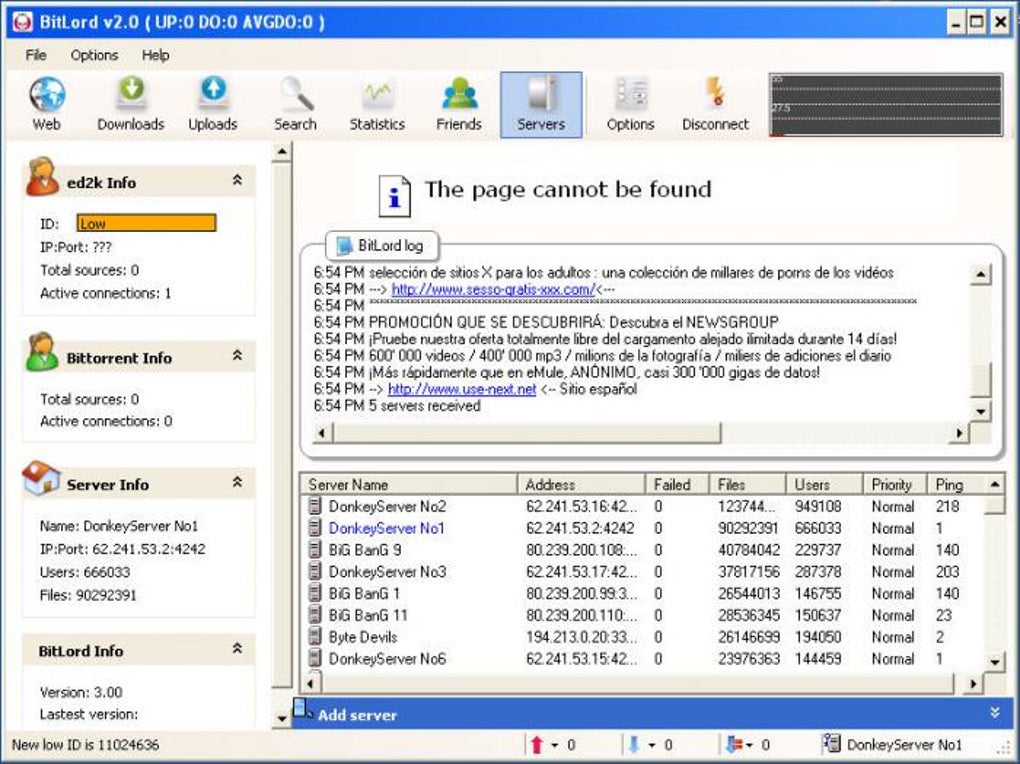
The beauty of the P2P model is that as you download parts of a file, you simultaneously upload the parts you already have to other peers. This reciprocal sharing is what makes the BitTorrent network so resilient and fast. Users who are actively downloading and uploading are called “peers,” while those who have completed the download but continue to upload are known as “seeders.” The more seeders a torrent has, the faster and more reliably it can be downloaded by new peers. This collaborative environment ensures that large files can be disseminated globally without requiring massive, centralized infrastructure, a true testament to the power of distributed computing.
How BitLord Leverages Torrent Technology
BitLord acts as your personal interface to this powerful P2P network. When you initiate a download through BitLord, the client uses the information from the torrent file or magnet link to locate where the requested content physically resides across the network of peers. It then intelligently manages the transfer process, breaking down the large file into smaller, manageable “bits and pieces,” and downloading these segments from multiple sources concurrently. This parallel downloading significantly accelerates the process compared to downloading from a single server.
Once these segments are downloaded, BitLord reassembles them into the complete file on your local machine. A unique advantage of BitLord, and torrent clients in general, is the ability to handle extremely large files, such as high-definition movies, entire seasons of TV shows, or extensive software packages, with relative ease. The program efficiently tells your system how to transfer these pieces from their distributed locations onto your hard drive. Moreover, BitLord allows for selective downloading, meaning you can choose specific files within a torrent package if you don’t need the entire bundle, offering greater control and saving bandwidth and storage space. After the download is complete, the file is ready for you to view, listen to, or use directly through the BitLord program or any other media player on your system, establishing BitLord as not just a downloader but a gateway to your media consumption.
Unpacking BitLord’s Powerful Features
Beyond its fundamental role as a torrent client, BitLord is equipped with a suite of convenient features designed to streamline the user experience, from content discovery to consumption. These functionalities make navigating, searching, and acquiring desired content remarkably easier and more efficient. Whether you’re hunting for popular options like TV shows, blockbuster movies, cutting-edge games, or even rare and unreleased music tracks and live streams, BitLord endeavors to be a comprehensive solution.
Intuitive Interface and Robust Search Capabilities
One of BitLord’s most lauded attributes is its sophisticated yet straightforward search function. The application presents users with an intuitive interface that simplifies the process of finding exactly what they’re looking for. A prominent search bar is typically front and center, allowing for quick queries. What sets BitLord’s search apart is its ability to narrow down results effectively. Users can filter by various media types, ensuring that their search yields relevant content, whether it’s video, audio, software, or documents. Furthermore, the search can be refined by specifying genres, particular file formats (e.g., MP4, MKV, FLAC), and even specific BitLord versions if one is looking for client updates or specific releases. This granular control over search parameters saves significant time and effort, preventing users from sifting through irrelevant results.
The overall user interface (UI) of BitLord is another area where it excels. Designed with simplicity in mind, it is remarkably easy to use, even for those new to torrenting. The clean layout and logical organization of features make the entire process — from searching to downloading and streaming — much more approachable and efficient than it might otherwise be. Users don’t need to be tech-savvy to get started; the learning curve is gentle, allowing for quick adoption and immediate utility.
Flexible Downloading and Seamless Streaming
BitLord offers users the critical choice between downloading content directly to their device or streaming it instantly. If you opt for the traditional downloading route, BitLord goes a step further in enhancing convenience. Not only does it create a dedicated ‘watch’ folder where all your downloaded files are automatically saved, but it also has the intelligent capability to open up the particular website in your browser where the episode, movie, or music track is originally located. This feature provides easier access to metadata, related content, or simply confirms the source, adding a layer of transparency and convenience for the user.
However, BitLord truly distinguishes itself with its integrated streaming capabilities. This feature allows users to begin watching or listening to content even before the entire file has finished downloading. By downloading segments sequentially, BitLord enables immediate playback, much like popular video-on-demand services. This ‘download-as-you-go’ functionality is invaluable for those who prefer instant gratification or want to preview content before committing to a full download. It transforms BitLord from a mere downloader into a versatile media consumption platform, offering a fluid and continuous entertainment experience.
Prioritizing User Privacy with Anonymous Downloading
In an age where digital privacy is a paramount concern, BitLord incorporates essential protection features, including options for anonymous downloading. For users who prioritize their privacy and wish to remain discreet while engaging in file sharing, BitLord offers mechanisms to mask their IP address from other users within the torrent swarm. When you activate this anonymous downloading feature, your real identity is not compromised or exposed to other peers, adding a significant layer of security. This anonymity option is a crucial advantage for users who are mindful of their online footprint and seek to protect their privacy during torrenting activities. It reflects BitLord’s commitment to providing a secure and private environment for its user base, distinguishing it as a client that understands and addresses contemporary digital concerns.
The Evolution of BitLord: New Features for a Modern Audience
In recent years, the team behind BitLord has been diligently working on a series of innovative features, not only to rekindle the interest of past users but also to captivate a new generation of digital natives. These enhancements significantly expand BitLord’s functionality, moving it beyond a simple torrent client to a more integrated and socially connected media platform.
Enhanced Social Sharing and Community Building
One of the most significant new features introduced is the deep integration with social media platforms. BitLord now empowers users to seamlessly share their media consumption experiences with their social circles. Beyond simply sharing the fact that you’re watching a movie or TV show on platforms like Facebook, BitLord facilitates a more interactive experience. Users can even watch content together with their friends, creating a virtual shared viewing experience that brings people closer, regardless of their physical location. This communal aspect transforms passive viewing into an engaging social activity.
Furthermore, BitLord has made content sharing between friends remarkably easy and flexible. Sharing links to specific torrents or download links can be exchanged effortlessly, making it simple to recommend or distribute content within trusted networks. Taking this concept further, users now have the ability to create their own ‘clubs’ within BitLord. These clubs serve as private, curated spaces where individuals can share specific content exclusively with a select group of people they choose. This feature fosters a sense of community and allows for tailored content sharing, enhancing the collaborative spirit of the P2P network in a more personal and controlled environment.
Integrated Streaming: A Step Towards an All-in-One Media Hub
Perhaps the most ambitious new feature is the built-in streaming capability, which significantly elevates BitLord’s status as an all-inclusive media platform. While it previously allowed for streaming of downloaded content, the new iteration goes further by incorporating some of the most popular and reputable global streaming providers directly within the application. This means users might find integration with services like Netflix and Hulu, blurring the lines between traditional torrenting and mainstream subscription-based streaming. This strategic move positions BitLord as a more versatile entertainment hub, aiming to consolidate various media consumption methods into a single, convenient application.
By offering access to both torrented content and popular streaming services, BitLord provides users with a comprehensive suite of options, catering to diverse preferences and sources. This integration not only simplifies the user experience by reducing the need to switch between multiple applications but also demonstrates BitLord’s commitment to adapting to the evolving landscape of digital media consumption, striving to be a one-stop solution for all entertainment needs.
BitLord Versus uTorrent: A Comparative Look
When discussing torrent clients, it’s almost impossible to avoid a comparison between BitLord and uTorrent, given uTorrent’s immense popularity and long-standing presence in the internet’s file-sharing ecosystem. Both applications share fundamental similarities, operating as P2P (peer-to-peer) file-sharing platforms that enable users to distribute and acquire content across multiple computers efficiently. Their core functionalities—such as downloading torrents, managing queues, and seeding files—are remarkably similar. However, a closer examination reveals several key differentiators where BitLord manages to carve out its own niche, offering a few more features and an enhanced user experience.
One of the most immediate distinctions lies in the user interface. While uTorrent is known for its lightweight footprint and functional design, BitLord often presents a more polished, presentable, and enjoyable interface. Users frequently report that BitLord’s UI is cleaner, more intuitive, and visually appealing, which can significantly improve the overall user experience, especially for those who spend a considerable amount of time managing their downloads. The thoughtful layout and ease of navigation contribute to a smoother torrenting process, making it less intimidating for newcomers and more pleasant for seasoned users.
Another significant feature original to BitLord, which uTorrent notably lacks, is the built-in social media sharing function. As discussed previously, BitLord allows for direct integration with social platforms, enabling users to share their viewing activities, exchange links with friends, and even create private clubs for content sharing. This social layer adds a dimension of interaction and community that is not natively present in uTorrent. For individuals who value the ability to connect with others and share their media experiences within the torrent client itself, BitLord offers a distinct advantage.
It is worth noting that for those who are deeply entrenched in the uTorrent ecosystem but desire some of BitLord’s social functionalities, there is an add-on called ‘BitLord for uTorrent’ that can be downloaded. This add-on attempts to bridge the feature gap, demonstrating BitLord’s influence and the perceived value of its unique offerings. However, it’s an external addition rather than a native, integrated experience.
In essence, while both clients serve the same fundamental purpose of P2P file sharing, BitLord distinguishes itself by emphasizing an enhanced user interface and pioneering social integration. These differences cater to users who seek not just functionality but also a more modern, intuitive, and socially connected experience from their torrent client.
Why Choose BitLord? Pros, Cons, and Final Thoughts
BitLord presents itself as an excellent torrent application for those who seek the best of both worlds: robust file-sharing capabilities combined with user-friendly features. It effectively bundles many of uTorrent’s essential functionalities while adding its own set of distinct extras, making it a compelling choice in a crowded market.
Key Advantages of BitLord
The benefits of opting for BitLord are numerous and significant:
- Easy to Download and Install: The installation process for BitLord is straightforward and quick, allowing users to get up and running with minimal hassle. This ease of entry is a major plus for those new to torrenting.
- Fast Download Speeds: Leveraging the efficiency of the BitTorrent protocol and a well-optimized client, BitLord often delivers impressively fast download speeds, ensuring that even large files are acquired in a timely manner.
- Allows Direct Search of Torrents Within the App: This integrated search functionality is a huge time-saver. Users don’t need to open a web browser and visit external torrent sites; they can find what they’re looking for directly from BitLord’s intuitive interface.
- Works While Using a VPN: For users concerned about privacy and security, BitLord’s compatibility with Virtual Private Networks (VPNs) is a critical advantage. It ensures that anonymity and data protection can be maintained effortlessly during torrenting activities.
- User-Friendly Interface: As highlighted earlier, BitLord’s interface is often cited as more presentable and enjoyable than many of its competitors, making the entire torrenting experience more pleasant and less confusing.
- Built-in Streaming: The ability to stream content while it’s still downloading, and potentially even integrate with mainstream streaming services, transforms BitLord into a versatile media player, adding significant value.
- Social Media Integration: The unique feature of sharing content, watching with friends, and creating private clubs adds a social dimension rarely seen in torrent clients, fostering community and interaction.
- Anonymous Downloading Options: The provision for masking IP addresses enhances user privacy, addressing a key concern for many in the P2P landscape.
Considerations Before You Download
While BitLord offers a wealth of advantages, it’s also important to acknowledge a few points that some users might consider drawbacks:
- The Interface Can Be Confusing at First: Despite its overall user-friendliness, the sheer number of features and options, particularly for new users, might initially present a slight learning curve. The robust search filters and various sharing options might take a moment to fully grasp.
- Offers Paid Accounts: While the core functionality of BitLord is completely free, the existence of paid accounts might lead some users to wonder if essential features are gated behind a paywall. However, it’s crucial to reiterate that most of the platform’s features are accessible without a paid subscription, making the free version exceptionally robust. These paid options often include enhanced speeds, ad-free experiences, or additional cloud storage/VPN services, which are supplementary rather than fundamental.
The Verdict: A Robust and Feature-Rich Torrent Client
Overall, BitLord stands out as an excellent free torrent client that users can install on their computers with ease. It effectively combines the reliable core functionality expected of a P2P application with innovative features that enhance user experience, privacy, and even social interaction. Its commitment to a streamlined interface, integrated streaming, and social sharing capabilities positions it as a forward-thinking solution in the torrenting space. For anyone seeking a powerful, clean, and fast BitTorrent client that goes above and beyond the basics, BitLord offers a comprehensive and compelling package. It supports simultaneous downloads, manages download queues, allows for selected downloads within torrent packages, features fast-resume functionality, and includes advanced options like chatting, disk caching, speed limits, port mapping, proxy support, and IP filtering. These capabilities underscore its versatility and efficiency.
Whether you are a seasoned torrent user looking for an upgrade or a newcomer venturing into the world of P2P file sharing, BitLord provides a robust, free, and continually improving platform that is well worth considering. Its blend of traditional torrenting power with modern media consumption and social features makes it a truly versatile tool for managing your digital content.
Note: This article contains references to BitLord, a P2P file-sharing program. Users are responsible for ensuring their use complies with local laws and copyright regulations. We do not encourage or condone the illegal streaming, duplication, or distribution of copyrighted content.
File Information
- License: “Free”
- Latest update: “May 23, 2023”
- Platform: “Windows”
- OS: “Windows 7”
- Language: “English”
- Downloads: “423.8K”


