
Bitmoji for Chrome is a free browser extension that allows users to create and insert personalized emojis into their online communications. Originally developed as Bitstrips and later acquired by Snap Inc., the application facilitates the creation of custom avatars that can be posed in various ways and then used as unique emojis across numerous online platforms. While now integrated into Snapchat’s ecosystem and also available as a mobile app, the Chrome extension provides a convenient way to access and utilize Bitmoji within the browser environment. This review delves into its functionality, strengths, and weaknesses, providing a comprehensive overview for potential users.
The Rise of Personalized Emojis and Bitmoji’s Role
In the digital age, emojis have become an indispensable part of online communication, enriching conversations and adding layers of expression beyond simple text. From simple emoticons to sophisticated animated GIFs and even augmented reality features like those seen in Snapchat and Messenger, the options for self-expression have exploded. However, the ubiquitous nature of pre-existing emojis can sometimes make it difficult to stand out and convey truly unique emotions or sentiments. Bitmoji emerges as a solution to this, offering a platform for personalized emoji creation.
Bitmoji’s roots lie in Bitstrips.com, a website that allowed users to craft personalized comic strips using pre-designed templates and customizable avatars. This user-friendly approach democratized comic creation, eliminating the need for advanced artistic skills. The platform’s popularity on Facebook and mobile platforms eventually caught the attention of Snap Inc., leading to Bitmoji’s acquisition and rebranding as a key feature. While Bitstrips itself was eventually discontinued, its legacy lives on through the enduring popularity of Bitmoji. The shift from a comic strip creator to a personalized emoji generator represents a natural evolution, leveraging the core strengths of character customization and accessibility. The core concept of Bitmoji—creating a visual representation of oneself or a desired persona that can be readily integrated into online communications—has proven remarkably enduring and adaptable.
Creating Your Unique Bitmoji Avatar
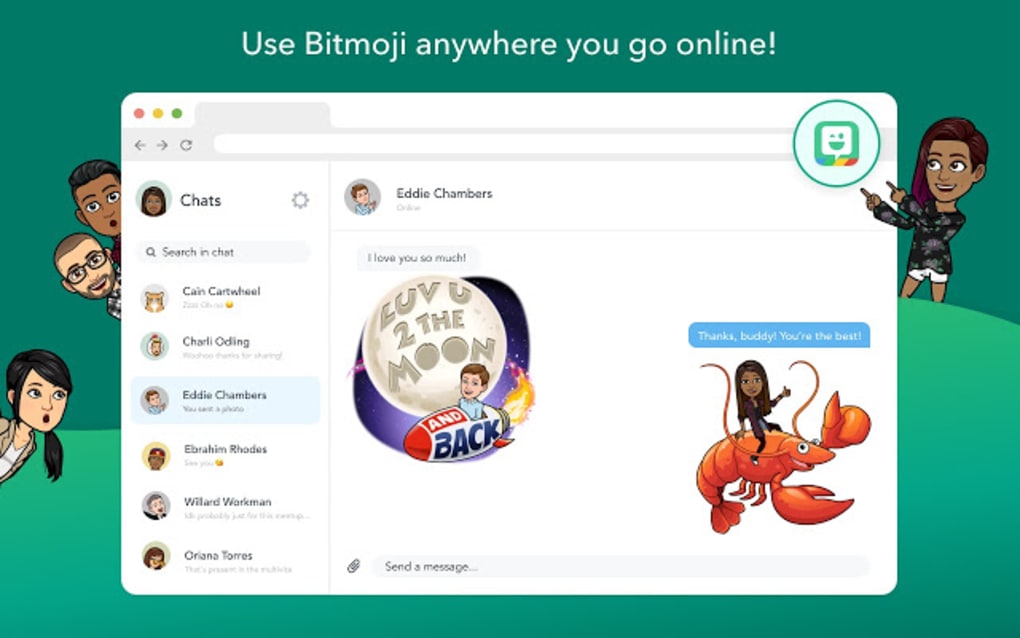
The process of creating a Bitmoji within the Chrome extension mirrors the simplicity of the original Bitstrips platform. Users are presented with a wide array of customization options, allowing them to craft an avatar that closely resembles themselves or embodies a completely different persona. This ranges from basic features like face shape, body type, and skin tone to more detailed aspects such as hairstyle, clothing, and accessories. While the options are extensive, offering over 100 distinct choices across these various categories, the overall design aesthetic tends toward a cartoonish, approachable style.
Once the avatar is designed, users can select from a range of pre-set poses. This is where the limitations of Bitmoji become apparent. Unlike some other avatar creation tools, Bitmoji does not allow for the creation of entirely custom poses. The available options are pre-defined templates, limiting the expressive range compared to more sophisticated tools. However, this restriction also contributes to the ease of use and accessibility that the app prioritizes. The focus is on quickly creating shareable emojis rather than complex animation.
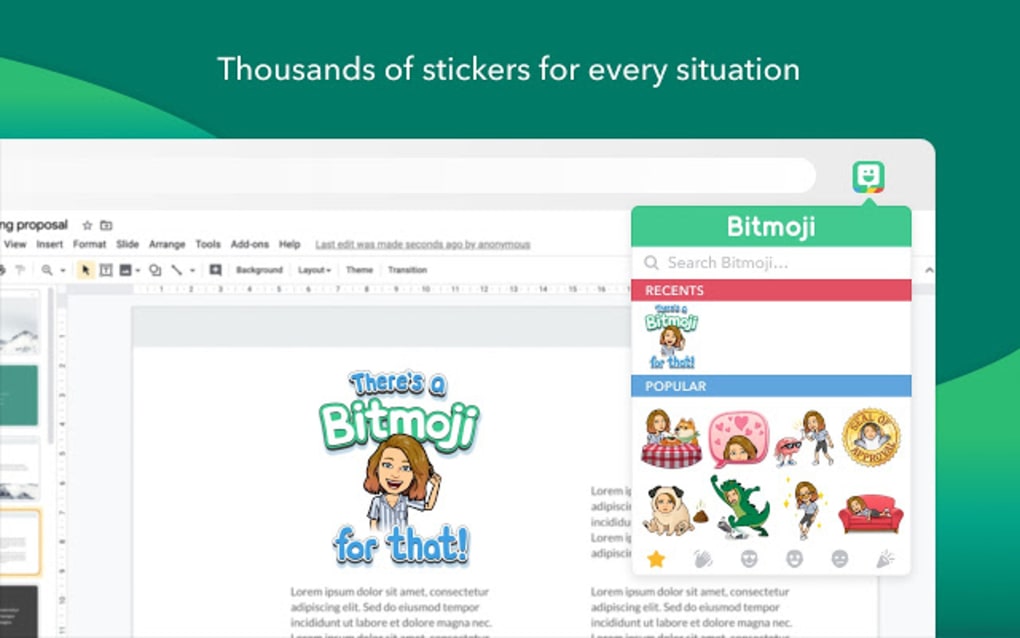
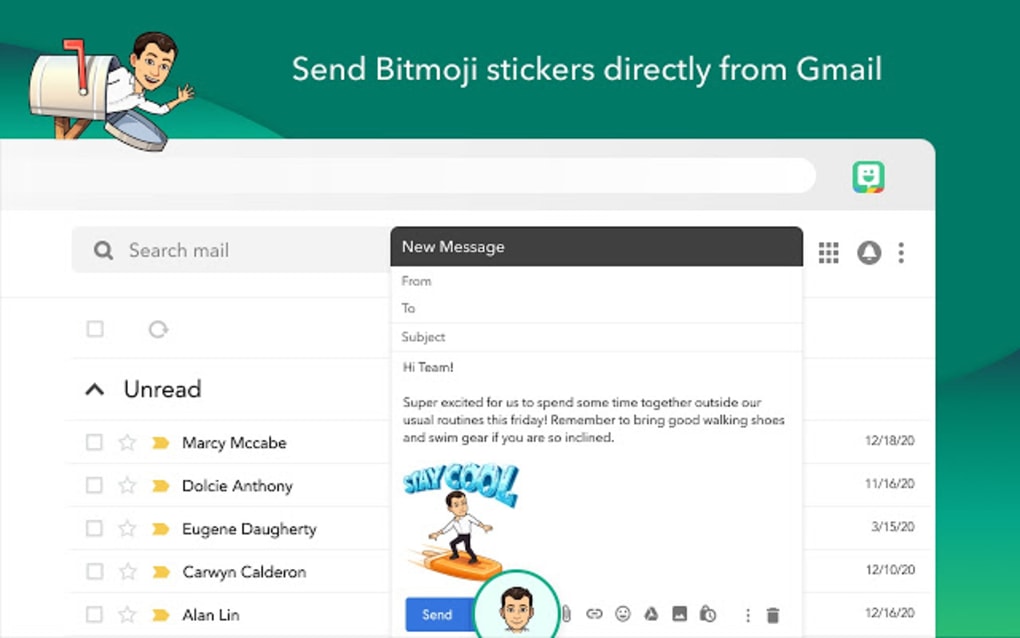
After choosing a pose, the generated Bitmoji is ready to be inserted into various online platforms. The extension facilitates seamless integration into text fields, email compositions, and various messaging apps. The ability to resize the Bitmoji ensures that it adapts to different contexts and maintains a consistent level of visual clarity. This flexibility allows for a wide range of applications, from casual personal messages to more formal online interactions. The process of incorporating a Bitmoji into a message is streamlined, removing the need for multiple steps or complex software navigation.
Limitations and Areas for Improvement
Despite its strengths, Bitmoji for Chrome has certain limitations that are worth considering. While the customization options are significant, some users may find them insufficient, especially when it comes to the variety of clothing and accessories. The lack of the ability to upload custom clothing or poses represents a noticeable constraint for users seeking more creative control. This limitation stems from Bitmoji’s core design philosophy; the pre-set options make the process quick and accessible for the average user, but it sacrifices the advanced customization options that other tools might provide. This trade-off favors ease of use over comprehensive creative freedom.
Another point of concern for some users has been the occasional instability of the Chrome extension. Reports of crashes or unexpected malfunctions are not uncommon. These instances typically disrupt the user experience, particularly if they occur during the creation of an important emoji or during a crucial online interaction. Such instability highlights the need for ongoing improvements to the extension’s stability and reliability. The frequency of these issues can vary and likely depends on several factors, including browser compatibility and overall system performance.
Furthermore, the necessity of signing into a Bitmoji account to alter avatar settings introduces a slight hurdle. This requirement adds an extra step to the customization process, particularly for users who wish to make frequent adjustments to their avatar’s appearance. While this authentication is understandable from a security standpoint, it can be inconvenient for users who simply want a quick and simple adjustment without navigating a separate login process.
Bitmoji for Chrome: A User-Centric Approach
Bitmoji for Chrome, in its current iteration, serves as a readily accessible and user-friendly tool for creating personalized emojis. Its strengths lie in its simplicity, intuitive interface, and seamless integration with various online platforms. The ability to craft an avatar and quickly incorporate it into online communications represents a powerful and engaging feature. However, it’s crucial to acknowledge its limitations. The lack of extensive customization options and the occasional stability issues prevent it from being a perfect solution for all users.
The application’s design decisions reflect a prioritization of user-friendliness and accessibility. While this approach ensures ease of use for a broad audience, it inadvertently restricts more artistically inclined users who would appreciate greater creative control over their avatars and their poses. This focus on a broad user base and ease of access makes Bitmoji an effective tool for quick and shareable personalized emojis. The benefits of simplicity outweigh the limitations for the majority of users, but understanding those limitations is crucial for realistic expectations.
Conclusion: Weighing the Pros and Cons
Bitmoji for Chrome provides a unique and valuable service for users seeking personalized emojis. Its easy-to-use interface and extensive avatar customization options make it accessible to a wide range of users. The ability to seamlessly integrate Bitmojis into various online platforms enhances communication and self-expression. However, limitations in customization, occasional instability, and the need for account login for avatar modification should be carefully considered. Ultimately, the decision of whether or not to use Bitmoji for Chrome comes down to balancing the benefits of readily available personalized emojis with the trade-offs in creative control and occasional technical glitches. If a straightforward and readily accessible method for adding unique character to online communication is the priority, Bitmoji likely fits the bill. However, those seeking advanced customization and absolute stability might wish to explore other avatar and emoji creation tools.
File Information
- License: “Free”
- Version: “10.31.1247”
- Latest update: “May 23, 2023”
- Platform: “Windows”
- OS: “Windows 8”
- Language: “English”
- Downloads: “22.7K”


