
Blender 3D, an unofficial mobile port of the renowned Blender software, brings the power of 3D modeling and animation to Android devices. While aiming to replicate the extensive features of its desktop counterpart, this mobile adaptation presents a mixed bag of functionality and usability challenges. This review delves into the strengths and weaknesses of Blender 3D, assessing its performance, features, and overall user experience compared to alternative mobile 3D applications.
Features and Functionality: A Familiar Interface with Mobile Limitations
Blender 3D attempts to faithfully reproduce the interface and features of the original Blender software. This means users familiar with the desktop version will find some elements recognizable. The app boasts a wide array of tools for 3D modeling, including options for creating, manipulating, and modifying 3D meshes. Users can sculpt intricate models, apply textures to add visual detail and realism, and utilize lighting and shading tools to achieve desired effects. Animation capabilities are also included, allowing users to create sequences of movement and transformations for their 3D models. The presence of full touchscreen support is a notable aspect, enabling users to interact with the interface and models using intuitive touch gestures for panning, zooming, and rotation.
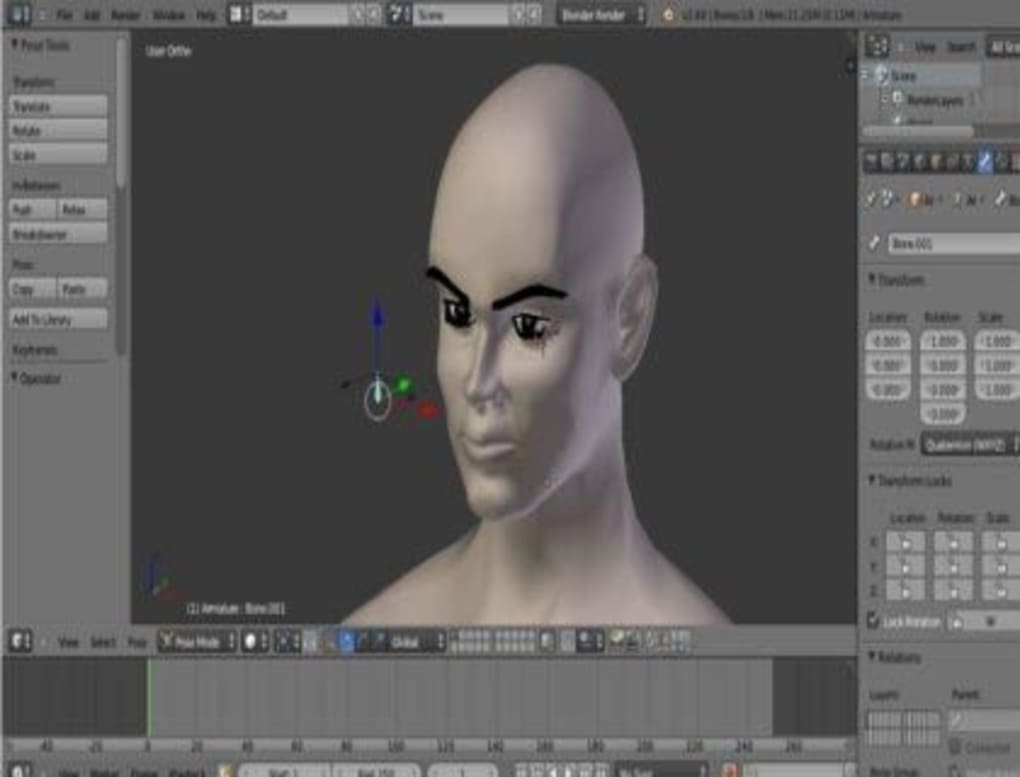
However, the attempt to port the desktop software’s expansive feature set to a mobile environment proves problematic. Many users report that navigating the interface, even with touchscreen support, presents a significant hurdle. The familiar desktop workflow, optimal for a mouse and keyboard, doesn’t translate seamlessly to the smaller screen and touch controls of a mobile device. The density of options and the complexity of certain tools lead to a cluttered and often overwhelming user experience. Precise manipulation and selection can become challenging due to the limitations of touchscreen input, requiring a level of dexterity not always readily achievable on smaller devices. In essence, while the features are technically present, their usability suffers greatly in the context of mobile interaction.
Furthermore, Blender 3D aims to provide advanced capabilities such as fluid and lighting simulations, echoing the extensive possibilities of the original software. However, the extent to which these more advanced functions are truly useful on a mobile platform is debatable. The processing power and resources available on mobile devices may significantly limit the complexity of simulations that can be achieved. Users attempting elaborate simulations might encounter significant performance limitations, leading to slowdowns, freezes, and even application crashes.
Performance and Stability: A Significant Achilles’ Heel
The most significant drawback of Blender 3D is its instability and poor performance. Users frequently report encountering freezing, crashing, and general unresponsiveness. These issues are not infrequent occurrences; instead, they appear to be a persistent and significant problem plaguing the app’s overall usability. The frequency and severity of these issues vary, but the consensus among users points towards a fundamentally flawed optimization for mobile devices. The app’s resource consumption seems to exceed the capabilities of many Android devices, resulting in poor performance and frequent disruptions. The lack of stability makes Blender 3D essentially unusable for serious projects, undermining its intended purpose as a mobile 3D modeling and animation tool. Even simple tasks can be interrupted by unexpected crashes, making the process frustrating and unproductive.

The app’s inherent instability is likely rooted in the challenges involved in porting complex software designed for desktop environments to the more resource-constrained mobile platform. The original Blender software is known for its intensive processing demands, relying on powerful desktop CPUs and GPUs. The attempt to compress and optimize this software for mobile devices without compromising its features appears to have been unsuccessful, resulting in an application that struggles to maintain stability and consistently perform as intended. The limited processing power of many mobile devices, combined with the complex nature of Blender’s algorithms, leads to a compromised user experience.
Comparison with Alternative Mobile 3D Apps: A Look at the Competition
While Blender 3D aims to offer a comprehensive set of features reminiscent of the desktop version, several alternative mobile 3D applications provide a more streamlined and stable experience. Applications such as Autodesk Sketchbook, Procreate, and various other mobile 3D modeling tools offer a balanced approach, prioritizing usability and stability over a complete feature replication. These alternatives often feature a simplified interface designed for touch input, resulting in a more intuitive user experience. While they might not match the sheer breadth of tools and options available in Blender 3D, their superior performance and stability make them more practical choices for many users.
The trade-off between feature richness and usability is a crucial consideration when comparing Blender 3D with its competitors. While Blender 3D strives to provide the full Blender experience, it fails to deliver a satisfactory mobile experience due to performance issues. Alternative applications prioritize a smooth and reliable workflow, sacrificing some advanced features for increased stability and ease of use. The choice between these options depends on individual needs and priorities. Users prioritizing comprehensive features might tolerate the instability of Blender 3D, whereas users prioritizing a stable and user-friendly experience might prefer alternative, more optimized apps.
Conclusion: A Promising Concept Hampered by Technical Limitations
Blender 3D represents an ambitious attempt to bring the powerful capabilities of Blender to mobile devices. The inclusion of a comprehensive feature set is commendable, particularly for users familiar with the desktop version. However, the app’s significant performance and stability issues ultimately overshadow its strengths. The frequent crashes, freezing, and general unresponsiveness render the application largely unusable for practical purposes. The complex desktop-oriented interface further exacerbates these problems, making even basic tasks challenging and frustrating.
While the concept of a mobile Blender is appealing, the current execution falls short of expectations. The app’s limitations highlight the difficulties involved in porting complex, resource-intensive software to the mobile platform without significant compromises. Until substantial improvements are made to address the performance and stability issues, Blender 3D remains a largely impractical option for mobile 3D modeling and animation. Users seeking a reliable and user-friendly experience are better served by exploring alternative mobile 3D applications that prioritize stability and ease of use over feature completeness. The potential of a mobile Blender remains, but the current implementation requires substantial improvements before it can be considered a viable alternative to established mobile 3D applications.
File Information
- License: “Free”
- Version: “1.1.2.77”
- Latest update: “February 13, 2023”
- Platform: “Android”
- OS: “Android 7.0”
- Language: “English”
- Downloads: “88.2K”
- Size: “10.42 MB”
- Download Options: “APK, Google Play”
- Filename: “Blender_3D_v1.1.2.77.apk”


