
Blue Ball Macro, developed by SOKA APPS, is a gaming tool designed to enhance the precision and sensitivity of your in-game crosshair or cursor, primarily benefiting players of shooter games. This Android application allows for fine-tuned control, leading to improved accuracy in aiming and camera movement, ultimately enhancing the overall gaming experience. The application’s straightforward user interface ensures ease of navigation, even for those unfamiliar with such tools.
Customizable Crosshair for Enhanced Precision
The core functionality of Blue Ball Macro centers around its customizable crosshair, visually represented as a ball that overlays the game’s original crosshair. This allows players to tailor the crosshair to their individual preferences and playstyle. This flexibility extends to various aspects, including:
-
Size: The crosshair’s size can be adjusted, ranging from a small dot to a larger, more prominent ball, catering to different visual preferences and game scenarios. A smaller crosshair might be preferred for precise shots in close quarters, while a larger one could be more beneficial in long-range engagements.
-
Color: Blue Ball Macro offers a palette of 15 colors to choose from, enabling players to select a crosshair color that provides optimal visibility against the game’s background and minimizes eye strain. Whether you prefer a classic red dot, a vibrant green, or a calming blue, the application provides ample options for personalization. The choice of color can greatly impact the player’s ability to quickly acquire targets, especially in fast-paced games.
-
Opacity: Adjusting the opacity allows for a balance between visibility and minimizing obstruction of the game’s visuals. A highly opaque crosshair will be clearly visible, but may cover crucial game elements. A less opaque crosshair will be less intrusive but potentially harder to see, especially in brightly lit or visually complex game environments. Finding the right opacity balance is key to optimizing performance.
-
Width: Similar to opacity, the width of the crosshair’s outline can be adjusted, further contributing to the overall visibility and comfort for the player. A thicker outline might be preferable for players who require greater visual clarity, while a thinner outline might suit those who prefer a less obstructive crosshair.
-
Background Opacity: This setting allows for customization of the background transparency behind the crosshair, offering additional control over its visual impact and further reducing eye strain. By carefully adjusting the background opacity, players can create a crosshair that is both highly visible and non-distracting.
-
Sensitivity and Velocity: These adjustments allow for fine-tuning the responsiveness of the crosshair to player input. Higher sensitivity will result in quicker, more reactive crosshair movement, ideal for fast-paced games, while lower sensitivity provides more controlled, deliberate aiming. Velocity settings influence the speed at which the crosshair moves, further contributing to overall control and precision.
These customizable features are designed to improve both precision and comfort. Players can experiment with different combinations of size, color, opacity, and width to find the perfect setup for their individual needs and gameplay style. The ability to personalize the crosshair is crucial, as different games and playstyles may demand different configurations.
Beyond the Game: Unlocking Additional Functionality
While primarily designed as a gaming tool, Blue Ball Macro offers a unique feature: the ability to unlock the crosshair from its locked in-game state. This feature unlocks the crosshair for other tasks, effectively transforming it into a highly customizable cursor for general use outside of the game. In this unlocked state, mouse clicks will pass through the crosshair without interruption, ensuring seamless interaction with other applications or the operating system.
This dual functionality highlights the versatility of Blue Ball Macro. It caters not only to the needs of gamers seeking improved precision but also offers additional utility beyond the gaming context. It acts as a customizable, easily accessible, and portable tool for varied computer tasks.
Compatibility and Potential Risks
It is important to note that the compatibility of Blue Ball Macro with various games is not guaranteed. Some games may actively detect and prohibit the use of such modifications, potentially leading to account bans or other penalties. This risk is inherent to the use of third-party applications that alter game functionality. Users should carefully consider the terms of service and any relevant rules set by game developers before using Blue Ball Macro. Using the tool might violate the terms of service, leading to account restrictions or permanent bans from the game.
While the application offers many advantages in terms of improved gameplay and personalized control, players need to weigh the potential risks associated with using third-party applications. Before using Blue Ball Macro, always refer to the game’s terms of service, ensuring that its use aligns with the game’s rules and regulations.
User Interface and Ease of Use
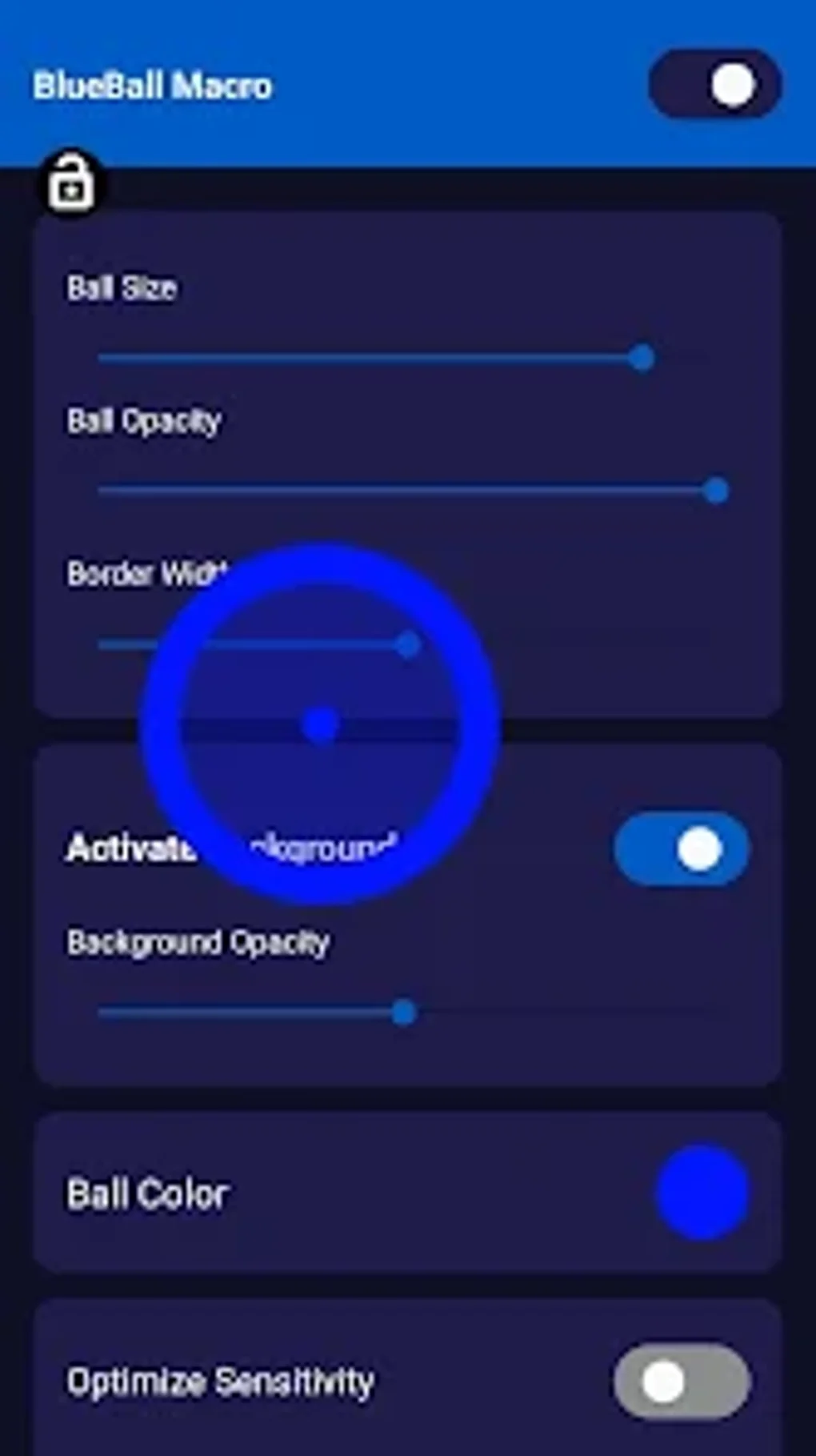
Blue Ball Macro boasts a user-friendly interface, ensuring that even users unfamiliar with similar applications can quickly navigate its features and customize their crosshair settings. The intuitive design emphasizes simplicity, allowing players to focus on gameplay rather than wrestling with complex menus or configurations. The application’s clear and uncluttered interface prioritizes ease of use, which is a significant advantage. The straightforward design ensures a quick learning curve, enabling players to immediately start personalizing their crosshair to improve their game.
The focus on user-friendliness is a key element of Blue Ball Macro’s design. It’s designed to be accessible and intuitive, avoiding unnecessary complexities that might hinder the player’s experience. This approach emphasizes a smooth and streamlined user experience, making it easy for anyone to use and customize the application’s features.
Conclusion: A Powerful Tool with Potential Drawbacks
Blue Ball Macro presents a compelling proposition for gamers seeking improved aim and control in their favorite shooter games. Its customizable crosshair, versatile functionality, and user-friendly interface make it a potentially valuable asset. However, potential incompatibility issues and the risk of account bans in certain games necessitate caution and informed decision-making before using the application. Users should carefully weigh the benefits against the potential risks before integrating Blue Ball Macro into their gaming experience. Thoroughly understanding the potential implications and adhering to game rules are crucial for responsible use. It is recommended to test the application cautiously on less sensitive accounts initially to gauge its compatibility and impact before utilizing it on main accounts.
File Information
- License: “Free”
- Version: “2.0”
- Latest update: “October 28, 2024”
- Platform: “Android”
- OS: “Android 13.0”
- Language: “English”
- Downloads: “97.4K”
- Size: “16.51 MB”
- Download Options: “APK, Google Play”
- Filename: “macro-bolitas-azules-2-0.apk”


