
BlueGriffon is a free and open-source What You See Is What You Get (WYSIWYG) web editor that stands as a compelling alternative to commercial website creation tools. Built upon the Gecko rendering engine—the same technology powering Firefox—BlueGriffon offers a user-friendly interface suitable for both novice and experienced web developers. Its compatibility with the latest web standards, coupled with its powerful features, makes it a robust option for building modern, standards-compliant websites.
User Interface and Ease of Use
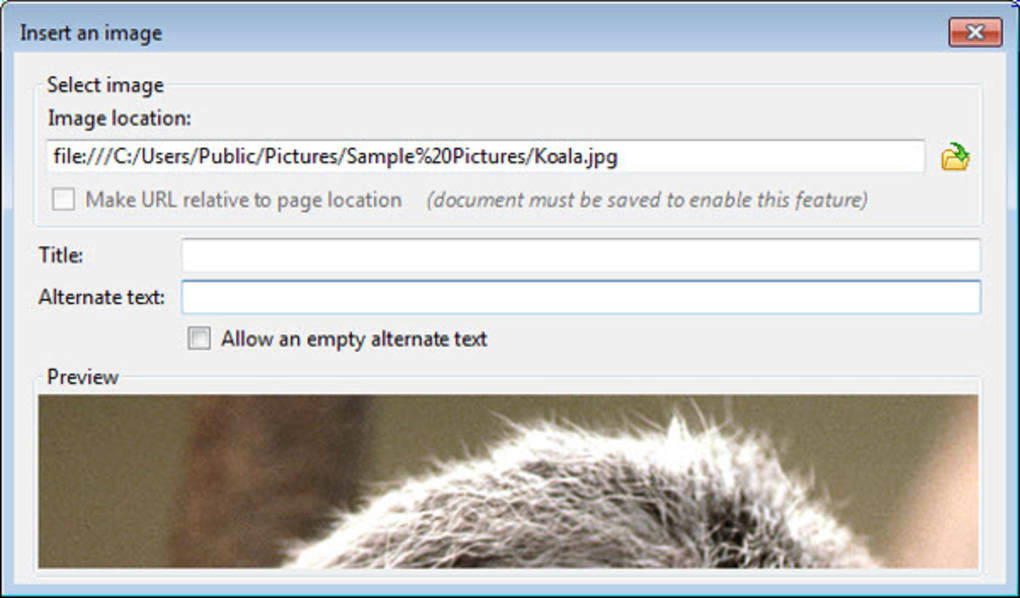
BlueGriffon’s strength lies in its intuitive WYSIWYG interface. The visual editor allows users to directly manipulate website elements, like text, images, and other media, seeing the changes reflected instantly on the screen. This visual approach simplifies the web design process, significantly reducing the learning curve for beginners. Users can easily add and modify content without needing to write extensive HTML or CSS code. The editor offers a familiar array of tools, including formatting options, image insertion, and table creation, making it accessible to those with minimal prior experience in web development.
While the WYSIWYG mode caters to beginners, BlueGriffon doesn’t neglect experienced developers. The software allows switching to a Source View mode, providing access to the underlying HTML and CSS code. This dual functionality allows users to seamlessly transition between visual editing and direct code manipulation, offering flexibility based on individual needs and preferences. This feature is particularly beneficial for those who need fine-grained control over specific aspects of their website’s design and functionality.
However, the user experience isn’t without its caveats. The lack of comprehensive documentation can present a challenge for new users. While the interface is intuitive, navigating certain functionalities might require trial-and-error, particularly when dealing with more advanced features or troubleshooting. A more robust help system or improved tutorial resources would considerably enhance the overall user experience and reduce the learning curve.
Features and Functionality
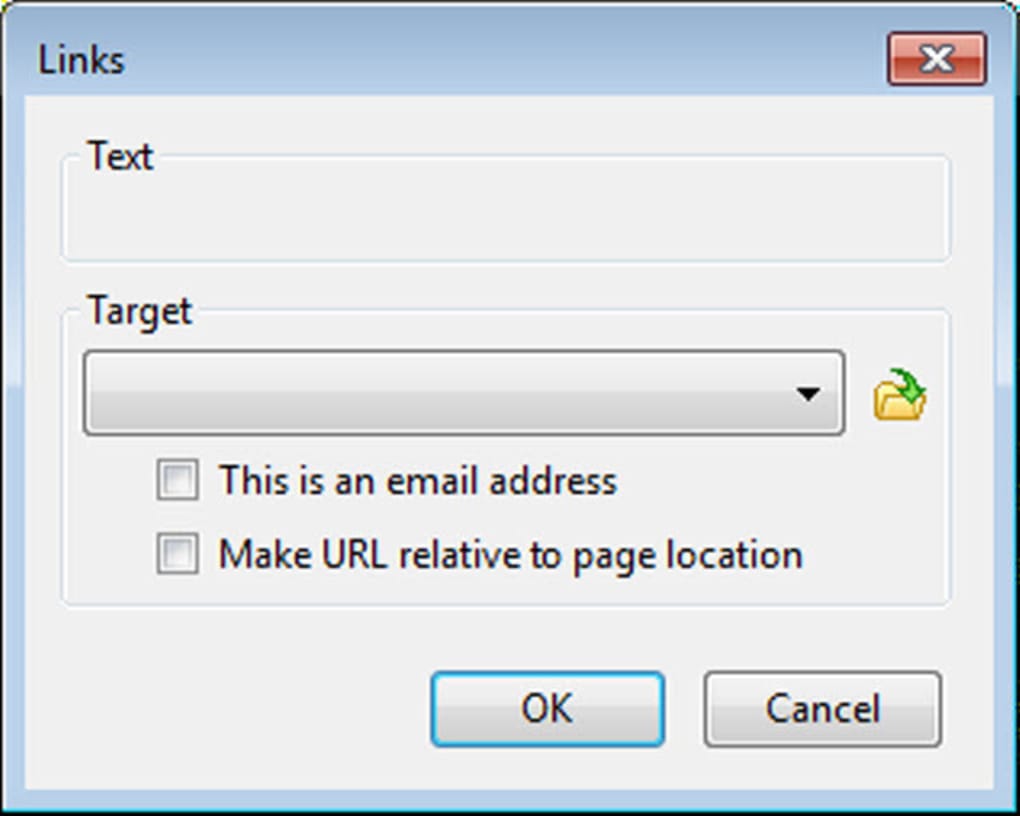
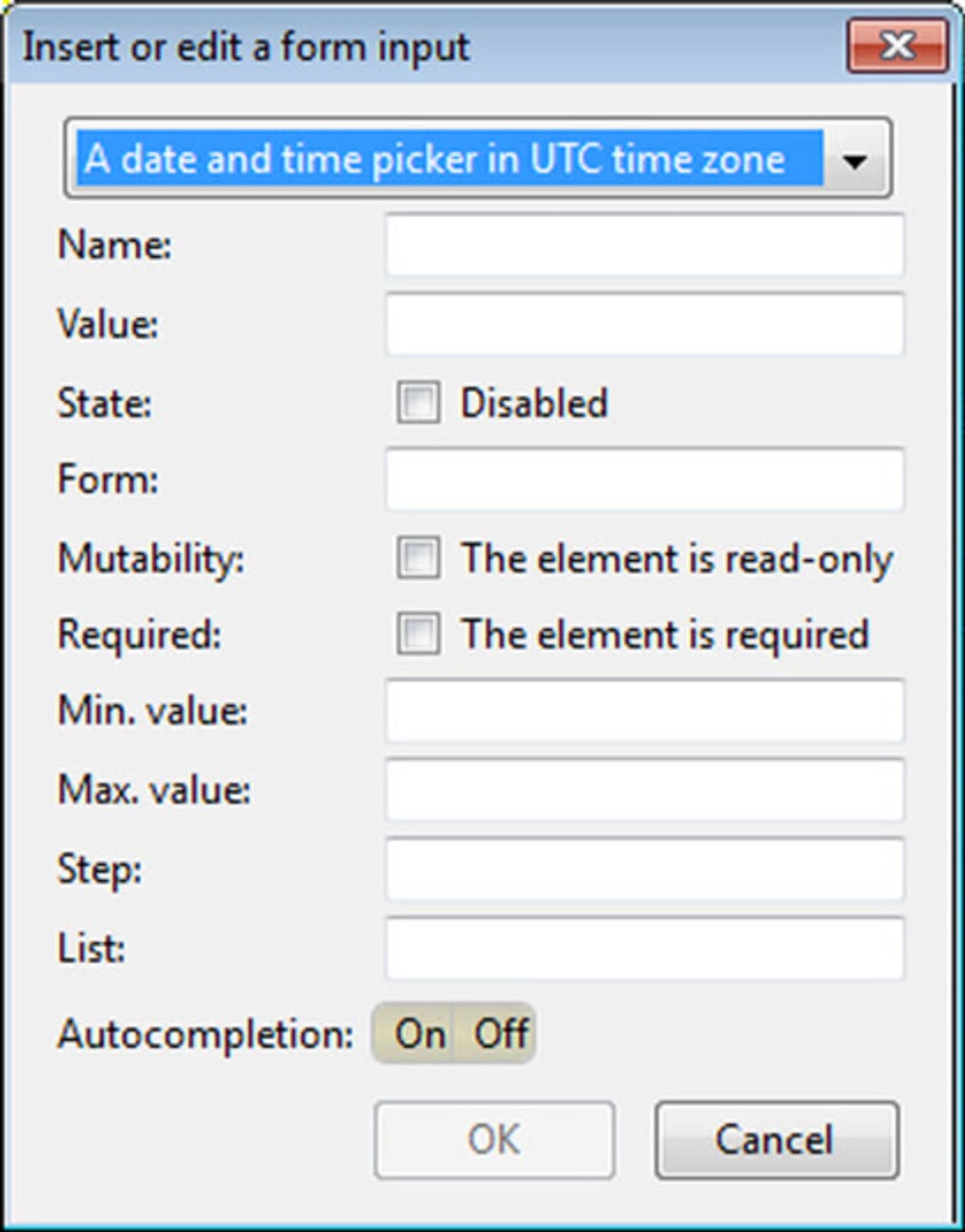
BlueGriffon’s core functionality centers on its WYSIWYG editor, providing a rich set of tools for creating visually appealing and functional websites. The software’s adherence to the latest W3C standards, including HTML5, CSS2.1, and significant portions of CSS3, ensures compatibility with modern web browsers and ensures the websites created using BlueGriffon are well-structured and validated. The support for CSS Media Queries allows designers to tailor their website’s layout to different devices, ensuring optimal viewing experience across desktops, tablets, and smartphones.
The integration of MathML and SVG further expands BlueGriffon’s capabilities, allowing developers to include mathematical formulas and vector graphics in their projects. This functionality extends the editor’s suitability beyond simple text-based websites, making it appropriate for projects requiring more technical or visually complex components. The fact that it uses the same rendering engine as Firefox provides a considerable advantage, ensuring that websites built using BlueGriffon appear exactly as intended within the Firefox browser. This eliminates the common issue of cross-browser inconsistencies, saving developers time and effort in ensuring visual fidelity.
Furthermore, BlueGriffon supports extensions and add-ons, potentially expanding its capabilities beyond its default functionalities. While the process of adding these extensions may not always be straightforward, the potential for customization is noteworthy. The availability of add-ons introduces the opportunity to tailor BlueGriffon to the specific needs of a user or project, enhancing the overall versatility and effectiveness of the software.
Performance and Stability
While BlueGriffon is a powerful editor, it’s important to acknowledge that it’s an ongoing project. As such, users may encounter occasional instability or unexpected behavior. Performance can sometimes be affected depending on the complexity of the project being edited and the system’s resources. Larger, more complex projects might experience occasional slowdowns or lags, especially on less powerful machines. The development team is actively working to improve stability and performance, and regular updates address many of these concerns. However, users should be prepared for occasional glitches or the need to save their work frequently to avoid potential data loss.
The software’s stability has significantly improved over recent releases, but minor bugs or unforeseen issues may still occur. The open-source nature of the project fosters community involvement, with users and developers collaborating to identify and resolve issues promptly. Regularly checking for updates is crucial to ensure access to the latest bug fixes and performance improvements.
Comparison with Other Web Editors
BlueGriffon distinguishes itself from other web editors, particularly commercial alternatives, through its open-source nature and its commitment to adhering to W3C standards. This ensures the software is free to use and its code is accessible for inspection and modification. The software’s compatibility with modern web standards is a significant advantage, guaranteeing that websites created using BlueGriffon are well-structured and optimized for performance. In contrast, some commercial editors might prioritize proprietary technologies, limiting flexibility and potentially impacting long-term compatibility.
Compared to simpler text-based HTML editors, BlueGriffon offers a significantly more visual and intuitive approach. Its WYSIWYG interface makes the web design process considerably less complex, streamlining the workflow for users unfamiliar with HTML or CSS. For users comfortable with coding, the ability to switch to source view provides the flexibility to edit the HTML and CSS directly. This dual-mode approach offers a broader appeal than simpler text editors. Other WYSIWYG editors often come with a price tag, making BlueGriffon’s free and open-source status a significant advantage.
Conclusion
BlueGriffon represents a strong contender in the world of WYSIWYG web editors. Its intuitive interface makes web design accessible to beginners, while its advanced features and source code access cater to experienced developers. While some aspects, like the lack of extensive documentation and occasional instability, require improvement, these are outweighed by its open-source nature, compliance with web standards, and powerful features. With continued development and community support, BlueGriffon has the potential to become an even more formidable and widely adopted tool for creating modern, standards-compliant websites. Its free availability makes it a particularly attractive choice for individuals and organizations seeking a cost-effective and versatile solution for web development. The ongoing development efforts ensure a future of continual improvements and enhancements, solidifying its place as a significant player in the open-source web development ecosystem.
File Information
- License: “Free”
- Latest update: “July 12, 2023”
- Platform: “Windows”
- OS: “Windows Vista”
- Language: “English”
- Downloads: “36.5K”
- Size: “42.07 MB”


