
Blurrr - Music Video Editor is a powerful and versatile mobile video editing application designed for both novice and professional users. This comprehensive review explores its features, user experience, strengths, and weaknesses to help you determine if it’s the right video editing tool for your needs. The app offers a robust suite of tools that empowers users to create high-quality music videos and other forms of video content, directly on their Android devices.
Unleashing Creative Vision: Key Features and Functionality
Blurrr’s appeal lies in its potent combination of user-friendly design and advanced editing capabilities. At its core, the app provides a streamlined workflow, making even complex video projects manageable. This ease of use, however, doesn’t come at the cost of functionality. Instead, Blurrr packs a wealth of features designed to elevate your video editing capabilities.
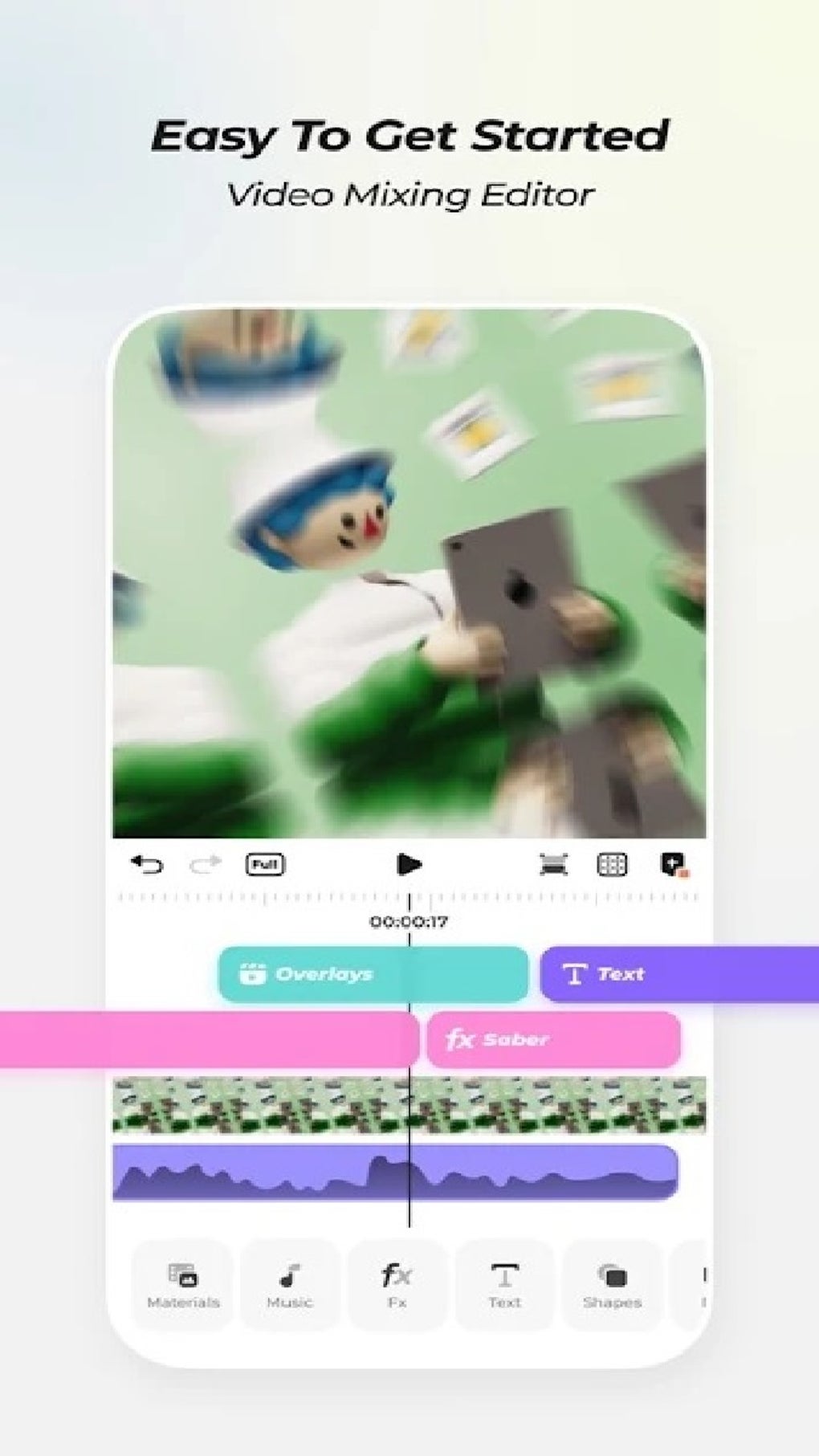
One standout feature is the Free Track Layer Mix. This innovative approach allows users to seamlessly blend multiple video, audio, and image layers. This isn’t simply layering; it’s about creating dynamic visual and auditory effects through careful combination and manipulation of various elements. Imagine layering a vibrant background video with text overlays, then adding a distinct audio track, all while adjusting the opacity and positioning of each element for precise visual harmony. The possibilities are extensive, paving the way for truly unique and engaging video creations.
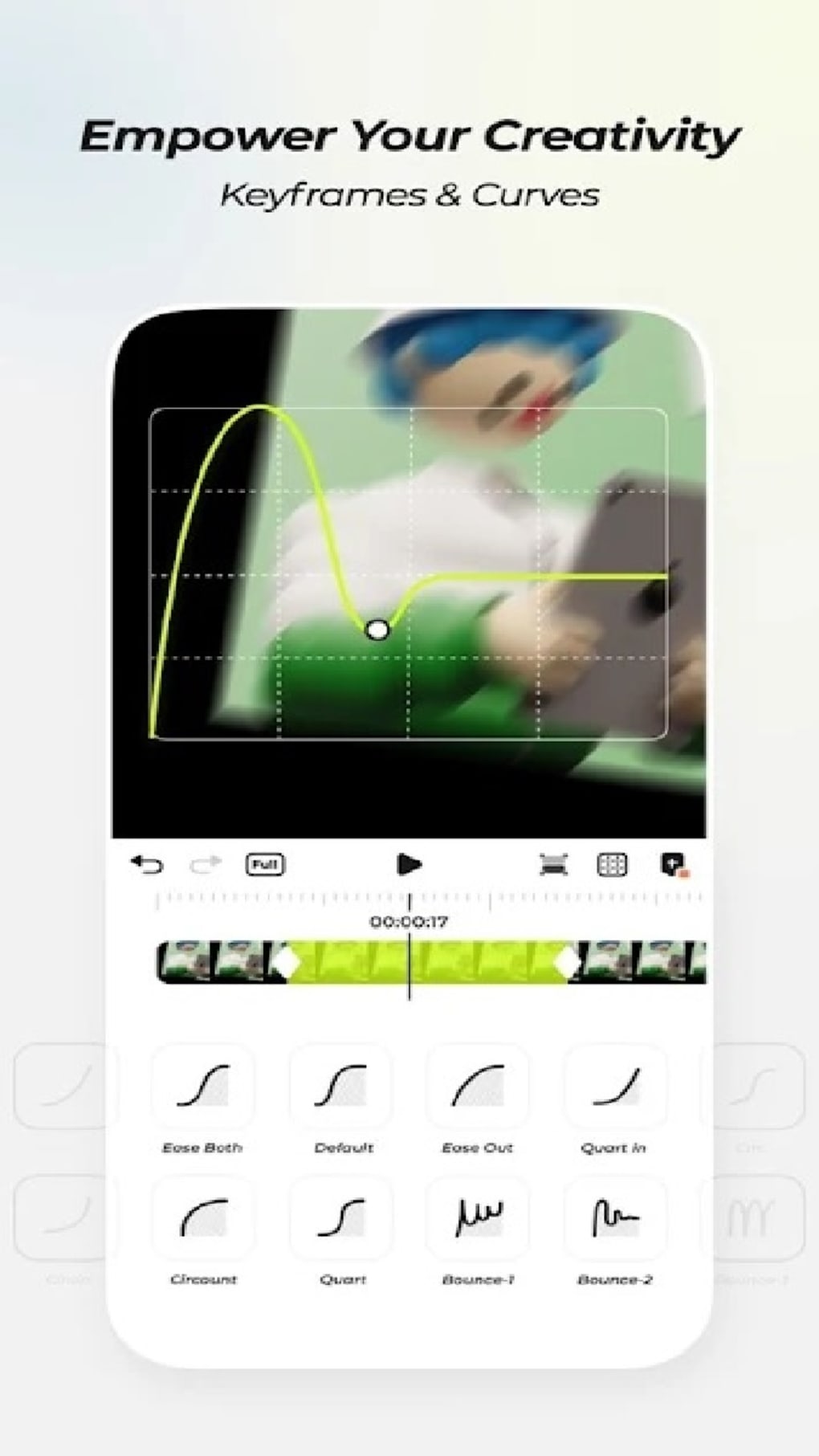
Further enhancing the creative control is the inclusion of Custom Keyframes and Curves. These features allow for incredibly precise control over animations, transitions, and other dynamic aspects within the video. Rather than relying on pre-set animations, users can fine-tune the timing, intensity, and smoothness of effects, resulting in more polished and professional-looking results. This is particularly beneficial for creating intricate animations or subtle visual nuances that significantly impact the overall quality and impact of the video. The ability to precisely control these parameters allows for the creation of visually stunning and engaging content, pushing the boundaries of what’s possible with mobile video editing.
The app’s meticulously crafted effects library, boasting over 80 effects developed by visual effects experts, is another key highlight. These are not just simple filters; they are sophisticated visual enhancements that add depth, flair, and professional polish to your videos. This curated collection goes beyond basic filters, offering unique and creative options to transform your footage. The effects are designed to enhance the overall visual appeal and impact of the videos, helping users achieve a higher level of visual storytelling. Imagine adding a subtle glow, a captivating particle effect, or a stylized cinematic look—all within the convenience of the app. This extensive library provides a vast range of creative options to experiment with and master, ensuring that users always have access to new and exciting visual tools.
User Experience: Ease of Use and Navigation
Blurrr prioritizes user experience, making its impressive feature set accessible to a broad audience. The interface is intuitive and well-organized, making navigation a breeze. Users, whether experienced video editors or complete novices, should find the layout logical and easy to understand. The app avoids overwhelming the user with cluttered menus or confusing terminology. Instead, it presents its features in a clear, concise, and readily accessible manner. This design philosophy contributes significantly to the app’s overall user-friendliness, enabling users of all skill levels to quickly grasp the core functionalities and begin creating videos.
This doesn’t mean there’s a lack of depth. The power and potential of the advanced features, like keyframes and layer mixing, are still available to those who seek them. The app’s success lies in its ability to cater to both casual users who want quick and easy video editing and more serious creators who need powerful tools for complex projects. The intuitive interface allows beginners to quickly learn the basics and start producing impressive results, while experienced users can take full advantage of the advanced tools and customize their workflow precisely to their needs.
Pros and Cons: Weighing the Benefits and Drawbacks
Like any software, Blurrr has its advantages and disadvantages. A balanced perspective is essential to fully understand its value proposition.
Pros:
- Powerful Editing Tools: Blurrr’s collection of features, including layer mixing, custom keyframes, and an extensive effects library, positions it as a formidable mobile video editor. The sheer number and quality of tools available within the app provide a comprehensive editing suite for a wide variety of video projects.
- User-Friendly Interface: The app’s intuitive design ensures ease of use for beginners while also offering the depth needed by advanced users. The well-organized layout and accessible features contribute to a seamless user experience, regardless of the user’s skill level.
- Flexibility and Creativity: The combination of powerful tools and an intuitive interface allows for a high degree of creative freedom. Users can experiment with various techniques and achieve visually compelling results. The app encourages experimentation and provides users with the means to express their creative vision effectively.
- Upcoming Features: While the current feature set is already impressive, the promise of future updates and additions suggests ongoing development and improvements. This signals the app’s commitment to continually evolving and meeting the evolving demands of its user base.
Cons:
- Steep Learning Curve (for some advanced features): While the core functionalities are straightforward, some advanced features, like mastering custom keyframes and nuanced layer blending, may require time and effort to learn effectively. Users who are aiming to utilize the full potential of these advanced features should be prepared to invest some time in learning and practicing.
Conclusion: Is Blurrr Right for You?
Blurrr - Music Video Editor presents a compelling proposition for anyone looking for a robust and user-friendly mobile video editing application. Its powerful features, intuitive interface, and focus on creative expression make it a strong contender in a crowded market.
The app’s ease of use makes it accessible to a wide range of users, from casual creators to seasoned professionals. While some advanced features require a learning curve, the overall experience is generally positive and rewarding. The app’s potential for growth, as indicated by its developers’ promise of future updates, further strengthens its long-term appeal.
If you’re seeking a mobile video editing solution that balances powerful functionality with user-friendly design, Blurrr deserves serious consideration. However, if you’re seeking absolute simplicity above all else, some of its more advanced tools might feel initially daunting. The key lies in understanding your needs and expectations before committing to this powerful video editing tool.
File Information
- License: “Free”
- Version: “1.0”
- Latest update: “October 3, 2023”
- Platform: “Android”
- OS: “Android 13.0”
- Language: “English”
- Downloads: “124.7K”
- Size: “94.74 MB”
- Download Options: “APK, Google Play”
- Filename: “Blurrr_Music_Video_Editor_1.0_.apk”


