
Bolt is a free and open-source content management system (CMS) designed for ease of use and flexibility. Released in 2012 by Two Kings and the Bolt community, this lightweight CMS caters to both novice editors and experienced developers, offering a streamlined experience from front-end design to back-end management. Its adaptability extends across various devices and platforms, empowering users to manage their websites from anywhere. This review delves into Bolt’s features, strengths, weaknesses, and overall suitability for different users.
User-Friendliness and Intuitive Features
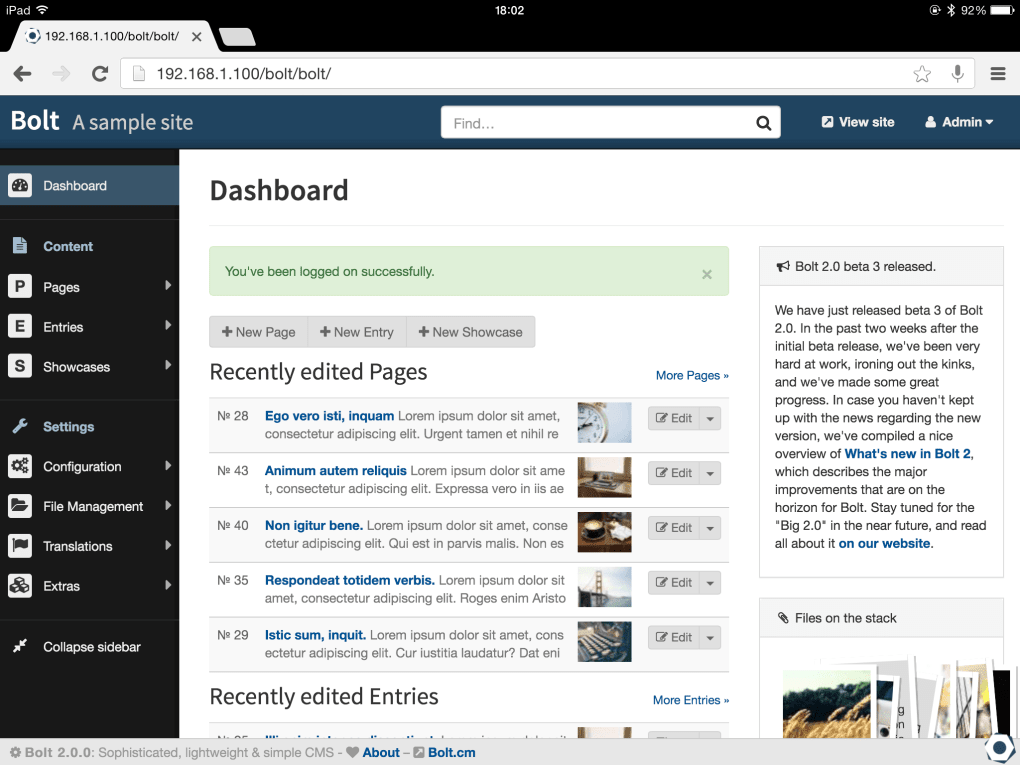
Bolt distinguishes itself through its user-friendly interface and intuitive features, making it accessible to a broad spectrum of users. While adhering to the standard functionalities of most CMS platforms, Bolt introduces several innovative elements that enhance the user experience. Its core is built on PHP, leveraging the Silex framework and Symfony components for robust performance and stability. The use of Twig for templating allows for customization without requiring extensive PHP coding knowledge. This blend of powerful back-end technology and a simplified front-end interface is a key factor in Bolt’s appeal.
Content editing is streamlined through a fully customizable structure for user levels. This granular control allows for effective team management, enabling administrators to assign specific permissions and access levels to different editors. The system supports diverse content types, accommodating everything from simple blog posts to complex multimedia-rich pages. The ContentTypes feature allows for flexibility in defining the fields associated with each content type, offering granular control over the data structure. This ensures that the CMS can adapt to diverse website requirements, from personal blogs to large-scale corporate websites.
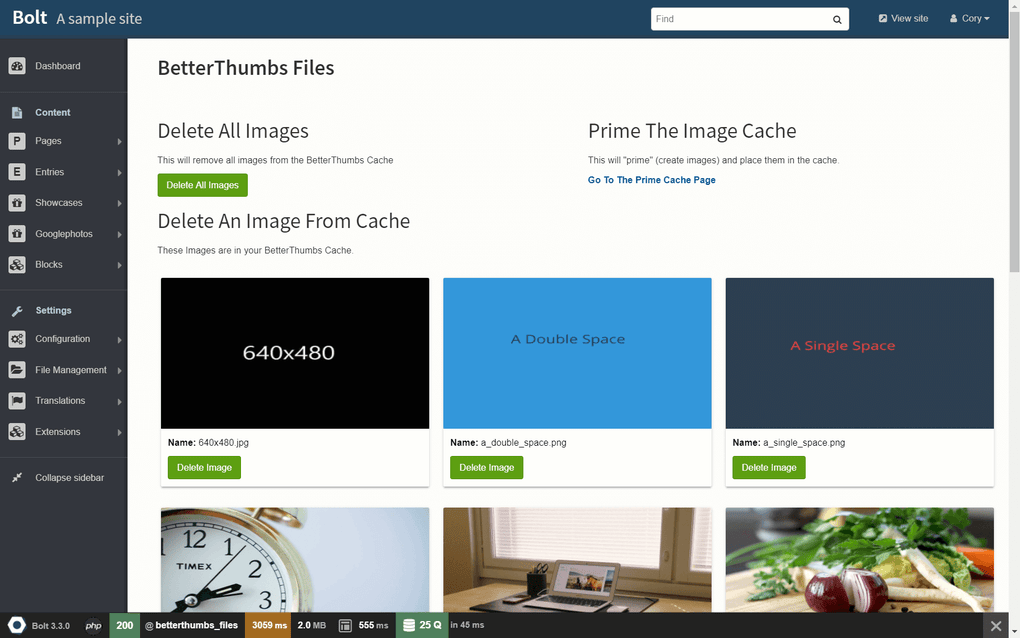
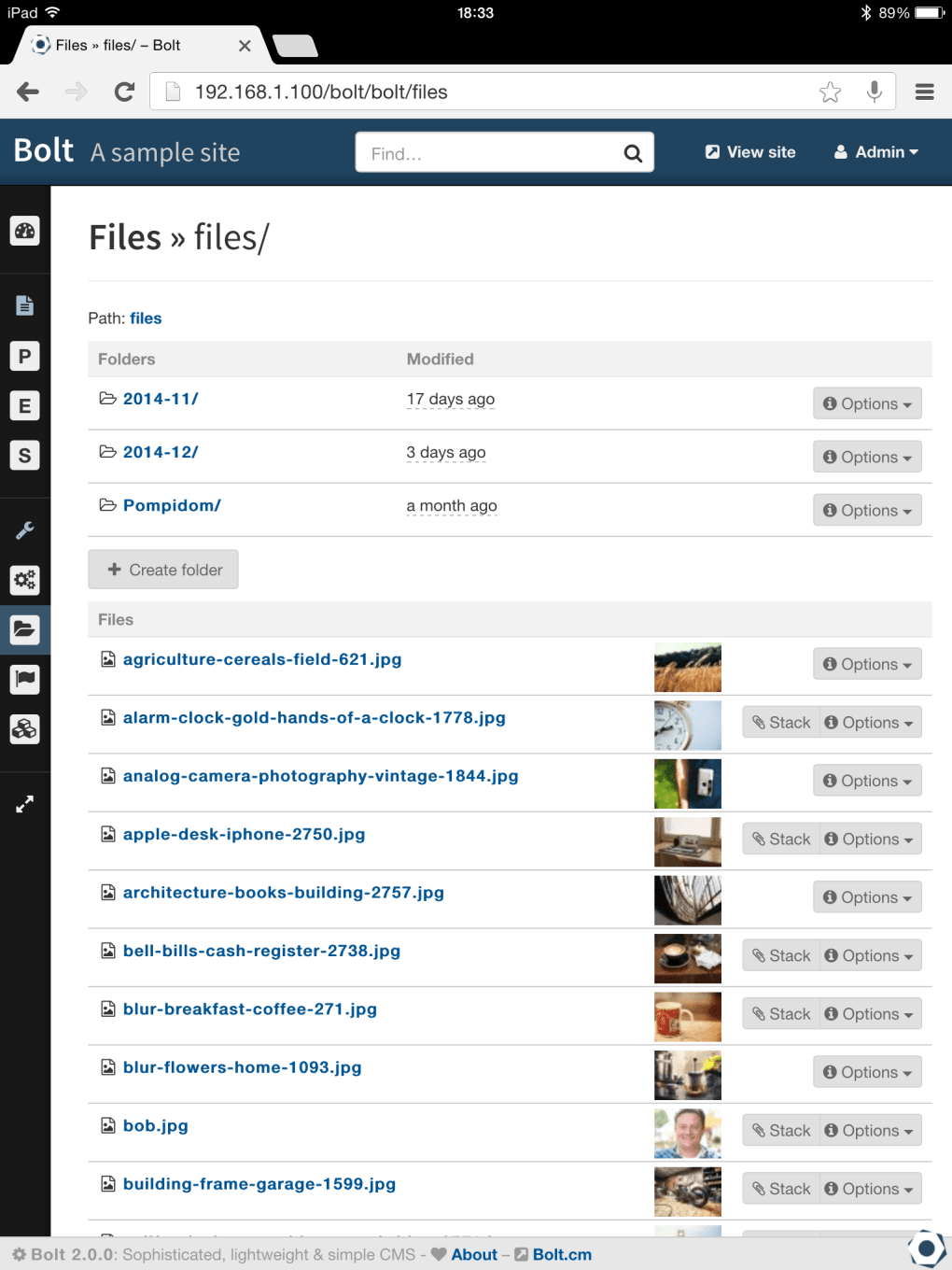
The user interface is deliberately uncluttered, prioritizing ease of navigation and minimizing cognitive overload. Finding and managing content is simplified through a robust search function that allows for quick retrieval of specific content items. The integrated “Stack” simplifies the uploading process, providing a central repository for uploaded files and reducing the likelihood of duplicate uploads. The convenience extends to direct uploads from a device’s camera, further enhancing the efficiency of content creation.
Furthermore, Bolt allows for comprehensive customization of website themes. Users can tailor the visual presentation of their website to align perfectly with their brand identity and target audience. Modifying the CMS name and URLs is straightforward, providing a high degree of control over the website’s online presence.
Customization and Extensibility
A defining characteristic of Bolt is its exceptional level of customization. Beyond the intuitive interface and straightforward content management features, Bolt empowers users to deeply personalize their websites’ functionality and appearance. This extensibility is a crucial aspect that distinguishes it from many other CMS platforms.
The Twig templating engine is central to Bolt’s customization capabilities. Twig is a flexible and powerful templating language that allows for the creation of custom templates without needing extensive PHP expertise. This accessibility to customization is a significant advantage for users who may not have a strong programming background. They can easily modify the look and feel of their website without needing to delve into complex coding.
The flexibility extends to the database engine; Bolt is not limited to a single database system. It can operate with various database engines, offering users greater control over their data management infrastructure. This adaptability caters to different technical preferences and infrastructure requirements. The ability to choose the most suitable database solution based on specific needs is a valuable asset.
Bolt’s compatibility with various web servers enhances its flexibility. Users can deploy their websites on a wide array of server platforms, which further enhances the accessibility of this CMS. The choice of web server is no longer a limiting factor, allowing users to select the most cost-effective or technically suitable option. This independence from a specific server technology expands Bolt’s deployment options significantly.
Performance and Deployment
While Bolt’s strengths lie in its user-friendliness and extensive customization options, deployment speed might be a consideration for some users. Compared to some other CMS platforms, Bolt can be somewhat slower to deploy, particularly in larger, more complex projects. This difference in deployment speed is usually attributable to the way Bolt handles its extensive features and customization options. The more complex the website configuration and customization, the longer the deployment process may take.
However, this potential performance limitation should be weighed against the benefits of Bolt’s flexibility and customization capabilities. The extensive configurability often necessitates more extensive setup and configuration, leading to the slightly slower deployment time. For many users, the advantages of a highly customizable platform outweigh the minor inconvenience of a slightly longer deployment process.
Furthermore, Bolt’s performance is influenced by the server’s hardware specifications and the database engine selected. Optimizing the server configuration and database settings can significantly enhance performance. It is important to choose appropriate hardware and optimize database configurations to ensure smooth performance, regardless of the complexity of the website.
Open-Source Nature and Community Support
Bolt’s open-source nature is a significant advantage. The source code is readily available on GitHub, fostering transparency and community collaboration. This allows developers to contribute to its improvement, enhancing its stability and functionality over time. The active community around Bolt provides a wealth of support resources, documentation, and tutorials. Users can easily find answers to their questions, resolve technical issues, and obtain assistance from fellow users and experienced developers. This active and supportive community provides a valuable safety net for users who may encounter difficulties.
Comparison with Other CMS Platforms
When comparing Bolt to other CMS platforms, several factors come into play. Compared to Grav, a popular lightweight CMS, Bolt is often preferred for larger-scale projects due to its more robust features and organizational capabilities. Grav’s simplicity might be appealing for smaller websites, but Bolt’s added features provide a better structure for managing larger amounts of content.
The choice between Bolt and other platforms, such as Django CMS or CMS Made Simple, depends heavily on the specific needs and technical expertise of the user. While Django CMS often targets developers more directly, and CMS Made Simple provides a simpler approach, Bolt’s balance of usability and extensibility makes it a compelling alternative for a wider range of users.
Conclusion
Bolt offers a compelling blend of user-friendliness, customization, and extensibility. Its intuitive interface makes it approachable for novice users, while its powerful features and customization options cater to experienced developers. While its deployment speed might be slightly slower compared to some competitors, the advantages of its open-source nature, community support, and flexibility often outweigh this minor drawback. For those seeking a robust, customizable, and accessible CMS, Bolt stands as a strong contender. The decision of whether Bolt is the right CMS ultimately depends on the specific requirements of the project and the user’s technical expertise. However, its versatility and powerful features make it a valuable option for a wide range of website projects.
File Information
- License: “Free”
- Version: “3.7.0”
- Latest update: “March 16, 2020”
- Platform: “Windows”
- OS: “Windows Vista”
- Language: “English”
- Downloads: “6K”
- Size: “23.83 MB”


