
Brightspace Pulse is a free mobile application developed by D2L Corporation, designed to keep instructors and students connected, facilitating efficient course management and academic success. This comprehensive app streamlines various aspects of the learning experience, providing a centralized hub for important information and interactive tools. Whether you’re a student juggling multiple courses or an instructor managing a large class, Brightspace Pulse offers a user-friendly interface and a range of features to enhance your educational journey.
Streamlined Course Management and Scheduling
Brightspace Pulse empowers users to effectively organize their academic lives. The app allows for easy scheduling and planning, enabling students to visualize their coursework and stay ahead of deadlines. Key course dates and deadlines are readily accessible, providing a clear overview of upcoming assignments, quizzes, and exams. Users can also add their own personal deadlines and reminders, ensuring no crucial task slips through the cracks. This centralized calendar functionality eliminates the need for juggling multiple external calendars or spreadsheets, consolidating all important academic dates into one convenient location. The intuitive interface ensures quick and easy navigation, allowing students to swiftly locate the information they need, when they need it.
Real-Time Communication and Updates via Push Notifications
Staying informed is crucial for successful learning, and Brightspace Pulse ensures users are always in the loop. The app utilizes push notifications to deliver timely updates regarding various course-related activities. These alerts encompass a broad range of events, including new announcements from instructors, updates to activity feeds, grade releases, new quizzes, and the posting of assignments. This proactive notification system eliminates the need for constant manual checking of the learning management system (LMS), ensuring that users are immediately aware of critical information, regardless of their location or current activity. This feature is particularly valuable for time-sensitive tasks, preventing missed deadlines and facilitating proactive engagement with course materials. The customizable settings allow users to tailor the types of notifications they receive, optimizing the app’s functionality to their individual preferences.
Offline Access and Multimedia Support
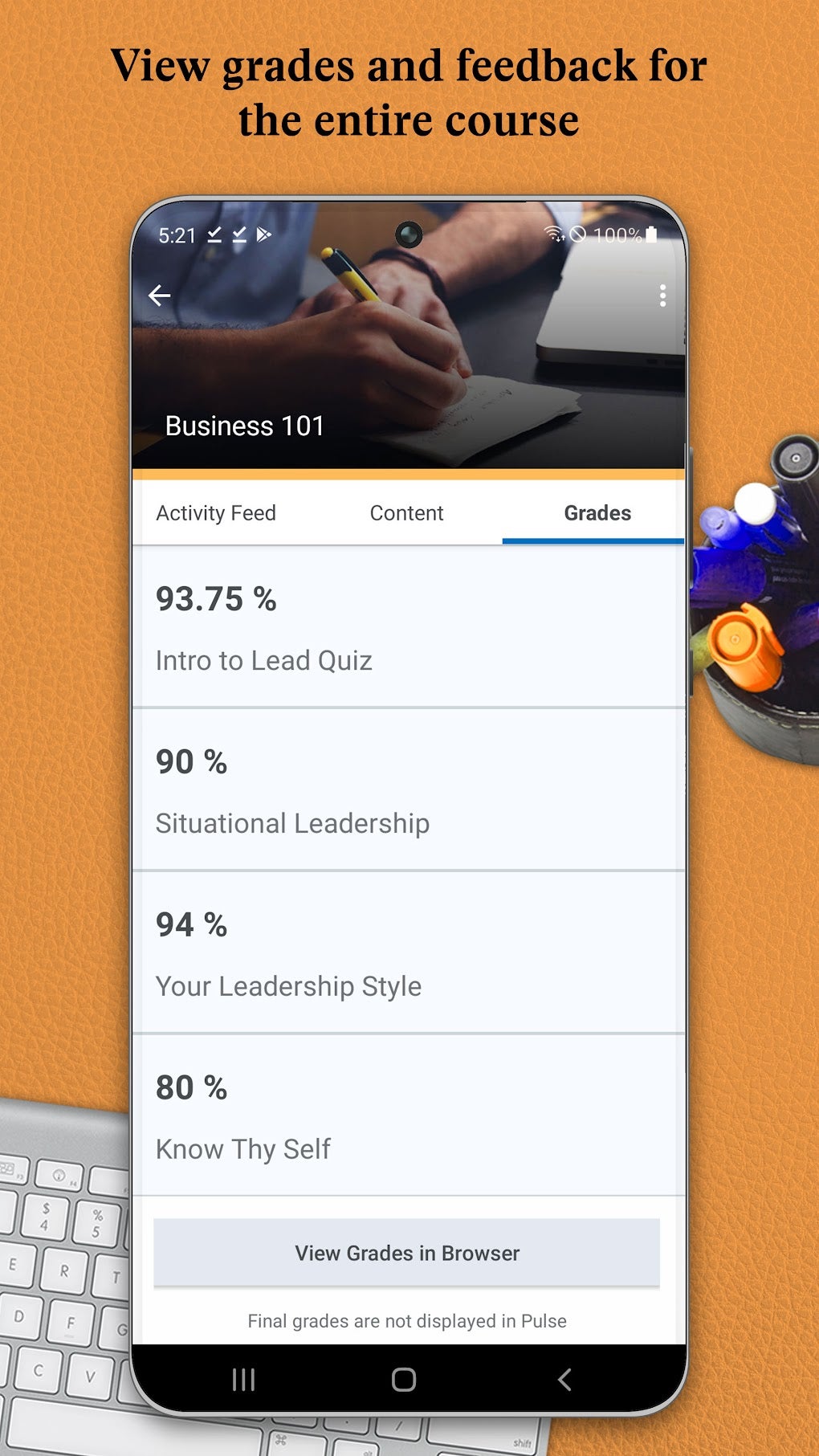
Brightspace Pulse prioritizes accessibility, even when an internet connection is unavailable. The app allows users to access and review course materials offline, including audio and video content. This feature is particularly beneficial for students who frequently commute or work in areas with unreliable internet access. The ability to review lectures, presentations, or supplementary materials without an active internet connection ensures continued learning, regardless of location or connectivity issues. This offline access extends to various components of the course, providing a comprehensive learning experience even in situations with limited network availability. This fosters a consistent learning pace and prevents disruptions caused by intermittent internet connectivity.
Enhanced Engagement with Integrated Discussion Forums
Brightspace Pulse promotes active participation and collaboration within the learning community. The app integrates access to discussion forums and activity feeds, enabling users to engage with instructors and peers. Students can participate in ongoing discussions, ask questions, share insights, and contribute to collaborative learning environments. This fosters a sense of community and facilitates peer-to-peer learning, enriching the educational experience beyond the traditional lecture format. The ability to review discussions offline further enhances participation, allowing students to actively engage with the learning community even when they lack an active internet connection. This comprehensive engagement feature transforms Brightspace Pulse into more than just a course management tool, making it a vital platform for active learning and collaboration.
Dark Mode and User-Friendly Interface
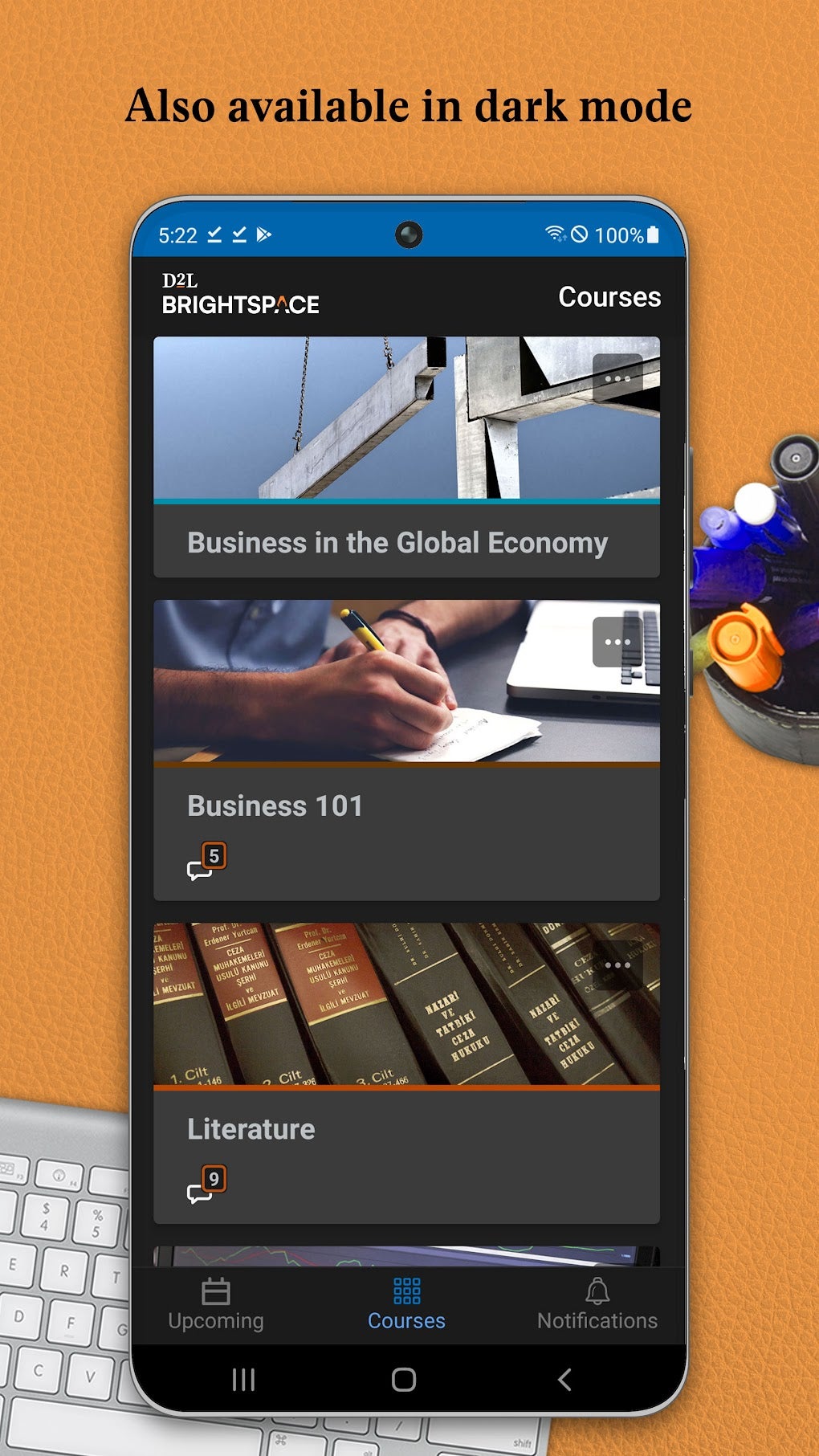
Brightspace Pulse recognizes the importance of user comfort and caters to individual preferences with features such as a dark mode. This visually appealing option reduces eye strain during extended periods of use in low-light environments. This dark mode significantly enhances usability, particularly during nighttime study sessions or when using the app in dimly lit settings. Beyond the dark mode, the app boasts an intuitive interface, making it easy to navigate and use, even for users with limited technical experience. The clean and uncluttered design ensures a streamlined experience, allowing users to quickly locate and access the information and tools they need.
Comprehensive Grade Tracking and Feedback
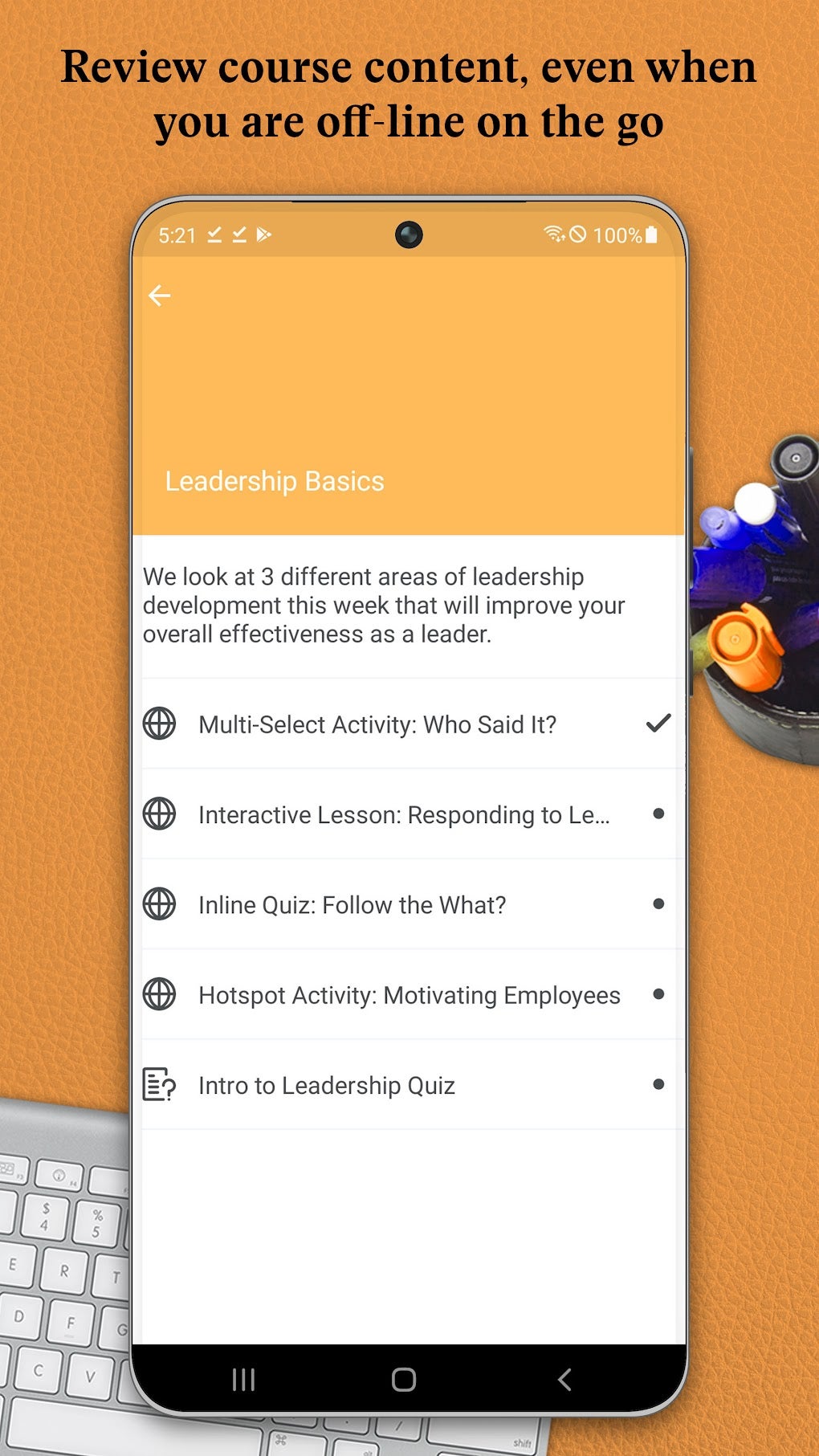
Brightspace Pulse provides students with clear and concise access to their academic performance. The app offers a comprehensive overview of overall course grades, providing students with a readily accessible summary of their progress. Detailed feedback and comments from instructors are also readily available within the app, offering immediate insight into areas for improvement and areas of strength. This promotes ongoing self-assessment and facilitates continuous improvement throughout the course. This feature empowers students to stay informed about their academic progress, allowing for proactive adjustments to their study habits and learning strategies as needed. This contributes to a more self-directed and effective learning process.
Seamless Integration with D2L Brightspace
Brightspace Pulse seamlessly integrates with the wider D2L Brightspace learning management system (LMS). Users can effortlessly transition between the mobile app and the full desktop version of Brightspace, ensuring a consistent and integrated learning experience. This streamlined integration allows users to complete tasks and access features across multiple platforms, improving workflow efficiency and simplifying the management of educational resources. The ability to switch between the mobile app and the desktop version seamlessly facilitates flexibility and convenience, adapting to the user’s needs and work environment.
Availability and Accessibility
Brightspace Pulse is available for Android and iOS devices, catering to a broad range of users and maximizing accessibility. This platform independence ensures that a wide audience of students and instructors can utilize the app’s functionality, regardless of their preferred mobile operating system. The application’s design prioritizes user-friendliness and intuitive navigation, making it easily accessible for users of various technological skill levels. This commitment to broad accessibility underscores the app’s value as a powerful tool that enhances learning and simplifies course management for all. The app’s free availability further enhances its accessibility and affordability, removing financial barriers that might otherwise limit its adoption.
Alternative Applications and Future Development
While Brightspace Pulse offers a comprehensive set of features for managing educational tasks and staying connected with coursework, other applications cater to similar needs. However, Brightspace Pulse stands out due to its direct integration with the D2L Brightspace learning management system, offering a streamlined and cohesive experience for users already enrolled in Brightspace-based courses. Future development of Brightspace Pulse may include even more advanced features, potentially incorporating artificial intelligence (AI) for personalized learning support or expanding the range of supported offline content. Constant updates and enhancements will continue to solidify Brightspace Pulse’s position as a valuable tool for both students and instructors seeking to optimize their educational experience.
Conclusion
Brightspace Pulse stands out as a powerful and versatile mobile application for managing educational responsibilities and enhancing the overall learning experience. Its intuitive interface, real-time communication features, offline access to course materials, and seamless integration with the D2L Brightspace LMS make it a highly effective tool for students and instructors alike. By consolidating critical academic information and providing a user-friendly platform for interaction and collaboration, Brightspace Pulse significantly streamlines the educational process, promoting greater efficiency and facilitating academic success. The ongoing development and improvements to the app promise to further enhance its functionality and broaden its accessibility, solidifying its position as a valuable asset in the digital learning landscape.
File Information
- License: “Free”
- Latest update: “August 9, 2025”
- Platform: “Android”
- OS: “Android 15.0”
- Language: “English”
- Downloads: “2.8K”
- Download Options: “Google Play”


