
BS.Player has established itself as a prominent name in the world of multimedia players. Boasting a user base exceeding 70 million worldwide and supporting over 90 languages, it offers a compelling blend of features and accessibility. However, its history isn’t without controversy, raising questions about its security and prompting comparisons with leading competitors. This review delves into BS.Player’s strengths and weaknesses, exploring its functionality, user experience, security concerns, and viable alternatives.
BS.Player: Features and Functionality
BS.Player is a free, feature-rich media player primarily designed for Windows PCs. Its core functionality centers around playing a vast array of audio and video formats, including popular choices like AVI, MP4, MPEG, WAV, OGG, and QuickTime, along with less common formats. The player automatically handles the installation of necessary codecs, eliminating the user’s need to manually source and install these crucial components for playback. This is a significant advantage, setting it apart from some competitors that require users to manage codec installations independently.
One of BS.Player’s standout features is its support for Advanced Video Codec High Definition (AVCHD) files. This makes it particularly useful for users working with high-definition video content captured from digital camcorders, simplifying the playback process for home movies and similar projects. The player also effectively handles HD DVD playback, demonstrating its versatility across a broad spectrum of video formats.
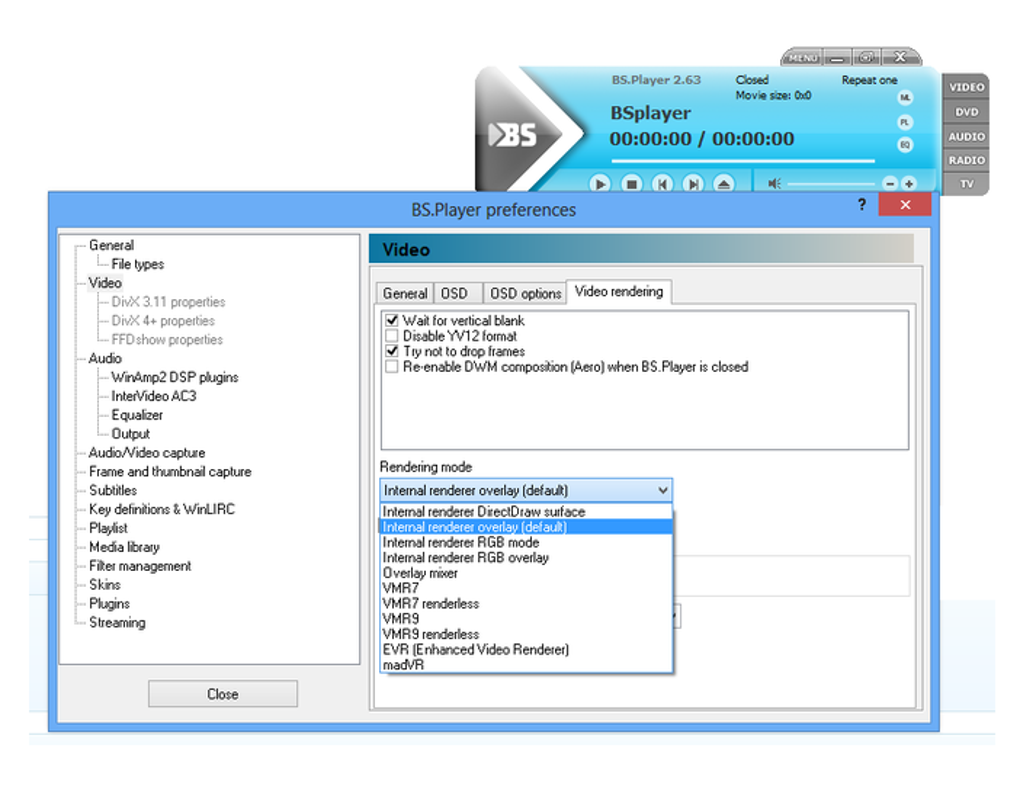
Despite supporting high-definition content, BS.Player is notably lightweight, consuming minimal system resources. This ensures that its operation doesn’t significantly impact the performance of other applications running on the system, a crucial factor for users with less powerful hardware.
BS.Player further enhances its utility by providing seamless internet streaming capabilities. It allows users to effortlessly stream content directly from online sources, mirroring the functionality of established players like VLC Media Player. Furthermore, it incorporates On-Screen Button (OSB) functionality, allowing for convenient control of the player through keyboard shortcuts. Advanced configuration options offer fine-grained control over video stream parameters, catering to the needs of users with specific preferences.
The integrated subtitle search function is a particularly useful addition. For videos lacking embedded subtitles, BS.Player automatically searches online for appropriate subtitles, dramatically improving accessibility for users who rely on subtitles for various reasons, including language barriers or hearing impairments. The ability to control the player with a remote control, configurable via the WinLRC component, adds another layer of convenience.
Furthermore, BS.Player empowers users with the ability to capture video and audio from the on-screen playback, enabling the extraction of frames and thumbnails from the video stream. This feature is beneficial for creating stills, promotional materials, or even for detailed analysis of specific video segments. Experienced users are given extensive customization options, allowing them to modify almost every facet of the program’s appearance, including skins, colors, and layout, tailoring the software precisely to their preferences. Recent updates have introduced improvements to the user interface, enhanced online stream playback, and implemented several bug fixes, continuously refining the user experience.
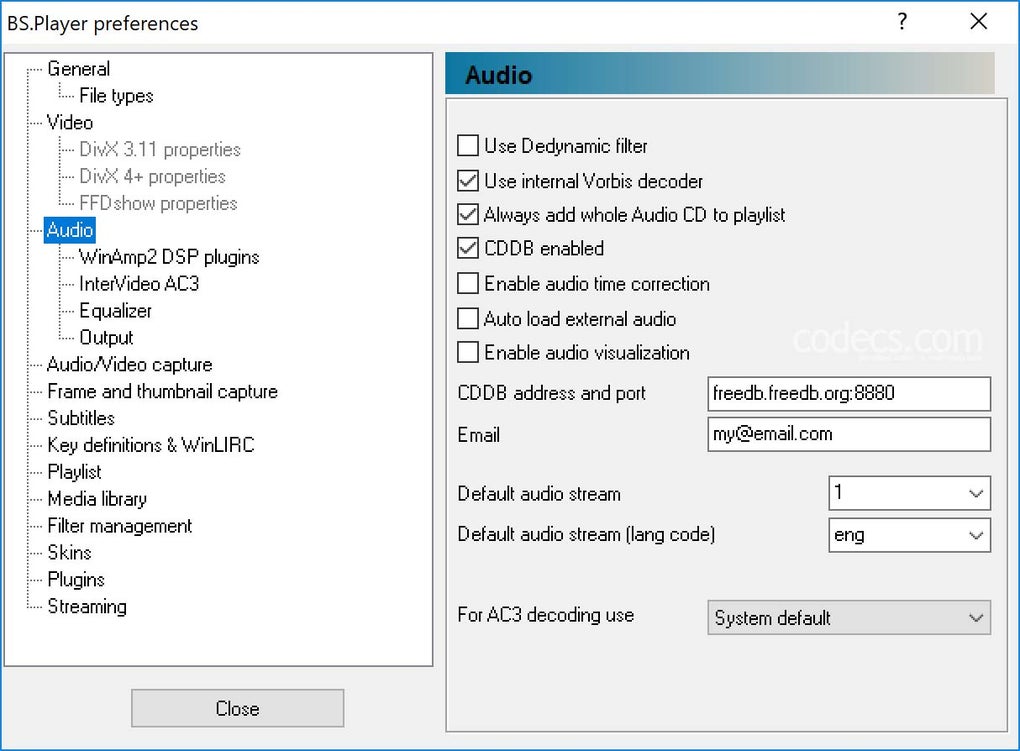
BS.Player: User Experience and Interface
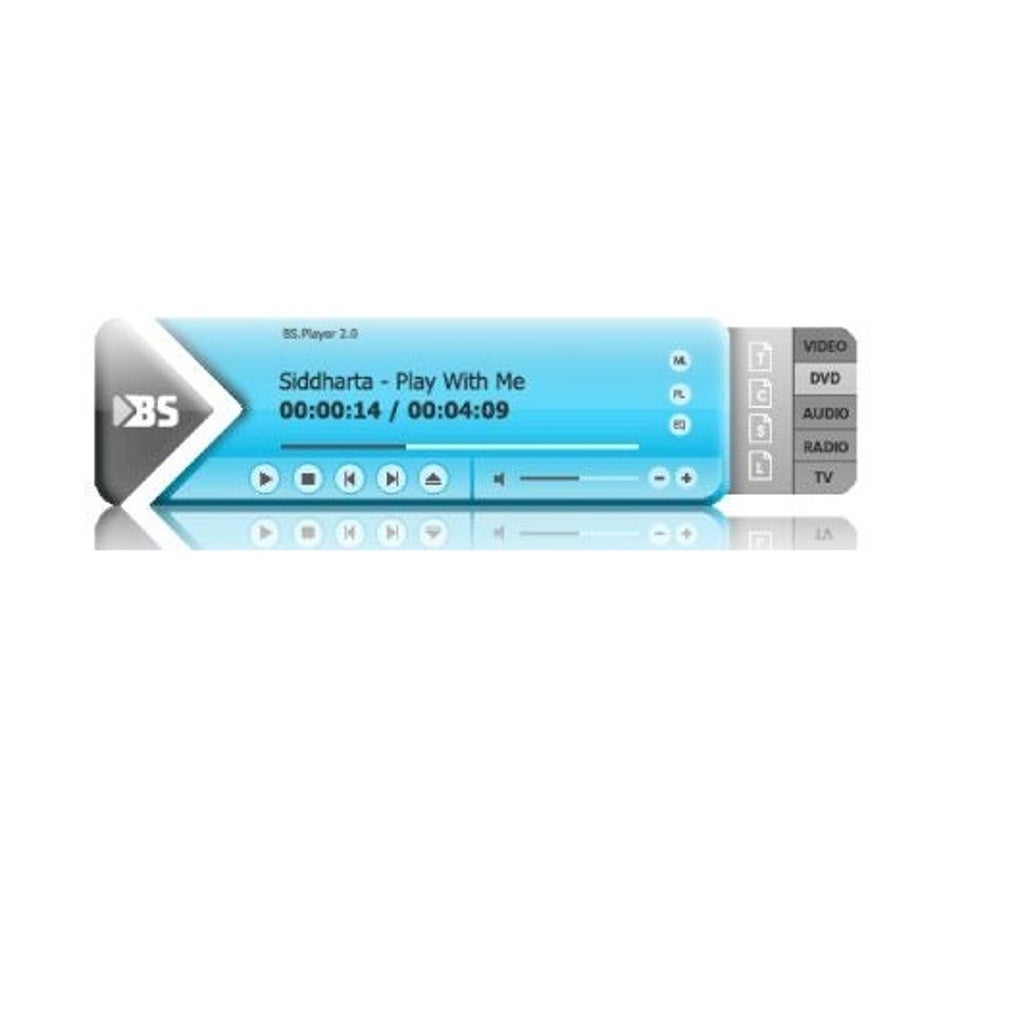
BS.Player presents a relatively straightforward and user-friendly interface. Its clean design minimizes clutter, making it accessible to both novice and experienced users. The settings menu strategically hides less frequently used functionalities, preventing users from feeling overwhelmed by the sheer number of options. This careful design approach allows users to engage with the essential features easily while providing access to more advanced customization options as needed.
The simple interface does have some drawbacks, however, as noted by user reviews. Some users find the progress bar too small for precise scrubbing and the lack of remaining time display frustrating. The design is clearly a preference issue, with some praising the simplicity while others cite usability issues.
The free version of BS.Player includes a substantial number of features, rendering the Pro version largely optional for many users. The primary drawback associated with the free version is the occasional display of advertisements, which some users find disruptive to their viewing experience. This compromise is a common practice with freemium software models, trading occasional ads for access to a full suite of features without a purchase.
BS.Player: Security and Concerns
Despite its popularity, BS.Player has faced scrutiny concerning its security. Reports of bundled malware and adware, primarily affecting older versions of the software, have raised concerns among users and security experts. While the developers claim to have addressed these issues in more recent releases, independent security analyses offer mixed conclusions, with some confirming the safety of current versions and others expressing ongoing reservations about the software’s past.
This history underscores the importance of caution during installation. Users are advised to carefully review the installation options, deselecting any unwanted software bundles. The use of a reputable antivirus program with regularly scheduled scans is also strongly recommended to mitigate potential risks. This cautious approach remains crucial even when using the latest versions of the software to minimize security vulnerabilities.
BS.Player Alternatives and Comparison
While BS.Player remains a popular choice for many users, several excellent alternatives provide distinct advantages depending on individual needs and priorities. These alternatives cater to a diverse range of user requirements, from users seeking lightweight, highly customizable players to those requiring advanced features and robust functionality.
Free and Open-Source Alternatives:
-
MPC-HC (Media Player Classic - Home Cinema): A lightweight and highly customizable player known for its excellent format support. Ideal for users prioritizing a no-frills, efficient playback experience with extensive customization options.
-
VLC Media Player: A universally recognized and extremely versatile player famed for its broad format support and robust functionality. Its extensive codec library virtually eliminates the need for external codecs, and its powerful features make it a strong competitor to BS.Player.
-
SMPlayer: A user-friendly option that balances ease of use with comprehensive features. Its built-in codecs, subtitle support, and various skin options cater well to casual users, making it an accessible alternative to BS.Player.
Alternatives with Advanced Features:
- PotPlayer: A feature-rich player renowned for its support for high-resolution video and audio. Its advanced capabilities appeal particularly to tech-savvy users and media enthusiasts who demand superior quality and fine-tuned controls.
-
KMPlayer: A powerful player offering a wealth of customization options and advanced playback features. Its extensive control over various aspects of playback makes it an attractive option for users who require specific functionalities.
-
MediaMonkey: Moving beyond pure video playback, MediaMonkey is a comprehensive media management tool encompassing audio and video playback capabilities. Its focus on media library organization makes it an ideal solution for users who value both playback and library management features.
The optimal choice among these alternatives depends heavily on individual preferences and priorities. Users are encouraged to explore different options to find the player that seamlessly meets their needs and delivers the most enjoyable media playback experience.
Conclusion: Is BS.Player a Good Choice?
BS.Player offers a compelling mix of features and ease of use, making it a decent option for many users. Its automatic codec handling, support for a wide range of formats, and integrated subtitle search make it convenient for casual users. The lightweight nature of the player ensures compatibility with diverse hardware configurations. However, security concerns stemming from its past and the lack of extensive customization options compared to some competitors might sway users towards alternatives. While it provides a functional and reasonably hassle-free experience for many, the more demanding or security-conscious user may find other options more suitable to their needs.
File Information
- License: “Free”
- Latest update: “April 30, 2025”
- Platform: “Windows”
- OS: “Windows 8”
- Language: “English”
- Downloads: “32M”
- Size: “11.14 MB”


