BurnAware Free: A Comprehensive Review of the Free Disc Burning Software
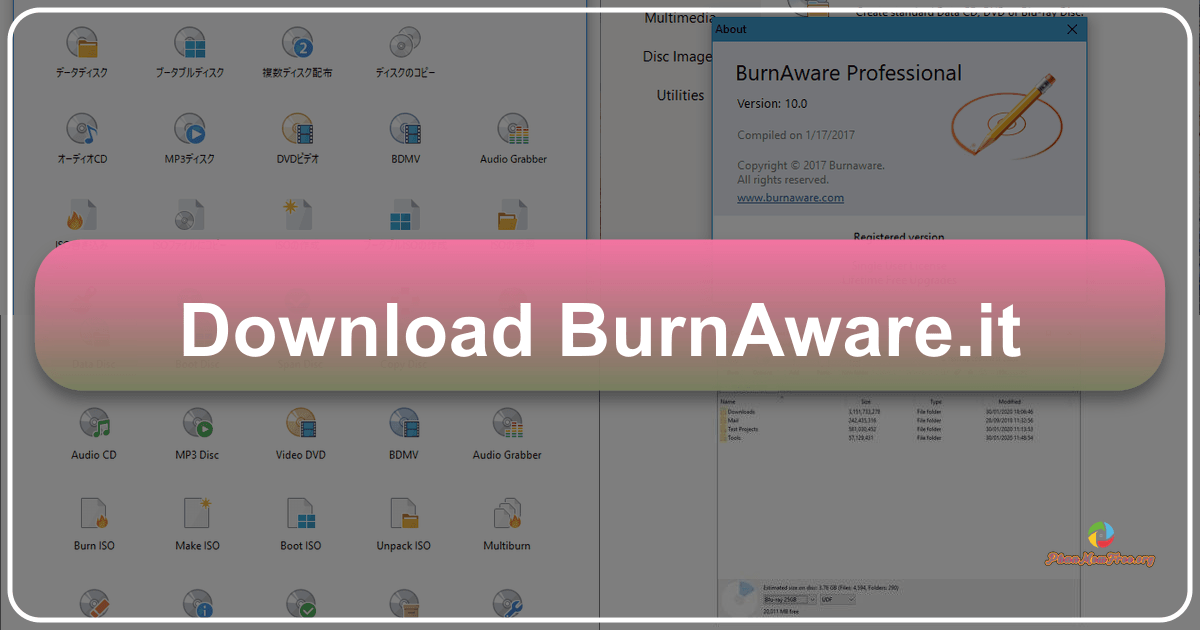
BurnAware Free is a lightweight, user-friendly disc burning software designed for Windows users. This review will delve into its features, performance, strengths, and weaknesses, providing a comprehensive assessment of its suitability for various needs. We will also explore user reviews and compare it to other similar applications.
Key Features and Functionality
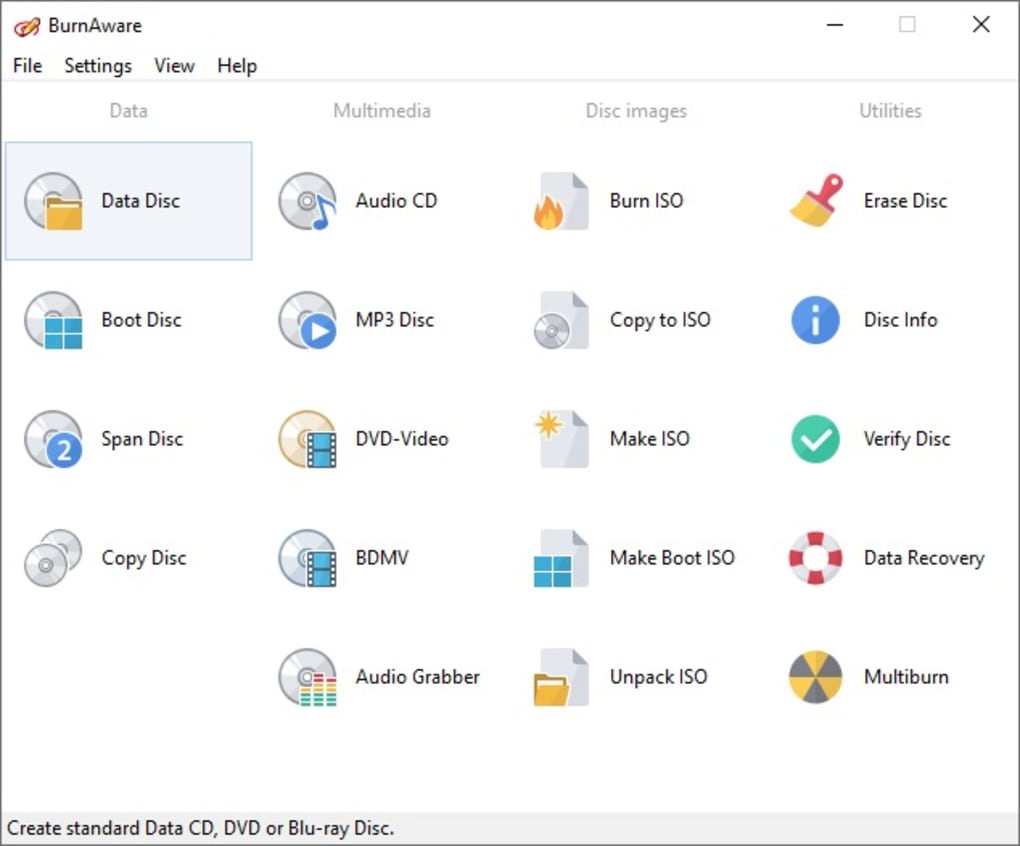
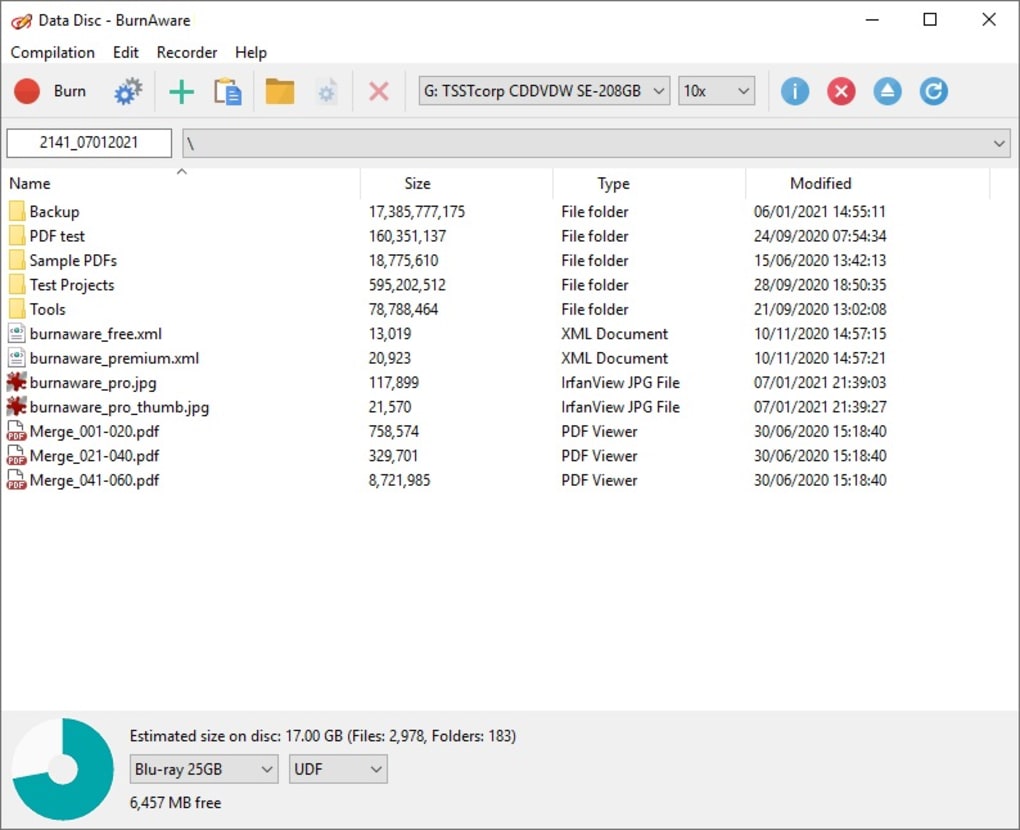
BurnAware Free offers a streamlined approach to disc burning, making it accessible to both novice and experienced users. Its core functionality centers around creating various types of discs, including data discs, audio CDs, and even Blu-ray discs. The software employs a wizard-style interface, guiding users through the burning process step-by-step. This intuitive design minimizes the learning curve, enabling users to quickly master the program’s essential features.
The software supports a wide range of disc formats, including CD-R, CD-RW, DVD-R, DVD-RW, DVD+R, DVD+RW, DVD-RAM, BD-R, BD-RE, and BD-R DL. This broad compatibility ensures that users can burn data to virtually any type of optical media. BurnAware Free also allows for multi-session burning, enabling users to add data to a disc at a later time. The program further incorporates features such as write simulation, which allows users to preview the burning process without actually writing to the disc, and write verification, ensuring data integrity after the burning process is complete. This feature minimizes the risk of data corruption or errors during disc creation. The ability to erase rewritable discs is also included, enhancing the reusability of optical media.
Despite its simplicity, BurnAware Free lacks some advanced features commonly found in more comprehensive burning suites. For instance, it doesn’t include options for creating custom disc labels or covers, a feature often found in paid software. This omission limits customization options, although users can utilize separate software for label creation if needed. Furthermore, BurnAware Free’s lack of extensive configuration options may disappoint power users seeking fine-grained control over the burning process. While the software caters well to average users, power users might find it somewhat limited in its customization possibilities.
User Interface and Experience
The user interface of BurnAware Free is designed for simplicity and ease of use. The software’s wizard-style approach guides users through the burning process with clear and concise instructions. However, user feedback consistently highlights a significant weakness: the quality of its translation, particularly into languages other than English. While the functionality remains robust, inconsistencies and inaccuracies in translated versions can cause confusion for users unfamiliar with the English terminology. This issue significantly detracts from the overall user experience, particularly for non-English speakers. The developers should prioritize improving the accuracy and consistency of their translations to enhance user satisfaction.
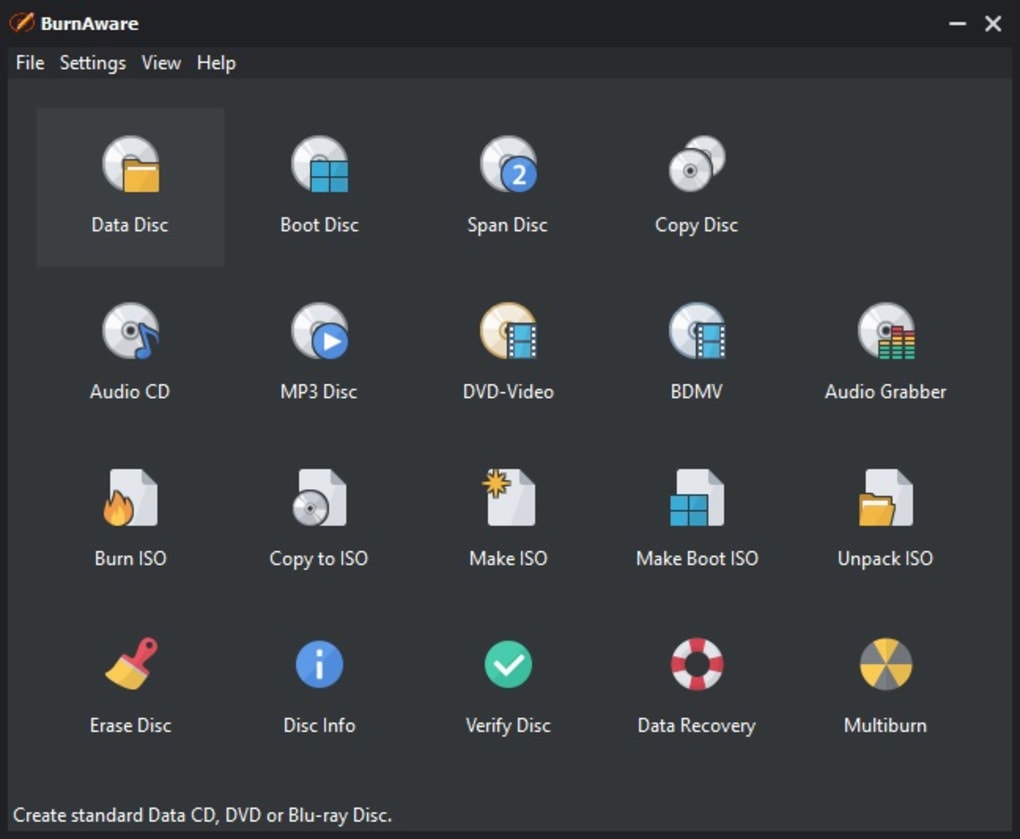
The software’s design prioritizes simplicity, which is both a strength and a weakness. While it makes the software incredibly accessible to new users, experienced users who prefer more granular control over the burning process might find the interface somewhat limited. The lack of advanced settings or customization options can feel restrictive for users accustomed to more feature-rich burning software.
Performance and Reliability
BurnAware Free consistently delivers reliable performance, efficiently burning data to optical media without significant delays or errors. The software’s lightweight nature ensures that it doesn’t overburden system resources, maintaining system stability even during the burning process. However, user reviews indicate some occasional inconsistencies, particularly with DVD writing. Some users have reported issues with DVD data discs not being recognized by certain DVD players. While these instances appear infrequent, they highlight the need for further software optimization and testing to ensure consistent reliability across all disc types.
The speed of the burning process is generally satisfactory, though it may vary depending on the type of optical drive used and the amount of data being written. The software doesn’t offer advanced speed settings, limiting user control over burn speed. This approach, however, ensures that burning operations are generally safe and reliable, minimizing the risk of data corruption due to excessively high burn speeds.
Comparison to Other Burning Software
BurnAware Free holds its own against other free disc burning software. While it lacks some advanced features found in paid suites like Nero Burning ROM, it excels in simplicity and ease of use. Compared to other free alternatives such as CDBurnerXP, BurnAware Free offers a more streamlined interface, although CDBurnerXP provides a broader range of advanced features and options. The choice between these two applications largely depends on user priorities; if simplicity and ease of use are paramount, BurnAware Free is a strong contender. If advanced features and customization are prioritized, CDBurnerXP might be a better choice.
User Reviews and Feedback
User reviews highlight a clear dichotomy: the software is praised for its simplicity, speed, and reliability in burning CDs, while concerns persist regarding its occasional issues with DVD writing and the poor quality of the non-English translations. Many users appreciate the straightforward interface and the software’s ability to handle both CDs and Blu-ray discs. However, the inconsistent results with DVD burning and the translation problems have led to negative feedback from a segment of the user base.
The recurring criticism of the translation needs immediate attention from the developers. Providing accurate and consistent translations in multiple languages would greatly enhance the software’s accessibility and improve the overall user experience. Addressing the occasional DVD burning issues through software updates and rigorous testing would also significantly improve the software’s reputation and user satisfaction.
Conclusion
BurnAware Free presents a viable option for users seeking a straightforward and user-friendly disc burning solution. Its simplicity, speed, and support for various disc types are its greatest strengths. However, the software’s limitations in advanced features, occasional DVD writing issues, and inconsistent translations need to be addressed to fully realize its potential. Users prioritizing ease of use and uncomplicated functionality will likely find BurnAware Free a satisfactory choice. However, users needing advanced features or those who require flawless DVD burning should consider exploring alternative options. Overall, BurnAware Free provides a functional and easy-to-use disc burning experience but requires improvements in translation and DVD compatibility to become a truly excellent software.