
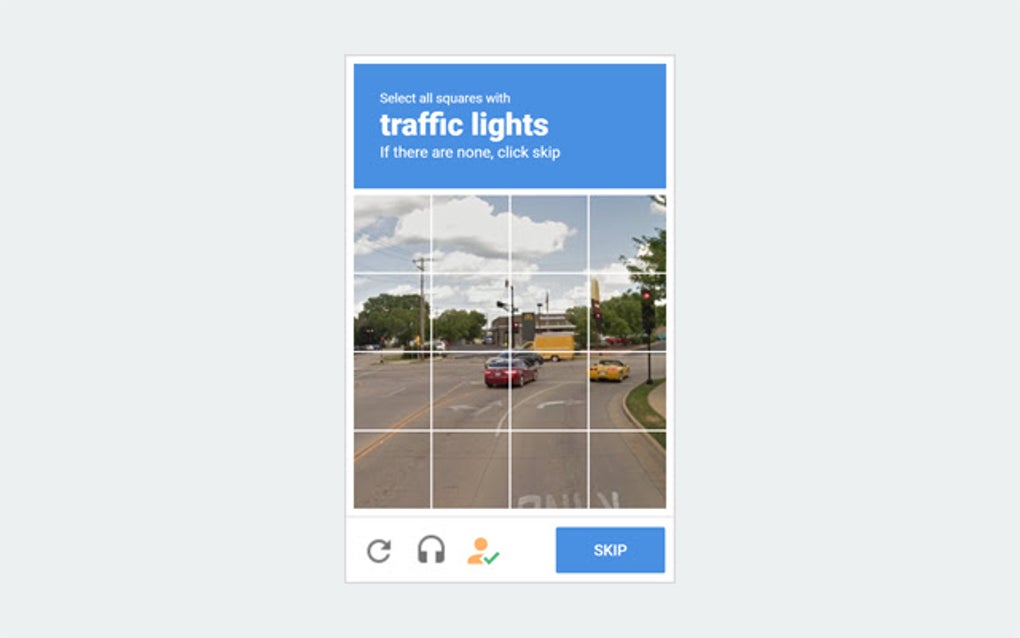
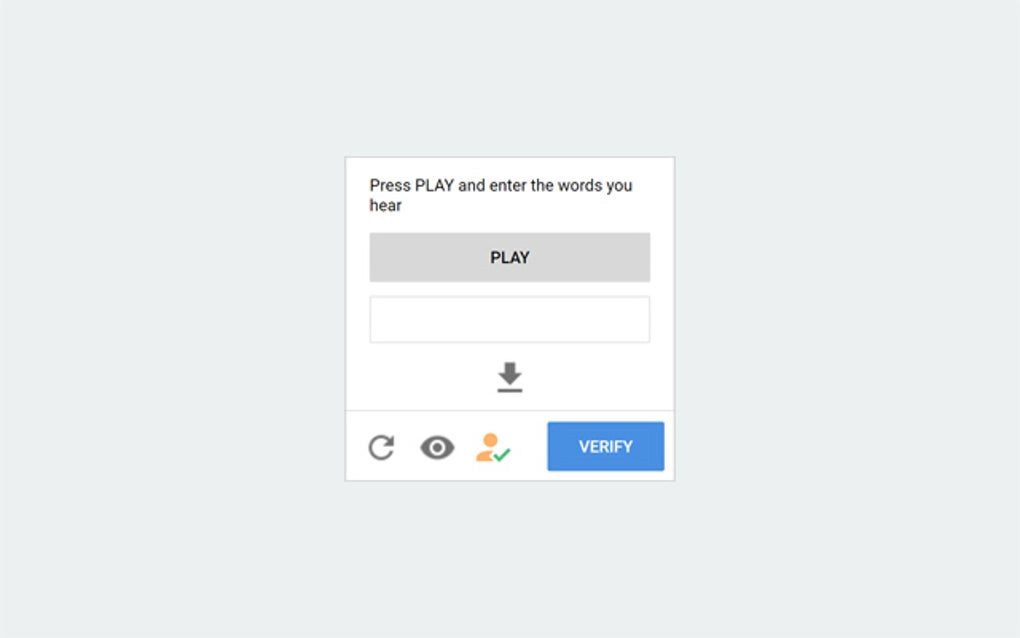
Buster: Captcha Solver for Humans, or simply Buster, is a free Google Chrome extension designed to automate the process of solving audio reCAPTCHA tests. Leveraging speech recognition technologies such as Wit.ai, Google Cloud Speech-to-Text, IBM Watson Speech-to-Text, and Microsoft Azure Speech-to-Text, Buster aims to provide a faster and more accessible way to navigate websites that employ these CAPTCHAs. While not a foolproof solution for all reCAPTCHA challenges, it significantly improves the experience for users, particularly those with visual impairments who find visual CAPTCHAs challenging.
How Buster Works and Its Advantages
Buster’s functionality is remarkably straightforward. Upon encountering an audio reCAPTCHA, users simply click the extension’s icon (usually located near the headphone icon associated with the audio CAPTCHA). The extension then utilizes the selected speech recognition engine to transcribe the audio and automatically input the solution. This streamlined process eliminates the manual effort required to listen to and type the audio CAPTCHA, saving valuable time and improving overall user efficiency.
The choice of speech recognition engine provides users with flexibility and potentially improved accuracy. The availability of multiple providers allows users to experiment and find the engine that works best for their needs and internet connection. This feature is particularly beneficial because the accuracy of speech-to-text technology can vary depending on audio quality, accents, and background noise.
The primary advantage of Buster lies in its accessibility features. For users with visual impairments, navigating websites protected by visual CAPTCHAs can be a significant hurdle. Buster effectively circumvents this barrier by focusing on audio CAPTCHAs, providing a practical solution for individuals who may struggle with visual-based challenges. This inclusive approach makes the internet more accessible to a wider range of users.
Furthermore, even for users without visual impairments, Buster offers a speed advantage. The automated process of solving audio CAPTCHAs can significantly reduce the time spent on these tasks, making browsing and interacting with websites considerably quicker. This efficiency gain can be especially valuable for users who frequently encounter reCAPTCHA challenges.
Limitations and Potential Risks
Despite its advantages, Buster is not without its limitations. One significant drawback is its inability to solve all types of reCAPTCHA tests. Buster’s functionality is specifically geared toward audio CAPTCHAs, leaving visual and other types of CAPTCHAs unresolved. This limitation restricts its overall applicability, as websites increasingly employ more sophisticated and diverse CAPTCHA methods.
Another crucial aspect to consider is the risk of temporary blocks. The frequent use of an automated CAPTCHA solver, such as Buster, can trigger website security systems, leading to temporary access restrictions. This is because websites use CAPTCHAs to differentiate between human users and automated bots; repeated automated solutions can be perceived as suspicious activity. To mitigate this risk, the developers of Buster strongly recommend downloading and utilizing the accompanying client application. This app reportedly helps reduce the likelihood of triggering these temporary blocks.
Moreover, while the extension employs multiple speech-recognition APIs, the accuracy of transcription is not guaranteed. The quality of the audio CAPTCHA, the presence of background noise, and even accents can affect the accuracy of the speech-to-text conversion. In such cases, manual intervention might still be required, negating some of the automation benefits.
Client App and Enhanced Security
The Buster client application plays a significant role in improving the extension’s overall performance and security. While the Chrome extension provides a convenient interface for solving audio CAPTCHAs, the client application serves as a crucial intermediary, minimizing the risk of temporary blocks associated with excessive automated CAPTCHA solving.
The client app likely acts as a proxy, making the CAPTCHA-solving process less detectable by website security systems. This is achieved by adding an extra layer of obfuscation between the user’s browser and the website, making the automated requests appear less suspicious and thus reducing the chances of being flagged as a bot.
Using the client app alongside the Chrome extension offers a more robust and secure solution compared to relying solely on the extension. It provides a balance between automation and risk mitigation, enabling users to benefit from the speed and convenience of automated CAPTCHA solving while minimizing the potential for account restrictions.
Comparison with Alternative Solutions
Several alternative solutions exist for solving CAPTCHAs, ranging from other browser extensions to dedicated software and services. However, Buster distinguishes itself through its accessibility focus and its use of multiple speech-recognition APIs. Many competitor solutions primarily target visual CAPTCHAs, leaving a gap in accessibility for visually impaired users.
Other solutions may offer broader CAPTCHA coverage, but they might lack Buster’s simple user interface and straightforward implementation. Additionally, some solutions are paid services, whereas Buster remains free, making it an attractive option for budget-conscious users.
The choice of the best solution often depends on individual needs and priorities. While some users might prioritize broad CAPTCHA coverage, others may prioritize ease of use and accessibility. Buster’s strengths lie in its accessibility features and user-friendly design, making it a suitable choice for users who primarily encounter audio CAPTCHAs and appreciate a straightforward solution.
Conclusion: A Valuable Tool for Accessibility and Efficiency
Buster: Captcha Solver for Humans provides a valuable service for users who frequently encounter audio CAPTCHAs. Its accessibility features, combined with its ease of use and support for multiple speech-recognition APIs, make it a strong contender among CAPTCHA-solving tools. While it does not offer a comprehensive solution for all CAPTCHA types, and the risk of temporary blocks exists, the benefits of increased speed and accessibility, especially for visually impaired users, are substantial. The recommendation to use the client application further enhances security and reduces the risk of account restrictions, making Buster a reliable and valuable tool for those who seek a more efficient and inclusive online experience. The free availability of the extension makes it an especially attractive option for many users. However, responsible use and awareness of potential risks remain paramount to ensure a positive user experience.
File Information
- License: “Free”
- Version: “3.1.0”
- Latest update: “June 5, 2024”
- Platform: “chrome”
- Downloads: “34.2K”


