
Calibrize is a free, lightweight Windows program designed for quick and easy monitor calibration. Its straightforward interface and minimal system requirements make it an accessible option for users seeking to improve the color accuracy and visual appeal of their screen displays. While no longer actively updated, Calibrize retains its value as a simple tool for basic monitor adjustments, particularly appealing to users who find more complex calibration software cumbersome. This article will delve into the features, functionality, and user experience of Calibrize, exploring its strengths and limitations in the context of modern display technology and readily available alternatives.
Understanding the Need for Monitor Calibration
Before diving into the specifics of Calibrize, it’s crucial to understand why monitor calibration is essential. Our screens, regardless of their quality, aren’t always perfectly accurate in their color reproduction. Factors like manufacturing variations, aging components, and ambient lighting can significantly impact how colors appear on the screen. An uncalibrated monitor might display colors that are too bright, too dark, oversaturated, or undersaturated, leading to a distorted visual experience. This inaccuracy can have consequences in various tasks, including:
- Image editing and graphic design: Inaccurate color representation can lead to discrepancies between what you see on the screen and the final printed output or displayed image on other devices. This can result in costly reprints or unsatisfactory final results.
- Video editing and production: Similar to image editing, color accuracy is critical for video professionals. An uncalibrated monitor can compromise the overall aesthetic and consistency of a video project.
- General computing: Even for casual users, accurate color reproduction enhances the overall viewing experience, making images, videos, and games appear more vibrant and lifelike.
Therefore, calibrating your monitor is important to ensure accurate color representation and a visually satisfying experience across diverse applications.
Calibrize: Features and Functionality
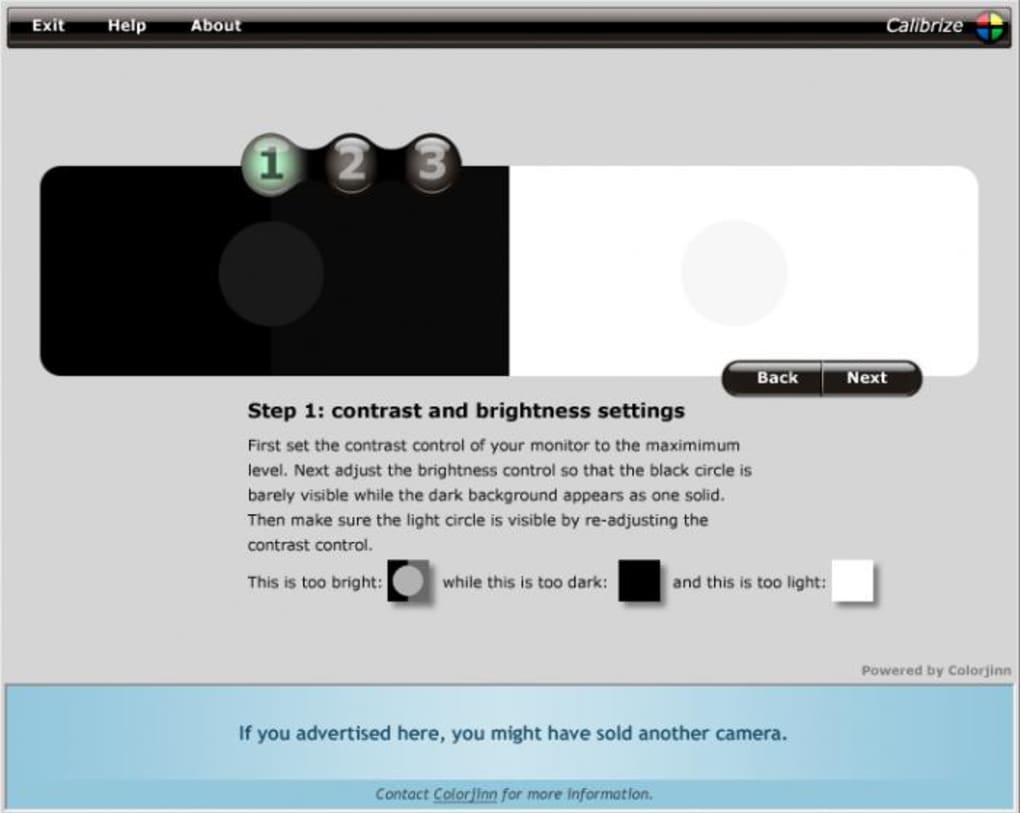
Calibrize offers a simplified approach to monitor calibration, focusing on the essential adjustments: brightness, contrast, and color balance. Unlike more sophisticated software that utilizes advanced color profiles and hardware calibration devices, Calibrize relies solely on the user’s visual perception to guide the calibration process. The program guides users through a series of steps to adjust these parameters, allowing them to fine-tune their monitor settings for optimal visual quality based on their personal preferences and ambient lighting conditions.
The program’s simplicity is both its strength and its weakness. While this ease of use makes it accessible to even novice users, it lacks the sophisticated features and precision found in professional calibration software. It does not incorporate advanced algorithms for color profile generation or offer features such as gamma correction or white point adjustment, features commonly available in more comprehensive solutions.
The process is typically straightforward: Calibrize presents a series of on-screen adjustments, guiding the user to manipulate their monitor’s settings until the displayed test patterns appear visually optimal. This is subjective and reliant on the user’s ability to distinguish subtle color and brightness variations.
The absence of advanced features means Calibrize is unlikely to achieve the same level of color accuracy as professional-grade calibration tools. However, for basic adjustments and for users who prioritize ease of use over absolute precision, Calibrize offers a viable and readily accessible solution.
User Experience and Interface
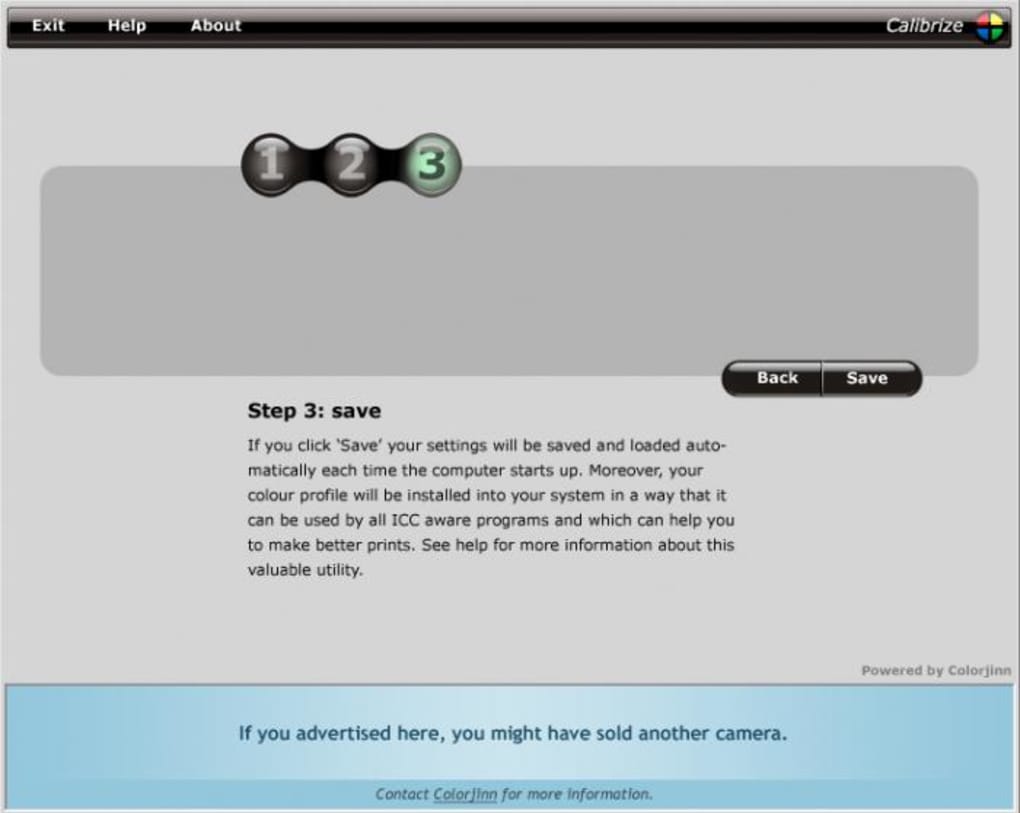
One of Calibrize’s most significant advantages is its user-friendly interface. The program features a clean and intuitive layout, making it easy to navigate even for those unfamiliar with monitor calibration software. The step-by-step instructions are straightforward and clear, minimizing the learning curve. The lack of complex settings and options further contributes to this simplicity.
However, the program’s simplicity can also be viewed as a limitation. The absence of detailed settings and advanced features means that users with specialized requirements or who seek fine-grained control over their monitor’s calibration may find Calibrize insufficient. The subjective nature of the calibration process, relying solely on visual assessment, also introduces a degree of uncertainty regarding the precision of the resulting calibration.
Calibrize: Limitations and Alternatives
While Calibrize provides a simple solution for basic monitor calibration, it has notable limitations. The most significant is its lack of advanced features and reliance on subjective visual adjustments. This limits its accuracy compared to professional-grade calibration software that employs advanced algorithms and hardware. Furthermore, the absence of ongoing development and updates means Calibrize might not be optimized for modern displays and operating systems.
Several alternative calibration tools are available, ranging from free and open-source options to professional-grade software with hardware support. These alternatives often include:
- Hardware-based calibration devices: These devices, such as colorimeters and spectrophotometers, provide highly accurate measurements of your monitor’s output, leading to more precise calibration. These are typically used with specialized software.
- Advanced software solutions: Software such as DisplayCAL, Argyll CMS, and others provide a comprehensive suite of features for monitor calibration, including gamma correction, white point adjustment, and color profile generation. These solutions offer greater control and precision than Calibrize.
- Operating System built-in calibration tools: Windows and macOS offer built-in calibration utilities that are often sufficient for basic adjustments. Although less comprehensive than dedicated software, they offer a convenient starting point for users seeking simple calibration.
Conclusion: Calibrize’s Niche and Future
Calibrize serves a specific niche: it caters to users who need a quick, simple, and easy-to-use tool for basic monitor calibration. Its straightforward interface and minimal system requirements make it a convenient option for those unfamiliar with more complex calibration software. However, users seeking high accuracy and advanced features should consider alternatives like hardware-based calibration devices or more comprehensive software solutions.
Given that Calibrize is no longer actively updated, its long-term viability is uncertain. Users should be aware that compatibility issues might arise with newer operating systems and display technologies. While it remains a functional option for basic adjustments on older systems, exploring more modern and actively maintained calibration tools is recommended for most users, particularly those working in fields requiring high color accuracy. The ease of use and minimalist approach of Calibrize remain valuable for those seeking a rapid, low-effort solution for minor adjustments, but for serious calibration needs, more advanced options are undoubtedly necessary.

File Information
- License: “Free”
- Version: “2.0”
- Latest update: “June 17, 2011”
- Platform: “Windows”
- OS: “Windows XP”
- Language: “English”
- Downloads: “53.2K”
- Size: “1.21 MB”


