
CallApp: Caller ID, Call Blocker & Call Recorder is a free Android application belonging to the Communication category, developed by CallApp Contacts. It’s designed to enhance the user’s calling experience by providing features beyond the standard functionality of a dialer. This review delves into the app’s core features, user experience, performance, security aspects, and compares it to alternative applications in the market.
Core Features and Functionality
CallApp boasts a robust set of features aimed at improving call management and enhancing user security. The app’s primary functions include:
-
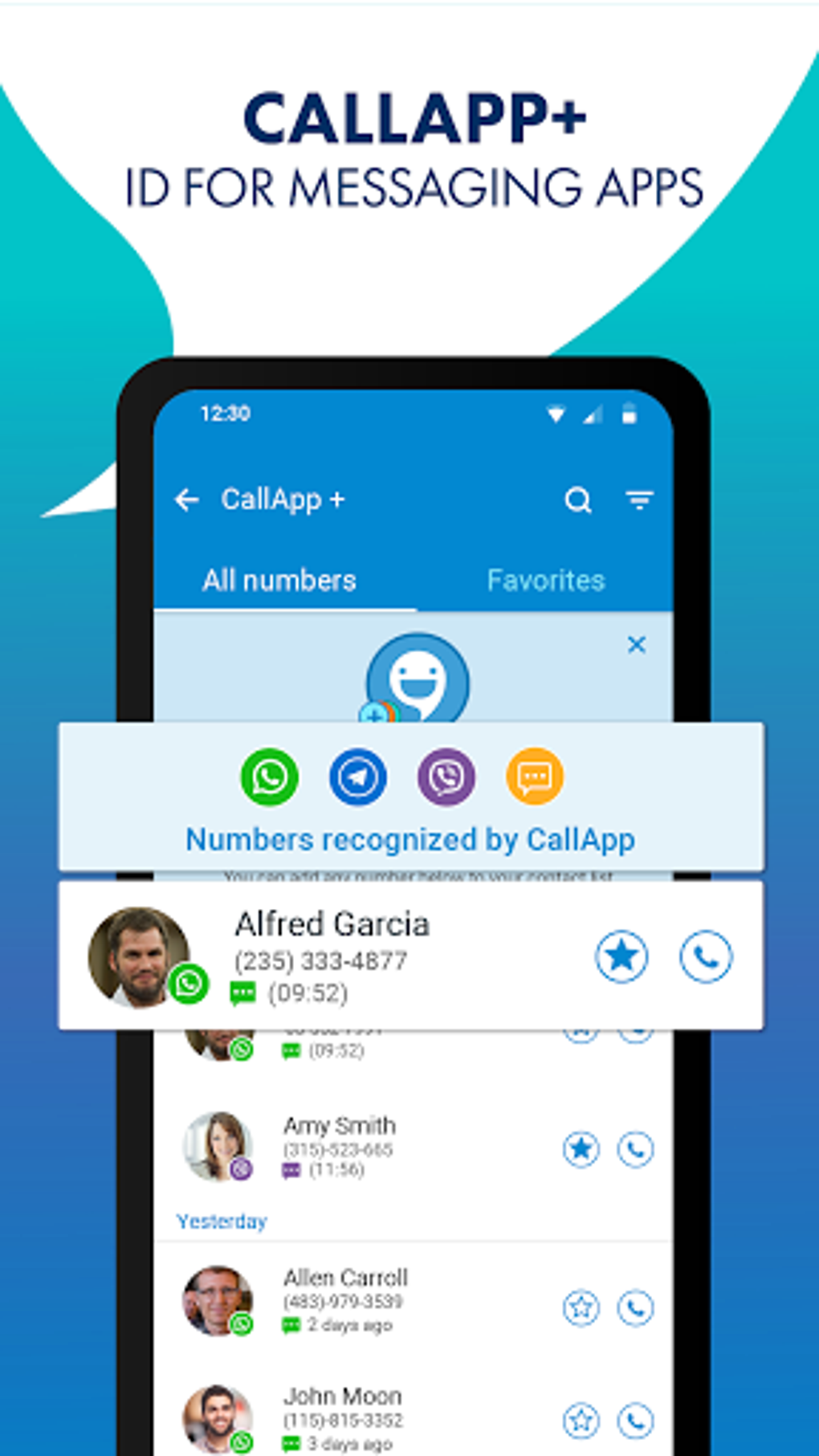
Caller ID: This fundamental feature identifies incoming calls, displaying the name and often the picture associated with the number. This is particularly useful for identifying unknown callers and avoiding potential scams or unwanted calls. The database used for caller identification is continuously updated, ensuring relatively accurate identification of both known and new numbers.
-
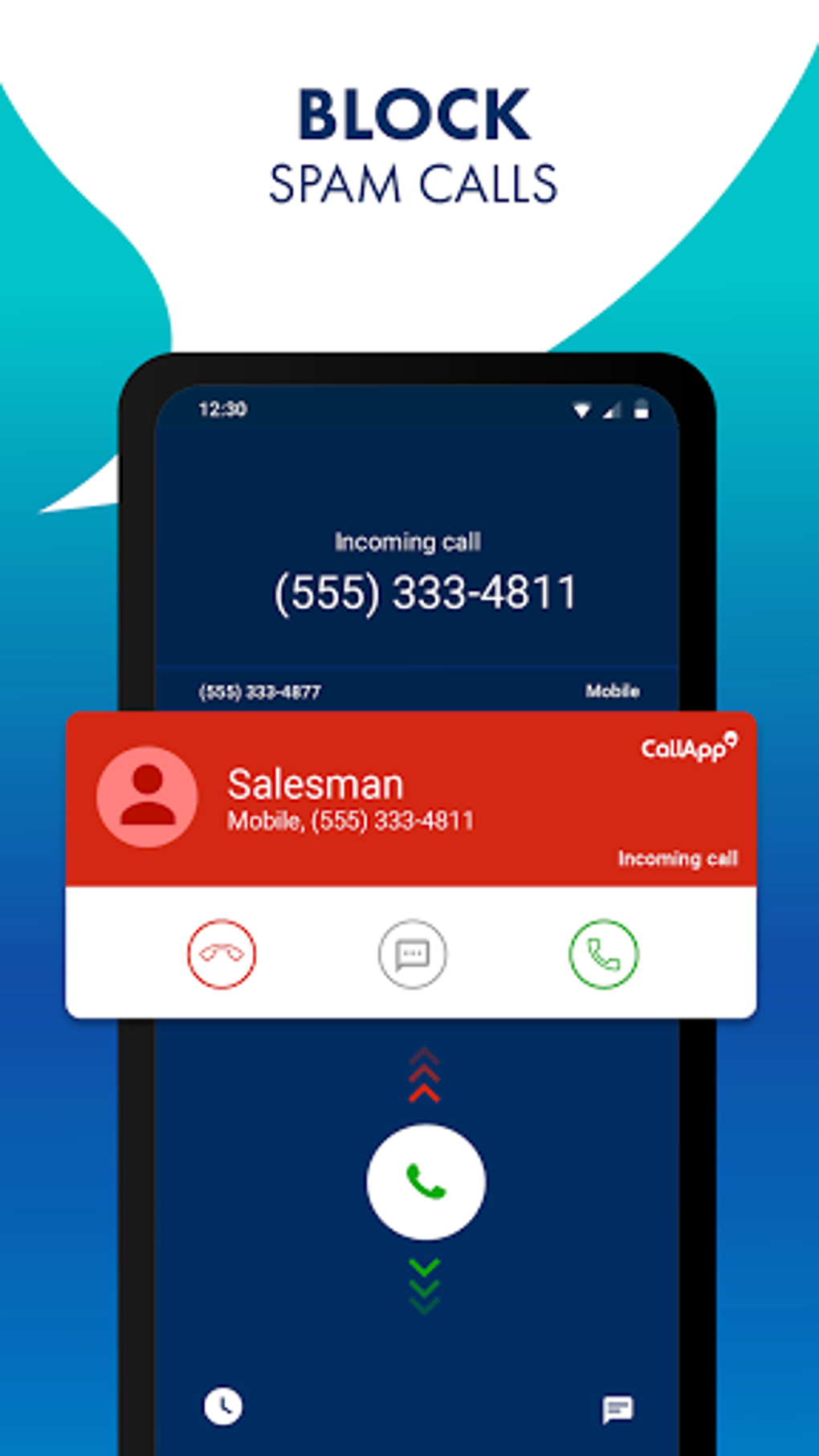
Call Blocking: CallApp allows users to block unwanted calls from specific numbers or categories. Users can manually add numbers to a blacklist, or they can utilize the app’s intelligent spam detection system to automatically block calls flagged as potential spam or fraud attempts. This feature significantly contributes to reducing the interruptions caused by unsolicited calls.
-
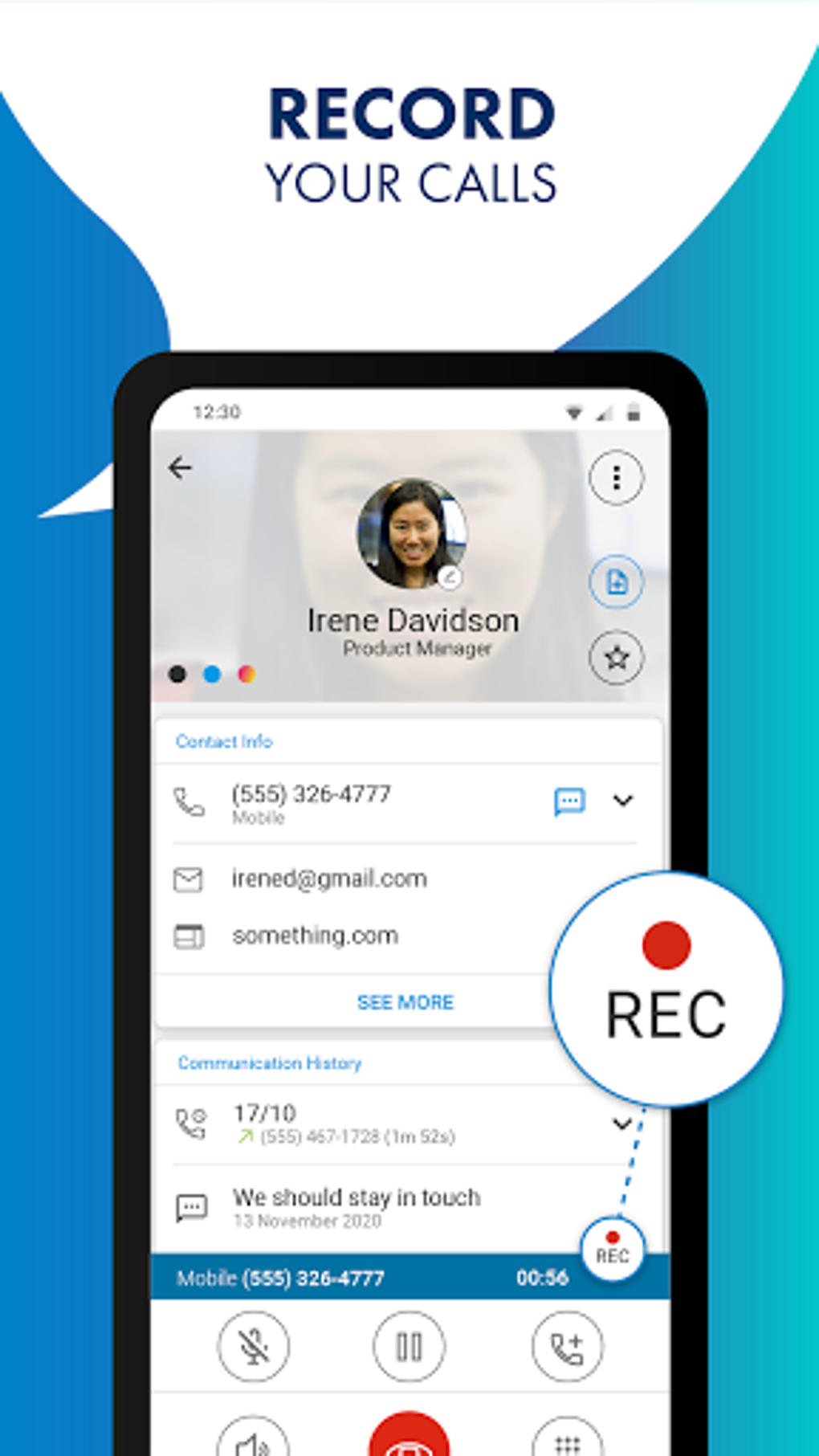
Call Recording: CallApp allows users to record their calls, though the availability and legality of this feature can vary by jurisdiction. Users should be aware of and adhere to local laws regarding call recording before using this functionality. The recorded calls are typically stored within the app, offering easy access for review. However, the app’s privacy policy should be carefully reviewed regarding the storage and potential use of these recordings.
-
Social Integration: While not explicitly listed as a core feature on all platforms, CallApp often integrates with social media platforms, enriching the caller ID experience. By linking your contacts, the app can display profile pictures and other relevant information from social networks, making it easier to identify callers.
- Contact Management: The app also offers basic contact management features, including the ability to add, edit, and organize contacts. While not a replacement for a dedicated contact manager, it streamlines the process of managing contacts related to your calling activity.
User Experience and Interface
CallApp’s user interface is designed for ease of use. The main screen typically presents a clean and uncluttered layout, prioritizing essential functions like the dialer, contact list, and call logs. Navigation is intuitive, with most features easily accessible through clearly labelled buttons and menus. The design emphasizes simplicity, allowing users to quickly perform tasks without needing extensive technical knowledge.
However, some users may find that the app includes a large number of features, potentially overwhelming new users. The sheer number of options might require a period of adjustment and exploration to fully understand the extent of CallApp’s functionality.
The app also incorporates a search function that quickly locates contacts or numbers. This search feature usually works seamlessly and efficiently, saving users time when dealing with extensive contact lists. The display of caller information during incoming calls is straightforward and easy to read, minimizing the chances of confusion or missed information.
Performance and Resource Consumption
CallApp’s performance generally meets expectations. The app is designed to work efficiently without causing significant drain on device resources. However, the actual performance can vary depending on device specifications and the number of active features.
Call recording, in particular, can consume more processing power and storage space. Extended use of call recording features might lead to increased battery drain or require more available storage. Users should periodically check storage usage and manage call recordings to prevent potential performance issues.
The speed of caller identification also depends on network connectivity. While the app offers offline capabilities, the accuracy and completeness of caller ID information are heavily reliant on a stable internet connection.
Security and Privacy Considerations
The security and privacy aspects of any application that handles personal communication data, such as CallApp, are crucial. While CallApp does not explicitly state the specific algorithms or technologies used to secure data, it generally emphasizes the importance of protecting user information.
However, users should carefully review the app’s privacy policy before installing and using the app. Understanding how the app collects, uses, and stores personal data is paramount. The extent of data sharing with third-party services, if any, needs careful scrutiny. Transparency in data handling practices is crucial for user trust and confidence.
Furthermore, the legality and ethical implications of call recording must be considered. Always check local regulations regarding call recording before enabling this function. Unauthorized recording of conversations can have serious legal consequences.
Comparison with Alternative Apps
Several alternative applications offer similar functionality to CallApp. Truecaller, for example, is a widely popular app known for its extensive caller ID database and robust spam blocking capabilities. Showcaller and Whoscall are other competitors offering comparable features.
Comparing CallApp to these alternatives reveals some key differences. Truecaller often emphasizes its community-driven approach to identifying unknown numbers, allowing users to contribute to the database. Showcaller and Whoscall also have their own approaches to data collection and spam identification, leading to different levels of accuracy and feature sets.
The choice of the best application depends on individual preferences and priorities. Some users might prefer Truecaller’s community-based approach, while others might find Showcaller’s interface more appealing. CallApp aims to provide a comprehensive package, balancing various features, but users need to weigh the advantages and disadvantages of each app based on their specific needs.
Conclusion
CallApp: Caller ID, Call Blocker & Call Recorder presents a solid option for users seeking to enhance their calling experience. Its combination of caller ID, call blocking, and call recording (where legally permitted) offers a comprehensive solution. The user-friendly interface and efficient performance are positive aspects. However, users should carefully review the app’s privacy policy and understand the implications of data usage and call recording before using the app. The app’s effectiveness also relies on a consistent internet connection for optimal performance. Ultimately, the decision to use CallApp or a competing application hinges on individual preferences, needs, and careful consideration of the privacy implications involved. The existence of comparable apps with different strengths and weaknesses highlights the importance of comparing alternatives before making a choice.
File Information
- License: “Free”
- Latest update: “July 21, 2025”
- Platform: “Android”
- OS: “Android 13.0”
- Language: “English”
- Downloads: “16.1K”
- Download Options: “Google Play”


