
In today’s digitally driven world, the camera has become an indispensable tool, seamlessly integrated into our daily lives. The ability to capture and share moments, experiences, and information instantaneously has revolutionized communication and personal expression. While professional-grade cameras still hold a place for high-end photography and videography, the advancements in mobile phone cameras have made high-quality image capture accessible to almost everyone. This exploration delves into the world of mobile cameras, focusing on their capabilities, limitations, and the ever-evolving landscape of camera applications.
The Evolution of the Mobile Camera App
The journey of the mobile camera app is a testament to technological innovation. From basic snapshot tools, mobile camera apps have transformed into sophisticated platforms offering an array of features that rival, and in some cases surpass, the capabilities of standalone point-and-shoot cameras. This evolution has been driven by several factors: increased processing power in smartphones, advancements in image sensor technology, and the development of intuitive user interfaces. Early camera apps were primarily focused on basic image capture, offering minimal controls and editing options. However, as technology advanced, so did the complexity and sophistication of these apps. The integration of artificial intelligence (AI) has been particularly transformative, enabling features such as scene detection, automatic image enhancement, and advanced editing tools.
Modern camera apps leverage AI algorithms to analyze scenes, automatically adjusting settings like exposure, white balance, and focus to optimize image quality. This automation makes it easy for even novice users to capture high-quality photos and videos without needing extensive technical knowledge. Furthermore, advanced features like HDR (High Dynamic Range) imaging and computational photography techniques allow for richer detail, improved dynamic range, and more creative photographic possibilities. The integration of multiple lenses, including wide-angle, telephoto, and macro lenses, expands the creative potential even further, allowing users to experiment with different perspectives and capture a greater variety of subjects.
HMD Global’s Camera App: A Nokia-Specific Solution

HMD Global’s Camera app, designed specifically for Nokia smartphones, showcases a compelling example of a manufacturer-specific camera application. While seemingly simple in its interface, it packs a considerable punch in terms of features and capabilities, offering a blend of both photography and productivity tools. This application stands out with its focus on ease of use combined with powerful features designed to enhance the photography experience for Nokia users.
One of the app’s standout features is its Live Bokeh mode. This allows users to create professional-looking images with blurred backgrounds (bokeh), a feature previously associated with more expensive DSLR cameras. The ability to achieve this effect directly within the app, without the need for extensive post-processing, is a significant advantage. The implementation of this feature demonstrates the app’s commitment to making advanced photography techniques accessible to a broader range of users.
Furthermore, the app offers a convenient Panorama mode for capturing expansive landscapes and panoramic views, simplifying the process of creating stunning wide-angle shots. This feature is crucial for users who want to capture wide scenes without having to stitch multiple images together manually. The ease of use offered by this integrated panorama feature sets it apart from apps that may require extra steps to achieve similar results.
Beyond Photography: Productivity and Integration
HMD Global’s Camera app extends beyond its photographic capabilities, incorporating features designed to enhance productivity. The Dual-Sight feature stands out as a unique offering, enabling the simultaneous use of both the front and rear cameras. This feature is particularly beneficial for live streaming, video calls, and creating unique visual content. The ability to capture both perspectives simultaneously opens up creative possibilities for storytelling and content creation. For live streams, it can significantly enhance the viewing experience by providing a wider perspective and a more engaging visual narrative.
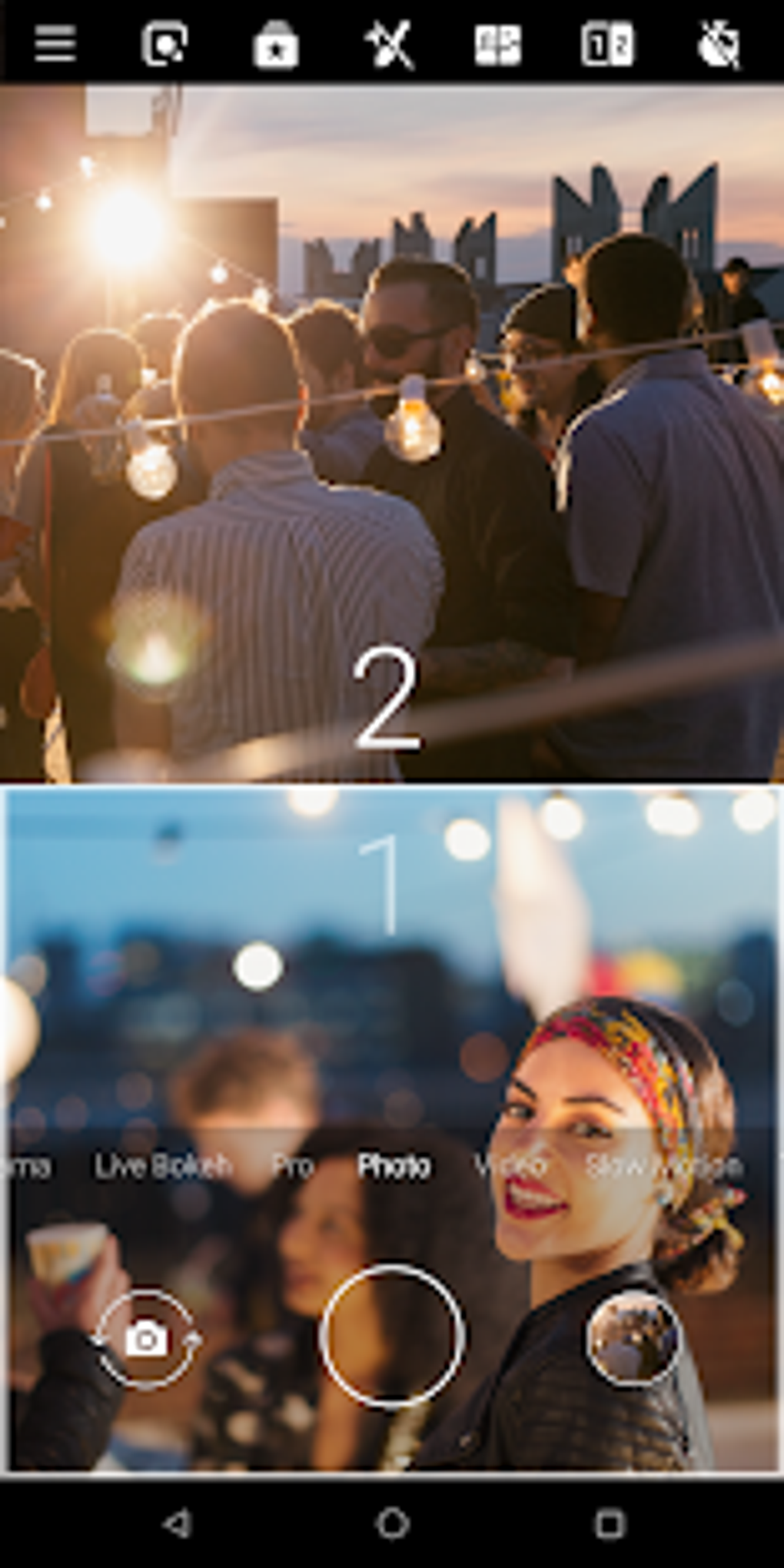
The integration with Google Lens further extends the app’s utility. Google Lens allows users to identify objects, translate text, and access information about their surroundings in real-time, directly through the camera viewfinder. This powerful integration seamlessly blends photography with information retrieval, transforming the camera into a versatile tool for exploration and learning.
The app also supports integration with Motion Stills, a tool that allows users to convert videos into short clips or GIFs. This feature is particularly useful for creating engaging social media content or preserving memorable moments in a dynamic and shareable format. The ability to quickly and easily transform video footage into easily shareable formats is a considerable time-saver for users.
Limitations and System Requirements
While HMD Global’s Camera app offers a compelling array of features, it’s essential to acknowledge its limitations. Its availability is restricted to Nokia phones, limiting its reach to a specific user base. Furthermore, specific features like Pro Mode and Live Bokeh have hardware dependencies, requiring specific Nokia models with ZEISS optics and dual cameras, respectively. The Dual-Sight feature also has compatibility constraints, working only on Nokia 5.1 Plus and later models. These limitations highlight the complexities involved in optimizing camera apps for specific hardware configurations. Users need to ensure their device meets the minimum system requirements before attempting to use the app.
This device-specific nature may be seen as a limitation by some, but it also allows for fine-tuning and optimization for specific hardware, resulting in a potentially better user experience for compatible devices. However, it’s crucial for potential users to verify the compatibility of their device with the app’s requirements before downloading it, avoiding potential frustration from encountering feature restrictions.
The Broader Landscape of Camera Apps
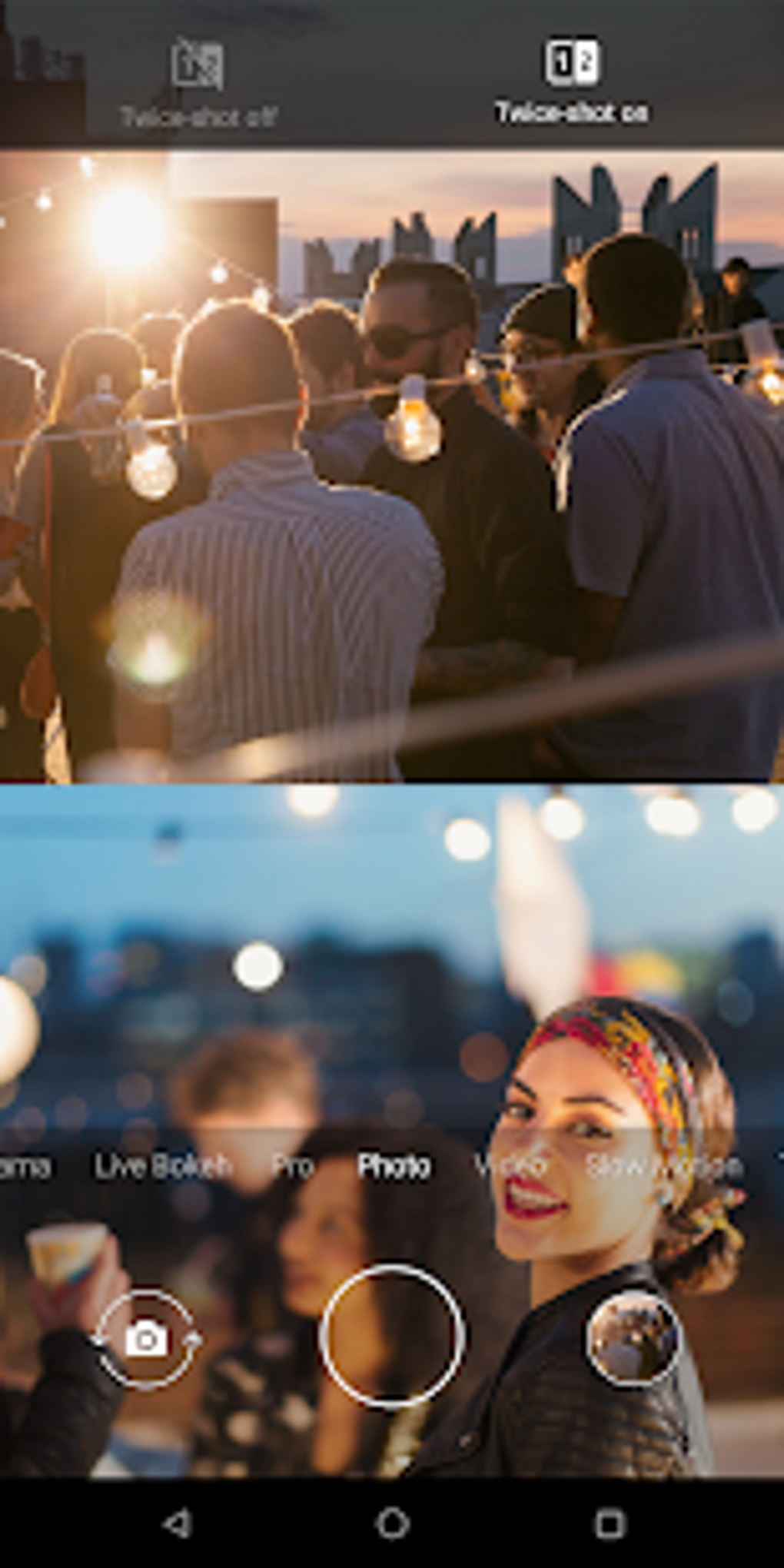
Beyond manufacturer-specific solutions like HMD Global’s Camera app, a vast ecosystem of third-party camera apps exists, each offering a unique set of features and capabilities. Some apps focus on manual controls, appealing to experienced photographers who want fine-grained control over their images. Others prioritize ease of use, offering streamlined interfaces and automated settings for casual users. A wide array of apps offer a diverse selection of filters, effects, and editing tools, catering to varied aesthetic preferences and creative styles.
The continued evolution of mobile camera technology and associated apps suggests a bright future for mobile photography. The ongoing integration of AI and machine learning will likely lead to even more sophisticated features, including advanced scene recognition, automated object removal, and even more realistic bokeh effects. As smartphone cameras continue to improve, the line between mobile photography and professional-grade photography will likely continue to blur, empowering individuals to capture and share stunning imagery with greater ease and efficiency.
The choice of camera app ultimately depends on individual needs and preferences. Users should consider factors such as ease of use, available features, compatibility with their devices, and overall aesthetic preferences when choosing a camera app. The constant innovation in this space ensures that there is a camera app to suit every photographer, from the casual snapper to the aspiring professional.
File Information
- License: “Free”
- Latest update: “March 25, 2025”
- Platform: “Android”
- OS: “Android 13.0”
- Downloads: “239.1K”
- Download Options: “Google Play”


