
The mobile photography landscape is constantly evolving, with new apps vying for attention. Among them, “Camera for iPhone 13 Pro - iOS 15 Camera Effect” promises to deliver the high-quality image capture experience of Apple’s flagship iPhone, all within a free, easily accessible Android application. This review delves into the features, performance, and overall user experience of this intriguing app.
Exploring the App’s Core Features: More Than Just a Camera
“Camera for iPhone 13 Pro - iOS 15 Camera Effect” isn’t simply a basic camera app; it attempts to replicate the core functionalities of the iPhone 13 Pro’s camera system, while adding some enhancements. The app boasts several shooting modes designed to cater to various photographic needs. This multi-faceted approach sets it apart from simpler camera alternatives.
The first mode, “Camera,” aims to emulate the standard photo capture mode found on the iPhone 13 Pro. This mode provides access to features such as a virtual “PHONE 13 Mini CAMERA,” allowing users to experience a similar image quality to the mini variant. Importantly, this mode also provides access to a “phone 13 pro HD selfie camera,” a convenient addition for self-portraits. Furthermore, the app includes Live and Night modes, enhancing the versatility of this primary shooting option. These modes are crucial for adapting to various lighting conditions, ensuring quality images regardless of the environment.
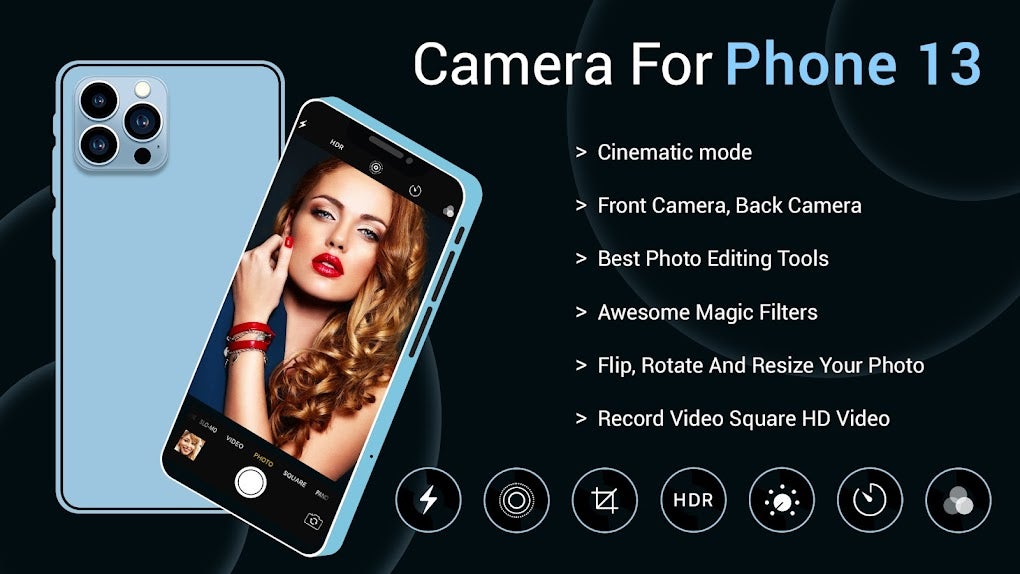
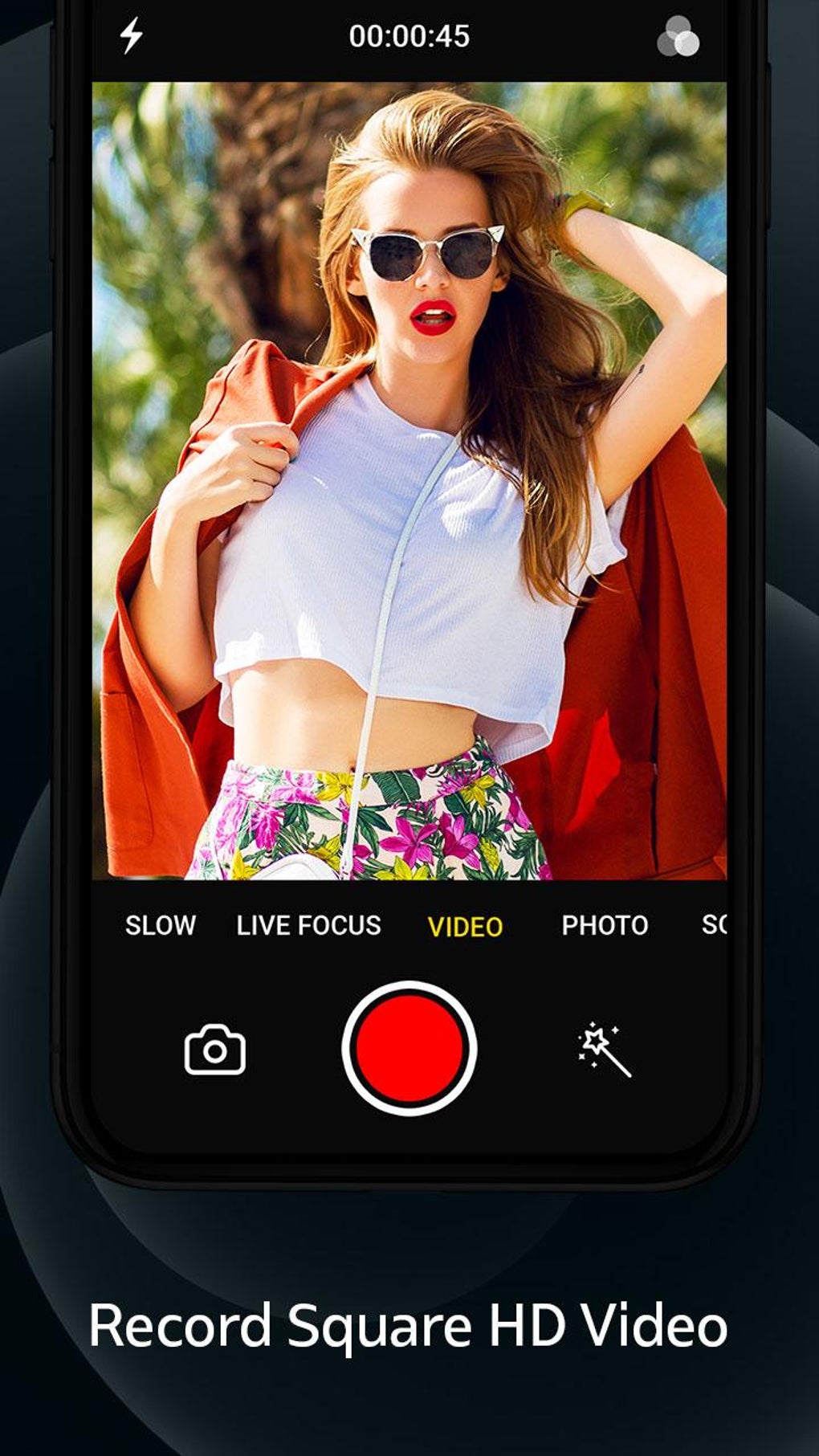
The second mode, “Video,” allows users to film videos with what the app describes as “PHONE 13 pro Max VIDEO HD” quality. A unique feature within this mode is the ability to capture still photos while recording a video, offering users spontaneous opportunities for capturing memorable moments without interrupting filming. This integrated functionality provides a seamless transition between still photography and videography.
Finally, the “Square” mode enables the capture of square-format images, mimicking the functionality of some other popular social media platforms. The description emphasizes “PHONE 13 SQUARE OSos 15” technology, implying that the resulting images strive for the aesthetic quality found in iPhone devices, offering a consistent look and feel to the photography experience.
Beyond shooting modes, the app integrates a diverse array of filters and beauty effects. Users can significantly enhance their photos post-capture. The inclusion of an “automatic face beauty feature” offers a quick and easy method to retouch portraits, streamlining the post-processing workflow. Moreover, an adjustable auto-flash function provides additional control over lighting conditions, ensuring optimal image exposure.
User Interface and Ease of Use: A Simple and Intuitive Experience?
The app’s design prioritizes simplicity and user-friendliness. The interface is generally intuitive, making it accessible even to users unfamiliar with advanced camera applications. Navigation between shooting modes and settings is straightforward, and the layout is clutter-free. The inclusion of clearly labeled icons and menus contributes to a seamless user experience. This straightforward design makes the app easily approachable for casual users who don’t want to navigate overly complex settings.
However, the app’s simplicity might be perceived as a limitation by more experienced photographers. While ease of use is commendable, the lack of granular controls and advanced features could potentially hinder the creative potential of those seeking professional-level editing capabilities. The absence of manual controls limits the ability to fine-tune aspects such as aperture, shutter speed, and ISO settings. This is a significant drawback for users who desire greater control over their photographic output.
Performance and Image Quality: A Realistic iPhone 13 Pro Simulation?
The app’s claim to provide “iPhone 13 Pro camera quality” necessitates a critical examination of its image quality. The reality is far from a perfect replication. While the app does produce acceptable images under ideal lighting conditions, image quality can suffer significantly in low light or challenging environments. Noise reduction is somewhat less effective compared to the actual iPhone 13 Pro, leading to grainier images in less-than-ideal lighting scenarios.
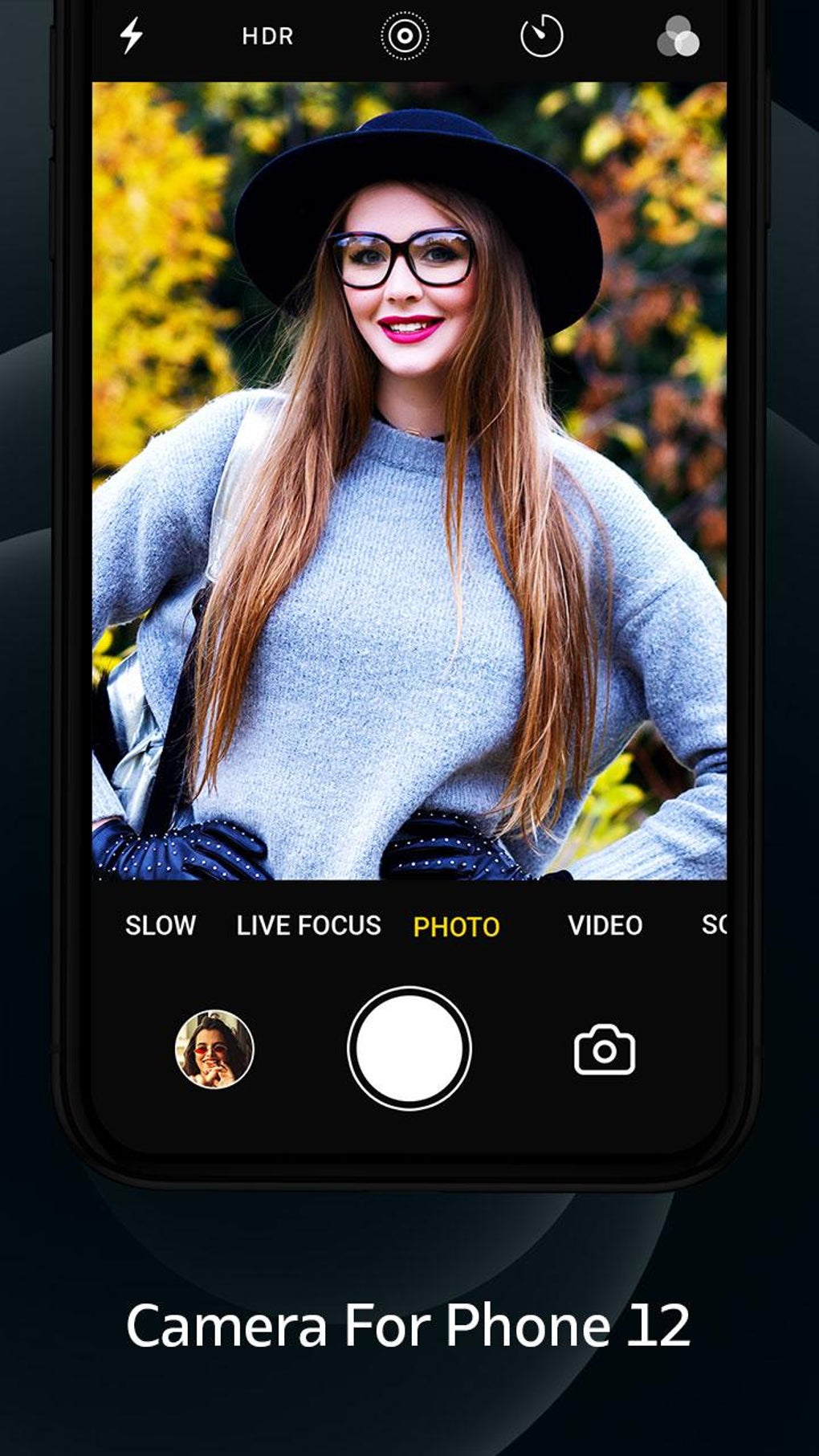
Furthermore, the app’s video capabilities, while functional, fall short of the high dynamic range and detailed clarity offered by the iPhone 13 Pro. Video stabilization could also be improved; footage is prone to exhibiting noticeable shaking, especially when recording in handheld mode. This lack of effective image stabilization compromises the quality of the video outputs. While the app’s video capabilities are adequate for casual users, they are insufficient for professional videography purposes.
The app’s stated goal to mimic the iPhone 13 Pro’s camera is a bold claim, and in terms of image processing, the results are mixed. The filters and beauty effects, while readily available, often lead to overly processed and artificial-looking images, thereby compromising the natural aesthetic of photographs. The goal of offering an iPhone-like experience is partially realized in the interface and basic function, but image quality and processing falls short.
Comparison to Competitors: Standing Out from the Crowd
The Android app market is saturated with camera applications, many offering a similar set of features. What truly differentiates “Camera for iPhone 13 Pro - iOS 15 Camera Effect” from its competitors? The app’s most prominent selling point is its attempt to emulate the user experience of an iPhone 13 Pro. This branding strategy, targeting users who desire the feel of iOS’s camera system, is unique in the context of the Android market. However, this strategy is not sufficient. More robust features and higher quality image processing would be necessary for it to truly stand out.
Many competing apps offer advanced manual controls, broader filter selections, and superior image processing capabilities. While “Camera for iPhone 13 Pro - iOS 15 Camera Effect” provides a straightforward and easy-to-use interface, it lacks the depth and versatility of many of its competitors.
Other apps, focusing on AI-powered features and sophisticated editing tools, offer a more comprehensive and robust user experience for advanced photographers and videographers. “Camera for iPhone 13 Pro - iOS 15 Camera Effect” should consider adding more advanced features to remain competitive.
Conclusion: A Decent but Unremarkable Camera App
“Camera for iPhone 13 Pro - iOS 15 Camera Effect” presents a mixed bag. Its simplicity and user-friendly design are commendable, making it an accessible option for casual users. The app’s core functionality fulfills its primary purpose of capturing photos and videos. However, its performance and image quality fall short of its ambitious claims, failing to truly replicate the experience of an iPhone 13 Pro.
The absence of advanced features, along with the shortcomings in image processing and video stabilization, limit its appeal to more demanding users. While the app might serve as a decent alternative for simple photo and video needs, it doesn’t offer a significant advantage over other, more feature-rich camera applications available on the Android platform. The app’s future would be greatly enhanced by the inclusion of advanced features and improvements to image processing and video stabilization. Until those improvements are implemented, it remains a middling option in a competitive market.
File Information
- License: “Free”
- Latest update: “August 7, 2025”
- Platform: “Android”
- OS: “Android 13.0”
- Language: “English”
- Downloads: “376.4K”
- Download Options: “Google Play”


