
The iPhone’s built-in Camera app is a ubiquitous tool, seamlessly integrated into the iOS ecosystem. While often overlooked in favor of third-party apps boasting extensive filter libraries and advanced manual controls, the default Camera app deserves closer examination. Its strength lies not in flashy features, but in its reliable performance, user-friendly interface, and surprisingly robust capabilities for capturing high-quality photos and videos. This review delves into the app’s strengths and weaknesses, assessing its suitability for both casual users and those seeking more control over their mobile photography and videography.
Image Capture Capabilities: A Blend of Simplicity and Sophistication
The Camera app’s core function, capturing images and videos, is executed with commendable efficiency. Its intuitive interface allows for quick access to essential settings, minimizing the learning curve for new users. The app automatically adjusts settings based on lighting conditions, ensuring that most shots are well-exposed and appropriately balanced. This automatic optimization, while beneficial for casual users, can sometimes lead to over-processing, as discussed later.
Beyond basic capture, the app offers a range of shooting modes catering to diverse photographic needs. The ability to switch between photo, video, and other modes (like slo-mo, time-lapse, and panorama) is streamlined and straightforward. The incorporation of features like Live Photos adds a dynamic element, capturing a short burst of video before and after the shutter is pressed, giving a more complete depiction of the moment. This is a significant advantage for capturing fleeting expressions or subtle movements that a still image alone might miss.
The app’s integration with advanced image processing technologies, such as Smart HDR and Deep Fusion, significantly enhances image quality. Smart HDR intelligently balances highlights and shadows, preserving detail in both bright and dark areas of a scene, especially beneficial in challenging lighting conditions. Deep Fusion employs computational photography techniques to enhance image detail and texture, resulting in sharper and more refined images, especially at higher resolutions. While these technologies work largely behind the scenes, they demonstrably improve the quality of captured images, surpassing the capabilities of many older mobile camera apps.
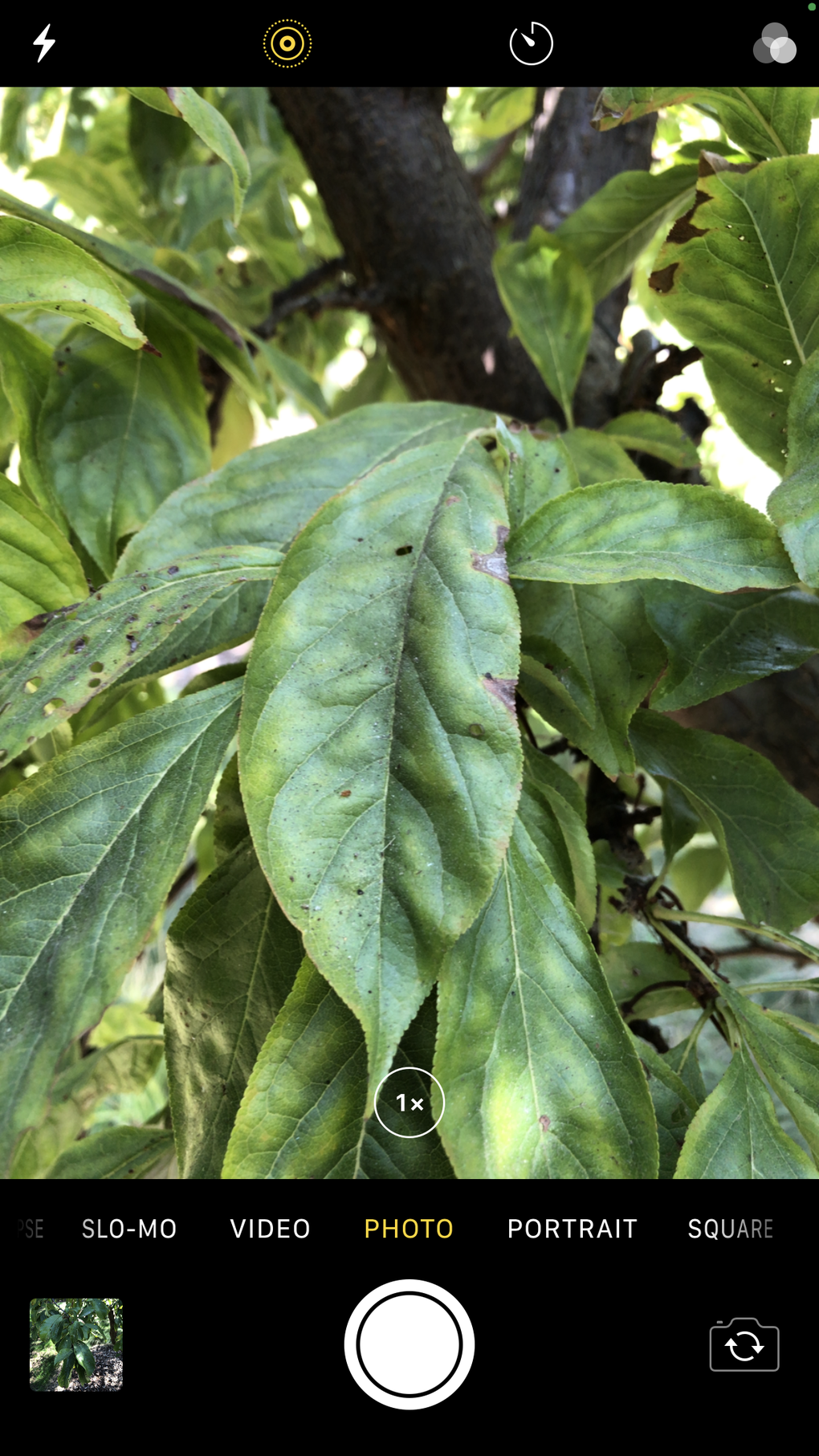
Furthermore, the app’s support for Apple ProRAW offers a significant step up for users seeking greater control over their images. ProRAW allows for shooting in a RAW format, preserving more image data than standard JPEGs. This gives users considerable latitude during post-processing, enabling them to fine-tune exposure, white balance, and other aspects of the image without sacrificing significant detail or quality. The ability to shoot in ProRAW, coupled with the computational enhancements of Smart HDR and Deep Fusion, offers a powerful combination for serious mobile photographers. The app’s versatility extends to video recording, supporting various resolutions and frame rates, including the option to capture 4K video at 60 frames per second (fps) in stunning 10-bit Dolby Vision HDR, a capability that surpasses many standalone cameras in its price range.
User Interface and Experience: Intuitive Design for Effortless Capture
The Camera app’s interface is designed for intuitive usability. The main screen presents a clear and uncluttered layout, with easy access to essential controls such as switching between cameras (front and rear), toggling the flash, and adjusting the exposure. The app’s simplicity makes it accessible to a wide range of users, regardless of their technical expertise in photography. Navigation between different shooting modes is seamless, allowing for quick adjustments to suit the shooting conditions.
One of the key advantages of the Camera app is its seamless integration with other Apple devices. The ability to use an Apple Watch as a remote control adds an extra layer of convenience, allowing users to initiate capture, adjust settings, and even use a timer remotely, ideal for group photos or self-portraits without needing to fumble with the phone itself. This tight integration with the Apple ecosystem is a significant advantage, providing a cohesive user experience across multiple devices.
Software Limitations and Areas for Improvement
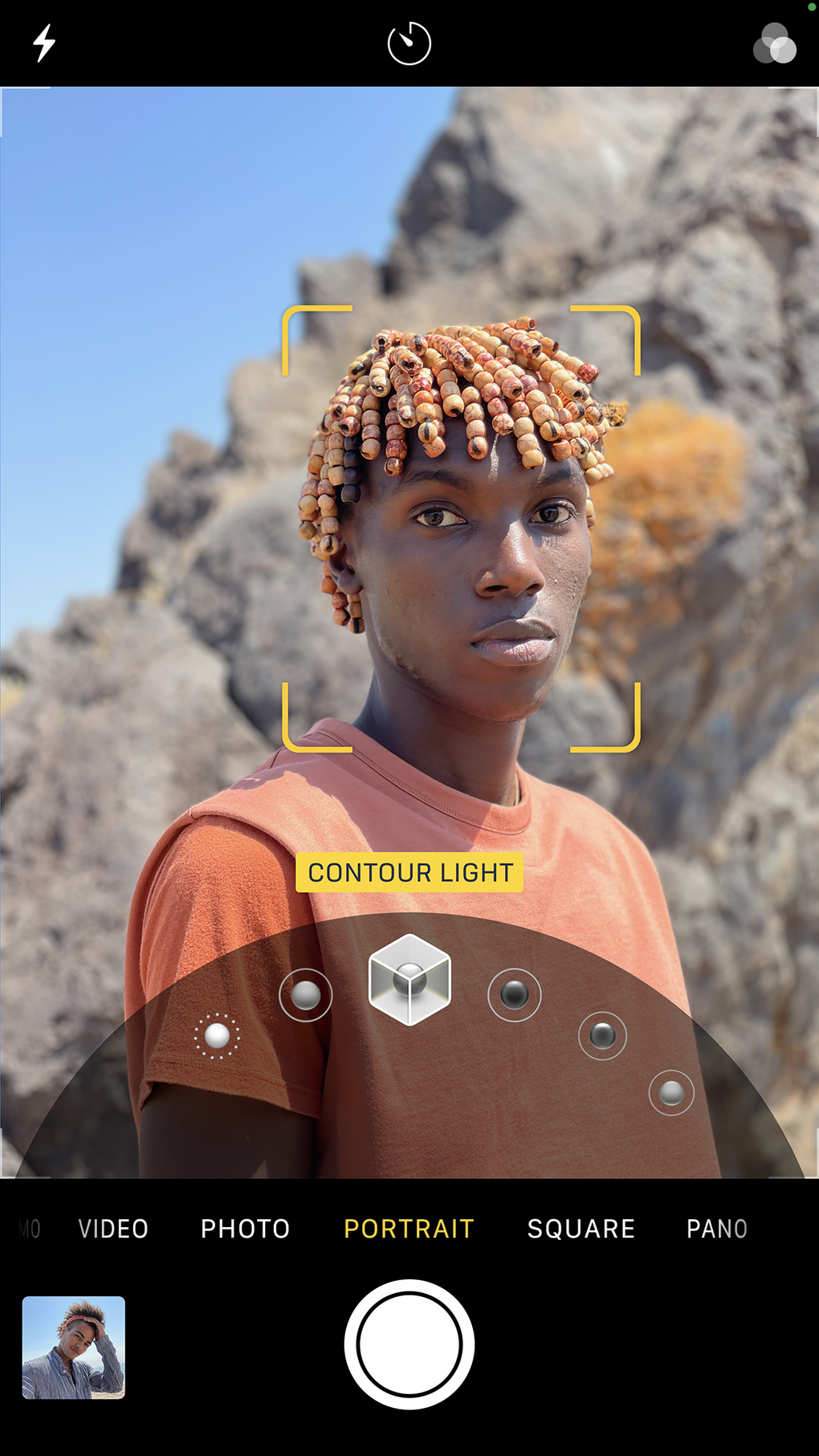
Despite its many advantages, the Camera app isn’t without its drawbacks. One major criticism centers on the lack of user control over the automatic image processing. While the algorithms employed by Smart HDR and Deep Fusion deliver excellent results in many situations, the lack of the option to disable them can be frustrating for users who prefer more direct control over the final image. Some users may find that the automatic processing sacrifices fine detail or introduces an unnatural aesthetic in some conditions, leading to a slightly artificial look that some photographers find less desirable.
Another area for improvement could be the expansion of filter options. While the app offers some basic filters, the selection is comparatively limited compared to many third-party camera apps. The addition of more diverse and customizable filters would enhance the app’s creative potential and provide users with more choices for stylistic expression.
Comparison with Alternative Apps
The Camera app’s primary competition comes from a plethora of third-party camera apps available on the App Store. Many of these apps offer features that are not present in the default app, such as extensive filter libraries, manual controls over focus, exposure, and white balance, and advanced editing tools. However, these apps often come at a price, either directly through a purchase or through in-app purchases for additional features or filters.
Apps like Halide Mark II focus on providing professional-level manual controls, allowing for fine-grained adjustment of various camera parameters. Others, such as Dazz Cam – Vintage Camera, specialize in stylistic filters and effects, catering to users seeking a specific aesthetic. While these third-party apps offer greater creative flexibility and control, they often come with a steeper learning curve and may be less user-friendly for casual users. The Camera app’s strengths lie in its balance of simplicity and performance, making it a reliable and accessible option for users who prioritize ease of use and high-quality results without the need for extensive manual adjustments.
Conclusion: A Powerful Tool for Everyday Use
The iPhone’s built-in Camera app is a surprisingly powerful and versatile tool, capable of producing high-quality photos and videos in various shooting conditions. Its user-friendly interface, seamless integration with other Apple devices, and intelligent image processing technologies make it a compelling choice for a broad range of users. While the lack of granular control over image processing and a limited filter selection may be drawbacks for some, the overall performance and convenience of the Camera app solidify its place as a reliable and efficient solution for capturing everyday memories and creating high-quality visual content. Its strengths lie in its accessibility and reliability, making it a worthy default option for millions of iPhone users worldwide. While third-party apps offer specialized features and enhanced creative controls, the Camera app provides a solid foundation for capturing stunning images and videos with minimal effort and maximum results for a large segment of users.
File Information
- License: “Free”
- Version: “1.1”
- Latest update: “July 9, 2024”
- Platform: “iPhone”
- OS: “iOS 12.1.2”
- Language: “English”
- Downloads: “72K”


