
CamScanner has established itself as a leading mobile document scanning application, transforming smartphones into versatile portable scanners. This comprehensive review explores its features, user interface, advantages, and limitations, providing a detailed look at this popular productivity tool. Available on various platforms, including Android, iOS, Windows, and Mac, CamScanner offers a compelling solution for digitizing documents on the go.
CamScanner App: Functionality and Features
CamScanner is a free, all-in-one mobile document scanner app developed by INTSIG. It allows users to leverage their smartphone cameras to scan documents, converting them into easily shareable PDF or JPEG formats. The app’s functionality closely mirrors that of similar applications such as Adobe Scan, Microsoft Office Lens, Doc Scanner, and Genius Scan, but its user-friendly interface and robust feature set have contributed to its widespread popularity.
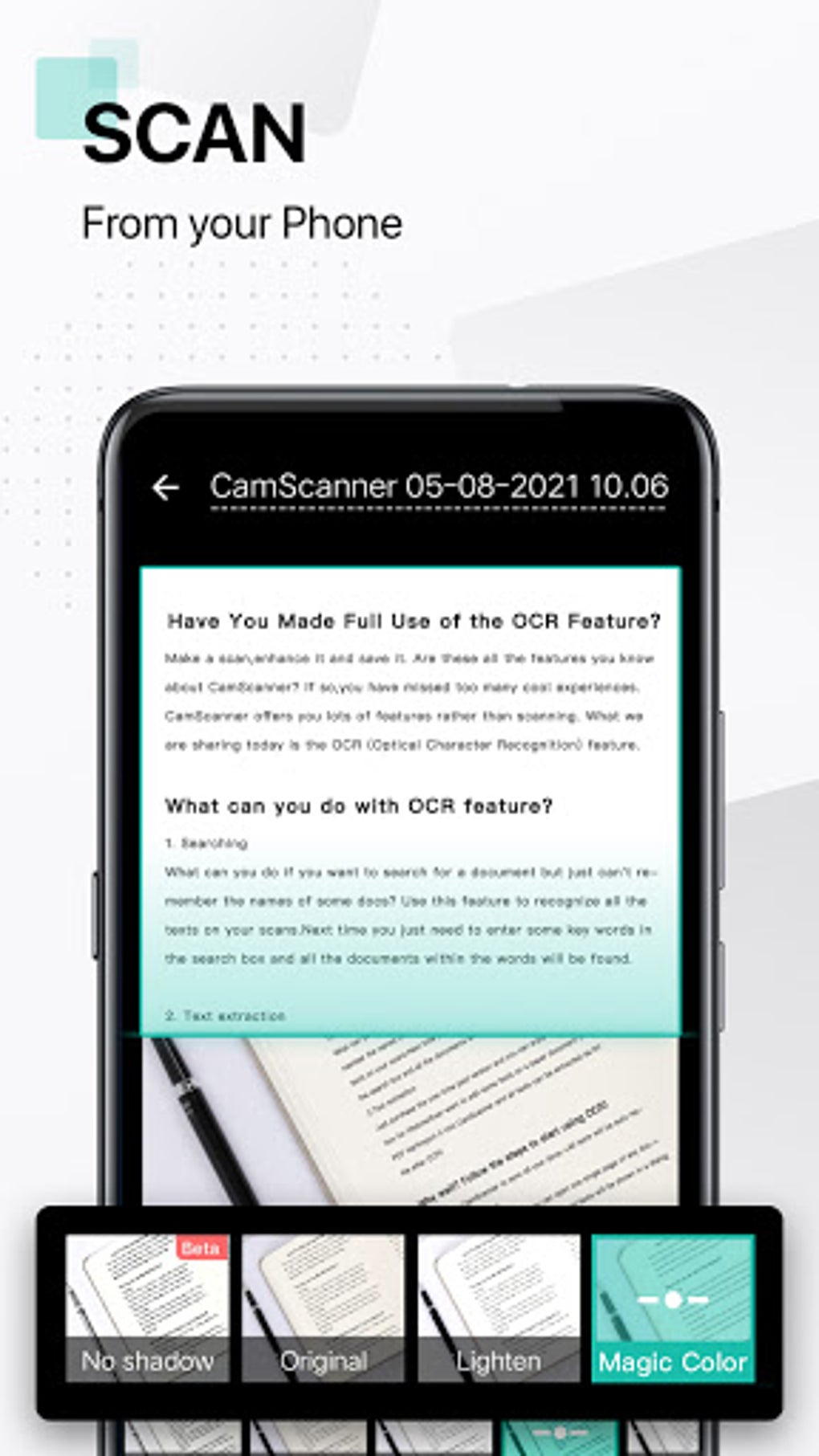
The core function of CamScanner is straightforward: capture an image of a document using your phone’s camera. The app then intelligently processes the image, automatically detecting edges, correcting angles, and cropping the document to remove extraneous background elements. This ensures clean, crisp scans even from less-than-ideal photographic conditions. Further enhancing the quality, CamScanner includes auto-enhancing features to optimize the clarity and sharpness of the scanned documents. Users can manually adjust cropping, readjust alignment, and fine-tune the image for optimal results.
Beyond basic scanning, CamScanner boasts a rich suite of features:
-
File Formats: Documents can be exported as either PDF or JPEG files, offering flexibility based on the intended use.
-
Sharing: Seamless integration with various platforms facilitates easy sharing. Users can share scanned documents through email, social media platforms like Facebook, and other online channels.
-
Printing: The ability to AirPrint documents directly from the app streamlines the process of obtaining physical copies, supporting a wide range of printers.
-
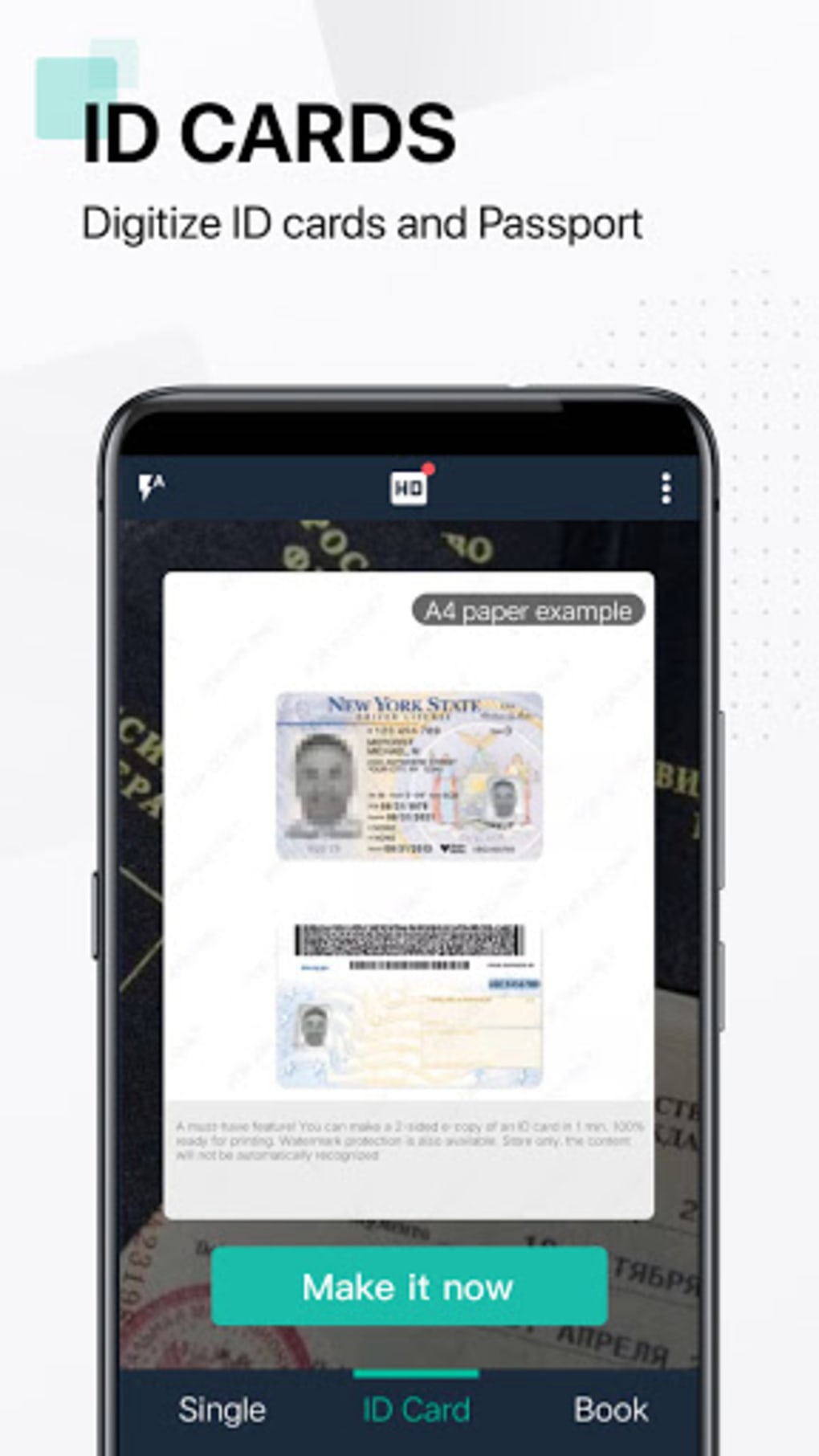
Faxing: The app extends its functionality to include international faxing capabilities, supporting transmission to over 30 countries globally.
-
Watermark Protection: For enhanced security, users can add watermarks to their scanned documents.
-
Password Protection: To protect sensitive information, the app allows users to password-protect important documents.
-
File Merging: Multiple scanned pages can be easily combined into a single document.
-
Batch Scanning: CamScanner facilitates the quick scanning of multiple pages in a batch mode, expediting the digitization process.
CamScanner Premium Features: Enhancing Productivity
While the free version of CamScanner provides a robust set of features, the premium version unlocks additional capabilities that significantly enhance productivity and security:
-
Optical Character Recognition (OCR): This is a key differentiator. The OCR feature extracts text from images, converting scanned documents into editable text files. This eliminates the need for manual retyping, drastically saving time and effort. The OCR supports a wide array of languages, including English, Japanese, and Chinese, making it a truly versatile tool for international users.
-
Enhanced Cloud Storage: The premium version provides access to increased cloud storage, allowing users to store more documents securely online.
-
Additional Monthly Credits: Premium users receive additional monthly credits that can be used for premium features such as OCR and ID photo processing.
-
Free Faxes: Premium subscriptions often include a number of free faxes each month, further expanding the application’s utility.
-
Annotations: Premium users gain the ability to add annotations to their scanned documents, facilitating collaborative work and detailed note-taking.
The benefits of a premium subscription scale with the length of the subscription; longer-term subscriptions unlock higher tiers and increased benefits, making it a cost-effective investment for frequent users and those who require the advanced features for professional or academic use.
CamScanner User Interface: Simplicity and Efficiency
CamScanner’s minimalist interface is intuitively designed for both novice and experienced users. The home screen presents a clean layout, with readily accessible controls for document management and scanning. On the left side, users find tags for organizing scanned documents based on categories or types. These tags enable efficient retrieval of previously scanned documents.
At the bottom of the screen, the prominent camera button initiates the scanning process. Other easily accessible controls provide quick access to essential functions such as sharing, tagging, deleting, merging files, and applying password protection. A three-dot menu in the top right corner provides access to app settings, cloud storage management, sorting options, synchronization, user profiles, and display picture settings. The straightforward design minimizes any learning curve, ensuring a smooth and efficient user experience.
What Sets CamScanner Apart?
CamScanner’s success in the competitive document scanning app market is attributable to a combination of factors:
-
Exceptional Scanning Quality: The app consistently delivers high-quality scans, benefiting from advanced OCR technology and image enhancement algorithms. This ensures that scanned documents are clear, sharp, and easily readable.
-
User-Friendly Design: The intuitive interface and thoughtful design choices prioritize user convenience. The scanning process is streamlined, making it as effortless as taking a picture.
-
Convenience: CamScanner eliminates the need for bulky scanners and cumbersome setup procedures, significantly saving time and effort. This makes it an attractive alternative for both individuals and businesses.
- Comprehensive Feature Set: The app offers a wide range of features, catering to diverse needs and use cases, from simple document scanning to complex document management.
CamScanner: Pros and Cons
Pros:
- Straightforward and intuitive user interface.
- Easy file sharing and collaborative features.
- Efficient batch scanning capabilities.
- Secure document protection through passwords and watermarks.
- High-quality scanning with excellent image enhancement.
Cons:
- Some advanced features, such as OCR and annotation, are limited to the premium version.
- The free version may include advertisements.
CamScanner: A Verdict
CamScanner provides a powerful and versatile solution for digitizing documents, offering a user-friendly experience and a wide array of features. The free version is suitable for basic document scanning needs, while the premium version unlocks advanced capabilities for enhanced productivity and security. The app’s strengths lie in its exceptional scanning quality, intuitive interface, and convenient features, making it a valuable tool for both personal and professional use. Whether you need to quickly scan receipts, digitize important papers, or manage large volumes of documents, CamScanner provides a robust and efficient solution. The availability on multiple platforms further extends its appeal, catering to a broad range of users and devices. Its continued popularity speaks to its effectiveness and appeal in the ever-growing market of mobile productivity apps.
File Information
- License: “Free”
- Latest update: “August 10, 2025”
- Platform: “Android”
- OS: “Android 15.0”
- Language: “English”
- Downloads: “5.3M”
- Download Options: “Google Play”


