
Candy Camera burst onto the scene as a selfie-centric app, quickly gaining popularity for its user-friendly interface and diverse feature set. This detailed review explores its strengths, weaknesses, and overall effectiveness in the crowded landscape of mobile photography applications. We’ll delve into its functionality, user experience, and compare it to similar apps to determine its place in the market.
A Sweet Collection of Features: Enhancing Your Selfies
Candy Camera’s primary draw is its ability to elevate everyday selfies into polished, shareable content. This is achieved through a multitude of features meticulously designed for selfie optimization. At the heart of the app lies a vast library of real-time filters, ranging from subtle enhancements to dramatic transformations. These filters are not merely color adjustments; many incorporate skin smoothing, brightening, and other beautification effects, making them ideal for quick touch-ups before sharing.
Beyond filters, Candy Camera offers a silent camera mode. This discreet functionality is particularly appealing for users who prefer to capture selfies without drawing unwanted attention. This feature proves invaluable in various situations, from capturing candid moments to avoiding interruptions during important events. Furthermore, the app provides a collage creation tool, allowing users to combine multiple photos into aesthetically pleasing layouts. This feature offers creative freedom and adds another layer of personalization to the selfie experience. A sticker library provides further customization options, allowing users to add fun and expressive elements to their photos.
Candy Camera’s editing capabilities extend beyond filters and collages. It incorporates tools to subtly remove imperfections, enhancing the overall aesthetic appeal of the image. These editing tools typically focus on subtle adjustments, ensuring a natural look that avoids overly processed or artificial results. The goal appears to be to enhance, not drastically alter, the subject’s appearance, creating polished selfies that appear realistically enhanced, rather than heavily filtered. The precise tools available may vary between versions, but generally include options for slimming, whitening, and other cosmetic improvements.
User Experience and Interface: Simplicity Meets Sophistication
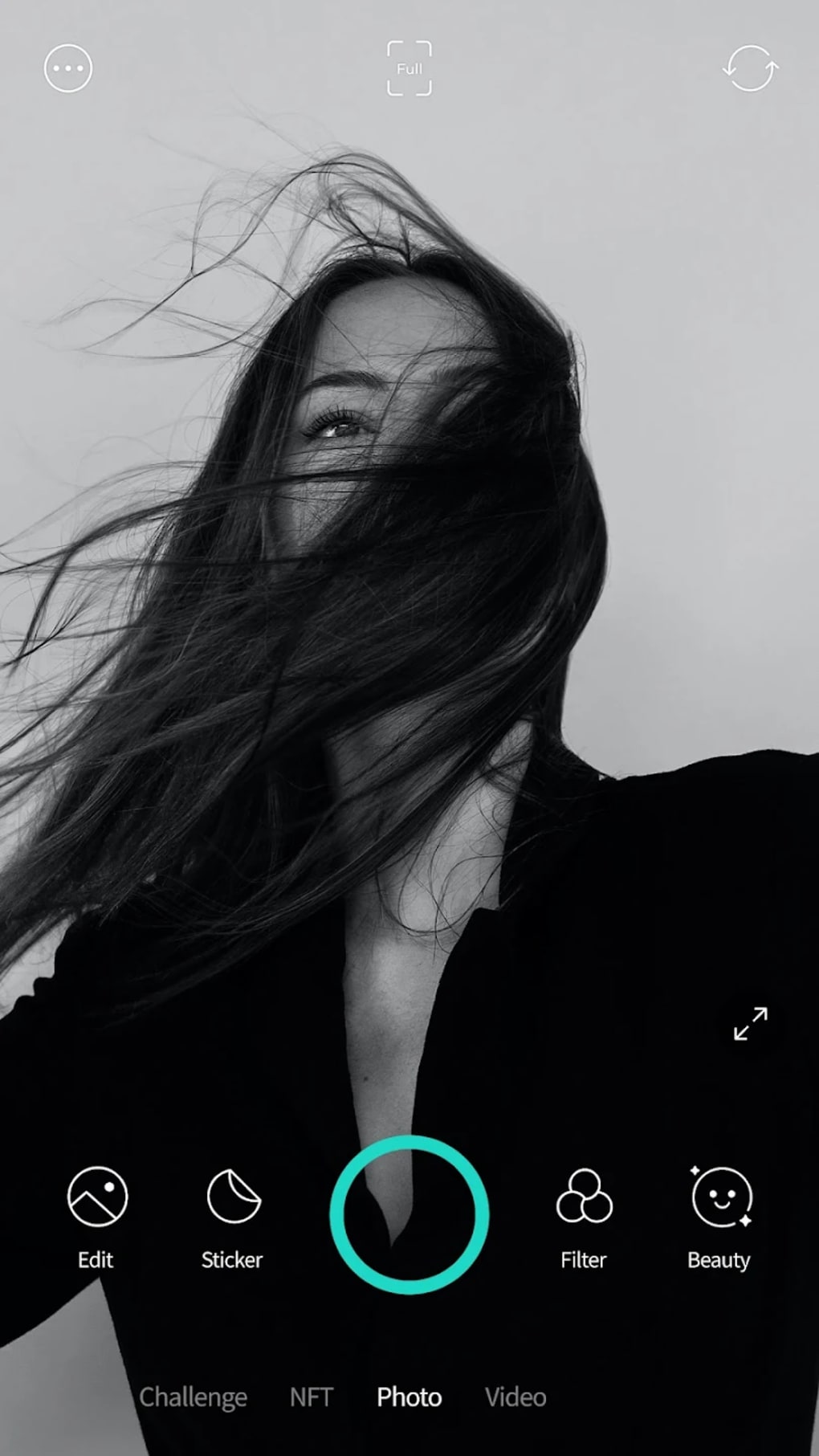
Candy Camera prides itself on a user-friendly interface. The app’s layout is intuitive, allowing even first-time users to quickly grasp its functionality. The controls are easily accessible, and the overall design promotes a smooth and efficient workflow. This simplicity, however, doesn’t compromise on functionality. The app manages to pack a substantial amount of features into a streamlined interface without feeling cluttered or overwhelming.
The real-time filter application is seamless, allowing users to preview the effects before capturing the image. This live preview significantly reduces the trial-and-error process that can be common with other photo editing apps. The app’s responsiveness is generally good, even on devices with less powerful processors. The swift processing ensures that the user experience isn’t hampered by lag or delays during shooting and editing. However, user reports indicate that some newer versions have experienced minor bugs, potentially impacting the overall smoothness of operation. This suggests ongoing development and potential for future improvements addressing reported glitches.
The sharing capabilities are also well-integrated. Users can effortlessly share their edited selfies across various social media platforms directly from within the app. This streamlined sharing process makes it easy to disseminate their creations to friends and followers. This direct integration reduces the number of steps necessary to share photos online, enhancing convenience and encouraging user engagement.
A Comparison with Competitors: Standing Out in the Selfie Crowd
Candy Camera faces stiff competition in the app market. Numerous alternative apps offer similar functionalities, including real-time filters, editing tools, and collage creation. However, Candy Camera’s distinct strengths include its robust filter library, the silent camera mode, and its intuitive interface.
Compared to apps like B612, which also focuses on selfies and beauty enhancements, Candy Camera’s arguably more comprehensive editing features give it a competitive edge. While B612 might excel in specific areas, such as AR effects, Candy Camera’s wider range of traditional editing tools and its silent mode make it a strong contender. Sweet Selfie, another popular competitor, provides a similar suite of features but sometimes falls short in terms of user interface design and responsiveness compared to Candy Camera’s smoother, more intuitive experience.
Other alternatives, like iEye-camera and Sweet Camera, tend to specialize in particular areas. While these apps might provide excellent functionality in those niches, Candy Camera’s broader appeal and more all-encompassing approach make it a more versatile option for general selfie enhancement and sharing.
Technical Aspects and Performance: A Look Under the Hood
Candy Camera’s performance is generally consistent across different devices. The app’s size is relatively modest, minimizing the storage space required. Its compatibility with various Android versions ensures broad accessibility. While most users report a positive experience, some older or lower-powered devices might experience minor slowdowns, particularly when using more demanding features like the real-time filters with multiple effects applied.
The app’s developer, JP Brothers, has a history of developing and maintaining several mobile applications. The frequency of updates suggests an ongoing commitment to improvement and bug fixing, although the reported glitches in newer versions highlight the ongoing need for thorough testing and quality assurance. The availability of the app in multiple languages, including English, Spanish, and Simplified Chinese, suggests a global reach and understanding of diverse user demographics.
Conclusion: A Solid Choice for Selfie Enthusiasts
Candy Camera offers a compelling blend of features, user-friendly design, and decent performance. Its extensive filter library, silent camera mode, and collage creation capabilities set it apart from some competitors. The relatively straightforward interface ensures a positive user experience for both novice and experienced selfie takers.
While some minor bugs have been reported in recent updates, overall, Candy Camera remains a strong choice for anyone looking to enhance their selfies. Its versatility and ease of use make it a valuable addition to any mobile photography enthusiast’s app collection. The app’s continuous development and updates suggest a dedication to improving the user experience and addressing any potential shortcomings, making it a promising choice for the future. The app’s success in regions like India, Pakistan, and Indonesia further highlights its broad appeal and adaptability to various user preferences across diverse cultural settings. Ultimately, the decision to use Candy Camera depends on individual needs and preferences, but it certainly occupies a strong position within the competitive mobile photography market.
File Information
- License: “Free”
- Latest update: “July 28, 2025”
- Platform: “Android”
- OS: “Android 13.0”
- Language: “English”
- Downloads: “141.8K”
- Download Options: “Google Play”


