
Canva has rapidly become one of the world’s most popular graphic design tools, offering a user-friendly platform for creating a wide range of visual content. Its accessibility, coupled with a powerful array of features, makes it suitable for both novice designers and seasoned professionals. This comprehensive guide explores Canva’s capabilities, features, and advantages, examining its suitability for various applications and user levels.
Canva: Apps and Accessibility
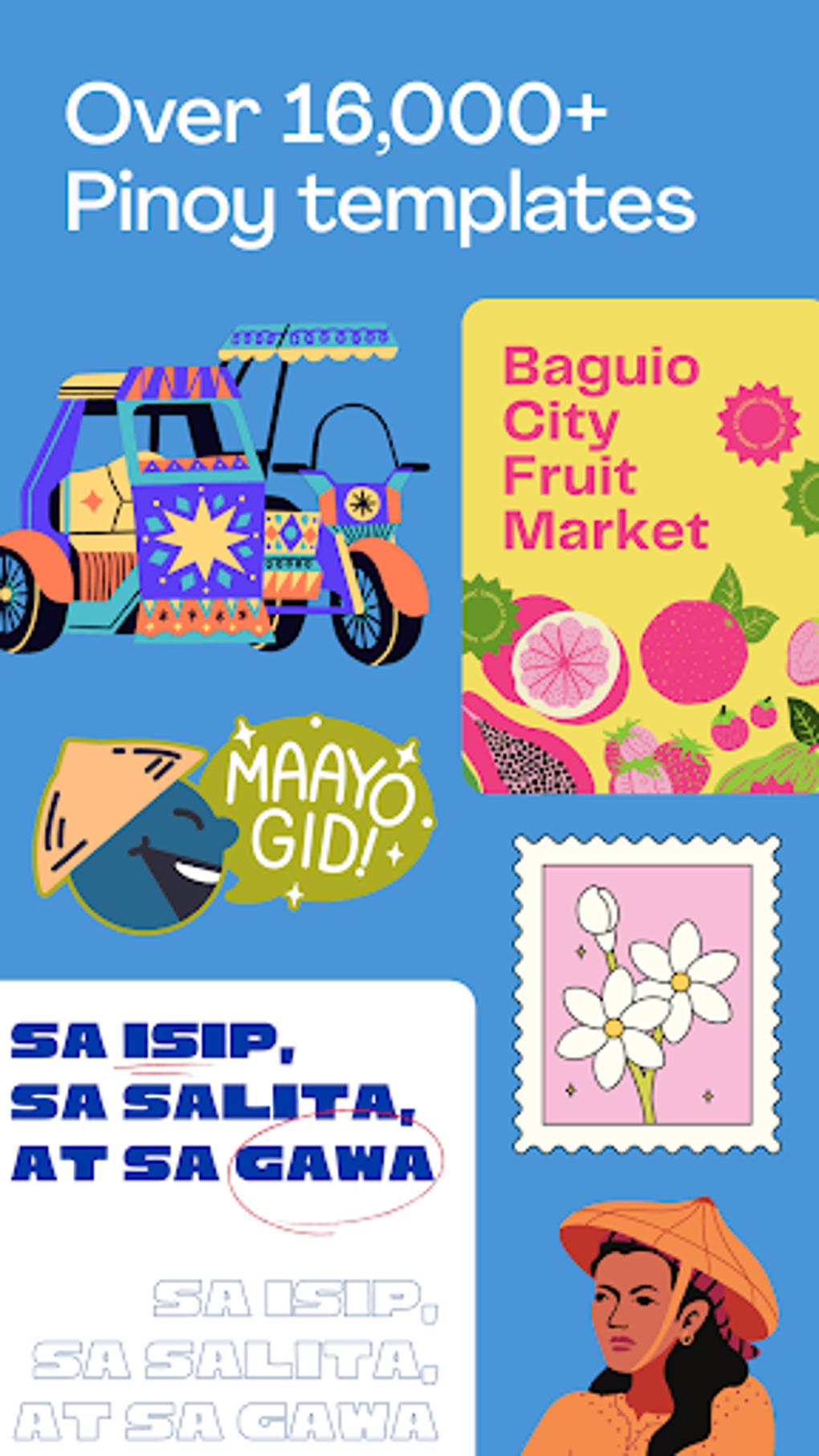
Canva’s accessibility is a key factor in its widespread appeal. Available on multiple platforms, including Android, iOS, Windows, macOS, and as a web application, Canva ensures users can access its tools from virtually any device. The Android app, specifically, boasts a 4.4-star rating, reflecting a high level of user satisfaction. This mobile app version mirrors many of the desktop functionalities, making it an ideal solution for on-the-go design projects. The ease of use across all platforms makes Canva a highly versatile tool that seamlessly adapts to different work environments and user preferences. The consistent interface across platforms minimizes the learning curve, allowing users to transition smoothly between devices without significant adjustments to their workflow. Regardless of the platform used, access to the extensive template library and design tools remains constant.
.webp)
Canva’s Feature-Rich Design Environment
Canva’s strength lies in its remarkably comprehensive feature set. Far exceeding basic image editing capabilities, Canva functions as a one-stop shop for numerous design needs. It empowers users to craft an extensive range of visual assets, including:
- Posters: Create eye-catching posters for events, announcements, or marketing campaigns.
- Flyers: Design visually appealing flyers for promotions, events, or informational purposes.
- Invitations: Craft personalized invitations for weddings, parties, or other special occasions.
- Social Media Posts: Design optimized graphics for various social media platforms, ensuring consistent branding across channels.
- Brochures: Create professional-looking brochures to convey information effectively.
- Cards: Design greeting cards, business cards, or other types of cards.
- Letterheads: Create professional letterheads for business correspondence.
- Calendars: Design customized calendars for personal or business use.
- Resumes: Create visually appealing resumes to stand out in the job market.
- Videos: Edit and create videos with various templates, effects, and transitions.
- Infographics: Design engaging infographics to present complex information in a visually digestible format.
- Presentations: Create professional presentations using a variety of templates and design elements.
- Menus: Design menus for restaurants or cafes.
- Logos: Create unique and professional logos for businesses or personal branding.
This impressive list highlights Canva’s versatility, catering to a broad spectrum of design requirements. Whether you need to design marketing materials, personal stationery, or presentations, Canva offers the tools to accomplish your goals. The extensive template library provides a solid foundation for various projects, significantly streamlining the design process. Users can easily customize pre-existing templates or create projects from scratch, utilizing a robust selection of images, fonts, and design elements.
Canva for Business: Streamlining Brand Management and Collaboration
Canva’s capabilities extend significantly beyond personal use. Its features are particularly beneficial for businesses of all sizes. Canva’s brand kit allows businesses to maintain consistent branding across all their design assets. This feature enables the easy storage and access to essential brand elements like logos, fonts, and color palettes. This helps ensure that all marketing materials uphold a uniform and professional image. Furthermore, Canva facilitates collaboration, enabling multiple users to work on the same project simultaneously. This collaborative feature significantly enhances team efficiency and simplifies the management of complex design projects. The ability to assign roles and permissions ensures that each team member has appropriate access levels, contributing to a more organized and controlled workflow.
.webp)
The integration of AI-powered tools further elevates Canva’s utility for businesses. Features like Magic Write, an AI-powered copywriting assistant, assists in content creation, while Magic Design generates personalized templates based on uploaded images. These AI tools reduce the time and effort required for design tasks, freeing up resources for other business-critical activities. The ability to automatically translate text into over 100 languages also broadens market reach and facilitates communication with diverse audiences.
Canva’s User Experience: Simplicity Meets Power
Canva’s intuitive interface is a significant contributor to its popularity. The program’s design prioritizes simplicity and ease of use, making it accessible to users with varying levels of design experience. The straightforward layout ensures that users can quickly locate and utilize the tools they need. The abundance of templates provides a quick starting point for projects, while the drag-and-drop functionality simplifies the design process. Helpful guide pop-ups further assist users, ensuring consistent alignment and proper formatting.
While Canva excels at simplicity, it does not compromise on functionality. The software offers a comprehensive range of editing tools, including background removal, blur effects, image cropping, layering, and text editing. The integration of AI-powered features like Magic Edit and Magic Eraser further streamlines image editing tasks. These AI-powered tools allow for precise modifications and adjustments, enhancing the quality of the final product. The ability to add interactive elements, such as clickable buttons and links, adds a dynamic element to designs, particularly useful for creating engaging social media posts or interactive presentations.
Canva’s approach strikes a balance between user-friendliness and comprehensive functionality. While it might not offer the granular control of professional-grade software like Adobe Photoshop, it provides a significant advantage in terms of ease of use and speed. This makes it a practical and efficient tool for users who prioritize a streamlined design workflow. The ability to upgrade to a premium plan provides access to even more advanced features, catering to the needs of more experienced designers and businesses with more complex design requirements.
Canva’s Expanding Ecosystem: New Features and Enhancements
Canva consistently receives updates introducing new features and improvements, further enhancing its capabilities. Recent additions include:
- Magic Resize: Easily reformat designs for various platforms with a single click. This optimizes content for different social media channels and other online platforms.
- AI-powered Whiteboards: Facilitate brainstorming and collaboration through interactive, AI-powered whiteboards.
- Interactive Charts: Create dynamic and engaging charts and graphs to present data effectively.
- One-click Animations: Add simple animations to designs with a single click, making content more visually appealing.
- Disney Collection: Access a collection of Disney-themed design elements to incorporate into projects.
- Enhanced Brand Kit: Supports multiple brand kits within a single account, ideal for managing various brands or clients.
- Improved Video Editor: Offers new transitions, effects, and enhanced tools for video creation and editing.
- Expanded Chart and Data Visualization Tools: Create more visually impactful charts and infographics.
- Advanced File Management: Improved tagging and categorization options simplify file organization.
These ongoing updates reflect Canva’s commitment to innovation and its dedication to meeting the evolving needs of its users. The introduction of AI-powered enhancements and interactive elements significantly improves the design process, making it more efficient and user-friendly. The expanding feature set reinforces Canva’s position as a leading design platform.
Conclusion: Canva’s Strengths and Limitations
Canva stands out as a remarkably versatile and accessible design tool. Its extensive template library, user-friendly interface, and powerful feature set make it suitable for a wide range of users, from casual designers to seasoned professionals and businesses of all sizes. The integration of AI-powered tools further streamlines the design process, enhancing efficiency and productivity. The platform’s cross-platform accessibility and continuous updates ensure that Canva remains a cutting-edge and indispensable tool in the ever-evolving landscape of graphic design.
However, Canva does have certain limitations. While it offers a comprehensive selection of features, it lacks the granular control and sophisticated vector editing capabilities of professional-grade software like Adobe Illustrator or Photoshop. Some users might find the template-based approach restrictive, particularly those seeking absolute creative freedom and pixel-by-pixel control. These limitations, however, are often outweighed by the ease of use, speed, and versatility that Canva provides. For many users, Canva’s balance of ease of use and powerful features makes it the ideal design solution.
.webp)
File Information
- License: “Free”
- Version: “2.324.0”
- Latest update: “August 11, 2025”
- Platform: “Android”
- OS: “Android 15.0”
- Language: “English”
- Downloads: “101.7K”
- Download Options: “Google Play”


