
CatBrowser is a straightforward and aesthetically pleasing web browser application designed specifically for Android users. It offers a streamlined approach to internet browsing, prioritizing efficiency and ease of use. This utility tool effectively combines a clean, intuitive interface with essential features, providing a superior browsing experience compared to many more complex alternatives. Its core functionality centers around simplifying website navigation and providing convenient access to online content.
Key Features and Functionality
CatBrowser’s strength lies in its minimalist design and focus on core browsing functions. While it lacks the extensive feature sets of some larger browsers, this simplicity is precisely its appeal. Users seeking a lightweight, uncluttered browsing experience will find CatBrowser exceptionally well-suited to their needs. The key features include:
-
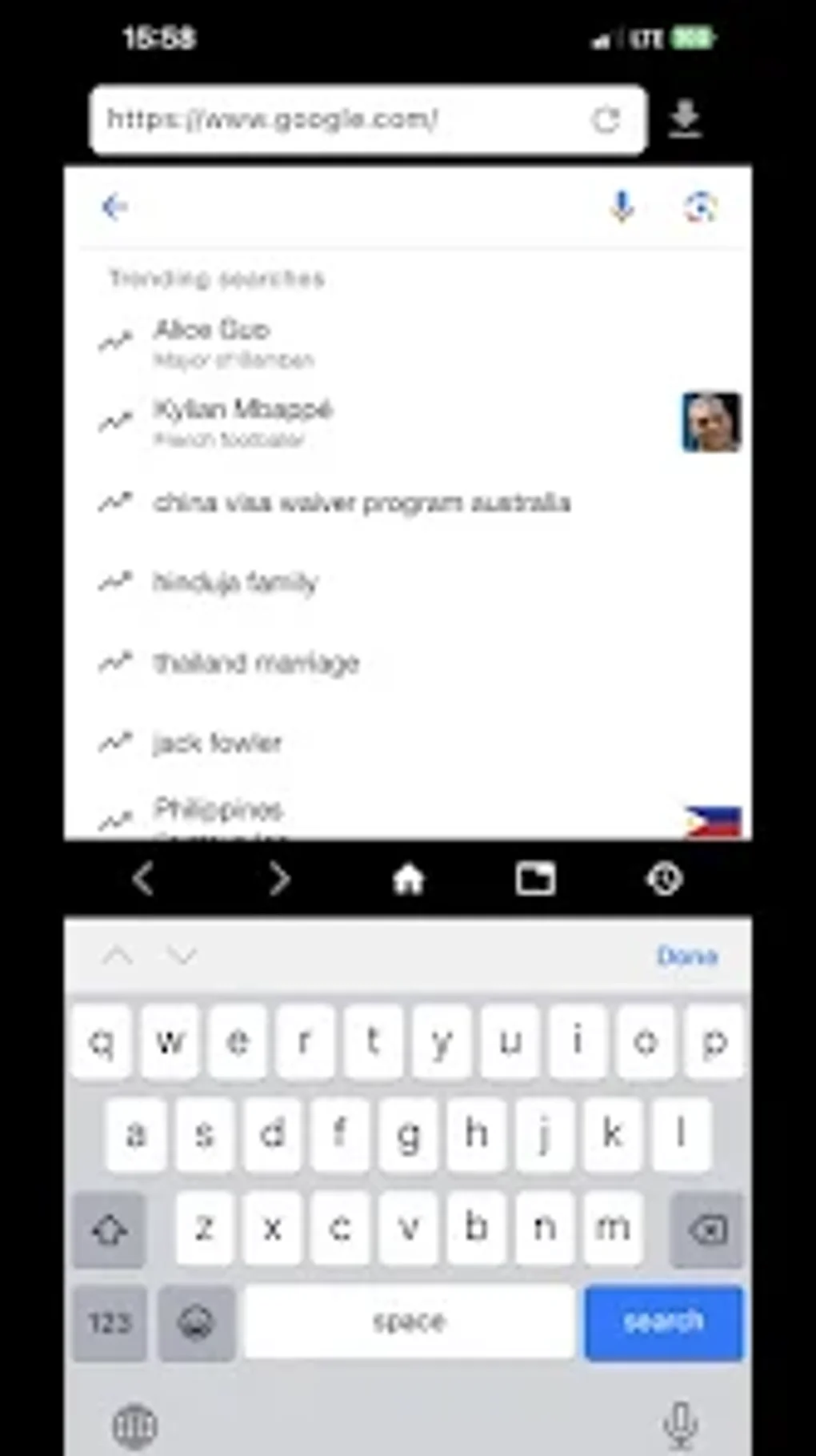
Intuitive User Interface: The app boasts a clean and uncluttered interface, making it incredibly easy to navigate and use, even for users unfamiliar with Android devices or other browsers. Menus are clear, options are logically placed, and the overall design prioritizes a smooth and intuitive user experience.
-
Efficient Web Page Rendering: CatBrowser is designed for speed and efficiency. It renders web pages quickly and smoothly, minimizing loading times and ensuring a responsive browsing experience, even on devices with limited processing power or slower internet connections. This efficiency is a crucial component of the app’s overall appeal.
-
Download Management: The app includes a built-in download manager, allowing users to easily download files from the internet. The download manager provides clear status updates and allows users to pause, resume, or cancel downloads as needed. This feature enhances the app’s functionality beyond basic browsing.
-
Bookmarking Functionality: CatBrowser allows users to save their favorite websites as bookmarks for quick and easy access. This feature significantly improves usability and provides a convenient way to revisit frequently visited sites. The bookmark management system is intuitive and straightforward.
- Simplified Tab Management: While not as feature-rich as some desktop browsers, CatBrowser handles tab management efficiently. Users can easily open multiple tabs and switch between them seamlessly. The tab interface is designed for clarity and ease of use.
User Experience and Design
The design philosophy behind CatBrowser is clearly centered on simplicity and user-friendliness. The app avoids unnecessary features and complexities, focusing instead on providing a core set of tools that are easy to learn and use. The visual aesthetic is clean and modern, emphasizing clarity and readability. The overall user experience is characterized by its smoothness and responsiveness.
The app’s developers clearly prioritized intuitive design choices. The placement of buttons and menus is logical and easy to understand, minimizing the learning curve for new users. Navigation is smooth and responsive, and the overall experience is free of unnecessary distractions or complexities. This commitment to simplicity contributes significantly to the app’s overall appeal.
The absence of advanced features, while potentially a drawback for some power users, is actually a significant advantage for many others. CatBrowser’s clean interface and straightforward functionality make it an ideal choice for users who prefer a less cluttered and more efficient browsing experience. The streamlined design minimizes cognitive overload, allowing users to focus on browsing rather than navigating complex menus and settings.
Comparison with Other Android Browsers
While CatBrowser stands out for its simplicity, it’s important to compare it with other prominent Android browsers to highlight its unique strengths and weaknesses. Unlike feature-rich browsers like Chrome or Firefox, CatBrowser doesn’t offer extensions, advanced privacy settings, or synchronization capabilities across multiple devices. However, this streamlined approach translates to a lightweight application that consumes fewer resources and offers a faster browsing experience, especially on lower-end devices.
Browsers such as Chrome offer extensive customization options and synchronization across devices. This is a powerful advantage for users who value seamless integration across their devices and enjoy customizing their browser experience. However, this added functionality comes at the cost of increased resource consumption and a more complex interface.
Firefox, known for its privacy-focused features, provides a robust set of privacy tools and extensions. This is crucial for users prioritizing online security and privacy. However, the wealth of features and extensions can lead to a more complex user interface and increased resource consumption.
CatBrowser, therefore, occupies a niche in the Android browser market. It is the ideal solution for users who prioritize speed, simplicity, and a lightweight browsing experience. The trade-off is the lack of advanced features found in more comprehensive browsers. The decision of which browser to use depends entirely on individual user preferences and priorities.
Technical Specifications and Availability
CatBrowser is a free application available for Android devices. It requires Android version 13.0 or higher. The language is English. The latest version (as of the writing of this article) is v3.0.2, last updated on December 30, 2024. It has been downloaded over 4,200 times, with 773 downloads in the preceding month. The developer is listed as Zen VPN proxy. The app can be downloaded from the Google Play Store.
User Reviews and Feedback
[At the time of writing this article, no user reviews were available. This section would ideally include aggregated user reviews to provide further insight into user experiences and satisfaction with the app. This would involve collecting and analyzing user feedback from various sources, such as the Google Play Store.] Future updates to this article will include user reviews as they become available. The absence of reviews currently limits the ability to offer definitive conclusions on user satisfaction and potential areas for improvement.
Conclusion
CatBrowser offers a refreshing alternative to the increasingly complex landscape of Android browsers. Its focus on simplicity, speed, and efficiency makes it an attractive option for users seeking a straightforward and uncluttered browsing experience. While it lacks the advanced features of more comprehensive browsers, its lightweight nature and intuitive interface make it a strong contender for users who prioritize speed and ease of use above all else. The app’s minimalist design and efficient functionality ensure a smooth and enjoyable browsing experience. The continued development and incorporation of user feedback will be crucial in determining CatBrowser’s long-term success. As user reviews become available, a more comprehensive assessment of user satisfaction will be possible.
File Information
- License: “Free”
- Version: “v3.0.2”
- Latest update: “December 30, 2024”
- Platform: “Android”
- OS: “Android 13.0”
- Language: “English”
- Downloads: “3.9K”
- Download Options: “Google Play”


