
Cemu is an experimental, open-source Wii U emulator for Windows, macOS, and Linux. It allows users to play Wii U games on their personal computers, provided they have legally obtained copies of the games and the necessary game files. While not perfect and requiring some technical understanding, Cemu represents a significant advancement in Wii U emulation, offering a viable alternative to playing Wii U games on dedicated hardware. This comprehensive guide explores the intricacies of Cemu, its capabilities, limitations, and the overall experience it provides.
Understanding Cemu: Functionality and Limitations
Cemu is not an officially supported piece of software. Its development is entirely community-driven, relying on the dedication and expertise of volunteers. Consequently, expect some instability and occasional bugs. The emulator’s ability to run games effectively depends on various factors, including the game itself, the user’s computer specifications, and the emulator’s current development stage. Not every Wii U game is playable, and even those that are might experience performance issues or graphical glitches.
The core functionality of Cemu revolves around emulating the Wii U’s hardware and software architecture. This involves interpreting the instructions of the Wii U’s CPU, GPU, and other components, allowing it to run games designed for that specific console. To achieve this, Cemu relies on complex algorithms and extensive reverse engineering efforts. The process is computationally intensive, requiring a reasonably powerful PC to run games smoothly.
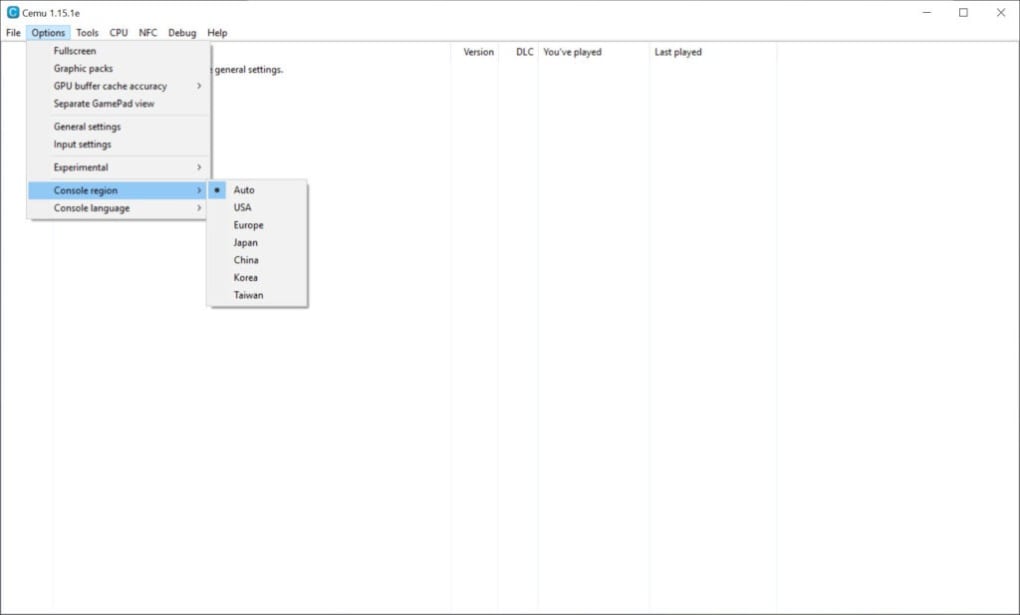
Cemu’s reliance on user-provided game files is crucial to understanding its limitations. Users must acquire their Wii U game files legally, typically through ripping their own legally owned game discs. The process of obtaining and installing these files is not always straightforward and requires technical familiarity. Simply downloading a ROM or ISO of a game is illegal and unethical; Cemu should only be used with legally obtained game files.
System Requirements and Performance Considerations
The performance of Cemu heavily depends on the user’s computer hardware. The emulator demands a substantial amount of processing power, particularly from the graphics card (GPU). While both NVIDIA and AMD GPUs are generally supported, Intel integrated graphics typically result in poor performance and significant graphical glitches. A dedicated, modern graphics card is strongly recommended for an acceptable gaming experience.
Beyond the GPU, the CPU also plays a significant role. A multi-core CPU, preferably with a high clock speed, is essential for managing the complex emulation process. Sufficient RAM (Random Access Memory) is also crucial, as Cemu can consume a considerable amount of system resources, especially when running demanding games. Using an SSD (Solid State Drive) is highly advisable, as it significantly reduces loading times compared to traditional HDDs (Hard Disk Drives).
Specific system requirements are difficult to define definitively, as the performance will vary greatly depending on the game being emulated. However, a modern PC exceeding the minimum specifications of a reasonably recent gaming PC will generally provide a smoother experience. Expect that even high-end systems might encounter occasional performance hiccups, especially with graphically intense games.
Controller Support and Configuration
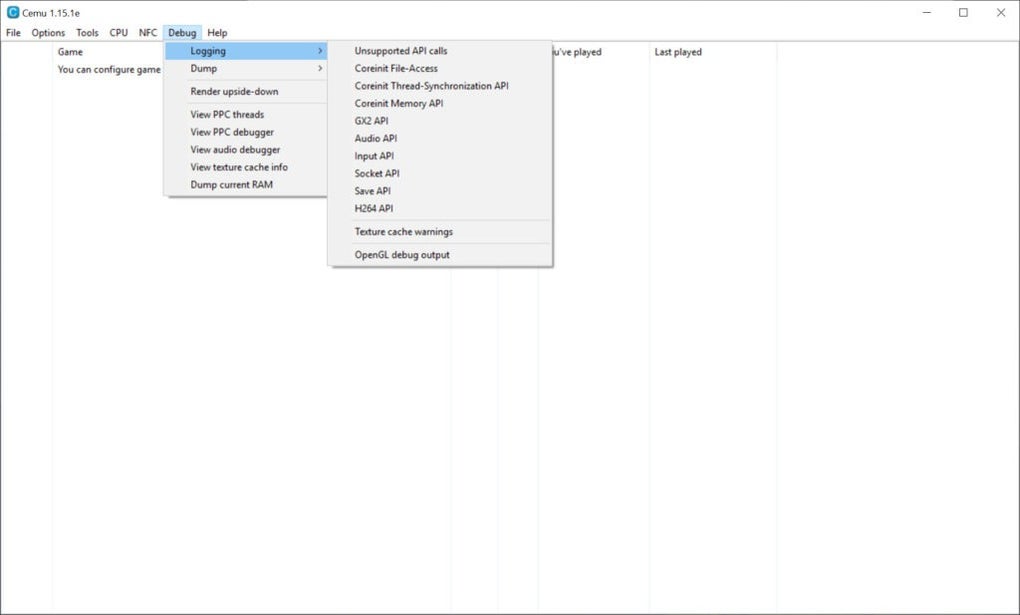
Proper controller support is vital for a comfortable gaming experience. While Cemu supports various controllers, including official Nintendo Wii U GamePads, Pro Controllers, and Classic Controllers, the experience may vary. The emulator’s compatibility with third-party controllers can be inconsistent. Some controllers might require specific drivers or configurations to function properly.
Connecting and configuring controllers can be a complex process, often involving troubleshooting and experimentation. Users might need to install additional software or drivers to ensure compatibility. The emulator itself provides several options for configuring controller inputs, allowing users to customize button mappings and other settings to their preferences. However, not all controllers are created equal, and some might offer a better experience than others due to inherent differences in driver support and overall responsiveness.
Keyboard and mouse controls are generally not recommended for Wii U games. The user experience is significantly less optimal when playing with a keyboard and mouse compared to using a dedicated gamepad. The lack of precision and intuitiveness makes playing with keyboard and mouse a less enjoyable experience.
Game Compatibility and Troubleshooting
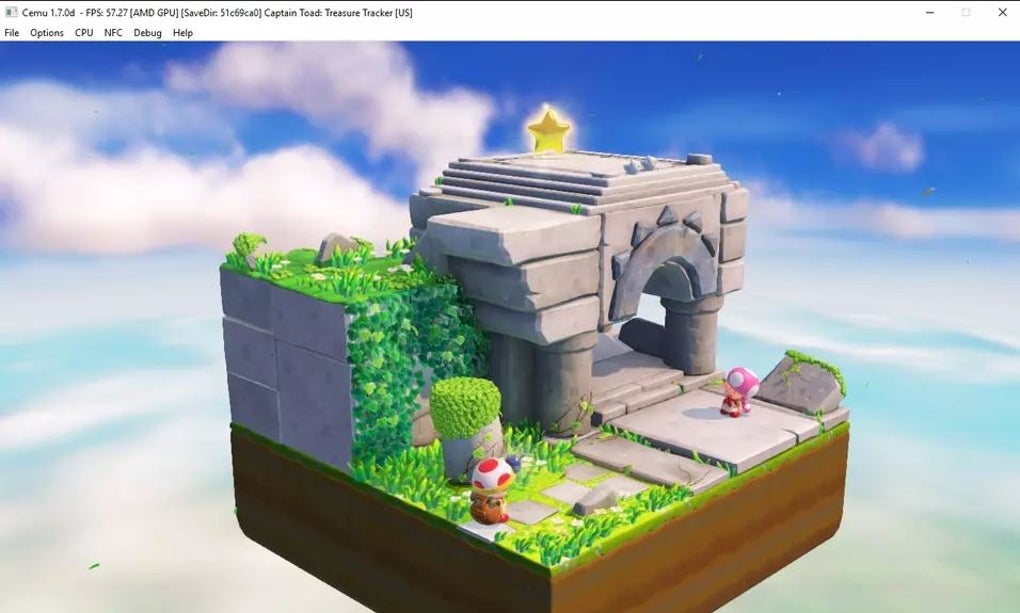
A significant challenge with Cemu is game compatibility. While the emulator’s capabilities are constantly improving, not all Wii U games will run flawlessly. Some games might experience performance issues, visual glitches, audio problems, or even outright crashes. Others might run perfectly, but might require specific configuration tweaks to optimize performance. This variability necessitates patience and experimentation.
The Cemu community plays a significant role in resolving compatibility issues. Various online forums and wikis provide extensive documentation on game-specific configurations and troubleshooting tips. Users frequently share their experiences and solutions, helping others overcome difficulties they might encounter. The emulator itself features a range of settings that can be adjusted to improve performance or fix specific issues in individual games.
Troubleshooting Cemu often involves systematic experimentation with graphics settings, controller configurations, and emulator options. The process can be time-consuming and requires some technical knowledge. If a game is experiencing significant issues, the user should refer to online resources for advice and assistance from the community.
Alternatives to Cemu
While Cemu is a powerful and widely used Wii U emulator, alternative options exist. Each emulator has its own strengths and weaknesses, and the choice of which to use depends on individual needs and preferences. Some alternatives offer improved compatibility for certain games, while others may excel in performance or ease of use.
Comparing different emulators often involves considering factors like game compatibility, performance, ease of use, and the availability of community support. Researching various options before making a choice is crucial to find the best fit for one’s specific requirements and technical expertise. Always ensure any downloaded emulator originates from a trustworthy and reputable source to avoid malware or viruses.
Conclusion: The Cemu Experience
Cemu presents a valuable opportunity for Wii U enthusiasts to experience their favorite games on PC. However, it is important to approach Cemu with realistic expectations. It is an open-source project, and therefore carries inherent risks, such as bugs and occasional instability. The emulator is not a perfect replica of the Wii U hardware, and some games may not run as intended, or at all.
Success with Cemu hinges on factors such as the user’s computer hardware, the game being emulated, and the user’s technical expertise. Finding compatible games and optimizing settings might require time and effort. Despite these potential difficulties, Cemu provides a remarkable way to access and enjoy the Wii U game library on a PC. The active community surrounding the project consistently works to improve compatibility and performance. With patience, perseverance, and a willingness to learn, the Cemu experience can be rewarding for Wii U enthusiasts seeking an alternative platform for gaming. Remember always to obtain your game files legally.
File Information
- License: “Free”
- Latest update: “June 12, 2025”
- Platform: “Windows”
- OS: “Windows 11”
- Language: “English”
- Downloads: “15.7K”


