
Check printing software offers a convenient and efficient solution for managing and generating checks, eliminating the need for manual processes and pre-printed checks. This guide explores the features, benefits, and considerations involved in using check printing software for both personal and business needs. We will delve into various aspects, from software selection to security considerations, empowering you to make an informed decision when choosing the right software for your needs.
Choosing the Right Check Printing Software
The market offers a variety of check printing software options, catering to diverse needs and budgets. Selecting the appropriate software involves careful consideration of several key factors:
-
Compatibility: Ensure the software is compatible with your operating system (Windows, macOS, etc.), printer model, and accounting software (QuickBooks, Xero, etc.). Incompatibility can lead to significant issues, including printing errors and data transfer problems. Check the software’s system requirements meticulously before purchasing.
-
Features: Consider the essential features you require. Basic features might include check creation, customization options (fonts, logos, etc.), and printing functionalities. Advanced features could encompass MICR encoding (Magnetic Ink Character Recognition), batch printing, multi-user access, and integration with accounting systems. Identify your specific needs to avoid overspending on unnecessary functionalities.
-
Security: Data security is paramount, especially when handling financial information. Choose software with robust security measures, including encryption, password protection, and regular updates to address potential vulnerabilities. Look for software providers with a proven track record of security and data protection.
-
Ease of Use: A user-friendly interface is crucial, particularly for users with limited technical expertise. The software should be intuitive, with clear instructions and straightforward navigation. Look for software with a visually appealing design and helpful tutorials or support resources.
-
Cost: Software options range from free trial versions to paid subscriptions with varying price points. Evaluate your budget and weigh the cost against the software’s features and functionality. Consider the long-term cost, including subscription fees or upgrades, when making your decision.
Key Features of Check Printing Software
Modern check printing software offers a comprehensive suite of features designed to streamline check creation and management. These features significantly improve efficiency and reduce the risk of errors associated with manual check writing:
-
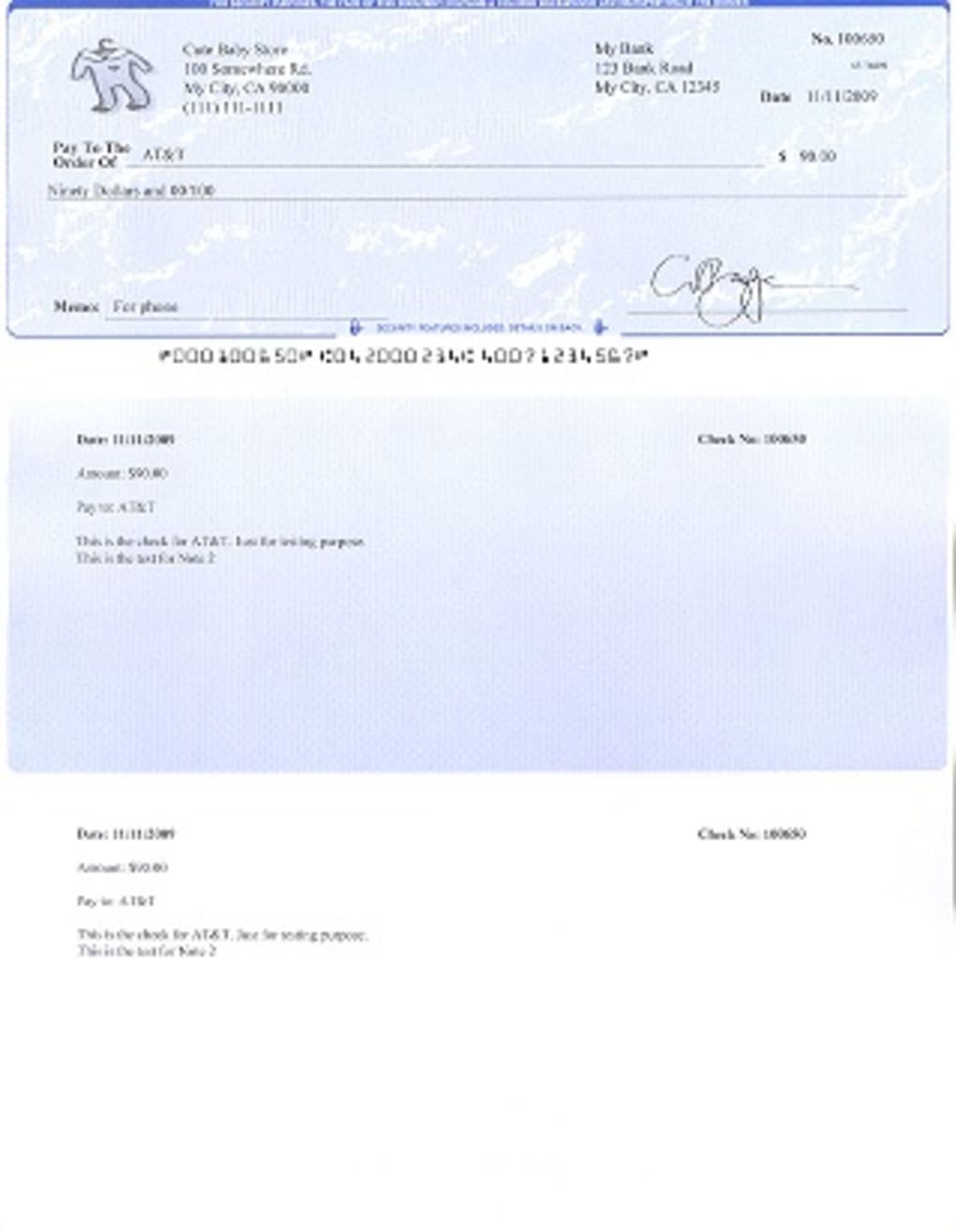
Check Customization: The ability to customize checks is a critical feature, allowing you to personalize checks with your company logo, address, and other relevant details. This enhances brand recognition and adds a professional touch to your financial transactions. Advanced software may offer templates for various check styles.
-
MICR Encoding: MICR encoding is essential for processing checks through banking systems. This technology uses magnetic ink to encode check information, enabling automated processing and reducing the risk of errors. Software with MICR encoding capabilities ensures seamless bank processing of your checks.
-
Batch Printing: The ability to print multiple checks simultaneously significantly speeds up the check generation process. This is particularly valuable for businesses processing a large volume of checks. Batch printing features often include options for sorting and organizing checks based on various criteria.
-
Data Import/Export: The ability to import and export check data from various sources, such as accounting software or spreadsheets, enhances integration and workflow efficiency. This feature reduces manual data entry, minimizes errors, and saves time. Common file formats for data import/export include CSV and other accounting software-specific formats.
-
Security Features: Security features, such as password protection, user access controls, and data encryption, are crucial for protecting sensitive financial information. These features ensure that only authorized personnel can access and modify check data, reducing the risk of fraud or unauthorized access.
-
Integration with Accounting Software: Seamless integration with popular accounting software packages, like QuickBooks or Xero, is a valuable feature that streamlines financial management. This integration eliminates the need for manual data entry between the check printing software and your accounting system, reducing errors and enhancing workflow efficiency.
Benefits of Using Check Printing Software
Implementing check printing software offers several significant advantages over manual check writing:
-
Increased Efficiency: Automated check generation and printing significantly reduce the time and effort required for processing checks. This allows businesses to allocate resources to more strategic tasks. The automation also minimizes the risk of human error, ensuring accuracy in check processing.
-
Reduced Costs: Check printing software helps reduce costs associated with pre-printed checks, manual labor, and potential errors. The software eliminates the need for purchasing pre-printed checks, saving money on printing costs. It also reduces the costs associated with correcting errors that may occur during manual check writing.
-
Improved Accuracy: Automated check generation minimizes the risk of human error, ensuring accuracy in check information. This reduces the likelihood of errors in amounts, payee names, or other critical details. This accuracy not only improves financial management but also reduces the risk of payment delays or disputes.
-
Enhanced Security: Software with strong security features protects sensitive financial data from unauthorized access or modification. Features like encryption and password protection minimize the risk of fraud or data breaches. This protection ensures the integrity and confidentiality of financial information.
-
Improved Organization: Check printing software helps organize check data and create a digital record of all issued checks. This improves financial record-keeping and simplifies reconciliation processes. The digital record provides a readily available audit trail for tracking financial transactions.
Security Considerations When Using Check Printing Software
Security is paramount when using check printing software, as it handles sensitive financial information. Consider these security best practices:
-
Strong Passwords: Use strong, unique passwords to protect access to the software and its data. Avoid easily guessable passwords and use password management tools to securely store your credentials.
-
Regular Software Updates: Keep the software updated with the latest security patches to address potential vulnerabilities. Software updates often include security enhancements to protect against emerging threats.
-
Antivirus Software: Use reputable antivirus software on your computer to detect and remove malware or viruses that could compromise your system’s security. Regularly scan your system for malware and keep your antivirus definitions updated.
-
Data Encryption: Ensure the software uses strong encryption methods to protect check data both in transit and at rest. Data encryption safeguards sensitive information from unauthorized access even if the system is compromised.
-
Access Controls: Implement access controls to limit access to the software and its data based on user roles and responsibilities. Restrict access to authorized personnel only to enhance security and prevent unauthorized check generation.
Choosing and implementing check printing software can significantly enhance efficiency, accuracy, and security in financial management. By carefully considering the factors outlined above and prioritizing security best practices, businesses and individuals can leverage the benefits of automated check processing while minimizing potential risks. Remember to always evaluate software options based on your specific needs and budget, ensuring the chosen solution effectively supports your financial management processes.
File Information
- License: “Trial version”
- Version: “6.0.3”
- Latest update: “July 20, 2021”
- Platform: “Windows”
- OS: “Windows 7”
- Language: “English”
- Downloads: “66.8K”
- Size: “1.61 MB”


