
Chibimation is a free-to-use Android application designed for creating captivating videos in the popular chibi anime style. This unique app blends the functionality of a video editor with the aesthetic charm of Gacha games, offering a seamless and intuitive experience for users of all skill levels. Its straightforward interface and readily available resources make it an accessible tool for crafting personalized stories and animations featuring customizable chibi characters. This comprehensive review delves into the app’s features, strengths, and areas for potential improvement.
Creating Your Own Chibi World: Studio Mode and Customization
Chibimation’s core functionality revolves around its Studio Mode, a versatile video editor tailored specifically for chibi animation. This mode provides users with the tools to build narratives by arranging scenes, incorporating characters, selecting backgrounds, and adding audio elements. Users can arrange pre-existing elements to build scenes or import their own elements, fostering creativity and ensuring a unique final product.
The app boasts a substantial library of backgrounds, allowing users to set the scene for their stories effectively. These pre-set backgrounds vary in style and aesthetic, providing diverse choices for different narrative contexts. This wide range of choices helps users avoid visual monotony and enhances the overall impact of their projects. Moreover, the app allows for the import of custom backgrounds, empowering users with greater creative control. This feature is particularly beneficial for users who wish to utilize their own artwork or unique visuals in their videos.
Beyond backgrounds, the core of Chibimation lies in its chibi character customization. Users can select from a diverse range of pre-designed characters or create their own, allowing for personalized narratives. This detailed customization extends to various aspects of the characters’ appearance, empowering users to craft truly unique visuals that align with their artistic vision. The app goes beyond basic features; users can carefully adjust clothing, accessories, and hairstyles. This level of detail allows for the creation of distinct characters that add depth and personality to the story. The degree of customization encourages users to develop personalized aesthetics and explore different styles that complement their chosen narrative.
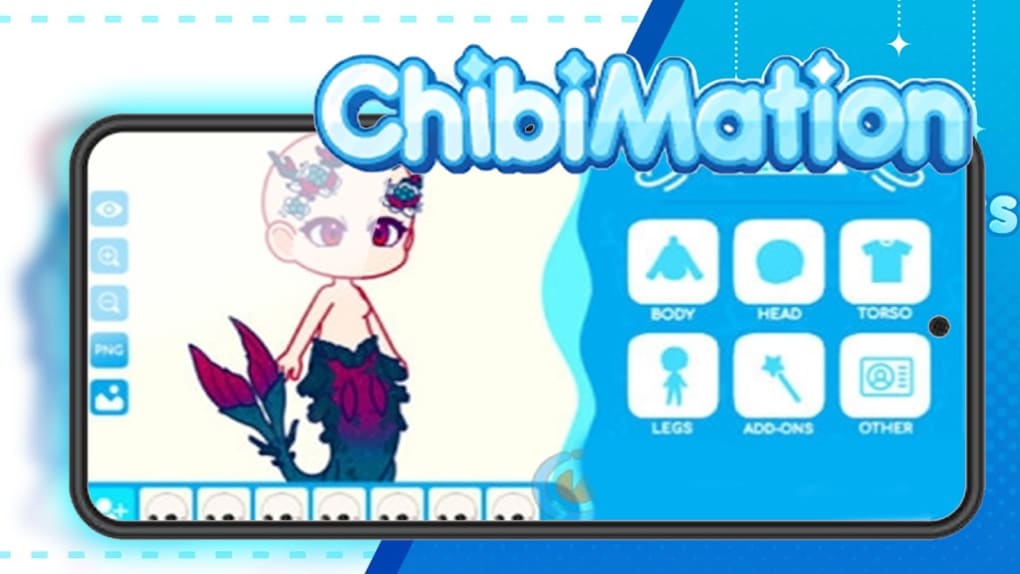
Adding further depth to the characters are the animations. While the selection of animations might be limited in comparison to some more advanced software, the available animations are versatile and effectively bring the characters to life, enhancing the storytelling experience. These animations add a layer of dynamics that significantly boosts the engagement and overall appeal of the final product.
The inclusion of audio support is a critical component in video production, and Chibimation addresses this well. Users can incorporate music or sound effects to complement their animations and enhance the narrative impact. The app’s ability to integrate audio elements effectively allows for a fully immersive experience. This addition allows users to add layers of emotion, and enhance the moods and tone of different scenes. This functionality gives users the tools they need to craft a professional and engaging viewing experience.
The Chibimation Shop: A Treasure Trove of Cosmetic Items
The Chibimation Shop serves as a central hub for acquiring cosmetic items to further personalize characters. The app provides a broad array of cosmetic options, enabling users to refine their characters’ appearance to perfectly align with their creative vision. Unlike many other apps, Chibimation makes all of its cosmetic items available from the start. This is a refreshing absence of in-app purchases or paywalls, encouraging uninterrupted creative flow. This approach enhances the user experience and encourages experimental styling.
This extensive collection of cosmetic items includes a wide variety of clothing, accessories, and hairstyles, allowing users to meticulously tailor their characters’ aesthetics. This level of detail is a notable strength of the app, ensuring that users have ample tools to express their individuality within the app. The extensive variety ensures users are not limited in their creative exploration. The lack of restrictions allows users to seamlessly transition between various styles, creating dynamic and visually appealing characters.
Exporting and Sharing Your Creations: A User-Friendly Approach
Once a video is complete, Chibimation offers a straightforward export function, allowing users to save their creations in various formats. This simple functionality ensures that users can readily share their work across different platforms. This simplicity caters to users who value ease of use and a streamlined workflow, enabling them to focus on their creative process.
While the app doesn’t incorporate automatic sharing buttons to social media, the ease of exporting makes sharing across platforms a relatively straightforward process. This allows users flexibility in their approach to dissemination of their work. The absence of direct social media integration, however, might be a minor drawback for users who prioritize quick sharing capabilities. This omission, however, doesn’t significantly detract from the overall user experience.
Strengths and Weaknesses of Chibimation
Chibimation stands out due to its intuitive interface and readily accessible features. The app’s simplicity makes it highly user-friendly, allowing users of all skill levels to quickly grasp its functionality. The extensive cosmetic options and large background library provide ample creative freedom, enabling users to personalize their creations significantly. The decision to make all cosmetic options readily available eliminates paywalls and restrictions, enhancing the user experience and encouraging creative exploration. The straightforward export function is another notable strength, enabling users to easily share their projects.
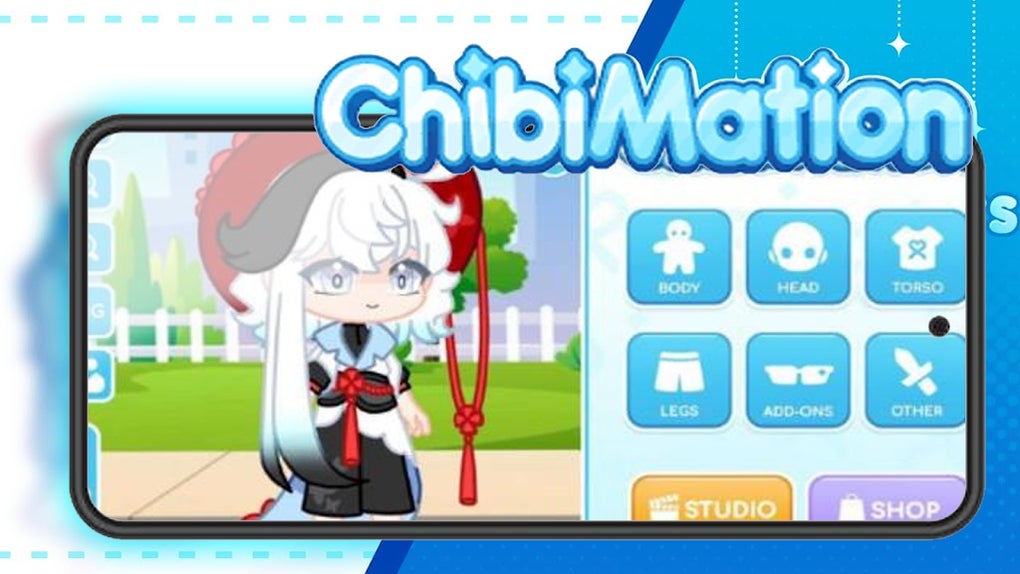
However, Chibimation does have room for improvement. The limited selection of character animations could be expanded. While the available animations are effective, adding more diverse options could enrich the storytelling possibilities significantly. The lack of integrated social media sharing buttons, while not a major issue, could be improved for greater convenience. Lastly, while the app is standalone, integration with other popular video editing software could potentially improve functionality.
Conclusion: A Powerful Tool for Chibi Enthusiasts
Chibimation provides a fun and easy way to create stunning chibi videos. Its user-friendly interface, vast customization options, and straightforward workflow make it an excellent choice for both beginners and experienced video creators alike. While there is room for expansion and improvement in certain areas, the app’s strengths outweigh its weaknesses, offering a compelling platform for those who wish to craft their own chibi narratives. Its straightforward approach to video creation and its absence of in-app purchases make it a remarkably accessible and engaging app for any Gacha or chibi enthusiast. The app proves that high-quality video creation doesn’t necessitate complex interfaces or extensive technical expertise. Chibimation effectively balances accessibility and creativity, resulting in a highly effective and enjoyable tool for anyone wishing to delve into the world of chibi animation.
File Information
- License: “Free”
- Version: “1.0”
- Latest update: “August 4, 2023”
- Platform: “Android”
- OS: “Android 13.0”
- Language: “English”
- Downloads: “48K”
- Size: “45.38 MB”
- Download Options: “APK, Google Play”
- Filename: “chibimation_v1.0.apk”


