
CinePlay, a free, open-source multimedia player for Windows, promises a sleek interface and broad codec support, allowing users to watch films simply by dragging and dropping files. While its minimalist design is undeniably attractive, its functionality falls short of its ambitious claims, leaving users with a mixed experience. This review delves into the strengths and weaknesses of CinePlay, comparing it to other popular media players and assessing its overall usability.
Interface and User Experience
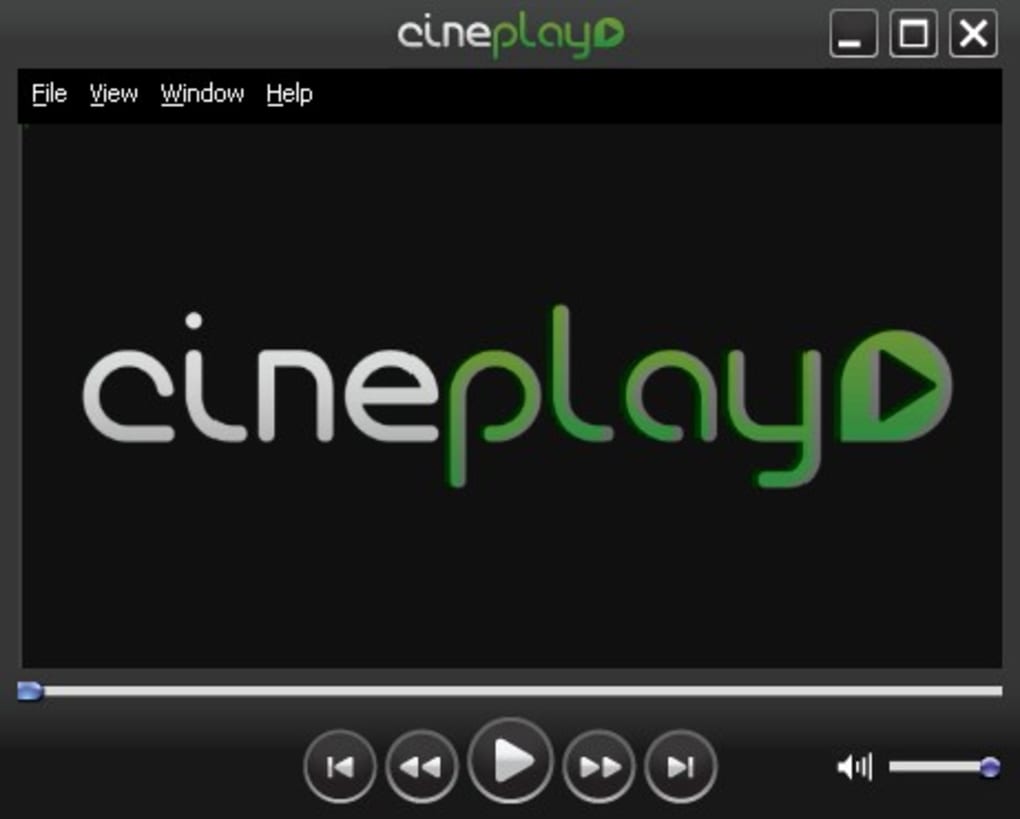
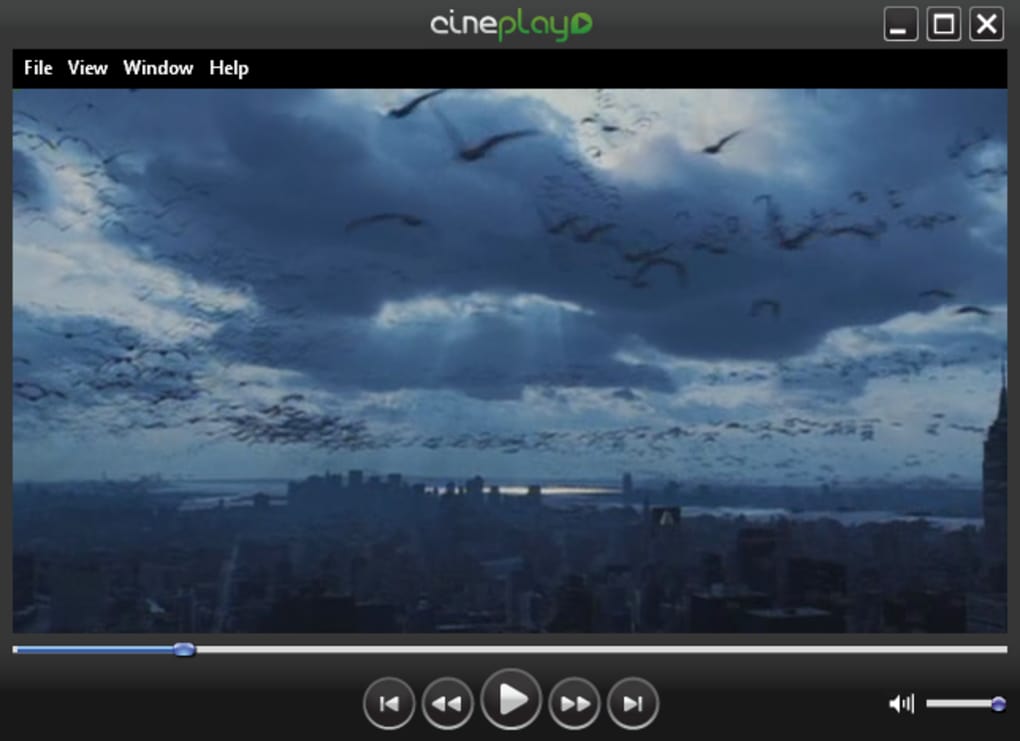
CinePlay boasts a stylish, minimalist black interface. Its simplicity is appealing, particularly for users who prefer a clean and uncluttered visual experience. The player’s controls are intuitive and easy to navigate, even for first-time users. The drag-and-drop functionality for loading videos is a welcome addition, simplifying the playback process. The responsiveness of the interface, particularly the scrolling feature during playback, is commendable, providing a smooth and enjoyable viewing experience. The quick load times are another significant advantage, allowing users to begin watching their videos almost instantly. This speed is a noticeable improvement over some bulkier media players. However, the minimalist approach does have its drawbacks. Some users may find the lack of advanced features and customization options limiting. For example, there is a noticeable absence of detailed settings adjustments for fine-tuning audio and video output.
Functionality and Compatibility
CinePlay’s core function is video playback, and while it supports a wide range of video formats, its compatibility isn’t entirely universal. The developer claims support for numerous codecs, eliminating the need for external codec packs. While our testing revealed that CinePlay does handle many common formats well, it notably failed to play DivX files during our evaluation, a significant shortcoming considering the popularity of this codec. Competitors such as Media Player Classic and VLC media player handled the same DivX files without issue, highlighting CinePlay’s limitation. This lack of complete compatibility severely undermines the claim of comprehensive codec support, suggesting further development is necessary to achieve the promised universality.
Furthermore, an initial attempt to update the software upon first launch resulted in a “404: Page not found” error. This frustrating experience casts a shadow over the initial user encounter, raising concerns about the reliability of the update mechanism and the overall maintenance of the application. While the ability to play various video formats is a positive, this issue with DivX files and the broken update process significantly impact the user’s overall experience.
Comparison to Other Media Players
Compared to established media players like VLC media player and Media Player Classic, CinePlay offers a distinct trade-off. VLC is renowned for its extensive codec support and wide range of features, albeit with a more complex interface. Media Player Classic offers a balance between simplicity and functionality, providing a relatively lightweight yet versatile media playback experience. CinePlay aims for a minimalist approach, sacrificing some functionality and compatibility for a cleaner interface. Whether this trade-off is worthwhile depends entirely on individual user preferences and priorities. For users who prioritize simplicity and speed above comprehensive compatibility and advanced features, CinePlay might be a suitable option. However, users requiring a more robust and versatile media player might find the limitations of CinePlay unacceptable.
VLC Media Player: A Detailed Comparison
VLC media player is a widely recognized and highly regarded open-source media player known for its broad compatibility with various media formats and codecs. Unlike CinePlay, VLC rarely encounters playback issues due to its comprehensive codec support. It handles a vastly wider range of video and audio formats, including those that CinePlay struggles with, such as specific DivX encodings.

VLC also provides a wealth of features absent in CinePlay, such as advanced subtitle support, video filtering options, streaming capabilities, and extensive customization options. While VLC’s interface is more complex than CinePlay’s minimalist design, this complexity allows for greater control and adaptability to the user’s preferences and specific media needs. The trade-off is that VLC requires more system resources and might feel less intuitive for users accustomed to simplistic interfaces.
Media Player Classic: A Comparative Analysis
Media Player Classic, another popular and lightweight media player, offers a good balance between functionality and ease of use. Similar to CinePlay, it aims for simplicity in its interface, but it surpasses CinePlay in terms of compatibility. It usually handles a wider range of formats without requiring additional codecs.
While Media Player Classic lacks the extensive feature set of VLC, it offers more advanced settings and customization options than CinePlay. For instance, it often provides more granular control over audio and video output, allowing users to fine-tune their viewing experience more precisely. Therefore, in terms of balancing simplicity with functionality, Media Player Classic offers a superior alternative to CinePlay.
Performance and System Requirements
CinePlay’s performance is generally impressive, with remarkably fast loading times and smooth playback. The minimalist design contributes to its efficiency, minimizing system resource consumption. The lightweight nature of the application makes it suitable for systems with limited processing power or RAM. However, the lack of robust error handling, evidenced by the 404 error during the update process, indicates a potential weakness in the application’s overall stability. Thorough testing under various conditions is recommended to gauge the player’s reliability and resilience to different video files and system configurations.
Conclusion
CinePlay presents a compelling proposition with its elegant and responsive interface and rapid load times. However, its compatibility limitations, particularly the inability to play DivX files, and the flawed update mechanism significantly detract from its overall value. While it might be suitable for users prioritizing a minimalist design and quick access to commonly used video formats, those needing a more reliable and versatile player with broad compatibility should explore alternatives like VLC media player or Media Player Classic. The developers need to address the compatibility issues and improve the update process to make CinePlay a truly competitive and dependable multimedia player. Until those improvements are implemented, CinePlay remains a promising but incomplete option in a crowded market.
File Information
- License: “Free”
- Version: “1.1”
- Latest update: “February 12, 2019”
- Platform: “Windows”
- OS: “Windows XP”
- Language: “English”
- Downloads: “33.8K”
- Size: “10.72 MB”


