
CollaNote - Easy Notepad is a free Android application designed for quick and easy note-taking. It allows users to create and store notes of varying lengths, from short to-do lists to longer reflections or brainstorming sessions. This review will examine its features, strengths, and weaknesses to determine its suitability for different users.
Ease of Use and Core Functionality
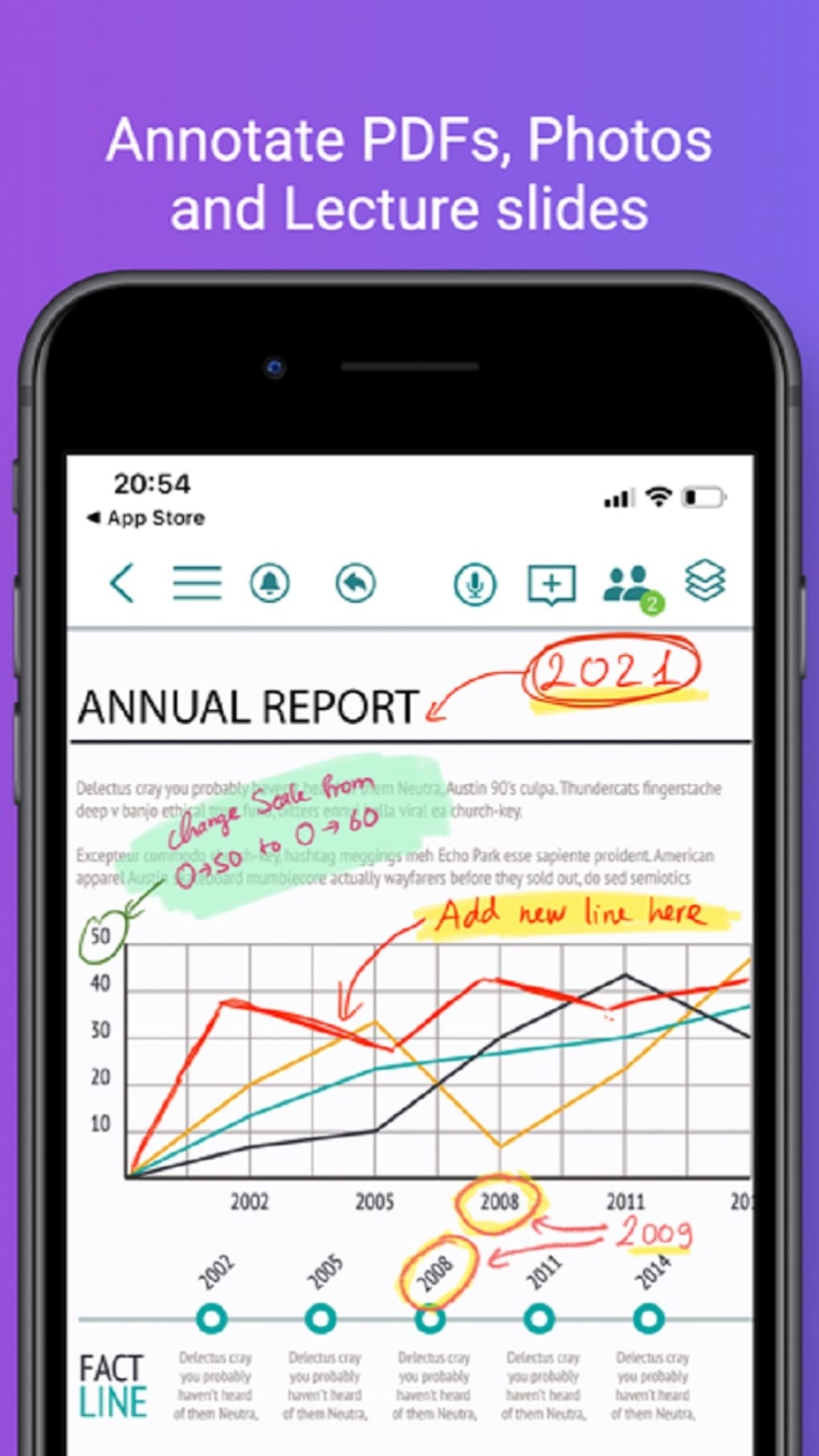
The app’s primary strength lies in its simplicity. The interface is clean and intuitive, making it easy to navigate even for users unfamiliar with similar note-taking applications. Creating a new note involves a simple tap of the plus icon located in the lower right corner of the screen. Users can then add a title (though saving untitled notes is unfortunately not permitted) and begin typing their notes. This straightforward design makes it accessible to a wide range of users, from tech-savvy individuals to those less comfortable with complex software interfaces. The core function – creating and storing notes – is performed flawlessly. The application is reliable and responsive, with no noticeable lag or performance issues during normal use. This makes it ideal for users who need a quick and effortless way to jot down their thoughts or ideas.
Customization and Features
While CollaNote - Easy Notepad’s simplicity is a benefit for some, its limited customization options represent a significant drawback. The app only allows users to adjust the background color and font size. This lack of flexibility limits the user’s ability to personalize their notes and create a visually appealing and organized note-taking experience. The absence of more advanced formatting tools, such as bolding, italicizing, or underlining text, further diminishes the app’s versatility.
The app also lacks several essential features found in competing note-taking applications. The inability to insert images is a considerable limitation, hindering the app’s usefulness for users who need to incorporate visual elements into their notes, such as diagrams, sketches, or screenshots. Similarly, the lack of support for templates prevents users from creating pre-formatted notes for specific purposes, such as meeting minutes or project outlines. These omissions make CollaNote - Easy Notepad less suitable for users who require more comprehensive note-taking functionality.
Furthermore, the inability to save untitled notes is a frustrating limitation. While seemingly minor, this can lead to unexpected data loss if users forget to title their notes before exiting the app. This lack of automatic saving functionality negatively impacts the app’s overall reliability and usability.
Backup and Recovery: A Saving Grace
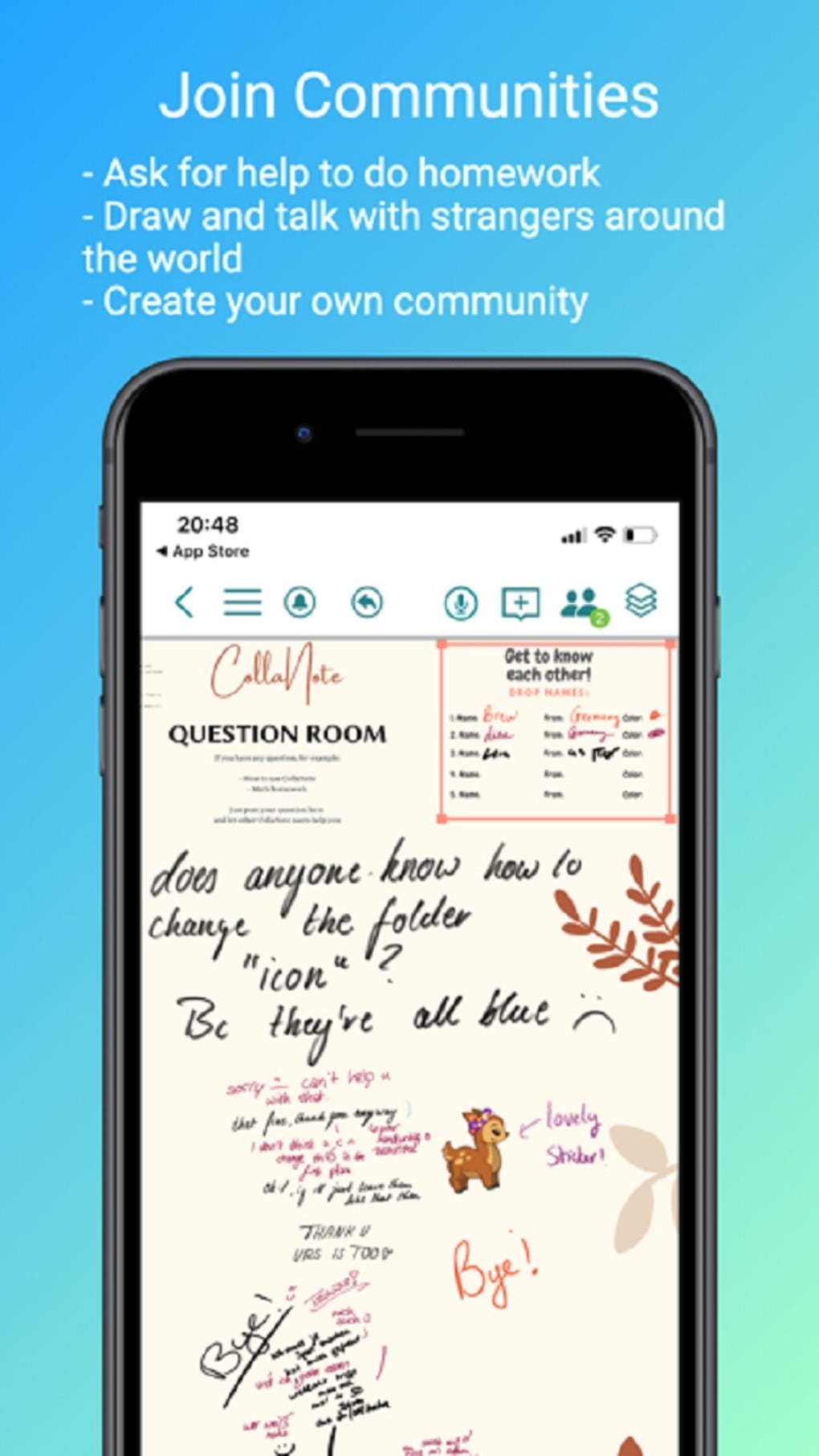
Despite its limitations, CollaNote - Easy Notepad offers a crucial feature that mitigates the risk of data loss: backup and recovery functionality. This allows users to safeguard their notes and restore them in case of accidental deletion or device failure. This feature is a significant advantage over many other simpler note-taking apps that lack this critical safeguard. The ability to back up and recover notes ensures that users don’t permanently lose their important information, adding a layer of security that enhances the app’s overall value.
Performance and Stability
The app’s performance is generally smooth and reliable. There were no noticeable instances of crashes or freezes during testing. The application loads quickly, and the note-taking process is responsive and efficient. This consistent performance is crucial for a note-taking app, ensuring that users can rely on the app to capture their thoughts and ideas without interruption. The app’s stability makes it a reliable tool for everyday use.
Comparison with Alternative Apps
CollaNote - Easy Notepad falls short when compared to more feature-rich note-taking applications available on the Android platform. Apps like Google Keep, OneNote, or Evernote offer a wider range of features, including image insertion, template support, collaboration features, and more advanced formatting options. While these applications may be more complex to learn, they provide a more comprehensive and flexible note-taking experience.
However, CollaNote - Easy Notepad’s simplicity might appeal to users who only require a basic note-taking tool without the complexity of these alternatives. Its ease of use and the critical backup and recovery feature make it a viable option for users who prioritize simplicity and data security over extensive functionality.
Target Audience
CollaNote - Easy Notepad’s target audience is likely users who need a very simple, quick, and easy note-taking application. Students might find it suitable for jotting down quick notes during lectures, while professionals might use it for short to-do lists or simple reminders. However, its limited features make it unsuitable for users requiring advanced formatting, image insertion, or collaboration features. Its simplicity becomes a strength for those who just need a straightforward way to write down information without the complexities of more advanced apps.
Conclusion
CollaNote - Easy Notepad is a functional, yet basic note-taking application. Its simplicity is both its strength and its weakness. While the ease of use and the crucial backup and recovery function are positive aspects, the lack of customization options, the absence of features like image insertion and templates, and the inability to save untitled notes significantly limit its appeal. The app serves its primary function well, but its restricted feature set makes it unsuitable for users who require a more comprehensive and versatile note-taking solution. Ultimately, its suitability depends entirely on the user’s specific needs and expectations. If you need a simple, reliable app for quick notes and value data security through backup and recovery, CollaNote might suffice. However, users looking for more advanced features should explore alternative options. The app occupies a niche for those who prioritize simplicity above all else but comes with inherent tradeoffs in functionality.
File Information
- License: “Free”
- Version: “1.3”
- Latest update: “September 25, 2023”
- Platform: “Android”
- OS: “Android 13.0”
- Language: “English”
- Downloads: “56.9K”
- Size: “6.57 MB”
- Download Options: “APK, Google Play”
- Filename: “CollaNote_Easy_Notepad_v1.3.xapk”


