
Cool PDF Reader is a lightweight, free PDF reader exclusively available for Windows. Categorized as business software within the PDF subcategory, it offers a surprisingly robust feature set considering its minimal size and free-of-charge status. This review delves into its capabilities, performance, history, and compares it to alternative options.
Performance and Features
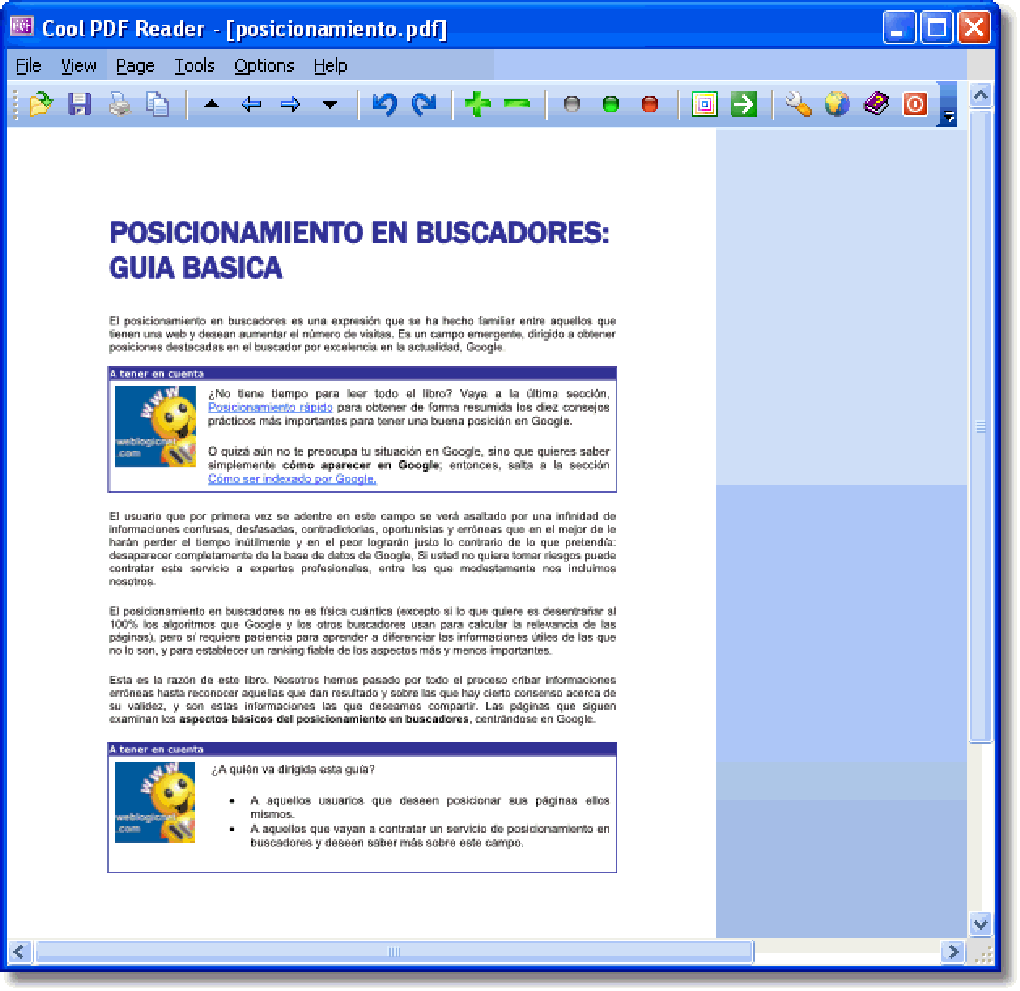
Cool PDF Reader distinguishes itself through its remarkably small footprint. Unlike many modern PDF readers which can consume significant system resources, Cool PDF Reader boasts a surprisingly low memory and storage requirement. This makes it an ideal choice for users with older or less powerful machines, or those who prefer a leaner application experience. While lacking the expansive feature set of behemoth PDF editors like Adobe Acrobat, Cool PDF Reader excels in its core functionality: viewing and navigating PDF documents.
Basic PDF viewing is handled flawlessly. Users can easily zoom in and out, scroll through pages, and use the standard navigation tools. While it doesn’t include advanced annotation features like commenting or highlighting (a common limitation of lightweight readers), its core viewing capabilities are reliable and efficient. The interface is intuitive and straightforward, minimizing the learning curve for even novice users.
The program’s focus on efficiency and simplicity results in a speedy loading time and quick page rendering. This performance advantage is particularly noticeable when opening large or complex PDF files, where resource-intensive alternatives might struggle. This makes Cool PDF Reader a practical solution for users who frequently work with multiple PDFs or require quick access to document information without prolonged loading delays.
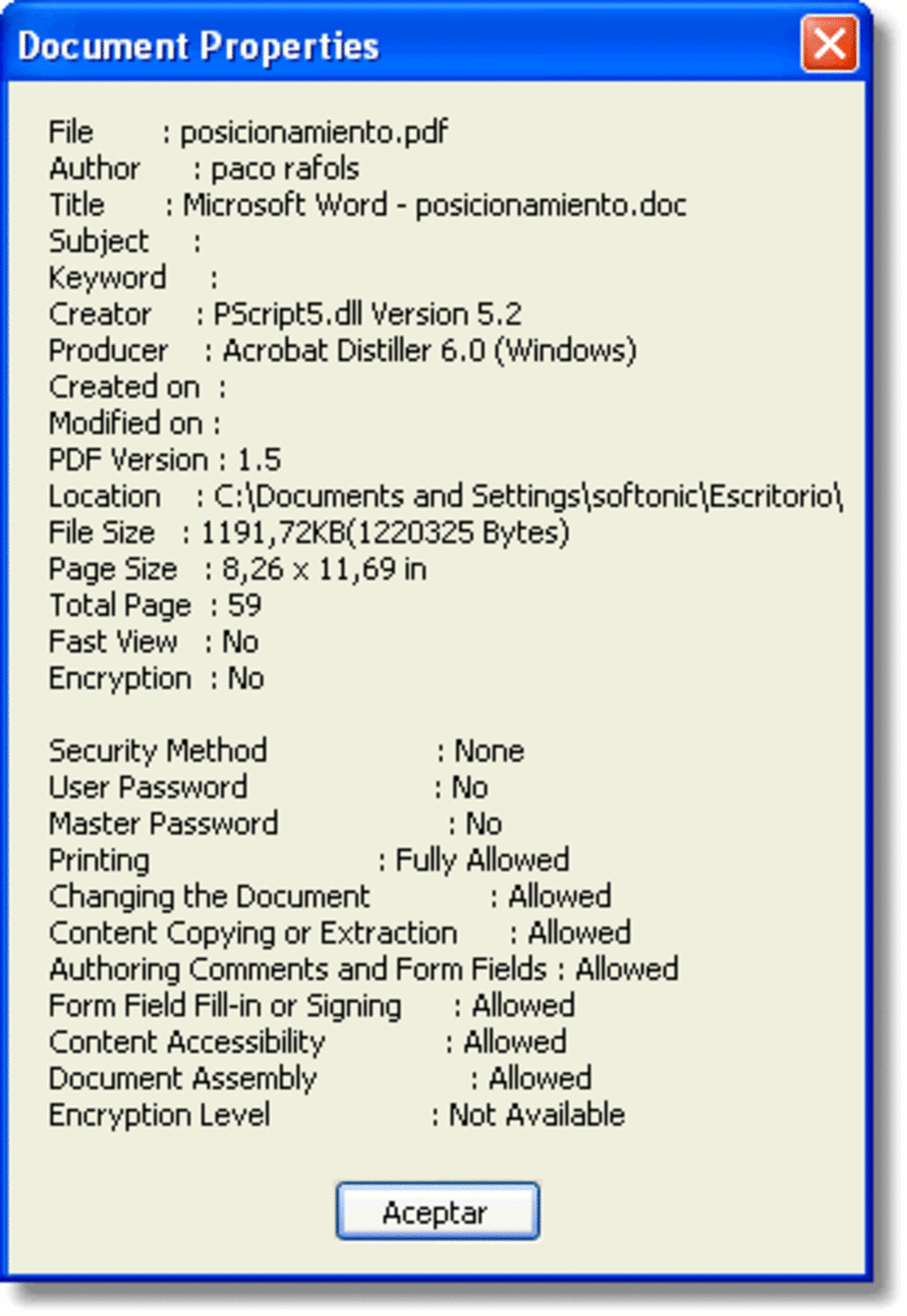
However, this focus on simplicity means that some advanced features are absent. For example, there’s no support for creating or editing PDFs, digital signatures, or sophisticated text editing. Users requiring these capabilities would need to look towards more feature-rich (and typically more resource-intensive) alternatives.
History and Download Information
First added to the Phanmemfree catalog in 2011, Cool PDF Reader has amassed over 140,000 downloads, demonstrating consistent popularity over the years. The application’s consistent presence in the software catalog highlights its sustained relevance within the PDF reader market. While the last update was in May 2011, the software remains functional and provides reliable PDF viewing capabilities for current Windows systems. This longevity suggests a stable and reliable core codebase.
The software is currently available only in English and is compatible with Windows 98 and earlier versions. Its modest size (approximately 926.58 KB) ensures a quick download and minimal impact on system storage. Geographical usage data indicates significant adoption in the United States, India, and Singapore, signifying a broad international appeal.
User Reviews and Comparisons
Currently, there are no user reviews available on the Phanmemfree platform for Cool PDF Reader. However, its consistent popularity and significant download numbers suggest user satisfaction. The lack of negative feedback contributes to a generally positive perception of its reliability and usability. Further, the software’s long presence in the Phanmemfree catalog without significant negative feedback points to a user base largely content with its core functionalities.
Comparing Cool PDF Reader to other PDF readers reveals its niche. It competes directly with other lightweight readers such as SlimPDF, prioritizing speed and minimal system requirements over advanced editing features. In contrast to comprehensive suites like Adobe Acrobat Reader DC or PDF-XChange Editor, Cool PDF Reader does not offer editing or annotation capabilities. This makes it a supplementary option rather than a primary PDF management tool for users who require advanced functionality.
Therefore, the choice between Cool PDF Reader and a more feature-rich alternative hinges on individual needs. If the primary requirement is straightforward PDF viewing with minimal impact on system resources, Cool PDF Reader is a compelling choice. Users needing annotation, editing, or advanced PDF management functionalities should consider alternatives with more extensive feature sets.
Alternatives and Conclusion
Several alternatives to Cool PDF Reader cater to different needs and preferences. SlimPDF, for instance, shares the lightweight nature of Cool PDF Reader. PDF-XChange Viewer offers a more feature-rich free option with some editing capabilities. Adobe Acrobat Reader DC, while much larger, remains the industry standard for comprehensive PDF management, offering robust editing, annotation, and security features. Other options like Sumatra PDF and eXPert PDF Reader represent different points on the spectrum of size, feature sets, and resource consumption.
The decision of which PDF reader to use ultimately depends on the user’s priorities. If minimizing system impact and maximizing speed are paramount, Cool PDF Reader remains a strong contender. However, for those requiring advanced features like editing, annotation, or form filling, a more feature-rich alternative is necessary. Cool PDF Reader’s simplicity and efficiency make it an excellent choice for users whose needs are solely focused on viewing PDFs quickly and efficiently, without the need for additional bells and whistles. Its limited feature set is a tradeoff for its small size and fast performance, making it a niche but valuable tool within the broader landscape of PDF readers. The longevity of the software and its continued presence on platforms like Phanmemfree suggest that it continues to fill a specific need for users prioritizing simplicity and efficiency over advanced features.
File Information
- License: “Free”
- Version: “3.0”
- Latest update: “November 17, 2021”
- Platform: “Windows”
- OS: “Windows 2000”
- Language: “English”
- Downloads: “41.4K”
- Size: “926.58 KB”


