
CoolReader is a free, open-source e-book reader available for Windows and other operating systems. While not as feature-rich as some commercial alternatives, its simplicity and wide format support have earned it a loyal following. This review delves into the strengths and weaknesses of CoolReader, examining its functionality, user interface, and overall user experience. We will also explore user reviews and compare it to other popular e-book readers.
CoolReader’s Strengths: Simplicity and Versatility
CoolReader’s primary advantage lies in its straightforward design and broad compatibility. Unlike some e-readers that overwhelm users with a plethora of settings and options, CoolReader presents a clean, minimalist interface. This simplicity makes it exceptionally easy to navigate and use, particularly for users unfamiliar with e-readers or those seeking a hassle-free reading experience.
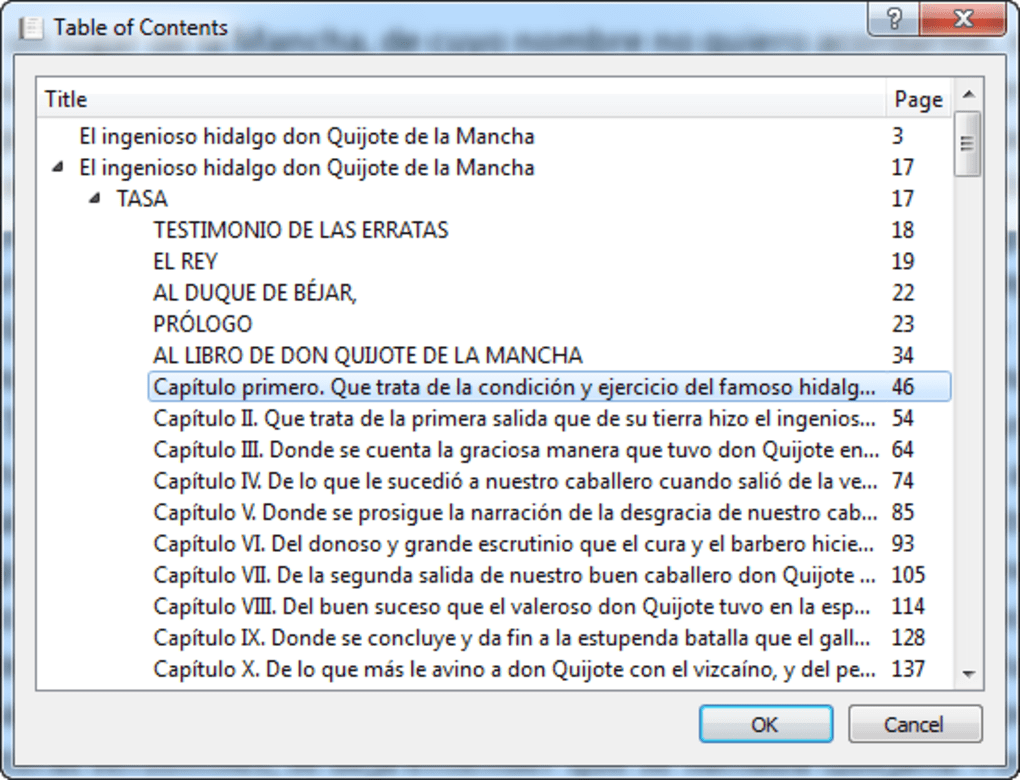
One of its most compelling features is its extensive support for various eBook formats. It handles a wide range of file types, ensuring that users can access their digital libraries regardless of the format. This compatibility extends beyond the commonly used formats, offering support for less prevalent options, making it a truly versatile tool for book lovers with diverse collections. While not explicitly stated in the provided text, a key selling point often highlighted by users is its ability to handle various text encoding types, often a stumbling block for less robust e-readers. The ability to seamlessly transition between different formats without needing to convert files is a considerable time-saver.
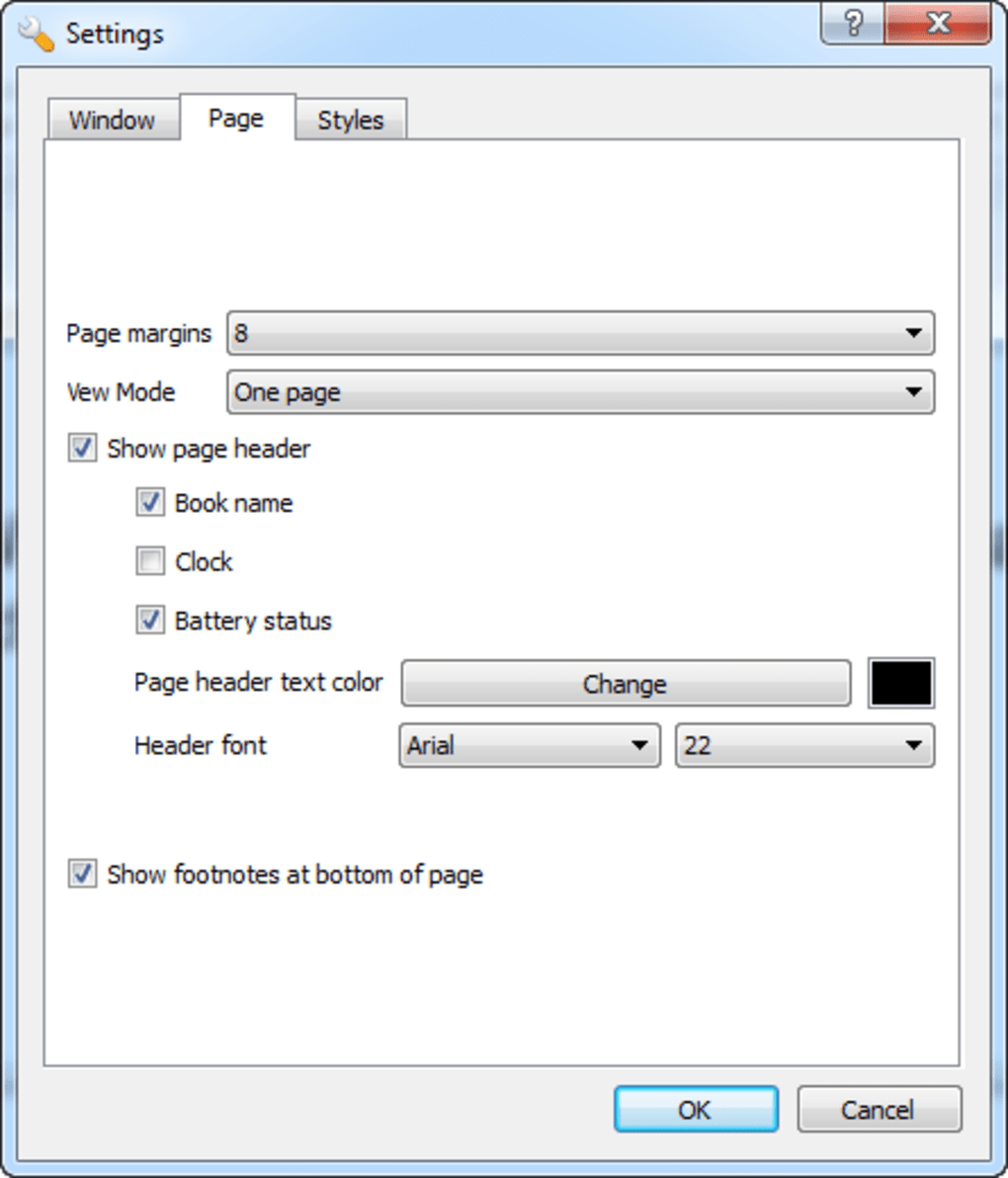
Customization is another area where CoolReader shines. Users can tailor the reading experience to their preferences, adjusting font size, style, and background color to create a personalized reading environment. The flexibility in text customization ensures comfort and readability, catering to users with various visual needs and preferences. The ability to fine-tune these aspects makes it an accessible choice for a wider audience, including users with visual impairments.
CoolReader’s Weaknesses: Missing Features and Design Limitations
Despite its strengths, CoolReader suffers from some limitations that may deter users seeking a more sophisticated reading experience. One significant drawback is the absence of support for DRM-protected EPUB files. This restriction prevents users from accessing ebooks purchased from certain online retailers that utilize Digital Rights Management (DRM) technology for copyright protection. This constraint can considerably limit the usability of the app for users reliant on such platforms for their reading material.
The user interface, while simple, is often criticized for its somewhat dated and uninspired design. The visual aesthetics are less polished than many contemporary e-readers, which often boast more modern and visually appealing interfaces. While functionality is prioritized, the lack of visual polish might be a point of concern for users valuing aesthetic design alongside functionality.
Furthermore, several basic features found in other e-readers are missing from CoolReader. The absence of features like text annotation, image support (beyond basic image formats), and dictionary integration limits its functionality compared to more fully featured competitors. While the core functionality is present and often appreciated for its simplicity, the lack of advanced features limits its appeal to users who need or appreciate additional tools.
The lack of JPG image support is a particular drawback, especially for ebooks that incorporate illustrations or photographs. This limitation significantly reduces the overall reading experience for books that rely on visual elements as part of their narrative. The absence of this basic feature is noticeable and impacts user satisfaction, especially when compared to e-readers which readily support image display.
User Reviews: A Mixed Bag of Experiences
User reviews of CoolReader present a mixed picture. While some praise its stability, simplicity, and broad format compatibility, others express dissatisfaction with the lack of advanced features and the unappealing user interface.
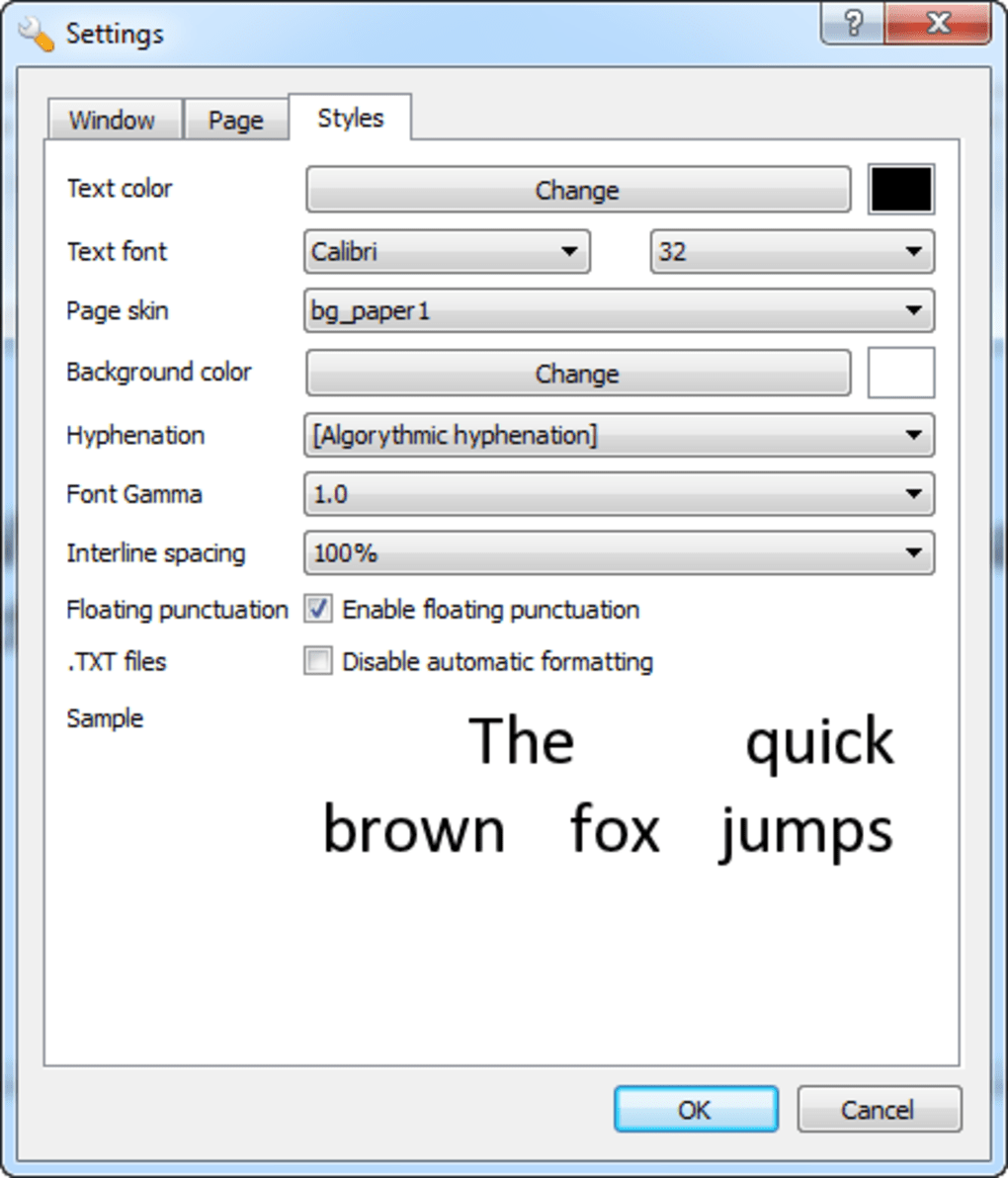
Positive reviews frequently highlight the software’s stability and its ability to handle a wide range of text files, often those that other readers struggle with. Users appreciate the software’s ease of use and its efficient performance. The simple and straightforward nature of the program is often commended, especially by those who prefer a minimalist reading experience.
However, negative reviews consistently cite the missing features as a major drawback. The absence of DRM support, advanced annotation tools, and image display capabilities frequently appears in critical feedback. The lack of these basic functionalities detracts from the overall user experience, especially when compared to more feature-rich competitors. Some users find the interface dull and uninspiring, wishing for a more modern and visually appealing design.
The inconsistent experience reflected in user reviews underlines the importance of considering individual needs and preferences. While CoolReader may be ideal for users prioritizing simplicity and wide format support, it may not meet the expectations of those seeking a more feature-rich and visually appealing e-reading experience.
Comparison with Other E-Readers: Finding the Right Fit
CoolReader occupies a unique niche in the e-reader market. While it excels in simplicity and format compatibility, it falls short in features and visual design compared to other options.
Compared to established commercial e-readers like Kindle, which are tightly integrated with their respective ecosystems, CoolReader’s independence offers advantages in terms of flexibility and format support. However, Kindle users benefit from features like cloud syncing, access to a vast digital bookstore, and better integration with other Amazon services.
Alternatives like Calibre, a popular e-book management tool, offer superior organizational capabilities but lack the dedicated reading experience provided by CoolReader. The choice between CoolReader and Calibre would depend on whether users primarily prioritize reading or managing their e-book collection.
Ultimately, the best e-reader depends on individual needs and preferences. CoolReader’s strength is its simplicity and broad format compatibility, making it suitable for users seeking a straightforward reading experience without needing advanced features. However, for users who value a wider range of functionalities, a more visually appealing interface, and support for DRM-protected files, other e-readers may prove a better fit.
Conclusion: A Solid Choice for Basic E-Reading Needs
CoolReader remains a viable option for users with basic e-reading needs. Its ease of use, wide format support, and stability are undeniable advantages. However, the lack of advanced features, the outdated user interface, and the absence of DRM support limit its appeal to a specific segment of users. Choosing CoolReader involves weighing the simplicity and versatility against the absence of features available in other, more comprehensive e-readers. Understanding these trade-offs is crucial in determining whether CoolReader aligns with individual reading habits and preferences. It is a robust solution for its intended purpose, but falls short for users who require more advanced capabilities.
File Information
- License: “Free”
- Version: “3.0.51-2”
- Latest update: “September 10, 2018”
- Platform: “Windows”
- OS: “Windows 8”
- Language: “English”
- Downloads: “49.1K”
- Size: “6.16 MB”


