
CorelDraw Design Templates is a free mobile application designed for creating digital designs on Android devices. Developed by Empretus, this lifestyle app offers a range of pre-built templates that users can customize, or users can create designs from scratch. While it aims to provide a user-friendly graphic design experience comparable to industry giants like Canva and Adobe products, its functionality falls short in certain key areas, impacting its overall effectiveness. This review delves into the app’s features, strengths, weaknesses, and ultimately determines whether it’s a worthwhile addition to a graphic designer’s toolkit.
User Interface and Functionality: A Mixed Bag
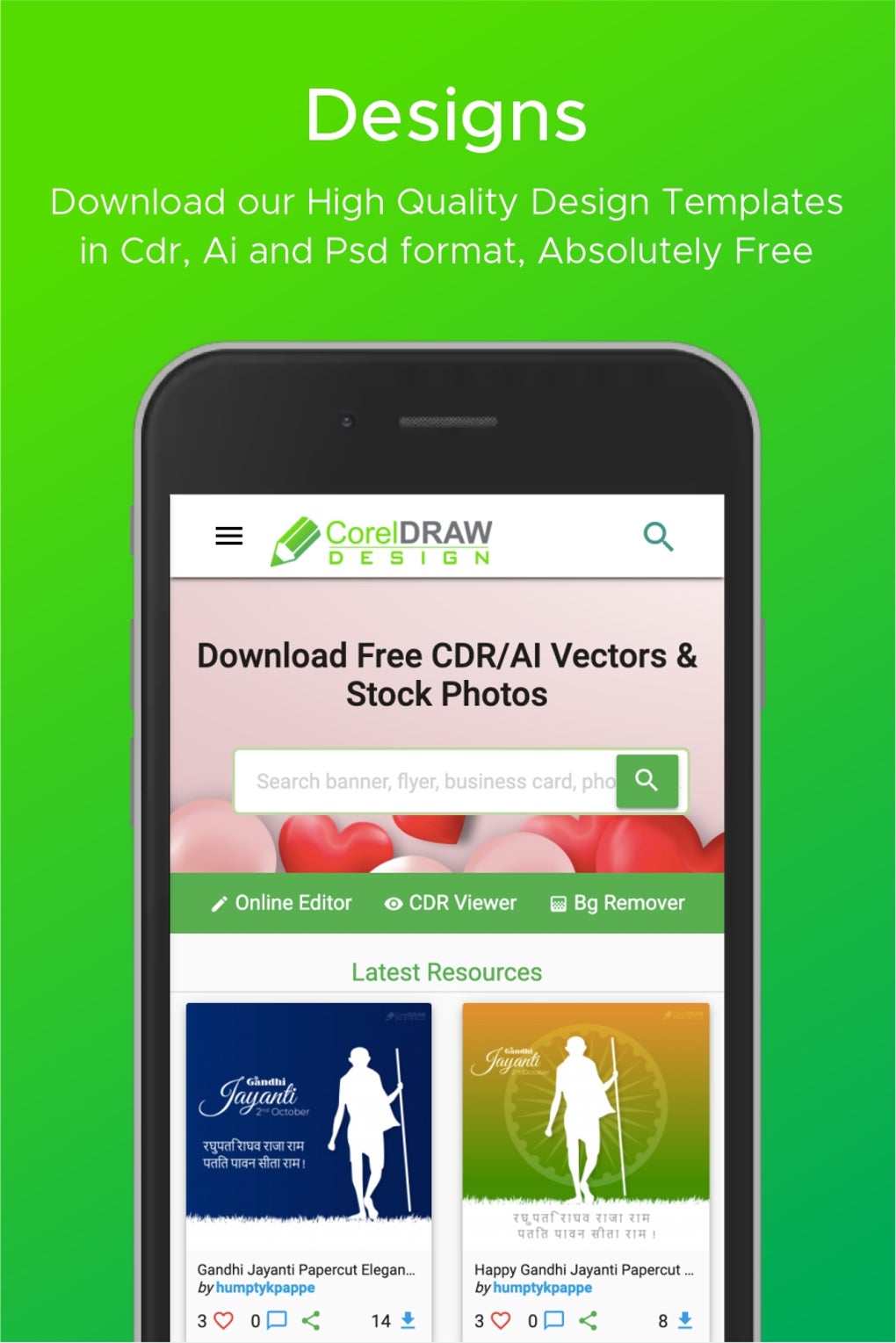
The app boasts an intuitive interface, a key element in any successful design application. Navigating the main features is straightforward, allowing users to quickly access the graphic editor, background remover, and CorelDraw (CDR) viewer. However, the advertised CDR viewer proves to be largely non-functional, severely limiting the app’s core purpose of interacting with existing CorelDraw projects. This significant drawback undermines a core feature that many users would expect from an app bearing the CorelDraw name.
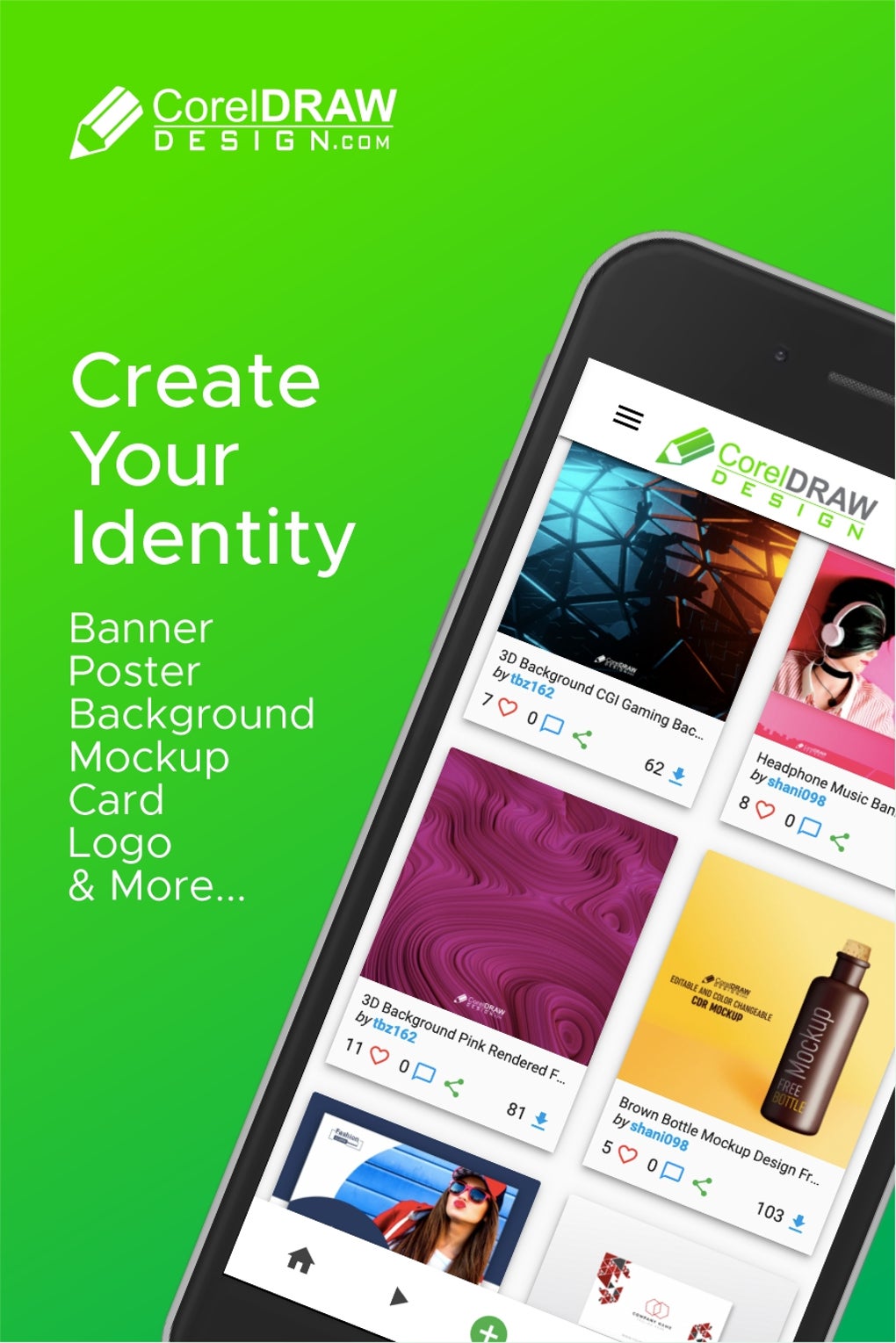
The graphic editor itself offers a reasonably robust set of tools for creating new designs. Users can select from a variety of pre-made templates, providing a head start for various design projects, ranging from simple social media posts to more complex layouts. The extensive selection of editable samples caters to a wide range of design needs, offering a valuable resource for both beginners and experienced designers looking for inspiration or a quick solution. The option to create a design from a blank canvas is also available, empowering users with complete creative control. The search functionality allows users to quickly locate templates matching specific design styles, further enhancing the app’s usability.
Background Removal: A Flawed Feature
One of CorelDraw Design Templates’ advertised features is a background remover. Unfortunately, this functionality is significantly limited. While it can handle images with simple backgrounds reasonably well, it struggles considerably with photos containing complex backgrounds or intricate details. The background removal frequently produces unsatisfactory results, leaving remnants of the original background or introducing artifacts that require significant manual correction. For users needing reliable background removal, alternative applications would be a more suitable choice. This flawed feature represents a significant misstep, especially given its prominence in the app’s marketing. The inability to effectively handle complex background removal scenarios detracts from the app’s overall value proposition.
Limitations and Missing Features
The app’s most glaring limitation is the non-functional CDR viewer. The inability to view, edit, or even properly import CDR files directly renders a significant portion of the app’s advertised capabilities useless. This core function’s failure severely restricts its utility for anyone working with CorelDraw files, negating a considerable part of its appeal and leading to a deeply frustrating user experience.
Furthermore, while the graphic editor provides a decent foundation, the lack of advanced editing tools, compared to desktop software such as CorelDraw or Adobe Photoshop, limits the complexity of the designs that can be created. Professionals or those working on intricate projects will likely find the toolset insufficient and may need to resort to more powerful desktop applications for refined editing and manipulation.
Target Audience and Use Cases
Despite its shortcomings, CorelDraw Design Templates caters to a specific user base. It is well-suited for beginners in graphic design who wish to experiment with different layouts and styles using readily available templates. The ease of use and large template library make it accessible to individuals with limited design experience. It may also serve as a useful tool for quick, simple designs for social media or other low-resolution applications where high-fidelity detail isn’t critical. However, its limitations restrict its use for professionals or anyone requiring precise control over intricate design elements.
Comparison with Competitors
Compared to established competitors such as Canva and Adobe’s mobile offerings, CorelDraw Design Templates falls short in terms of features, functionality, and overall capabilities. Canva, for example, boasts a much more extensive library of templates, far superior editing tools, and seamless integration across platforms. Similarly, Adobe’s mobile apps offer more advanced editing capabilities and the ability to seamlessly transition projects between desktop and mobile devices. While CorelDraw Design Templates offers a free alternative, the limitations in its core functionality make it a less compelling option for most users seeking a robust mobile design solution.

Conclusion: A Useful Tool with Significant Drawbacks
CorelDraw Design Templates presents a mixed bag. On one hand, its user-friendly interface and extensive selection of templates make it relatively easy to use for those who desire simple designs. However, critical features like the CDR viewer and background remover either don’t work as advertised or function poorly, significantly diminishing the app’s overall value. These shortcomings make it a less-than-ideal option for users who require robust functionality or precise control over their designs.
While the app may serve as a basic introduction to digital design for novices or for generating simple graphics, it falls far short of the capabilities offered by its competitors. Its core flaw lies in the misleading nature of its marketing and the overall lack of polished functionality. Unless you are specifically searching for a free app to play around with simple design templates and don’t require advanced functionality, there are more reliable and feature-rich alternatives available for creating digital designs. The failure of key advertised features renders CorelDraw Design Templates a disappointing experience, despite its potential. The developers need to prioritize fixing these fundamental problems to make the app a viable option in the competitive mobile graphic design market. Until then, users are advised to explore other, more reliable options.
File Information
- License: “Free”
- Latest update: “August 30, 2024”
- Platform: “Android”
- OS: “Android 13.0”
- Language: “English”
- Downloads: “18.7K”
- Size: “344.25 KB”
- Download Options: “APK, Google Play”
- Filename: “CorelDraw_Design_Templates_5_.apk”


