
Microsoft’s Cortana, a cloud-based personal assistant, has been a prominent feature in the Windows ecosystem and beyond. This article provides a detailed examination of Cortana’s capabilities, functionalities, integration with other Microsoft services, privacy concerns, and available alternatives. We will explore its uses for both personal and business applications, highlighting its strengths and limitations.
Cortana’s Functionality and Features
Cortana’s primary function is to act as a hands-free, voice-activated personal assistant. It responds to voice commands and text input, performing a wide range of tasks. These include scheduling appointments, setting reminders, managing emails, performing simple calculations, converting units of measurement and currencies, playing music, providing news updates, and searching the web. The assistant’s capabilities extend far beyond basic queries, offering features tailored for increased productivity and seamless integration within the Microsoft ecosystem.
One of Cortana’s key strengths is its ability to understand natural language. This means users don’t need to adhere to strict, formal commands; instead, they can speak or type requests in a conversational manner. For instance, a user might ask, “What’s the weather like tomorrow?” or “Remind me to call John at 3 pm,” and Cortana will accurately interpret and fulfill the request. This intuitive interface makes interacting with Cortana user-friendly and accessible to a broad range of users, regardless of their technical expertise.
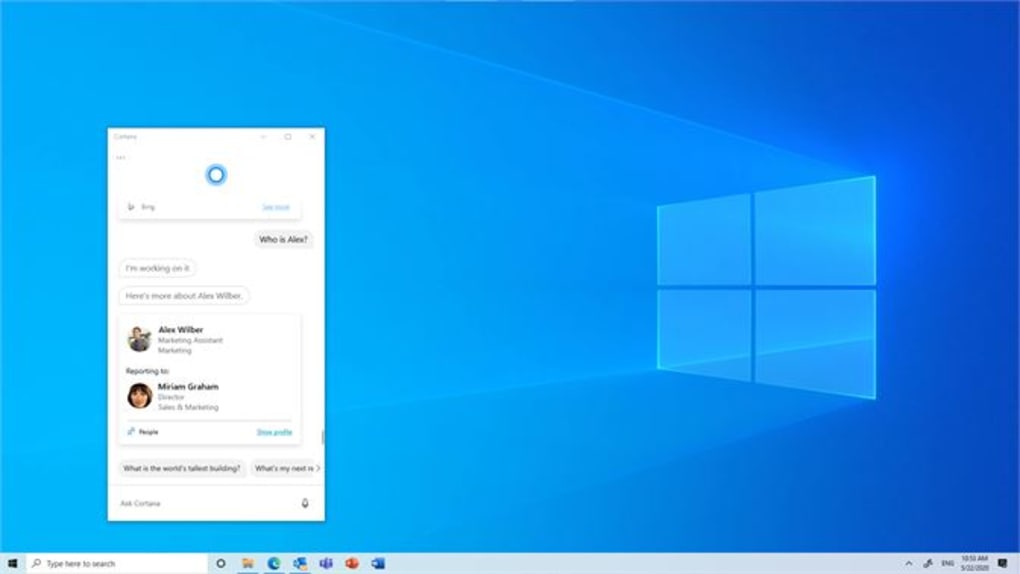
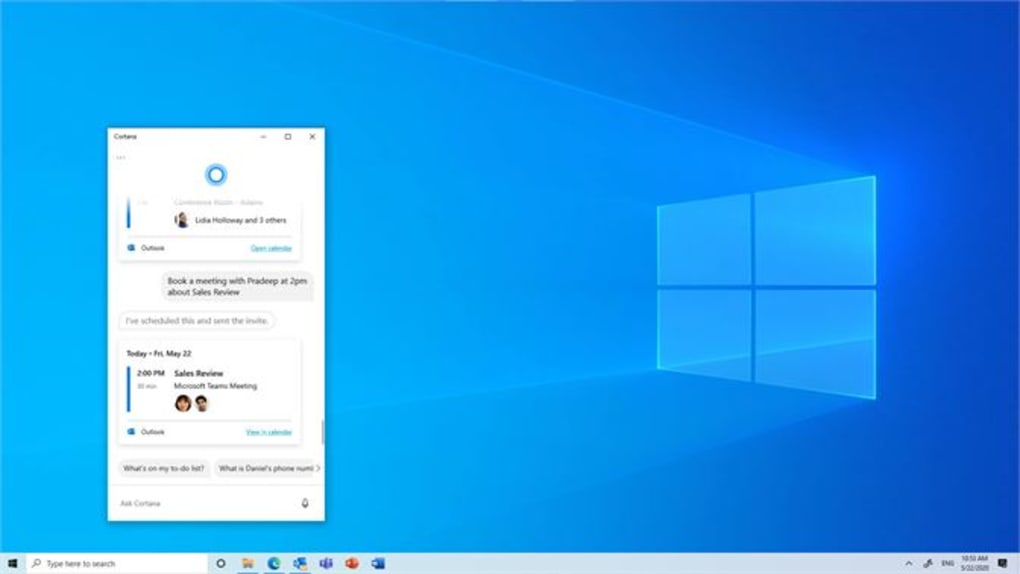
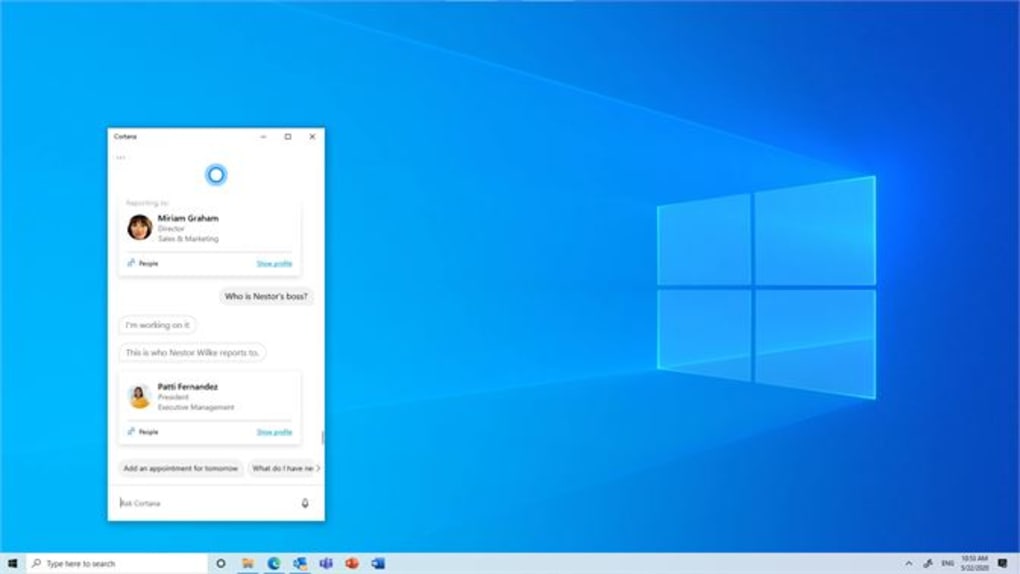
Cortana’s integration with other Microsoft services significantly enhances its usefulness. It seamlessly interacts with the calendar, email (Outlook, Exchange), and file services, allowing users to manage their schedules, send emails, and access files without switching between different applications. This streamlines workflow and contributes to greater efficiency, particularly in business contexts where time management is crucial. Cortana also works with Microsoft Office apps, enhancing productivity within the widely used suite.
Furthermore, Cortana’s functionality extends to entertainment and information retrieval. It can access and play music from various sources, provide real-time sports scores, offer translations between languages, and provide dictionary definitions. This multi-faceted approach makes Cortana a versatile tool that adapts to the user’s diverse needs, transitioning smoothly from managing tasks to offering leisure-oriented services.
Beyond individual usage, Cortana’s capabilities are also valuable in business settings. Its ability to manage schedules, send emails, and access information rapidly improves team collaboration and organizational efficiency. By integrating with business-related applications, Cortana can streamline workflows and reduce the time spent on routine administrative tasks, freeing up valuable time for more strategic activities.
Cortana’s Integration with the Microsoft Ecosystem
Cortana’s effectiveness is amplified by its deep integration within the Microsoft ecosystem. It’s included in Microsoft 365 subscription plans, making it readily available to users. Its compatibility with Windows 10, Edge browser, Microsoft Office apps, Outlook, Exchange, file services, and Bing search engine creates a cohesive user experience. This interconnectedness means that information and actions are seamlessly shared and accessible across different platforms, preventing information silos and promoting a smooth, integrated workflow.
The integration with social and meeting platforms like Skype and Facebook enhances communication and collaboration. Cortana can help schedule meetings, send messages, and manage contacts, streamlining communication and interaction across various platforms. This comprehensive integration demonstrates Microsoft’s commitment to creating a centralized, connected ecosystem, with Cortana at its core, improving user experience and productivity.
Privacy Concerns and Data Security with Cortana
While Cortana provides numerous benefits, concerns surrounding privacy and data security are legitimate considerations. Cortana collects user data to personalize its responses and provide relevant information. This data includes voice commands, search queries, and calendar entries. Microsoft has implemented security measures to protect this data, but the extent of data collection has led to scrutiny and debates regarding user privacy.
Users should be aware of the type and amount of data Cortana collects and have the option to adjust privacy settings according to their comfort levels. The ability to customize data collection ensures that users can balance the benefits of a personalized assistant with their desire to maintain their privacy. Transparency regarding data handling practices and user control over data collection are crucial for building trust and ensuring responsible use of this technology. Users are encouraged to carefully review Microsoft’s privacy policies and configure their settings to suit their individual privacy preferences.
Alternatives to Cortana
Several alternative digital assistants compete with Cortana. These include Amazon’s Alexa, Google Assistant, and Apple’s Siri. Each assistant has its strengths and weaknesses, and the optimal choice depends on user preferences and device ecosystems. For instance, Alexa is heavily integrated with Amazon’s smart home devices, while Google Assistant offers powerful search capabilities leveraging Google’s vast database. Apple’s Siri is tightly integrated within Apple’s products and services.
The availability of alternative options emphasizes the importance of comparing features and capabilities before choosing a digital assistant. Users should consider factors such as platform compatibility, voice recognition accuracy, and the range of supported commands when selecting an assistant that best meets their individual needs and preferences. Choosing a specific assistant depends heavily on individual usage patterns and the devices a user predominantly interacts with.
Conclusion: Cortana’s Role in the Modern Digital Landscape
Cortana, despite facing competition, remains a powerful digital assistant with considerable strengths. Its tight integration within the Microsoft ecosystem offers a seamless user experience for those heavily invested in Microsoft products and services. However, the potential trade-off concerning data privacy necessitates careful consideration of user settings and privacy policies. Understanding both the capabilities and limitations, along with the available alternatives, empowers users to make informed decisions about using Cortana or exploring comparable digital assistants to maximize their productivity and manage their digital experiences effectively. The continued evolution of digital assistants promises further advancements and innovations, potentially blurring the lines between human-computer interaction and creating increasingly personalized and intuitive digital experiences.
File Information
- License: “Free”
- Version: “3.2111.12605.0”
- Latest update: “July 15, 2022”
- Platform: “Windows”
- OS: “Windows 10”
- Language: “English”
- Downloads: “16K”


