
Crosshair X Extension is a free add-on designed to enhance the functionality of the paid Crosshair X application. While it doesn’t stand alone, offering no value to users without the primary application, for those who own Crosshair X, the Extension provides a significant boost in customization and ease of use for in-game crosshairs. This review will delve into its features, benefits, drawbacks, and overall effectiveness as a companion to its parent application.
What is Crosshair X Extension?
Crosshair X Extension serves as a crucial supplement to the Crosshair X application, expanding upon its core functionality by offering an enhanced suite of customizable crosshair options directly within the Xbox Game Bar. This integration streamlines the process of adjusting and fine-tuning crosshairs, a feature highly sought after by competitive gamers seeking to optimize their aiming precision. The extension focuses solely on providing the user interface and management tools for these crosshairs; it doesn’t create or generate the crosshairs themselves. That function remains solely within the core Crosshair X software.
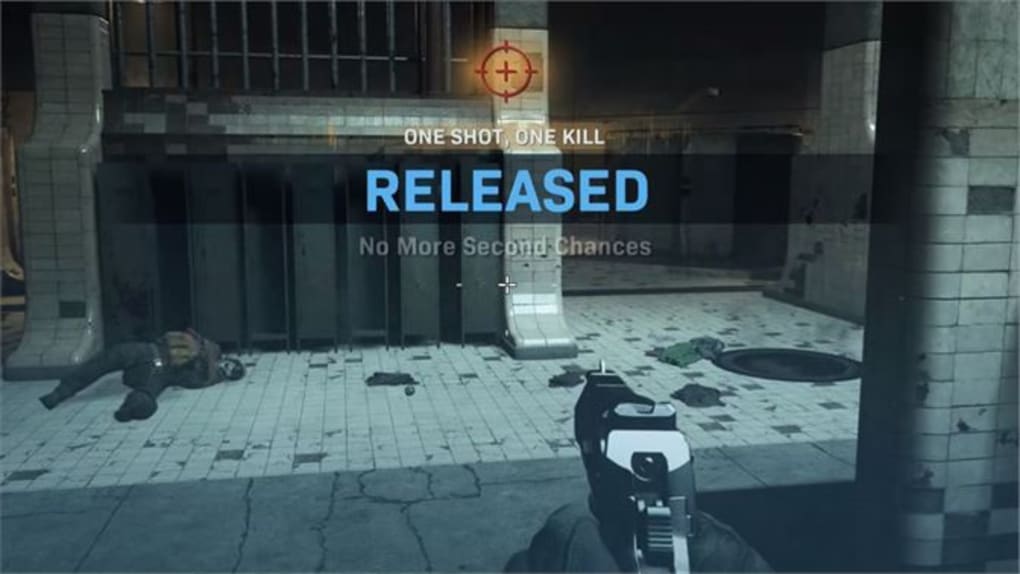
Essentially, Crosshair X Extension acts as a convenient control panel, readily accessible via the Xbox Game Bar (accessible by pressing the Windows Key + G). Once enabled, users can swiftly switch between various pre-defined crosshair styles or even adjust existing ones to better suit individual preferences and gaming situations. This eliminates the need for users to constantly alt-tab out of their game to make adjustments within the main Crosshair X application.
Seamless Integration with Xbox Game Bar
The Extension’s most significant advantage lies in its effortless integration with the Xbox Game Bar. This popular gaming overlay provides a centralized hub for various game-related tools and settings, and the Crosshair X Extension seamlessly integrates into this environment. This seamless integration means that gamers can access and modify their crosshair settings without ever leaving their game. This ease of access is a substantial benefit, particularly during intense gameplay where even minor interruptions can disrupt focus and performance. The intuitive widget design allows for swift navigation and adjustments, reducing the cognitive load on the player, ensuring they can swiftly adapt to changing in-game conditions.
Customization Options and Flexibility
While the exact range of customization options depends on the features available within the main Crosshair X application, the Extension provides a streamlined interface for accessing and manipulating them. This could encompass altering the crosshair’s color, size, thickness, style (e.g., dot, cross, circle), and potentially even adding custom images or textures if the main application supports such functionality. The flexibility offered allows gamers to tailor their crosshair perfectly to their visual preferences and the specifics of the game they are playing. Different games often benefit from different crosshair styles, and the easy access provided by the Extension allows for rapid adaptation between games without requiring extensive reconfiguration.
Limitations and Dependencies
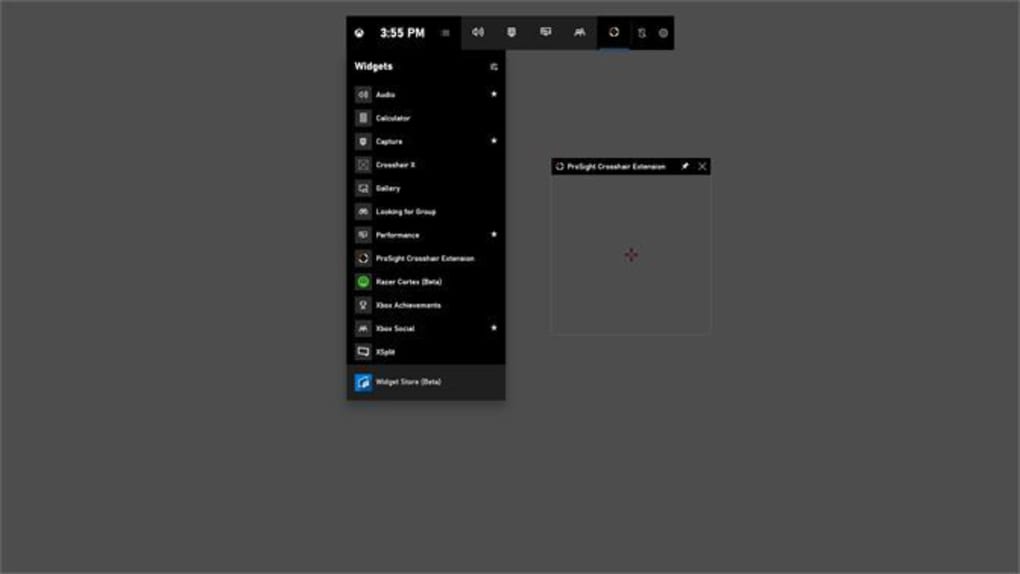
It is crucial to understand that Crosshair X Extension is entirely dependent on the main Crosshair X application. It serves solely as an interface and management tool; without the core application installed and purchased, the Extension is utterly non-functional. Attempting to use the Extension without the parent application will only result in a non-operational application, highlighting its crucial dependence. This interdependence is a significant limitation, acting as a considerable barrier to entry for potential users. The necessity of purchasing the main application before reaping the benefits of the extension adds to the overall cost and might deter users seeking a stand-alone crosshair solution.
Performance and Stability
Given its role as a lightweight overlay, Crosshair X Extension generally exhibits minimal impact on system performance. The Xbox Game Bar itself is optimized for minimal resource consumption, and the Extension adds little to this overhead. Users should not experience noticeable frame rate drops or lag attributed to the Extension, allowing for smooth and uninterrupted gameplay. However, the overall performance is still contingent on the performance of the main Crosshair X application and the overall system resources. High-end systems will naturally experience less impact than lower-end systems, particularly during graphically intensive games. Any reported performance issues are therefore likely attributable to the core application rather than the extension itself.
The stability of the Extension is generally aligned with the stability of the main Crosshair X application and the Xbox Game Bar. Reports of crashes or glitches are likely indicative of issues within either of these components rather than being solely attributable to the Extension. Regular updates to both the main application and the Extension are recommended to mitigate the risk of encountering instability or incompatibility issues.

Crosshair X Extension vs. Alternatives
Several alternative applications and methods exist for creating and customizing crosshairs in games. Some games offer built-in crosshair customization options, while others allow for modification through configuration files or modding communities. However, Crosshair X Extension, in conjunction with its parent application, offers a streamlined and user-friendly experience that many alternative methods lack.
Compared to other third-party crosshair applications, Crosshair X Extension’s strength lies in its seamless integration with the Xbox Game Bar and its intuitive interface. Other applications may offer more extensive customization or support for a broader range of games, but often lack the convenience and ease of use that the Extension provides. The choice ultimately depends on individual preferences, specific needs, and the level of customization required. Users prioritizing simplicity and easy access will find the Extension particularly appealing, while those needing advanced features or support for niche games might find alternative solutions more suitable.
Conclusion: A Powerful Add-on, but Not a Standalone Solution
Crosshair X Extension proves to be a valuable add-on for existing Crosshair X users. Its seamless integration with the Xbox Game Bar, convenient interface, and customizable options significantly enhance the user experience. The ease of accessing and adjusting crosshair settings within the game itself is a considerable benefit, minimizing disruptions to gameplay. However, it’s crucial to remember that the Extension is entirely dependent on the main Crosshair X application; it functions solely as a complementary tool, offering no value on its own. Potential users must weigh the additional cost of the main application against the convenience and enhanced customization offered by the Extension. For those already invested in Crosshair X, the Extension is a highly recommended upgrade; for others, exploring alternative solutions might be more cost-effective.
File Information
- License: “Free”
- Version: “1.0”
- Latest update: “May 21, 2024”
- Platform: “Windows”
- OS: “Windows 10”
- Language: “English”
- Downloads: “45.2K”


