Cute CUT is a free mobile video editing app available for Android devices. Developed by MobiVio Solutions, it offers a surprisingly robust set of features for a free application, making it a tempting option for both novice and experienced video editors. However, its free version comes with limitations that significantly impact the user experience, prompting the question: is Cute CUT worth the download despite its drawbacks? This review delves into the app’s strengths and weaknesses, providing a comprehensive assessment of its usability, features, and overall value.
A User-Friendly Interface and Robust Feature Set
Cute CUT boasts an intuitive interface designed for ease of use, regardless of the user’s prior video editing experience. The app’s layout is clean and uncluttered, making it simple to navigate even for beginners. The primary editing timeline is clearly displayed, allowing users to easily add, arrange, and modify video clips, images, and audio tracks. The app also provides a comprehensive set of tutorials, making it easy for users to learn the ropes and master the various features. This user-friendly design is a major strength of Cute CUT, setting it apart from some of its more complex competitors.
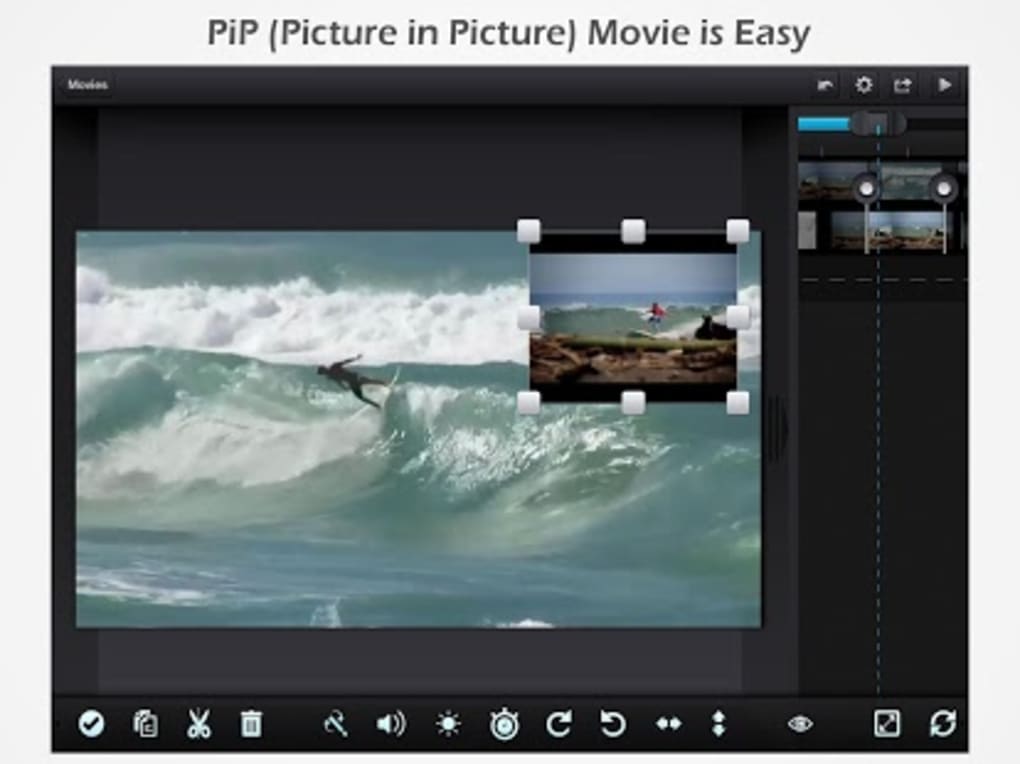
The app supports a wide range of media formats, ensuring compatibility with most video clips, images, and audio files. Users can effortlessly import content from their device’s gallery or directly record new footage within the app itself. This seamless integration makes the workflow streamlined and efficient, minimizing the need to switch between applications. Furthermore, Cute CUT offers extensive support for various resolutions and screen orientations (portrait and landscape), ensuring flexibility for users creating content for diverse platforms, including social media.
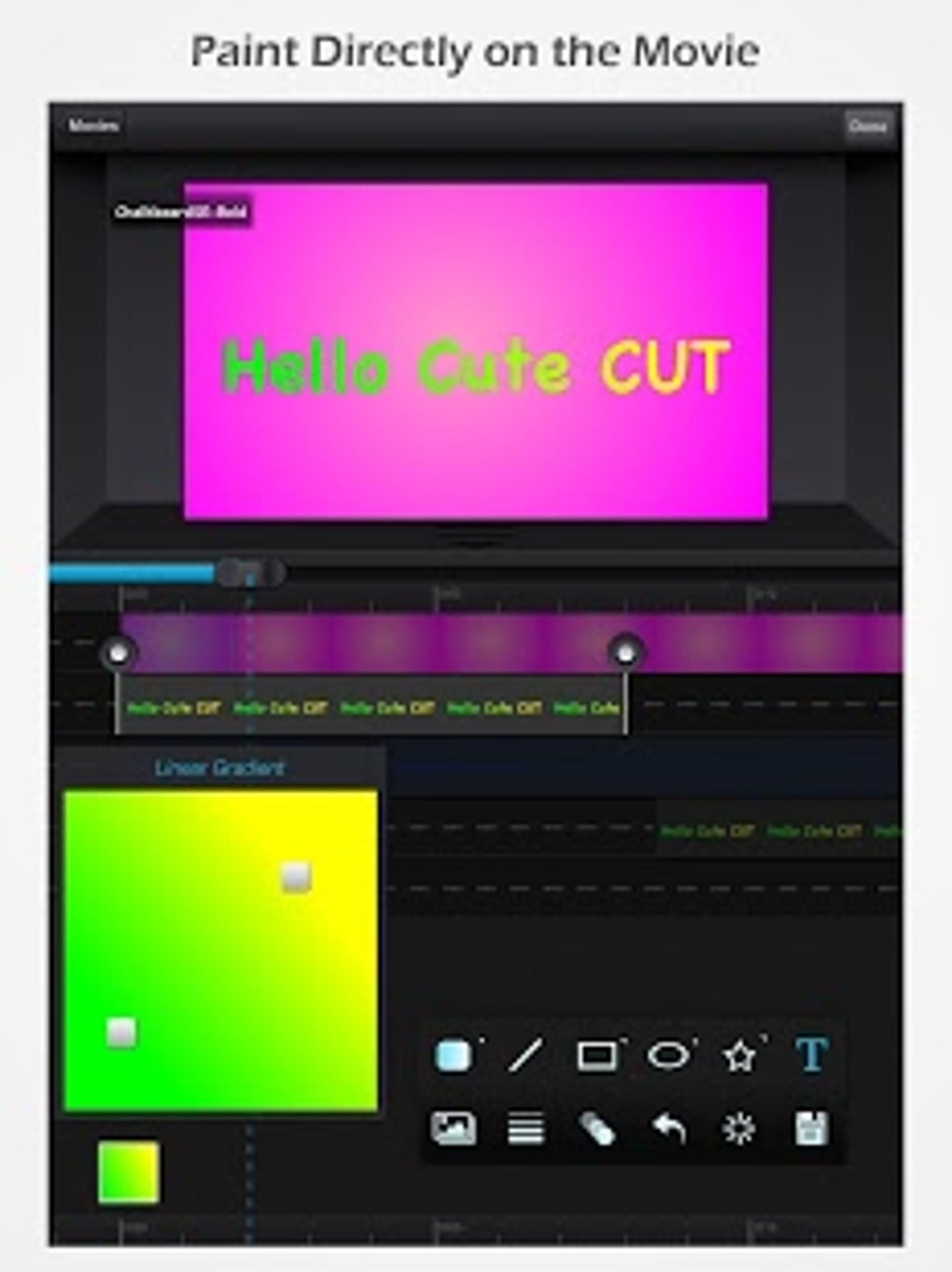
Beyond basic video editing capabilities, Cute CUT provides a generous array of advanced features. Users can add transitions between clips, utilizing over 20 built-in options to create smooth and visually appealing edits. The app also includes over 30 drawing tools, allowing for the addition of doodles, annotations, and other creative elements directly onto the video footage. Text overlays can be added with various font styles and colors, providing users with ample creative control over their projects. The ability to combine photos, music, text, and video clips within a single project further enhances the app’s versatility. This comprehensive feature set contributes to Cute CUT’s appeal as a powerful and versatile video editing tool. The drag-and-drop functionality further simplifies the editing process, making it quick and intuitive to add and rearrange elements within the timeline.

Limitations of the Free Version: Watermarks and Export Restrictions
Despite its impressive array of features, Cute CUT’s free version suffers from significant limitations that significantly detract from its overall user experience. The most prominent drawback is the 30-second export limit. Users of the free version are restricted to exporting videos of only 30 seconds in duration. This severe limitation makes it unsuitable for creating longer-form content or projects requiring more extensive editing. Furthermore, exported videos from the free version include a prominent watermark, affecting the professional appearance of the final product. This significantly hinders the usability of the app for users seeking to produce high-quality, shareable content without visible branding.
Another significant issue reported by users is the app’s tendency to crash frequently. While the frequency of crashes may vary depending on the device and operating system, it’s a recurring complaint that impacts the overall workflow and can lead to frustration and lost work. The instability of the app undermines its otherwise user-friendly design and robust feature set, making the editing process less efficient and more prone to interruptions. These technical issues highlight the need for further development and optimization by the developers to address these recurring problems.
Comparison with Alternative Apps: KineMaster, CapCut, and FYT
Cute CUT competes in a crowded market of mobile video editing apps. Popular alternatives include KineMaster, CapCut, and FYT, each offering its own strengths and weaknesses. KineMaster is known for its powerful features and professional-grade tools but comes with a subscription fee. CapCut, a TikTok-owned app, is free and user-friendly, prioritizing quick and easy editing with a focus on social media content creation. FYT offers a balance between features and ease of use, providing a more streamlined editing experience compared to KineMaster but without the limitations of Cute CUT’s free version.
While Cute CUT’s feature set is comparable to these alternatives, the 30-second export limit and watermarks in the free version significantly disadvantage it. Users seeking to create longer videos or projects without visible branding would likely find the limitations of Cute CUT’s free version unacceptable. The frequent crashes further exacerbate this issue, making other apps more reliable and less frustrating to use. Therefore, while Cute CUT offers a good starting point for basic video editing, its limitations make it less competitive compared to alternatives offering comparable functionality without the same restrictions.
Conclusion: Is Cute CUT Worth It?
Cute CUT presents a compelling case as a free mobile video editor, boasting an intuitive interface and a robust feature set. The inclusion of numerous transitions, drawing tools, and media compatibility options provides ample creative freedom. However, the limitations of its free version – specifically the 30-second export limit and the inclusion of watermarks – significantly hinder its usability. The app’s reported instability further adds to its drawbacks. Ultimately, Cute CUT may be suitable for users who only need to create short videos for personal use and are willing to tolerate the watermarks and occasional crashes. However, for those needing more extensive editing capabilities or professional-quality output, the limitations of the free version make it less appealing compared to paid alternatives or other free apps with fewer restrictions. While Cute CUT offers a decent entry point into mobile video editing, users should carefully weigh its limitations against the features and performance of competing applications before making a decision. The free version serves more as a trial than a fully functional solution, pushing users towards the potentially costly in-app purchases to unlock its full potential.
File Information
- License: “Free”
- Latest update: “August 4, 2025”
- Platform: “Android”
- OS: “Android 13.0”
- Language: “English”
- Downloads: “17.8K”
- Size: “80.61 MB”
- Download Options: “APK, Google Play”
- Filename: “com.mobivio.android.cutecut_2.3.13.apk”