
DAPlayer is a free, stylish media player designed for Windows, boasting a comprehensive feature set and impressive compatibility. It stands out from the crowd thanks to its extensive built-in codec library, enabling playback of a wide array of video and audio formats without the need for external downloads or installations. This eliminates the frustration often associated with finding and installing missing codecs for specific video files. This review delves into the strengths and weaknesses of DAPlayer, examining its functionality, user interface, and overall performance.
Feature Highlights: Extensive Format Support and More
DAPlayer’s core strength lies in its exceptional compatibility. The software incorporates over 400 audio and video codecs, allowing it to handle a vast range of file types. This includes high-definition formats such as AVCHD, MKV, and H.264, ensuring smooth playback of 1080p HD videos and beyond. Users can enjoy their movie and TV show collections in high definition without the limitations often imposed by players with limited codec support. This extensive codec support extends beyond video files; DAPlayer also functions as a capable audio player, seamlessly handling various music formats. The player’s compatibility even extends to physical media, with support for both DVDs and Blu-ray discs. This versatility makes DAPlayer a true all-in-one multimedia solution.
Beyond its broad format support, DAPlayer offers a rich set of configuration options. Users have extensive control over video and audio settings, including aspects like aspect ratio, subtitle management, and audio track selection. The program allows for detailed customization tailored to individual preferences and hardware capabilities. This granular level of control allows for a truly personalized viewing and listening experience. While the interface itself is relatively intuitive, having this level of adjustment is a significant plus for those who seek precise control.
User Interface and Design: A Sleek Player with Room for Improvement
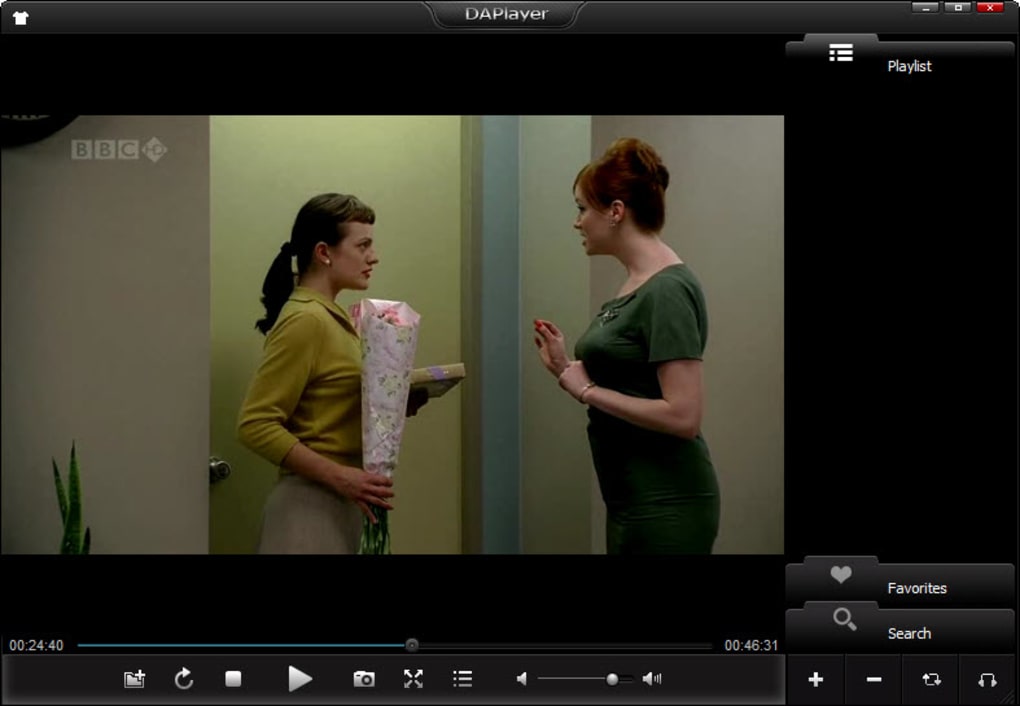
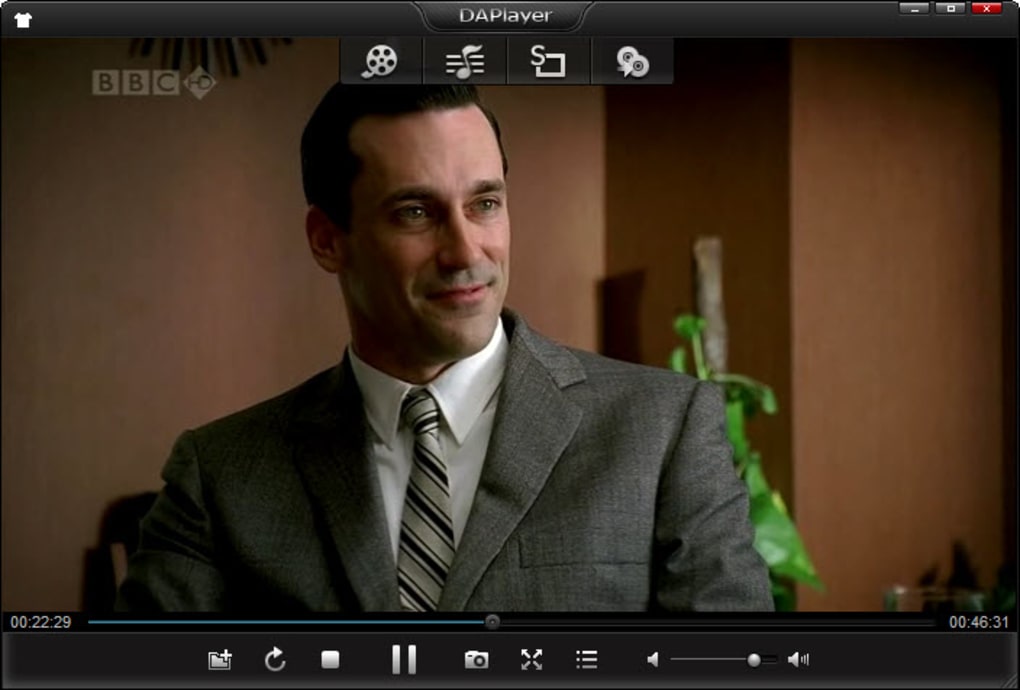
DAPlayer’s visual design is generally considered sleek and modern. It features a minimalist interface with hidden menus, providing a clean and uncluttered visual experience. This approach keeps the focus on the media being played, minimizing distractions. The hidden menus neatly tucked away on top of the window is appreciated by many. However, some users have raised concerns about the default skin’s dark theme, which, while stylish, can sometimes make menu navigation challenging in poorly lit environments. This issue, while minor, is worth considering for users who prefer lighter or more contrasting themes. The lack of user-selectable themes is a noticeable omission. The possibility of adding them in future updates would greatly improve accessibility and aesthetic preferences.
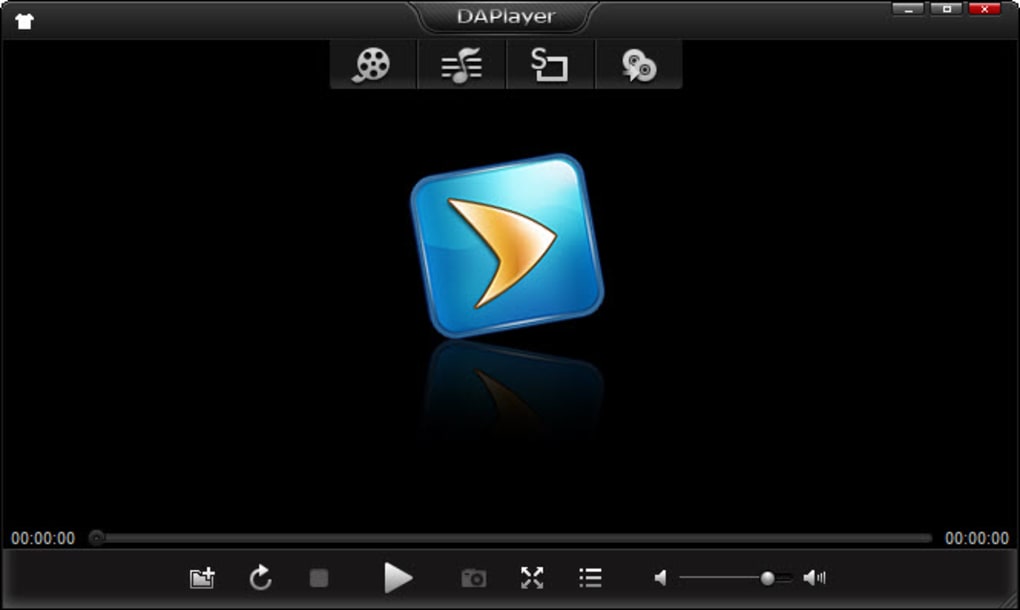
The overall user experience is generally positive, with intuitive controls and a straightforward layout. The program’s ease of use should appeal to both casual and experienced users alike. However, the dark theme and the absence of theme customization options remain as points for improvement. An upgrade that introduces a lighter theme, or even the ability for users to import their own custom skins, would make the interface even more user-friendly. For those accustomed to lighter interfaces, the dark theme might initially require some adjustment.
Performance and Reliability: Handling High-Definition Content
DAPlayer’s performance is generally strong, even when handling large, high-definition video files. The built-in hardware acceleration helps to maintain smooth playback, minimizing stuttering or lagging. This is particularly impressive given the software’s freeware status. The efficient handling of large files suggests optimized resource management, crucial for a smooth viewing experience without system strain. While the software generally operates smoothly, as noted by many users, some have reported occasional bugs or glitches, particularly in the playback of certain Blu-ray discs. This suggests a level of incompatibility or an issue with particular disk formats.
The absence of widespread reported performance issues underscores the software’s overall robustness. However, the occasional instances of playback difficulties highlight areas where future development could focus. Address these minor inconsistencies could significantly enhance the overall stability and reliability of the player. Further refinements in handling various Blu-ray formats could ensure compatibility across a wider range of physical media.
User Reviews and Feedback: A Mixed Bag of Experiences
User reviews of DAPlayer are somewhat mixed. While many users praise its extensive codec support and ability to play a wide variety of formats, including high-definition video and Blu-ray discs, some express concerns regarding certain aspects of its functionality. Some users reported difficulties with specific Blu-ray discs, indicating potential compatibility issues with certain formats or protections. Others mentioned issues with file associations following installation, a problem easily solved by uninstalling the software and manually re-setting file associations, and the dark theme proved challenging for some users, highlighting a need for greater theme customization.
Despite the mixed feedback, the majority of positive reviews underscore DAPlayer’s strengths. Many users appreciate the convenient all-in-one solution, combining video and audio playback with compatibility for diverse formats and media types. The large number of built-in codecs is frequently highlighted as a major advantage, eliminating the need for tedious codec hunting. This demonstrates a consistent appeal of DAPlayer’s core strength: the simplification of media playback through its comprehensive codec library.
Conclusion: A Powerful, Free Player with Room for Refinement
DAPlayer emerges as a powerful and versatile free media player. Its extensive codec support, ability to play high-definition videos, DVDs, and Blu-ray discs, and user-friendly interface make it a compelling choice for users seeking a comprehensive multimedia solution. While the dark theme and some occasional performance issues might be a deterrent for some, the overall positive aspects of the software significantly outweigh these drawbacks.
Future development focusing on increased theme customization, improved Blu-ray compatibility, and enhanced bug fixes would significantly elevate DAPlayer’s position among leading free media players. With such improvements, DAPlayer could solidify its reputation as a leading contender, combining strong functionality with a highly refined user experience. The current software demonstrates a strong foundation for a truly exceptional media player, and addressing the minor shortcomings would elevate it to new heights. Despite the minor criticisms, DAPlayer remains a highly recommended and effective free media player for Windows.
File Information
- License: “Free”
- Latest update: “March 8, 2024”
- Platform: “Windows”
- OS: “Windows 8”
- Language: “English”
- Downloads: “305.6K”
- Size: “7.26 MB”


