
Data Recovery Pro, developed by Paretologic, is a data recovery software designed for both personal and business use. It aims to retrieve deleted files from a wide range of sources, offering a user-friendly interface to guide users through the recovery process. This review delves into the software’s capabilities, strengths, and limitations, providing a comprehensive assessment of its effectiveness and suitability for various needs.
Key Features and Functionality
Data Recovery Pro’s core functionality centers on recovering deleted files from various storage devices. This includes not only hard drives but also external storage media such as cameras, MP3 players, USB flash drives, and iPods. The software boasts the ability to retrieve files from devices that have been recently formatted or partitioned, a significant advantage over some competitors.
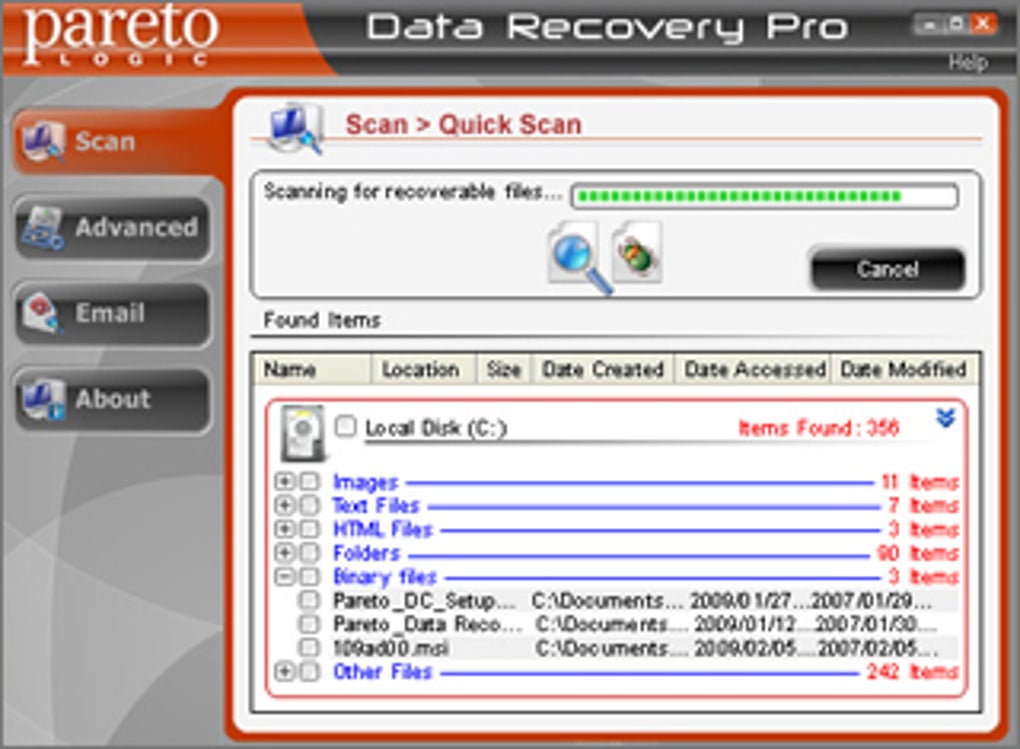
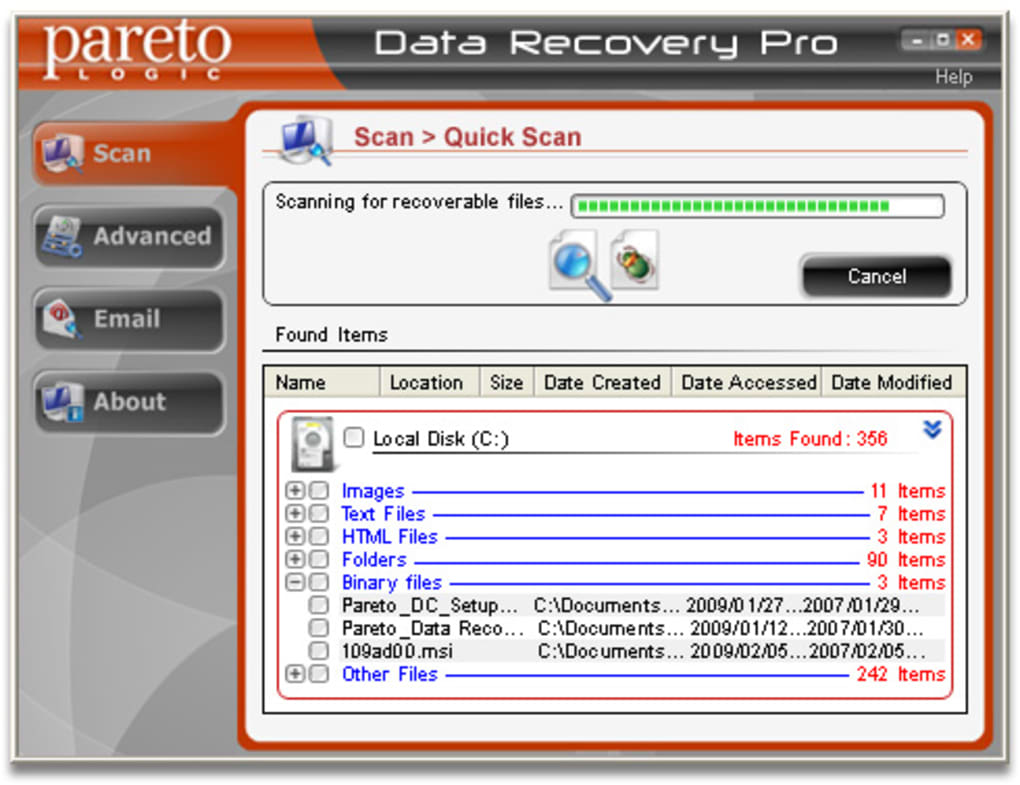
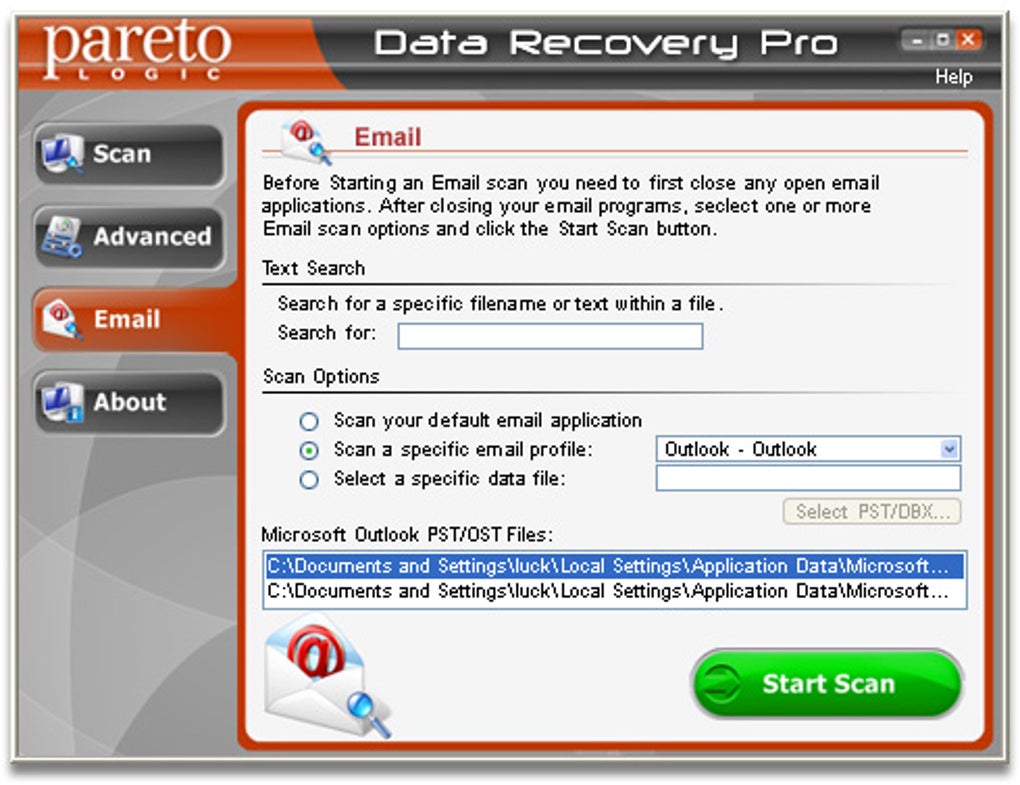
The software’s intuitive interface is a notable strength. Users are guided step-by-step through the recovery process, minimizing the technical expertise required. A key feature is the ability to preview files before recovery, allowing users to confirm the integrity of the recovered data and select only the necessary files. Furthermore, a text search function enables users to locate specific files based on keywords or phrases contained within the file’s content, significantly streamlining the search process for large datasets. This feature is particularly helpful when dealing with a substantial number of recovered files.
The software’s versatility extends to its support for various file types. While the exact range of supported file types isn’t explicitly listed, the promotional material suggests broad compatibility. However, reviews suggest potential limitations, indicating that not all file types are guaranteed to be recoverable. The ability to recover files from formatted or partitioned drives demonstrates a level of capability beyond simply retrieving files from the recycle bin. This suggests a deeper level of data recovery technology is employed, potentially including the recovery of metadata.
Data Recovery Pro also provides the option to create backups of recovered files directly to the user’s computer, offering an additional layer of data security. This feature is crucial for preventing future data loss and ensuring the long-term safety of important files. The backup functionality underscores the software’s focus on comprehensive data protection beyond the initial recovery process.
User Interface and Experience
The software’s design emphasizes user-friendliness. The intuitive interface is designed to guide users through the recovery process with minimal technical knowledge required. The step-by-step instructions and clear visual cues contribute to a smooth and efficient user experience. The ability to preview files before recovery significantly reduces the risk of accidental overwriting or damage to recovered files. The preview feature allows for selective recovery, enabling users to prioritize the recovery of crucial files and avoid unnecessary recovery of less important data.
The inclusion of a text search function simplifies the navigation of potentially large datasets of recovered files. Users can quickly locate specific files based on keywords, thereby saving time and effort. This feature significantly improves the overall efficiency of the data recovery process, particularly in scenarios involving numerous files. The sorting capabilities further enhance the user experience by allowing users to organize recovered files based on various criteria, such as file type, date, or size. This enables efficient management and retrieval of recovered data.
Performance and Limitations
While Data Recovery Pro offers a range of powerful features, its performance and limitations warrant consideration. Some user reviews mention lengthy scan times, with reports of scans lasting up to 16 hours. This extended scan time could be a significant drawback for users requiring immediate data recovery. The duration of the scan is likely influenced by several factors, including the size and type of storage media being scanned and the complexity of the data recovery process involved.
Furthermore, user feedback indicates that the software may not recover all file types, and support for external storage devices might be limited. While the software supports a variety of storage media, it’s important to recognize that compatibility issues may arise depending on the specific type and condition of the storage device. The software’s ability to recover files from recently formatted or partitioned drives is noteworthy, although not every file on these devices is guaranteed to be recovered.
Another potential limitation stems from the requirement of registration or additional plugins for accessing advanced features. This could limit accessibility for users who are unwilling to register or download additional software. The potential need for additional plugins could complicate the installation process and potentially increase the risk of introducing unwanted software.
Comparison with Alternative Data Recovery Software
Data Recovery Pro competes in a crowded market of data recovery software. Alternatives include ParetoLogic Data Recovery, Any Data Recovery, Free Data Recovery, and others. While a direct comparison necessitates a detailed side-by-side analysis of features, performance, and pricing, it’s crucial to note that competitors often offer similar functionality with varying levels of success and user experience. The choice of software often depends on individual needs, preferences, and budget. Factors such as the type of data being recovered, the specific storage device, and the user’s technical expertise will influence the suitability of a particular data recovery software.
Conclusion
Data Recovery Pro presents a compelling solution for users needing to recover deleted files from various storage devices. Its user-friendly interface, text search capabilities, and file preview function make it accessible even to non-technical users. The ability to recover data from recently formatted or partitioned drives distinguishes it from some simpler recovery utilities. However, potential limitations such as lengthy scan times, possible incompatibility with certain file types and storage devices, and the need for registration for full functionality should be considered.
Before purchasing, potential users should carefully weigh the software’s pros and cons in light of their specific needs and technical skills. Exploring alternative data recovery solutions and reading user reviews can help make an informed decision. The software’s effectiveness is not universally guaranteed, and the success of data recovery depends on various factors beyond the software’s control. It is therefore important to approach data recovery with realistic expectations. Regular data backups remain the most effective strategy for preventing data loss and mitigating the need for data recovery software.
File Information
- License: “Trial version”
- Version: “1.2”
- Latest update: “October 1, 2018”
- Platform: “Windows”
- OS: “Windows 2000”
- Language: “English”
- Downloads: “60.5K”
- Size: “7.07 MB”


