
Desktop Digital Clock is a Windows application offering a customizable digital clock for your desktop. While offering a range of features, its freemium model significantly limits free users, raising questions about its overall value proposition. This review delves into the software’s strengths and weaknesses, exploring its functionality, design, and user experience.
Features and Functionality: A Mix of Free and Premium
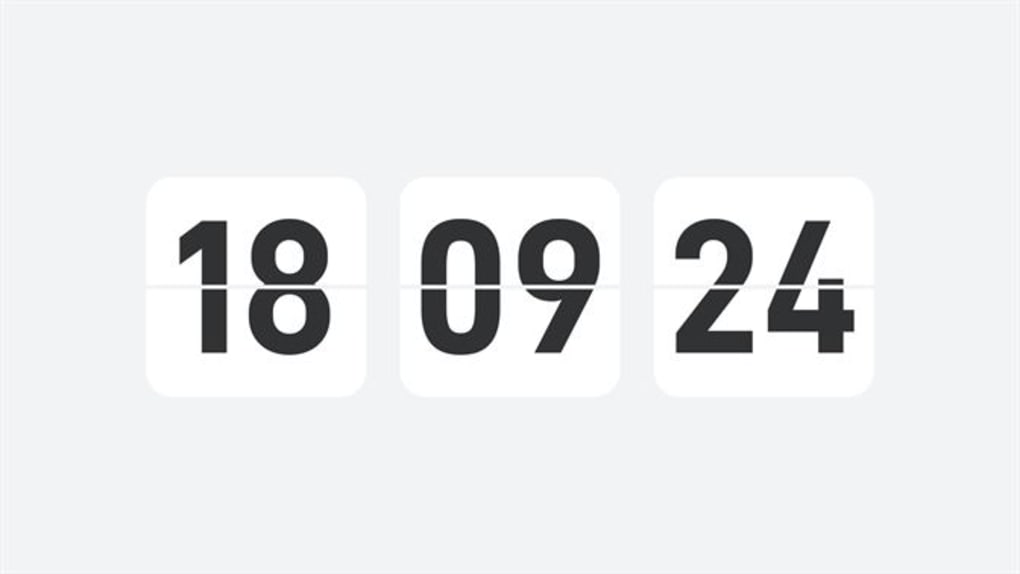
Desktop Digital Clock presents a diverse set of features, neatly divided between free and premium offerings. The free version provides a basic digital clock with limited customization options. Users can adjust the clock’s opacity, switch between 12-hour and 24-hour formats, and set alarms. However, the free offering is notably restricted, with only one clock theme available.
Beyond the basic clock functionality, the free version also includes several additional utilities:
- Alarm Clock: A simple alarm clock function allowing users to set reminders at specific times.
- To-Do List: A basic to-do list feature with text customization capabilities. This feature uniquely offers “Skin Settings,” allowing users to change the color scheme of the to-do list.
- Countdown Timer: A countdown timer for tracking time-sensitive tasks. This also allows for text customization, enabling users to label their countdown events.
However, the more advanced and visually appealing features are locked behind a paywall. This freemium model requires a monthly, yearly, or lifetime subscription to unlock premium themes and access other utilities:
- Desktop Clock (Premium): This premium feature enhances the basic clock functionality, providing the ability to resize and reposition the clock anywhere on the screen, offering far greater flexibility in placement and appearance.
- Pomodoro (Premium): A dedicated Pomodoro Technique timer is included, helping users improve their time management and focus through structured work intervals and breaks.
This disparity between free and paid features is a significant drawback. While the free version offers some utility, its limitations severely curtail its appeal. The single, uninspired free theme feels particularly restrictive, especially compared to the potentially attractive premium themes, making the free version feel like a demo rather than a fully functional application.
User Interface and Design: A Mixed Bag
The user interface is relatively straightforward, prioritizing functionality over aesthetic appeal. While simple to navigate, the design feels somewhat dated and lacks the polish found in many contemporary applications. The overall look and feel of the application are functional but uninspired.
However, a critical design flaw is the presence of untranslated Chinese text within the application. This is a significant usability issue, rendering sections of the interface incomprehensible to users who don’t understand Chinese. This jarring inconsistency in language makes the overall experience inconsistent and unprofessional. This points towards a potential lack of quality assurance in the development and release processes.
Furthermore, reports of unresponsiveness plague the application. Instances of the software freezing or failing to respond to user input are mentioned in user reviews, hindering productivity and frustrating the user experience. This technical instability further tarnishes the overall impression of the software’s quality.
Performance and System Requirements: Moderate Demands
Desktop Digital Clock’s system requirements are relatively modest. It should run smoothly on most modern Windows systems. However, the reported instances of unresponsiveness suggest potential performance issues, especially with higher demands on system resources or conflicting software. Optimization and performance tuning might be needed to resolve these reported issues and improve stability.
Pricing and Value: A Steep Price for Limited Access
The freemium model raises concerns regarding value for money. While the free version provides a basic functional clock, the significant limitations imposed on free users make it difficult to justify using the application without subscribing. The restricted access to themes and advanced features essentially turns the free version into a prolonged advertisement for the paid features.
This model may be acceptable if the premium features offered substantial benefits justifying the cost. However, without a clear understanding of the quality and quantity of premium themes and the extent of the other paid utilities, potential subscribers may be hesitant to invest in a subscription, especially considering the issues with unresponsiveness and the untranslated text in the free version.
Alternatives and Competition: A Crowded Marketplace
Desktop Digital Clock faces stiff competition in a crowded marketplace of desktop clock applications. Many free and open-source alternatives offer comparable functionality, often with more polished designs and a greater range of customization options. Therefore, users have ample options to choose from before considering a paid application like this one. The limited features and questionable stability of Desktop Digital Clock do not provide compelling reasons to choose it over available alternatives.
Conclusion: A Disappointing Experience for Free Users
Desktop Digital Clock offers a range of clock and time management tools, but its execution is marred by flaws. The significant limitations imposed on free users severely restrict the application’s usefulness, rendering it little more than a glorified advertisement for the premium version. Coupled with reports of unresponsiveness and untranslated text, the overall experience is underwhelming and disappointing.
While the paid features may offer improvements, the questionable quality of the free version casts doubt on the value of a subscription. Users looking for a simple, reliable desktop clock would be well-advised to explore the many free and open-source alternatives available before considering Desktop Digital Clock. The issues highlighted in this review, particularly the unresponsiveness and untranslated text, severely impact the user experience and make it difficult to recommend this application, even to those seeking paid features. Addressing these critical usability issues should be a top priority for the developers before considering further development or marketing efforts.
File Information
- License: “Free”
- Version: “3.3”
- Latest update: “February 14, 2024”
- Platform: “Windows”
- OS: “Windows 10”
- Language: “English”
- Downloads: “70.6K”


