Digital Logic Sim is a free, minimalistic digital logic simulator designed to provide a clear and accessible introduction to the fundamentals of computer circuitry. Developed by Sebastian Lague as a visual aid for a video series, this program offers a streamlined approach to understanding how digital logic gates work together to form complex systems. While not as feature-rich as more advanced simulators like Logisim, Digital Logic Sim excels in its simplicity and ease of use, making it ideal for beginners, students, teachers, and hobbyists alike.
Understanding the Basics: Gates and Circuits
Digital Logic Sim presents a straightforward workspace represented by a clean, black background. The interface is intuitive, utilizing a click-and-drag system for ease of circuit construction. Initially, only three fundamental tools are available: CREATE, AND, and NOT. These represent the core building blocks of any digital system.
The CREATE tool allows you to initiate the creation of a new circuit element. This is the starting point for any project, allowing you to place gates and connect them to build more complex logic structures.
The AND gate is a fundamental logic gate that requires at least two input signals. Only when all input signals are high (typically represented as ‘1’ or ’true’) does the AND gate produce a high output. If even one input is low (‘0’ or ‘false’), the output remains low.
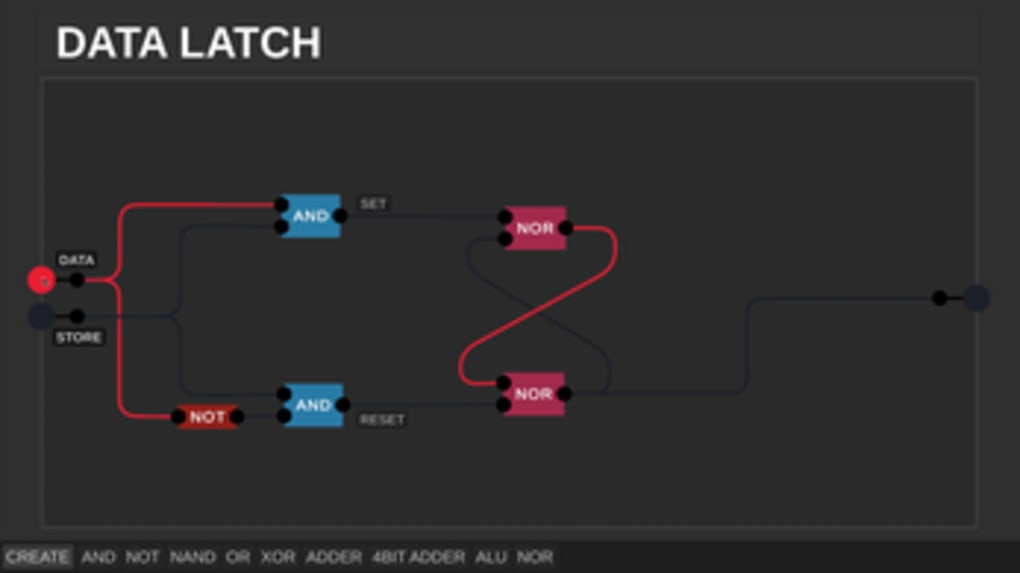
The NOT gate, also known as an inverter, is a unary operation, meaning it only takes one input. Its function is to invert the input signal: a high input produces a low output, and a low input produces a high output.
As you progress through more complex simulations, additional gates, such as OR, XOR, and ADDER gates, are introduced. These gates introduce increasingly complex logical operations, providing opportunities to build more sophisticated circuits. However, unlike some more comprehensive simulators, Digital Logic Sim does not provide built-in explanations of these gates or their associated truth tables. Users are expected to have a basic understanding of digital logic concepts before diving into the program. This design choice prioritizes a hands-on learning approach, encouraging users to engage with relevant learning materials to fully grasp the concepts they are simulating.
Navigating the Digital Logic Sim Interface
The program’s minimalist design is intentional, prioritizing functionality over visual complexity. The workspace is uncluttered, allowing for clear visualization of the circuits being constructed. The essential tools are readily accessible at the bottom of the screen, providing a streamlined user experience. The lack of a complex menu system allows beginners to quickly grasp the core mechanics of the simulator and focus on understanding the digital logic itself. The straightforward click-and-drag interface minimizes the learning curve, allowing users to start building circuits almost immediately. This ease of use makes it an excellent tool for educational purposes, allowing students and teachers to focus on the conceptual aspects of digital logic rather than struggling with a complex user interface.
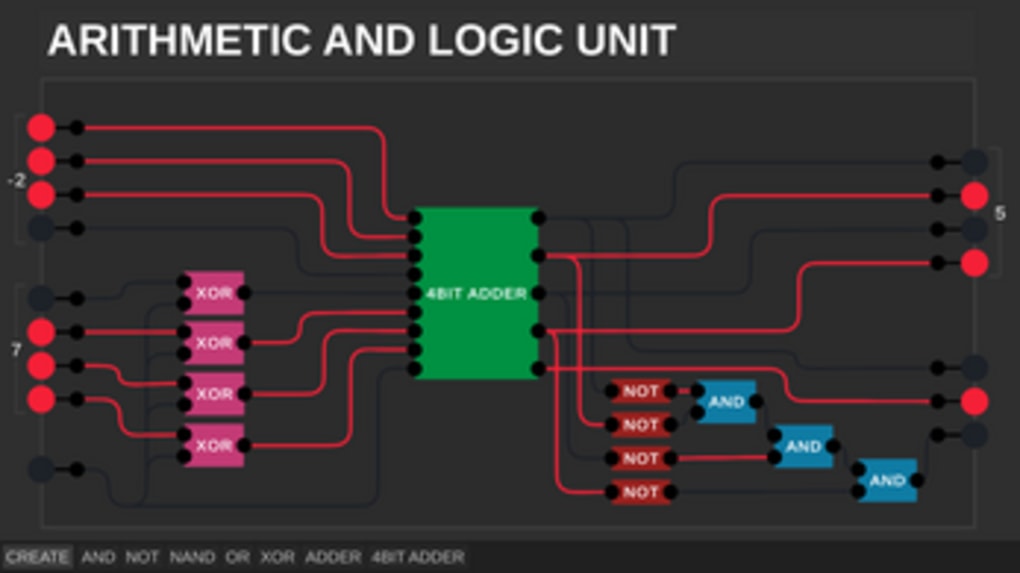
The simulator operates from left to right, mimicking the typical flow of signals in a digital circuit. Input signals are typically placed on the left side of the workspace, while the output is usually on the right, making the progression of data through the circuit intuitively clear.
Building Complex Circuits: A Step-by-Step Approach
The simplicity of Digital Logic Sim might appear limiting at first, but this very simplicity allows for a powerful learning experience. By starting with the fundamental AND and NOT gates, users gradually build their understanding of more complex concepts. This iterative process reinforces learning and encourages users to actively think about how different gate combinations interact to produce desired outputs. The lack of pre-built components forces users to understand the underlying logic of the system, fostering a deeper grasp of the principles than simply using pre-made components in a more advanced simulator.
To create a circuit, the user first utilizes the CREATE tool. This creates a blank space for a new gate. Then, they select the desired gate (AND or NOT initially, with more options unlocked as the user’s understanding progresses). Once placed, the user connects the gates by clicking and dragging lines between the inputs and outputs of different gates. This hands-on approach to circuit building strengthens the user’s understanding of the connectivity within the digital system. This iterative construction process effectively mirrors the practical steps involved in designing and implementing real-world digital circuits.
Limitations and Considerations
While Digital Logic Sim’s simplicity is a key strength, it also presents some limitations. The absence of an in-program tutorial means users need prior knowledge of digital logic gates, truth tables, and Boolean algebra. This limitation requires users to supplement their use of the simulator with external learning resources. The program does not explain the functions of the gates, nor does it provide interactive help or examples. This forces users to actively seek out supplemental information to gain a complete understanding of the simulations they are creating.
Furthermore, the program’s limited functionality might not be sufficient for advanced users or those working on complex projects. Advanced features often found in professional-grade simulators, such as waveform analysis, timing diagrams, or the ability to simulate various logic families, are absent. This focus on the very basics makes it less suitable for individuals who need more advanced features for serious digital design projects. However, for those beginning their journey into the world of digital logic, it acts as an excellent bridge from theoretical concepts to practical application.
Digital Logic Sim: A Powerful Learning Tool
Despite its limitations, Digital Logic Sim offers a valuable service for anyone looking for a straightforward and user-friendly introduction to digital logic. Its minimalist design and intuitive interface allow beginners to quickly grasp the core principles of circuit design without being overwhelmed by complex features. The program’s simplicity encourages a hands-on learning approach, reinforcing concepts through active engagement with the simulation. The focus on the fundamentals is ideal for those with little or no prior experience with digital logic, providing a strong foundation upon which more advanced knowledge can be built. It serves as an accessible and effective tool for students, educators, and anyone interested in learning more about how computers work at their most basic level. While it might not be suitable for advanced users, its value as a beginner’s tool is undeniable. The lack of extraneous features helps maintain focus on the essential concepts, making it a truly effective and valuable learning resource.
File Information
- License: “Free”
- Version: “0.25”
- Latest update: “July 20, 2021”
- Platform: “Windows”
- OS: “Windows 8”
- Language: “English”
- Downloads: “6.1K”
- Size: “21.40 MB”


