
Digsby emerged as a pioneering attempt to consolidate various online communication platforms into a single, unified interface. At a time when managing multiple email accounts, instant messaging services, and social networking profiles felt like juggling flaming chainsaws, Digsby promised a streamlined solution. This article explores the features, impact, and ultimate fate of this ambitious application.
The All-in-One Messaging Vision
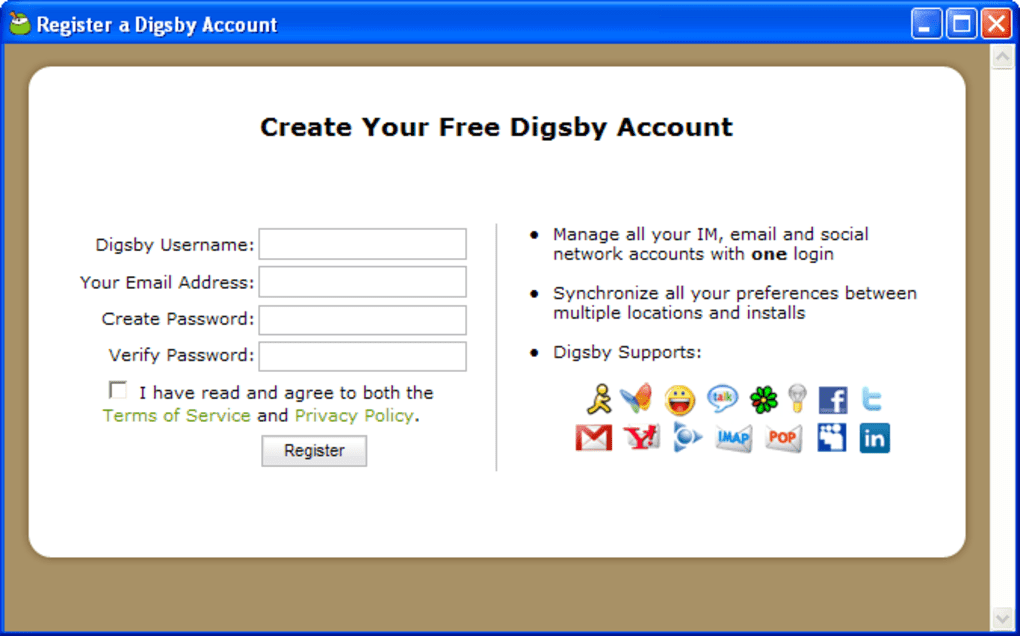
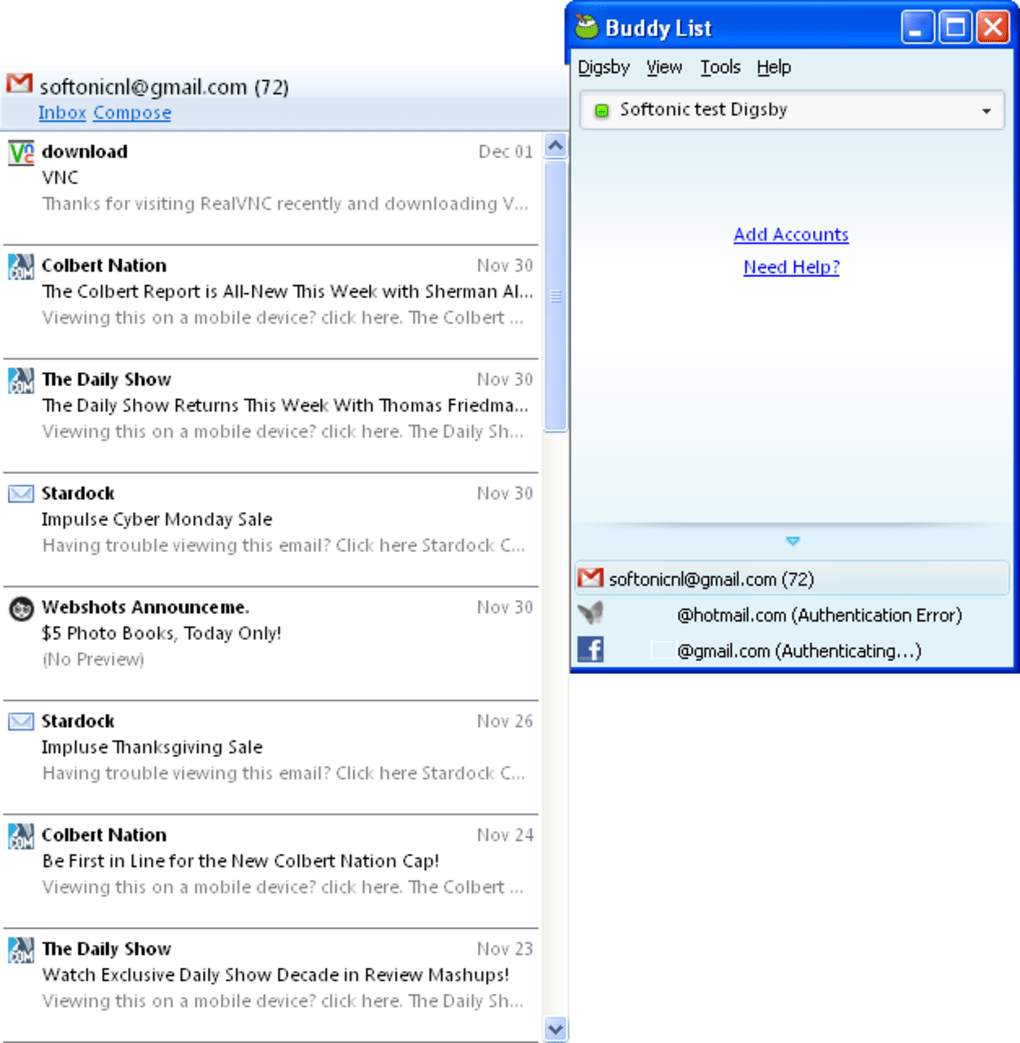
Digsby’s core functionality was its ability to integrate disparate communication channels under one roof. Users could connect their accounts from various services, including AIM, MSN Messenger (later Windows Live Messenger), Yahoo! Messenger, Google Talk, ICQ, Gmail, Yahoo! Mail, Hotmail, Facebook, and MySpace, all within a single application. This aggregation drastically reduced the need to constantly switch between multiple applications, a significant improvement in user experience, especially during the era of its release. The application wasn’t just about instant messaging; it also incorporated email account management. Users could check and respond to emails from various providers without needing to access individual webmail interfaces or desktop email clients. This integrated approach aimed to create a central hub for all online social and professional interactions.
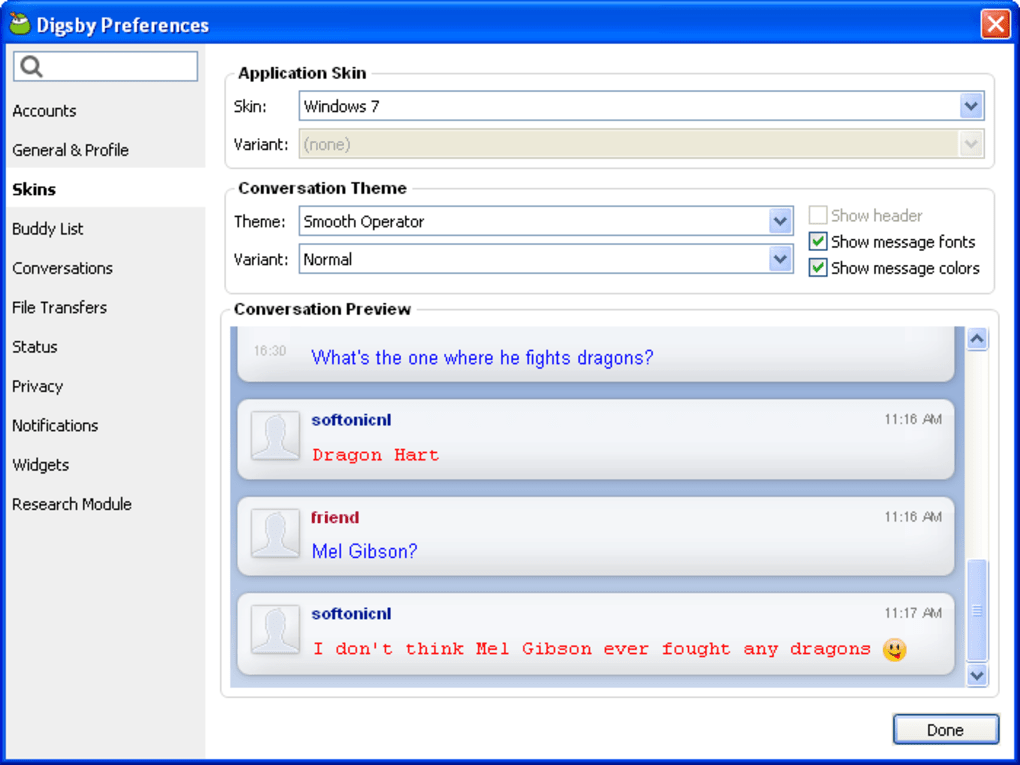
The user interface, while not always lauded for its cutting-edge design, prioritized clarity and organization. Accounts were presented in a tabbed structure, making it straightforward to switch between different conversations and email inboxes. This simplified navigation was a key selling point, particularly beneficial for users overwhelmed by the multitude of communication channels available. Furthermore, Digsby included features like chat history saving, file transfer capabilities, and a comprehensive settings menu allowing for customization of the application’s appearance and functionality.
The revolutionary aspect, or at least the ambition, wasn’t just about consolidating platforms. Digsby aimed to redefine how users interacted with their online lives. Instead of constantly toggling between separate applications, users could maintain a central point of contact for all communications. This vision, ahead of its time in many ways, attempted to anticipate the future demand for unified communication hubs.
Technical Aspects and User Experience
Digsby’s technical architecture supported a range of communication protocols. This required considerable behind-the-scenes work to handle the differences between various messaging and email systems. While the application generally functioned well in connecting to these diverse platforms, issues arose from time to time, particularly with Facebook integration. Users reported inconsistent connectivity, with the application often displaying “Connecting…” messages even when the Facebook widget appeared to be functional. Similarly, some users experienced problems with ICQ account responses. These inconsistencies, attributed in part to the application’s beta status during certain periods, highlighted the challenges inherent in integrating so many different systems.
While the overall user interface was generally praised for its simplicity, certain aspects drew criticism. One recurring complaint centered on the speed of startup and login. The process, sometimes considered sluggish, detracted slightly from the otherwise efficient design. Another notable issue related to Facebook integration; while the integration was a key selling point, its unreliability frustrated many users. Furthermore, early versions of the software were criticized for an adware-laden installer which raised concerns for users regarding its legitimacy and trustworthiness. This negative association unfortunately impacted the overall perception of the application.
.png)
Despite these limitations, the positive aspects often outweighed the negatives for many users. The convenience of managing multiple accounts from one application and the efficiency of accessing both messaging and email within a unified space proved compelling for those who valued centralized communication management. The ability to quickly check emails, respond to instant messages, and manage social media notifications in one place greatly enhanced productivity and streamlined the daily routine of communication management.
Features and Functionality Deep Dive
Digsby’s feature set aimed for comprehensiveness, encompassing several key functionalities that significantly contributed to its popularity, despite its shortcomings:
- Multi-Protocol Support: This was Digsby’s cornerstone. The capacity to integrate multiple instant messaging services (AIM, MSN, Yahoo!, Google Talk, ICQ, etc.) was a significant advancement for users accustomed to managing multiple clients. It addressed a common user frustration by bringing everything together.
-
Email Integration: The inclusion of email functionality, supporting various providers (Gmail, Yahoo!, Hotmail, etc.), further solidified Digsby’s position as a central communication hub. Users could manage both personal and professional correspondence without leaving the application.
-
Social Media Integration: The integration of popular social networks like Facebook and MySpace at the time was forward-thinking. This integration went beyond simply displaying notifications; it aimed to offer a more integrated social media experience, allowing users to interact with their social networks directly from the application. This was highly valued in the early days of social networking, where switching between applications was often cumbersome.
-
Chat History and File Transfer: These features enhanced the overall usability of the application. Saving chat history was a practical feature for those who needed to refer to past conversations, while file transfer facilitated easy sharing of documents and other digital materials.
-
Customization Options: Digsby provided an extensive settings menu, offering users a substantial degree of control over their experience. The ability to customize appearance, notifications, and various other aspects of the application was a major plus for users who desired a personalized experience.
-
Auto-Update System: A later addition, the auto-update system improved the user experience by ensuring users were always running the latest version of the software, thereby benefitting from bug fixes, performance improvements, and new features.
Evolution and Decline
Digsby went through various iterations, with updates addressing some of the initial criticisms. Improvements to stability and performance, along with refinements to the user interface, were implemented over time. The development team actively addressed user feedback, attempting to resolve connectivity issues and improve overall reliability. However, despite these efforts, Digsby never quite reached the level of widespread adoption and mainstream recognition comparable to established messaging giants.
The rise of more integrated platforms and the increasing prevalence of mobile communication arguably contributed to Digsby’s eventual decline. The emergence of multi-platform messaging apps that seamlessly integrated across desktops and mobile devices ultimately offered a more compelling and user-friendly alternative. Digsby’s desktop-centric approach, while revolutionary at the time, became less appealing as mobile devices grew in importance, with users shifting their reliance toward platforms providing a unified experience across devices.
The changing landscape of online communication, with the rise of integrated platforms and the move toward mobile-first experiences, contributed to Digsby’s waning influence. Although it represented a significant step towards a unified communication solution, the inability to keep up with technological advancements and user preferences eventually led to its decline.
.png)
The story of Digsby serves as a reminder of the constant evolution of technology and the dynamic nature of user expectations. While its vision was ambitious and ahead of its time in many respects, it underscores the challenges of staying competitive in a rapidly evolving market. It’s a testament to the difficulties of balancing innovation with user-friendliness and scalability within a crowded marketplace. Despite its limitations and ultimate decline, Digsby left its mark as a pioneering effort in the pursuit of unified online communication.
File Information
- License: “Free”
- Latest update: “May 24, 2023”
- Platform: “Windows”
- OS: “Windows XP”
- Language: “English”
- Downloads: “64.2K”
- Size: “19.15 MB”


