
Discord has rapidly become a ubiquitous communication platform, transcending its initial focus on the gaming community to encompass a diverse range of users and interests. This comprehensive guide explores the features, functionality, safety aspects, and overall impact of Discord, providing a detailed understanding of its widespread popularity.
Understanding Discord’s Functionality
Discord’s success stems from its intuitive design and versatile features. At its core, it’s a free cross-platform application designed for seamless communication. While initially popular among gamers, its user-friendly interface and expansive capabilities have attracted users from various communities, including language learners, artists, and more. The platform facilitates instant messaging, voice calls, video chats, and screen sharing, offering a rich communication experience.
The application’s interface is cleverly structured into three main sections:
-
Server List (Left Panel): This panel displays a list of servers the user is a member of. Here, users can easily navigate between different communities and access various channels within each server. Buttons for accessing the “Home” page, “Explore Public Servers,” “Add a Server,” and “Download Apps” are prominently featured, providing quick access to key functions.
-
Channel List (Right Panel): Selecting a server from the left panel reveals a list of text and voice channels within that server on the right. Each channel serves a specific purpose within the server, allowing for organized communication.
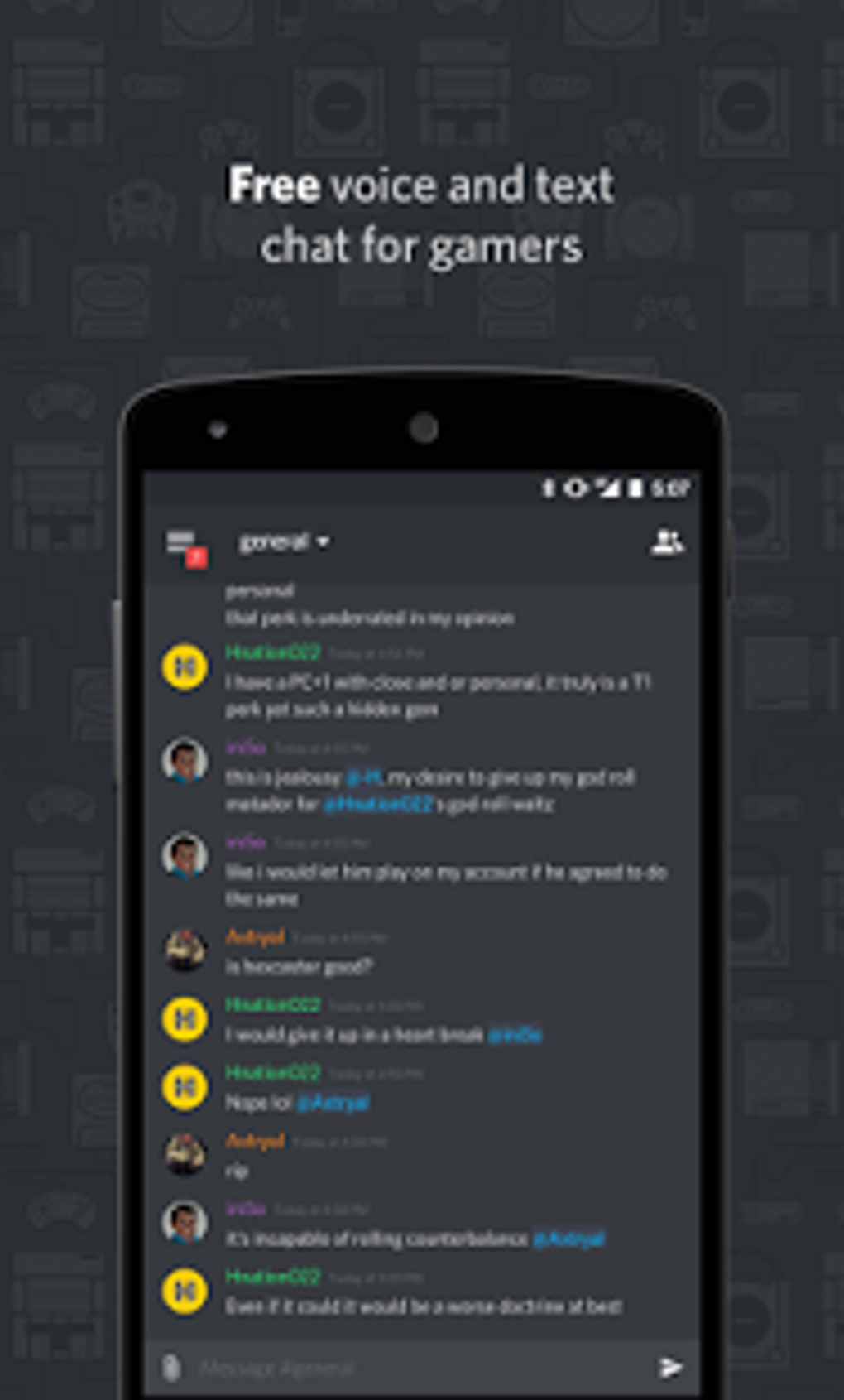
- Chat Room (Main Area): The central area displays the active chat room based on the selected channel. This is where users interact via text messages, voice, or video calls, depending on the channel type.
Discord’s highly customizable nature is a key factor in its appeal. Users can create their own servers by clicking the “+” icon in the left panel. This initiates a process where users can choose to create a server from scratch or select a pre-designed template for common uses, such as “Gaming,” “School Club,” “Study Group,” or “Local Community.” The process allows for setting up parameters like the server’s size and inviting members, followed by adding a custom server icon and name. Before creating a server, users are encouraged to review the Community Guidelines. Managing servers is also streamlined; a context menu allows for easy invitation of new members, and channel settings provide options for managing users, viewing active invites, and even deleting channels.
Navigating Discord’s Features: Text and Voice Channels
Discord offers a range of communication methods:
Text Channels: These channels facilitate text-based communication within the server. Users can send messages, embed media (such as images and videos), and use commands within the text box. Advanced features, like the ability to add GIFs and reactions to messages, are available, enhancing interaction. Some features, like high-quality image uploads, are tied to the optional paid Nitro subscription.
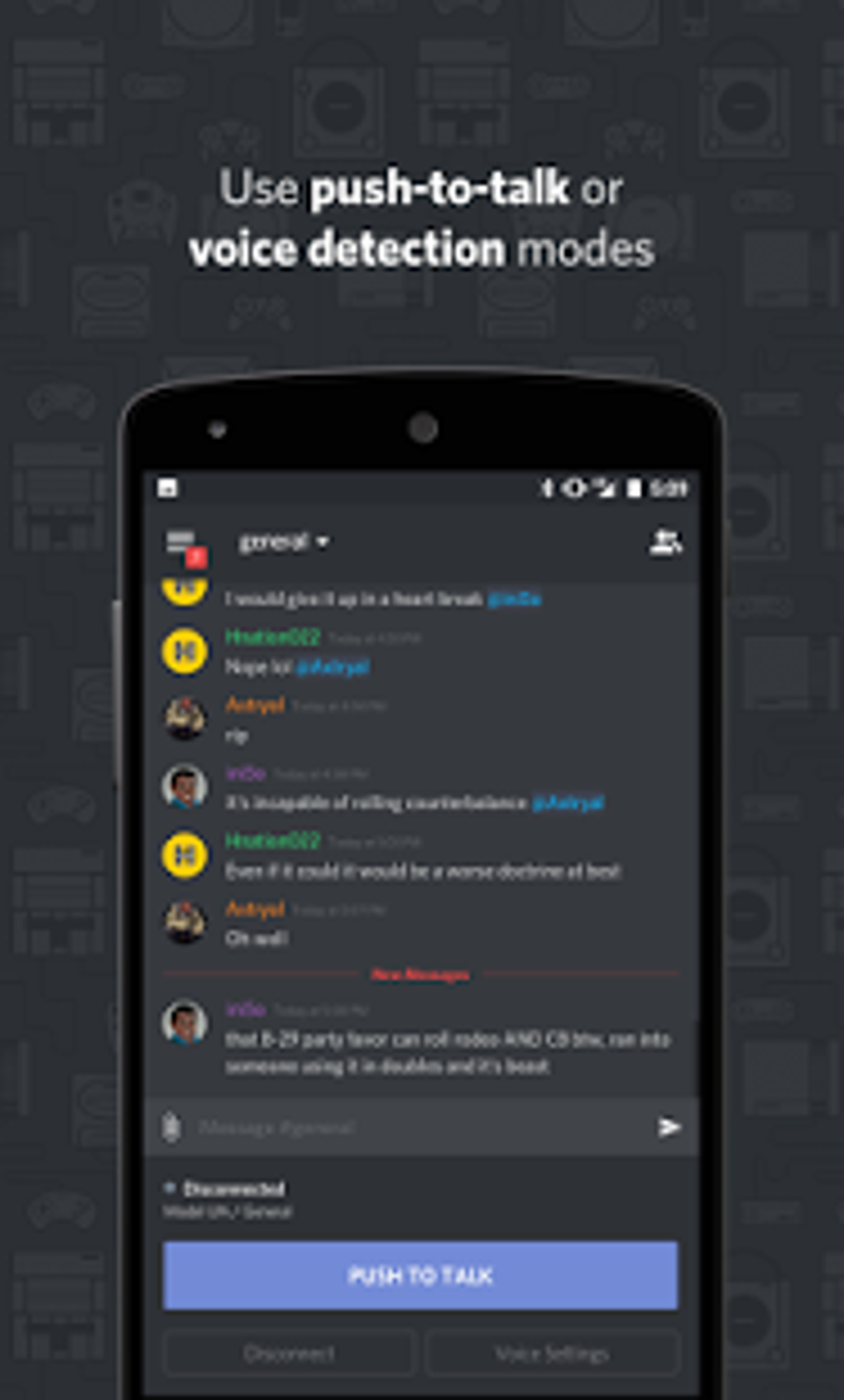
Voice Channels: These channels provide the functionality for voice and video chats. The list of users currently in a voice channel is conveniently displayed below the room name. Joining a voice channel is instantaneous, allowing for effortless interaction. Discord’s voice chat offers virtually unlimited time, perfect for streaming sessions, collaborative projects, casual conversations, and more. Screen sharing is a built-in feature within voice channels, adding another layer of interactive communication.
Discord’s Popularity: Community and Connection
Discord’s popularity stems from its ability to foster large and engaged communities. Some servers boast hundreds of thousands of members, showcasing its capacity to support massive online communities. Popular gaming communities, such as those surrounding titles like Genshin Impact and Among Us, highlight Discord’s role in connecting players. The platform goes beyond just gaming, offering a space for users to connect based on shared interests, providing an online space for social interaction that complements and extends real-world relationships. Finding new communities is easy, through the “Explore Public Servers” feature, fostering the formation of new friendships and connections.
Safety and Privacy on Discord: Protecting Users
Discord implements measures to ensure user safety, particularly for younger users. A minimum age requirement, typically 13 years old but subject to local legislation, is enforced. User data protection is prioritized; personal information is not sold to third parties, and the platform is free from in-app advertisements and tracking.
Extensive privacy settings provide granular control over user interactions. The “Keep me safe” feature is enabled by default, automatically scanning direct messages for explicit content and deleting it upon detection. Users can adjust this setting to three levels:
- Keep me safe: Scans all incoming direct messages.
- My friends are nice: Scans only incoming direct messages from unknown users.
- Do not scan: Disables content scanning in direct messages.
Further enhancing safety, users can customize friend requests, allowing them to choose from three options:
- Everyone: Anyone can send a friend request.
- Friends of Friends: Only users with mutual friends can send a request.
- Server Members: Only users from shared servers can send a request.
Additionally, users can control whether server members can directly message them and can easily block users as needed. These privacy and safety features work in conjunction to foster a safer online environment.
Community Onboarding: A Welcoming Experience
Discord’s Community Onboarding feature streamlines the integration of new members into a server. This built-in tool offers a structured introduction, guiding newcomers through essential roles and channels. This process involves three simple steps:
- Selecting Default Channels: Administrators specify channels to be visible to all new members upon joining.
- Creating Questions: The server creates questions to help members select additional relevant channels and roles based on their interests.
- Linking Answers to Channels and Roles: The system automatically assigns users to appropriate channels and roles based on their responses to the onboarding questions.
Voice Messages: A Personal Touch
Discord offers voice message functionality for personal conversations in direct messages (DMs), group direct messages (GDMs), and servers with fewer than 200 members on mobile devices. This feature enhances the communication experience, providing a more personal and intimate mode of interaction. Discord employs noise cancellation technology via Krisp, ensuring clear audio quality.
Sending voice messages is straightforward:
- Press and Hold: Press and hold the microphone icon in a DM or GDM.
- Hands-Free Recording: Slide your finger upwards to the “lock” icon for hands-free recording.
- Send: Tap the send button once the recording is complete.
Discord: A Practical Communication Hub
Discord’s versatility extends beyond its gaming origins. It functions as a reliable tool for connecting with individuals across geographical boundaries. Features like screen sharing add an interactive element, facilitating collaborative work and shared experiences. As an invite-only platform, Discord enhances security and, combined with robust moderation tools available within channels, maintains a safe and controlled environment.
Continuous Improvement and Future Developments
Discord’s developers consistently update the platform, ensuring a continuously improving user experience (UX). Regular software updates introduce new features and refine existing ones, demonstrating a commitment to adapting to user needs and improving functionality.
Advantages and Disadvantages of Discord
Pros:
- Invite-only: Enhanced security and control over who joins the server.
- Intuitive UI: User-friendly interface, making it easy to navigate.
- Cross-platform: Accessible on various devices and operating systems.
- Highly Customizable: Offers extensive customization options for servers and user profiles.
- Diverse Communication Mediums: Supports text, voice, video, and screen sharing.
Cons:
- Slightly Cluttered: The abundance of features can sometimes feel overwhelming for new users.
Alternatives to Discord
While Discord holds a prominent position, several alternatives exist, each with unique features and strengths:
- Skype: A well-established platform offering voice, video calls, and messaging.
- Google Hangouts: A Google-integrated platform for instant messaging and video conferencing.
- Zoom Meetings: A simple tool for conducting virtual meetings.
- Telegram: A free and encrypted messaging app.
In conclusion, Discord’s popularity stems from a potent combination of features, a user-friendly interface, and a strong emphasis on community building. Its customizable nature, focus on safety and privacy, and continuous development make it a powerful and versatile communication platform, appealing to a broad spectrum of users. While alternatives exist, Discord’s unique blend of features solidifies its position as a leading communication application.
File Information
- License: “Free”
- Latest update: “August 10, 2025”
- Platform: “Android”
- OS: “Android 15.0”
- Language: “English”
- Downloads: “267.5K”
- Download Options: “Google Play”


