
DivFix++ is a lightweight and user-friendly application designed to repair corrupted AVI files and preview partially downloaded video content. This tool proves particularly valuable for users who frequently download videos from peer-to-peer (P2P) networks or websites, where incomplete or damaged downloads are common. While DivFix++ offers a straightforward solution to these problems, understanding its features and limitations is crucial for optimal use. This guide delves into the capabilities, limitations, and alternatives of DivFix++, providing a comprehensive overview for users seeking to restore their damaged AVI files.
Repairing Corrupted AVI Files: The Core Functionality
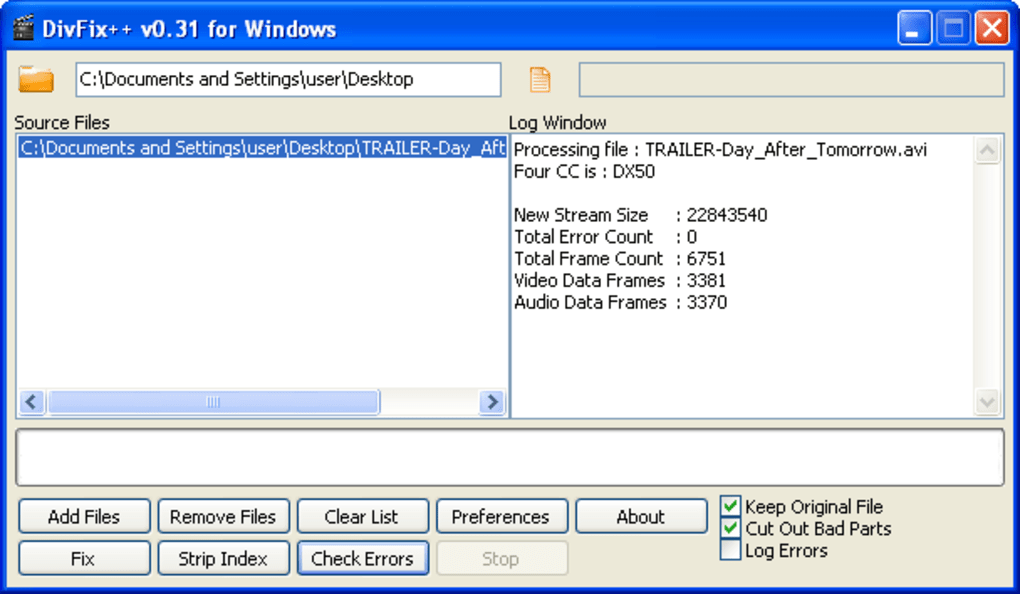
The primary function of DivFix++ is the repair of corrupted AVI files. AVI (Audio Video Interleaved) is a widely used container format for storing video and audio data, but its age and relative simplicity can make it susceptible to damage during download or transfer. DivFix++ addresses this vulnerability by employing sophisticated algorithms to identify and correct errors within the AVI file structure. This process involves analyzing the file’s header information, identifying inconsistencies in the data streams (audio and video), and attempting to reconstruct a playable video.
The repair process is remarkably simple. Users can either directly open a file within the DivFix++ interface or utilize drag-and-drop functionality for ease of use. The application efficiently processes individual files, allowing users to repair them one at a time. For users with multiple corrupted files, DivFix++ also supports batch processing, enabling users to create a queue of files to be processed sequentially. This batch processing feature significantly increases efficiency and saves time when dealing with a large number of damaged videos.
The success of the repair process depends on the extent of the corruption. Minor errors, such as inconsistencies in header information or small data discrepancies, are often easily resolved by DivFix++. However, severely damaged files with extensive data loss may not be repairable, even with advanced tools like DivFix++. The program’s success rate varies depending on the nature and severity of the damage inflicted upon the AVI file.
Previewing Partially Downloaded Videos: A Useful Feature
Beyond its repair capabilities, DivFix++ offers a valuable preview function. This feature allows users to view partially downloaded AVI files before attempting repair. This is immensely helpful because it confirms the file’s content and assesses the potential for successful repair. Knowing what’s in a partially downloaded file before committing to a repair attempt saves users time and resources. It prevents the wasted effort of trying to repair a file that is irretrievably damaged or contains unwanted content.
The preview function is seamlessly integrated into the DivFix++ workflow. After selecting a file, users can initiate a preview to verify the content. This preview operation is relatively quick, providing immediate feedback on the file’s viability before initiating the repair process. The ability to preview files is a crucial advantage over repair tools that lack this functionality, providing crucial context before attempting to fix a potentially broken file.
Limitations of DivFix++: Areas for Improvement
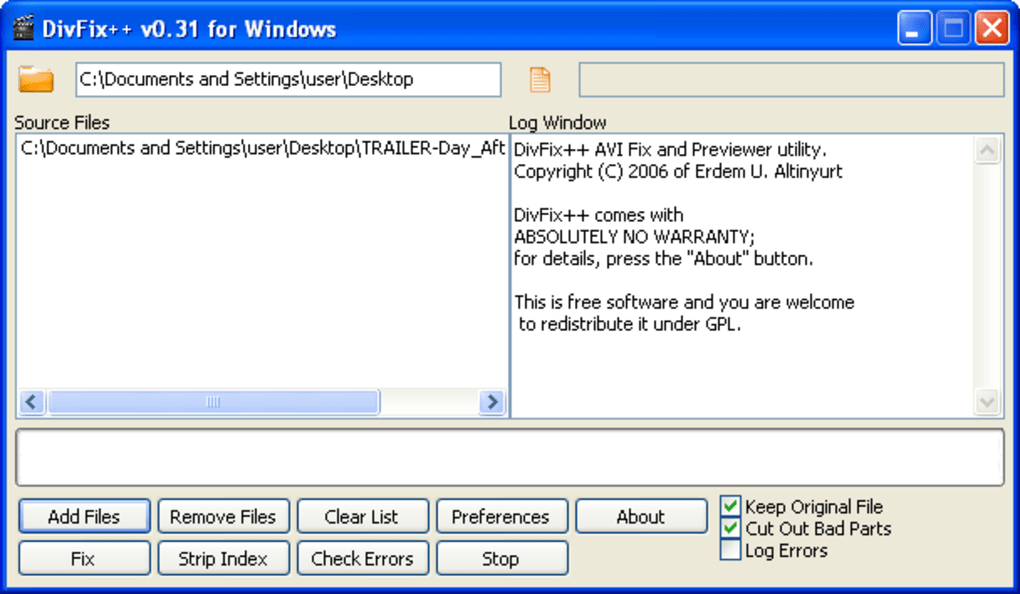
While DivFix++ offers a convenient and effective solution for many AVI file repair needs, it also exhibits some limitations. Perhaps the most significant shortcoming is the lack of a comprehensive configuration menu. The application provides minimal options: a selection for a default media player and a language selection dropdown. This lack of customization limits the user’s ability to tailor the application to specific needs or preferences.
The absence of comprehensive documentation also detracts from the user experience. While the application’s functionality is relatively intuitive, a user manual or help file could enhance understanding and improve troubleshooting for more complex scenarios. A detailed FAQ or troubleshooting guide could help users understand the limitations of the application and address common problems more effectively.
Furthermore, the program’s error handling regarding language selection could be improved. The error message that appears if a language is not selected before closing the application is less than user-friendly. More intuitive error messages that guide the user would enhance usability.
Alternatives to DivFix++: Exploring Other Options

Although DivFix++ serves as a capable AVI repair tool, users might find its limitations unsatisfactory. Several alternative applications provide similar functionality, sometimes with additional features or improved user interfaces. Evaluating these alternatives is important to determine the optimal solution for specific needs. The choice between DivFix++ and other tools depends largely on individual requirements and preferences.
For instance, some alternative applications offer more advanced features, such as the ability to repair a wider range of video formats beyond AVI or to handle more complex forms of corruption. Other alternatives might boast more sophisticated user interfaces, providing a more intuitive and user-friendly experience. Additionally, some repair tools offer better error handling and more comprehensive documentation, leading to improved user support.
Conclusion: DivFix++’s Place in the Video Repair Landscape
DivFix++ occupies a useful niche in the video repair landscape. Its ease of use, quick processing times, and ability to preview files make it a compelling choice for users needing to repair damaged or incomplete AVI files. While its simplicity is appealing, the lack of configuration options, documentation, and refined error handling represent areas for improvement. Users should weigh these limitations against its benefits and consider alternatives before choosing the tool that best fits their specific needs and priorities. Ultimately, DivFix++ provides a valuable service for those encountering commonly occurring AVI file corruption issues. With a focus on usability, it caters to users who require a quick and straightforward solution without the complexities of more advanced, feature-rich applications. It is a simple, efficient tool that gets the job done effectively for the majority of users.
File Information
- License: “Free”
- Latest update: “November 16, 2009”
- Platform: “Windows”
- OS: “Windows 2000”
- Language: “English”
- Downloads: “13.2K”
- Size: “923.79 KB”


