
DLL files, or Dynamic Link Libraries, are essential components of the Windows operating system. They act as intermediaries, allowing different programs to share resources and functionalities. However, when DLL files become corrupted, missing, or damaged, they can lead to a cascade of frustrating errors, preventing software from running correctly and even causing system instability. DLL-Files Fixer is a software application designed to address these issues, offering a solution for users facing the dreaded “DLL not found” error messages. This comprehensive guide will explore the features, functionalities, and overall effectiveness of DLL-Files Fixer in resolving DLL-related problems on your Windows PC.
Understanding DLL Errors and Their Impact
The cryptic error messages associated with missing or corrupted DLL files are a common headache for Windows users. These errors can manifest in various ways, from application crashes and freezes to outright program failures. The underlying cause often stems from issues during software installation, malware infections, registry corruption, or even simple file system errors. A missing or corrupted DLL prevents programs from accessing necessary resources, hindering their ability to function correctly. These errors can range from minor inconveniences to significant disruptions, depending on the affected DLL and the programs that rely on it. The impact can be anything from the inability to play a specific game or use a particular program, to a complete system freeze requiring a reboot.
The consequences of neglecting these errors can be far-reaching. Continued operation with corrupted DLL files may lead to further system instability, security vulnerabilities, and potential data loss. Moreover, the accumulation of these errors over time can contribute to a gradual decline in system performance, resulting in slower boot times and overall sluggishness. Therefore, addressing DLL errors promptly and effectively is crucial for maintaining a stable, efficient, and secure computing experience.
How DLL-Files Fixer Works: A Deep Dive into Its Functionality
DLL-Files Fixer operates on the principle of identifying, diagnosing, and resolving problems related to DLL files. The software employs a multi-faceted approach to tackle these issues, combining several key functionalities:
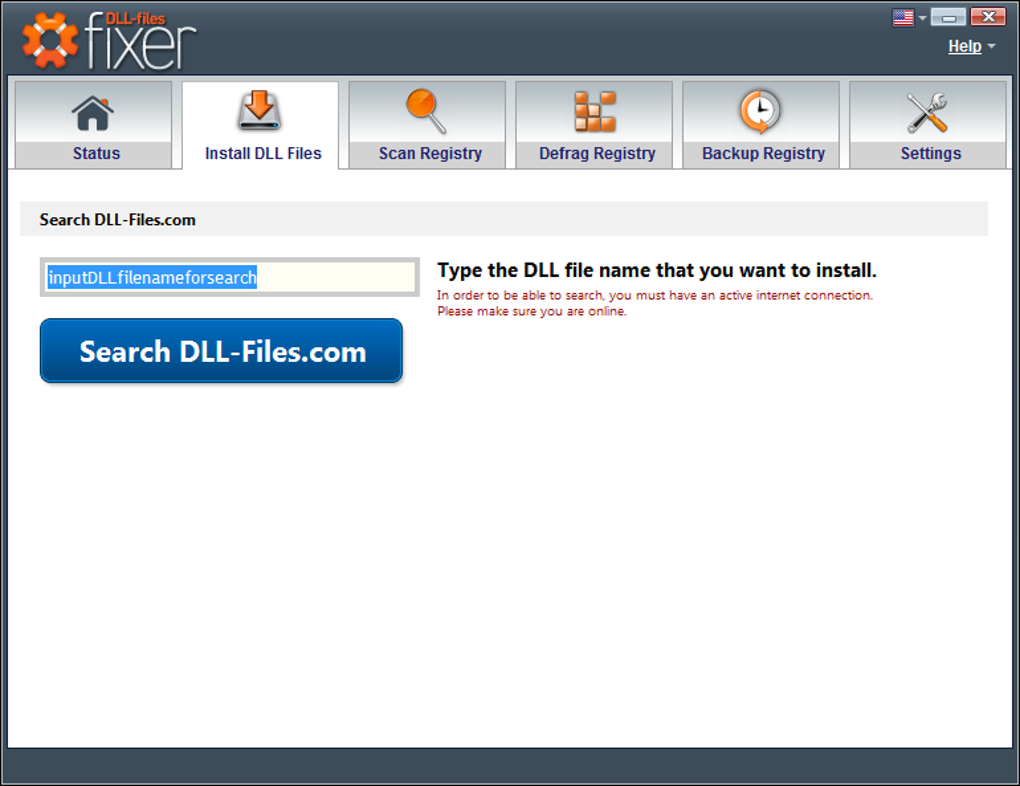
1. Comprehensive DLL Database and Search: At the heart of DLL-Files Fixer lies its extensive database of DLL files. This database constantly updates, ensuring compatibility with the latest software and system updates. Users can search this database for specific DLLs, allowing them to easily identify and download replacements for corrupted or missing files. The software prioritizes files from trusted sources, and the downloaded DLLs undergo a verification process to ensure authenticity and integrity before installation. This process is critical in preventing the introduction of malicious code or further compromising the system.
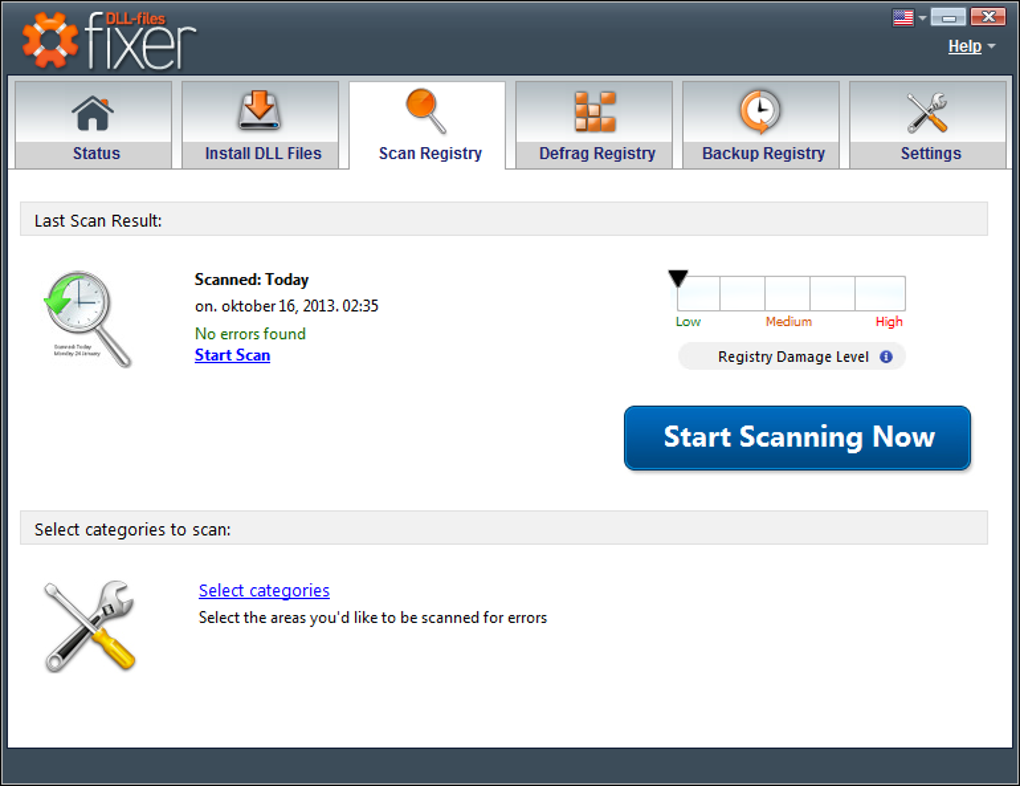
2. Registry Cleaning and Repair: Many DLL errors are intertwined with problems within the Windows Registry. The registry is a central database that stores critical system information, including references to DLL files. Corrupted registry entries can misdirect programs to non-existent or damaged DLLs, causing errors. DLL-Files Fixer includes a registry cleaner designed to identify and repair these faulty entries. The process involves identifying and removing unnecessary or invalid registry keys, thereby restoring the system’s ability to correctly locate and utilize DLL files. The software typically offers options for backing up the registry before making any changes, allowing users to revert to the previous state if needed.
3. Registry Defragmentation: Over time, the Windows registry can become fragmented, slowing down system access and potentially contributing to errors. DLL-Files Fixer’s defragmentation function reorganizes the registry, making it more efficient and optimizing access times. This process improves system responsiveness and can indirectly alleviate DLL-related issues caused by slow or inefficient registry access.
4. Registry Backup and Restore: To mitigate any risk associated with registry modifications, DLL-Files Fixer incorporates a robust backup and restore feature. Before any registry cleaning or repair takes place, the software creates a backup of the current registry state. If any issues arise from the cleaning process, the user can easily restore the registry to its previous state, minimizing the chances of causing further problems. This is a crucial safety net for users who are less experienced with managing the Windows Registry.
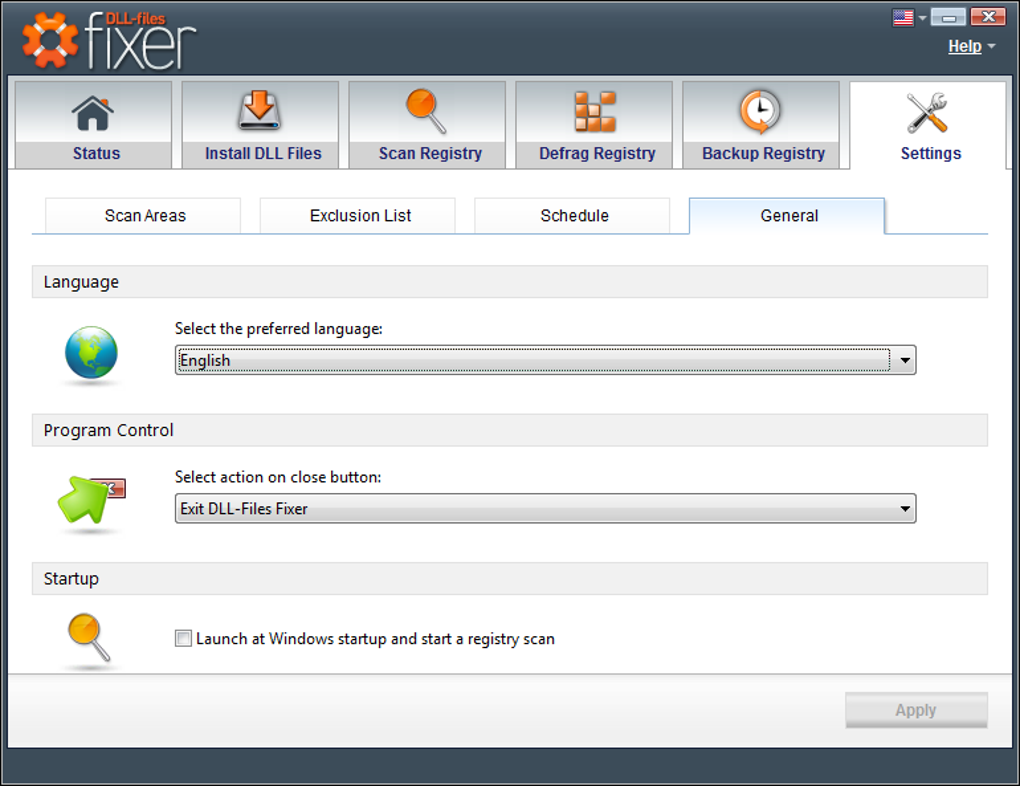
5. User-Friendly Interface and Customizable Settings: The software is designed with user-friendliness in mind. The interface is straightforward and intuitive, making it easy for users of all technical skill levels to navigate and utilize its features. Customizable settings allow users to specify the types of scans to perform, tailoring the process to their specific needs and priorities. Users can define what is included or excluded from scans, enabling fine-grained control over the cleaning process. Scheduling options allow users to automate routine maintenance tasks, ensuring the system remains optimized without constant manual intervention.
Addressing Specific DLL Errors with DLL-Files Fixer
DLL-Files Fixer’s primary strength lies in its ability to effectively address various DLL-related problems. Its systematic approach, which encompasses database search, registry cleaning, and optimization, provides a comprehensive solution for users facing a wide range of DLL errors. Here are some examples of common DLL-related issues the software is designed to address:
-
Missing DLL Files: When a program cannot find a required DLL file, it typically throws an error message. DLL-Files Fixer’s extensive database makes it easy to locate and download the correct DLL file, restoring the program’s functionality.
-
Corrupted DLL Files: Corrupted DLL files can cause various program malfunctions or crashes. DLL-Files Fixer helps identify corrupted DLLs, allowing for the replacement with clean, functional copies from its database.
-
Registry Errors: As mentioned earlier, errors within the Windows registry can often lead to DLL-related issues. The software’s registry cleaning and repair capabilities effectively address these underlying problems, preventing future issues.
-
System Instability: The software’s optimization features, such as registry defragmentation, can help improve overall system stability and responsiveness, indirectly mitigating DLL-related problems caused by slow or inefficient registry access.
DLL-Files Fixer: Trial vs. Premium Versions
DLL-Files Fixer is available in both trial and premium versions. The trial version provides a limited number of fixes, allowing users to evaluate its effectiveness before purchasing a full license. The premium version offers unlimited access to all features, including the extensive DLL database, comprehensive registry cleaning tools, and ongoing technical support. The choice between the trial and premium version depends on the user’s individual needs and the frequency of DLL-related issues they encounter. The trial version is excellent for users who only occasionally encounter DLL errors and might only need a few fixes. The premium version is more beneficial for users who experience frequent DLL problems or desire complete system optimization and ongoing support. The premium version also often includes extended support and access to regular updates, ensuring the user always has the latest database and functionality.
Conclusion: Is DLL-Files Fixer the Right Solution for You?
DLL-Files Fixer provides a user-friendly and effective solution for addressing DLL-related problems on Windows PCs. Its combination of a vast DLL database, robust registry cleaning capabilities, and a streamlined interface makes it a valuable tool for both novice and experienced users. While there may always be some files that cannot be fixed due to the complexity of certain DLL errors or the lack of available replacements, the software successfully resolves a significant number of commonly encountered issues. The choice between the trial and premium version depends on the user’s specific needs and frequency of use. If you frequently encounter DLL errors or desire a comprehensive system optimization solution, the premium version may be worthwhile. If occasional DLL problems are your primary concern, the trial version allows you to test the software’s capabilities and decide if it’s a suitable solution for your needs. Ultimately, DLL-Files Fixer can be a powerful asset in maintaining a stable and efficient Windows computing experience.
File Information
- License: “Trial version”
- Latest update: “November 13, 2024”
- Platform: “Windows”
- OS: “Windows 10”
- Language: “English”
- Downloads: “444K”


