
DMG Extractor is a software application designed to extract the contents of DMG (Disk Image) files, a format primarily used by macOS, onto Windows systems. This seemingly straightforward task highlights a key incompatibility between the two operating systems: while macOS utilizes DMG files for secure distribution and archiving, Windows lacks native support for this format. DMG Extractor bridges this gap, allowing Windows users to access the contents of DMG archives without needing to resort to complex workarounds. This comprehensive review will examine DMG Extractor’s features, advantages, disadvantages, and ultimately assess its value compared to alternative solutions.
Understanding DMG Files and the Need for Extraction
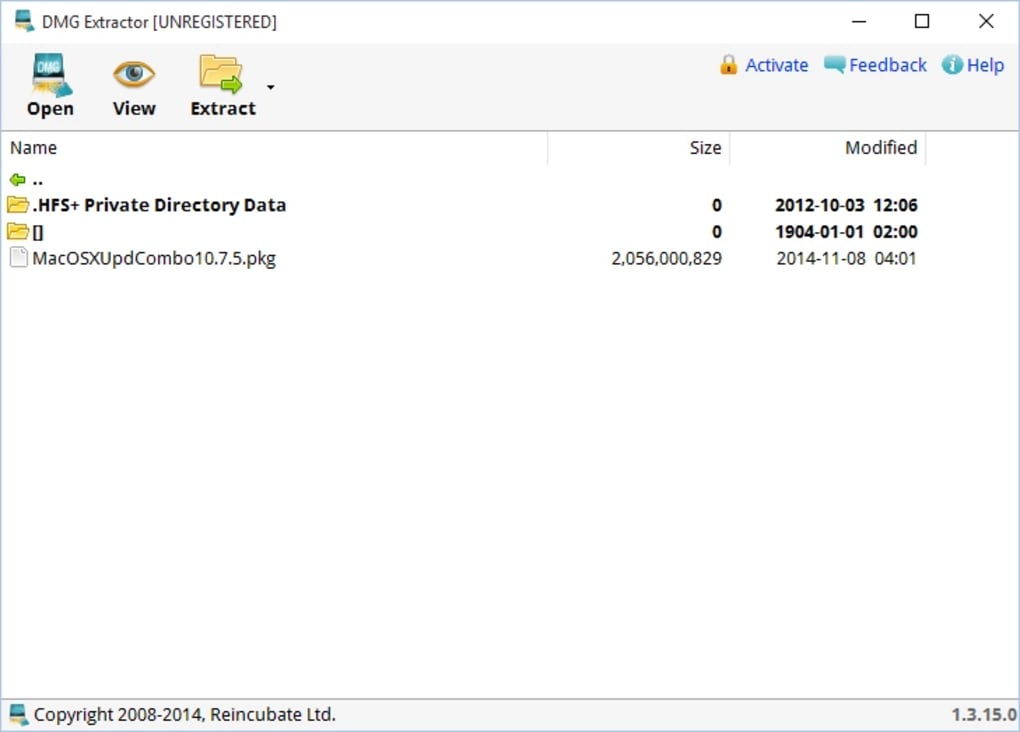
DMG files serve as containers for files and applications on macOS. They provide a level of security and integrity verification, ensuring the downloaded content hasn’t been tampered with. This is achieved through various mechanisms, including checksum verification and encryption in some cases. The DMG format efficiently bundles files for distribution and maintains a consistent structure. However, this very structure renders DMG files inaccessible to the default file systems of Windows. Attempting to open a DMG file directly in Windows will result in an error, highlighting the need for a dedicated extraction tool like DMG Extractor.
DMG Extractor: Functionality and Features
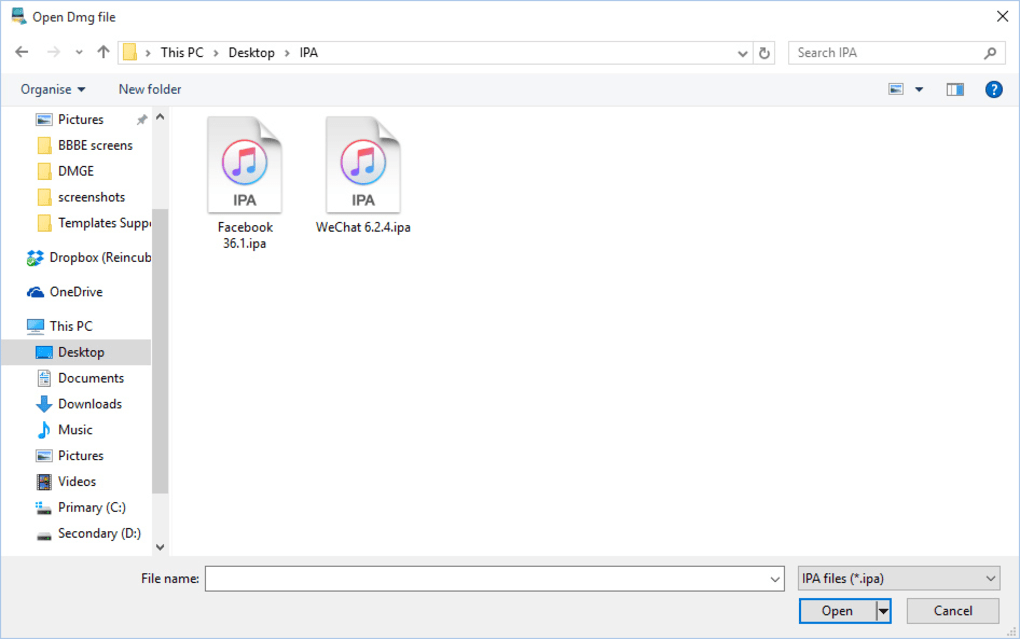
DMG Extractor, as its name suggests, specializes in extracting the contents of DMG files. It’s a read-only application; it can open and extract files from existing DMG archives but cannot create new DMG files. This focused functionality simplifies the user experience, making it ideal for users solely needing to access the contents of DMG files received from macOS users or downloaded from macOS-specific sources. The software supports various DMG file types, including those employing different compression algorithms like Raw, Zlib, Bzip2, and Zero block type DMG files. The user interface is designed for simplicity, prioritizing ease of use over advanced features. The extraction process is initiated by importing the DMG file, selecting a destination folder, and initiating the extraction.
The software offers a straightforward file system view of the DMG contents, allowing users to select specific files or folders for extraction or extract the entire archive’s contents. This selective extraction capability is particularly useful when dealing with large DMG archives containing numerous files. While its functionality is primarily focused on extracting DMG files, it does the job efficiently for those needing only this functionality.
Comparison with Alternative Solutions: 7-Zip, Universal Extractor, and Others
While DMG Extractor effectively extracts DMG files, it’s essential to compare it to the broader landscape of file extraction tools available for Windows. Numerous applications offer more comprehensive functionality, including support for various archive formats beyond DMG. 7-Zip, for instance, is a widely popular and free, open-source file archiver capable of handling a vast array of archive formats, including ZIP, RAR, 7z, and others. In many cases, 7-Zip can open and extract DMG files without the need for a dedicated DMG extraction tool. This versatility makes 7-Zip a compelling alternative for users who frequently work with various archive formats.
Universal Extractor, another powerful alternative, boasts even broader compatibility, supporting a vast range of archive types. Its ability to handle numerous formats, including less common ones, makes it a robust option for users needing a universal solution. Similar to 7-Zip, Universal Extractor often proves sufficient for extracting DMG files, reducing the need for a specialized tool.
Other alternatives like TransMac provide more extensive capabilities for interacting with macOS file systems and disk images. They allow users not only to extract DMG files but also to mount and explore DMG files as virtual drives, facilitating file access and management. However, these tools often come with a price tag or more complex interfaces than DMG Extractor.
DMG Extractor’s primary drawback is its limited functionality. Its focus solely on DMG files restricts its usefulness compared to multipurpose archive managers. Users needing a solution for handling various archive formats might find a general-purpose tool like 7-Zip or Universal Extractor more practical.
Advantages of DMG Extractor: Simplicity and Ease of Use
DMG Extractor’s primary strength lies in its simplicity and ease of use. The clean, straightforward interface requires minimal technical expertise. Users can quickly import a DMG file, select the extraction destination, and extract the contents with minimal effort. This simplicity makes it an accessible option for non-technical users who only need to occasionally extract DMG files. The software’s speed and efficiency in extracting DMG files is another notable advantage, providing quick access to the archived content. This makes it particularly beneficial for users with large DMG files needing to extract only specific files, thereby saving time and resources. For users with a need for only DMG extraction, the user-friendliness and speed of the process outweighs the lack of broader functionality.
Disadvantages of DMG Extractor: Limitations and Missing Features
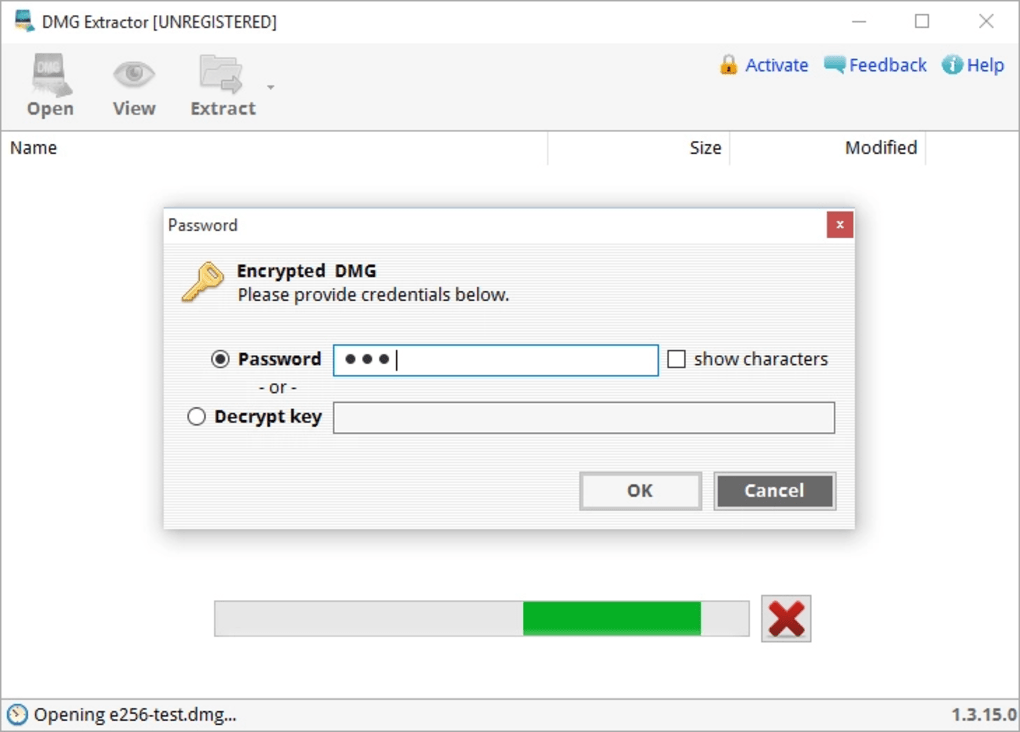
DMG Extractor’s limitations are significant when compared to alternative software. Its most prominent disadvantage is the absence of support for other archive formats. It is strictly limited to DMG files. This specialization means it offers little value to users regularly handling ZIP, RAR, or other common archive types. The free version further restricts functionality, limiting the number of files that can be extracted simultaneously. This limitation renders it impractical for extracting large volumes of data contained within a single DMG archive. Additional limitations in the free version, such as file size restrictions (often capping at 4GB), severely restrict its usability for managing larger DMG files. Moreover, DMG Extractor lacks the ability to handle encrypted DMG files. This inability to access files protected by encryption considerably reduces its functionality.
The program’s user interface, while simple, appears dated and lacks the modern aesthetics of many contemporary applications. Although functionality is prioritized over aesthetics, a more modern design would improve the user experience.
The Verdict: DMG Extractor’s Place in the File Extraction Ecosystem
DMG Extractor serves a niche purpose, providing a user-friendly solution for extracting DMG files on Windows. Its ease of use and straightforward interface make it a viable option for users who solely need to extract DMG files and require a simple tool. However, its limited functionality, particularly in the free version, restricts its overall usefulness. The restrictions on the number of files and file sizes, along with the lack of support for other archive formats and encrypted files, make more versatile alternatives more attractive for most users.
For users requiring a comprehensive file archive manager, 7-Zip or Universal Extractor present significantly more versatile and feature-rich solutions. These tools not only handle DMG files but also support a wide array of archive formats, offering far greater flexibility and value. Therefore, while DMG Extractor fulfills its primary function adequately, its limited scope and restrictions suggest that for most users, a more comprehensive solution would be preferable and more efficient in the long run. Only users with a very specific, limited need for only DMG file extraction on Windows will find DMG Extractor a justifiable choice.
File Information
- License: “Free”
- Latest update: “July 3, 2024”
- Platform: “Windows”
- OS: “Windows 7”
- Language: “English”
- Downloads: “301.2K”
- Size: “4.25 MB”


