
Dock Browser is a free, feature-rich web browser designed for Android devices. It prioritizes speed, security, and user customization, offering a compelling alternative to more established browsers. Its intuitive interface and robust features cater to a wide range of users, from casual internet surfers to those who require a more controlled and efficient browsing experience. This review delves into the key features and benefits of Dock Browser, examining its performance, security measures, and overall user experience.
Apps, Games, News, and Business Use Cases
Dock Browser’s versatility extends across various applications. Its speed and efficiency make it ideal for accessing news websites and staying up-to-date on current events. The multi-tab functionality allows users to seamlessly switch between multiple news sources, comparing articles and information effortlessly. For business users, Dock Browser provides a secure and reliable platform for accessing corporate websites, emails, and other essential online tools. The ability to save webpages as PDFs is particularly valuable for archiving important documents and presentations for offline access. Moreover, its compatibility with Android’s ecosystem ensures a smooth integration with other productivity apps, enhancing workflow efficiency. Beyond professional use, Dock Browser also shines in casual browsing: effortlessly navigating between social media platforms, online shopping sites, and entertainment resources. The browser’s streamlined design prevents distractions and ensures a focused browsing experience, irrespective of the task at hand. While not specifically designed as a gaming browser, its speed and responsiveness translate into a smoother experience when accessing online games or streaming platforms.
A Deep Dive into Dock Browser’s Features
At its core, Dock Browser offers a range of features aimed at enhancing the user experience:
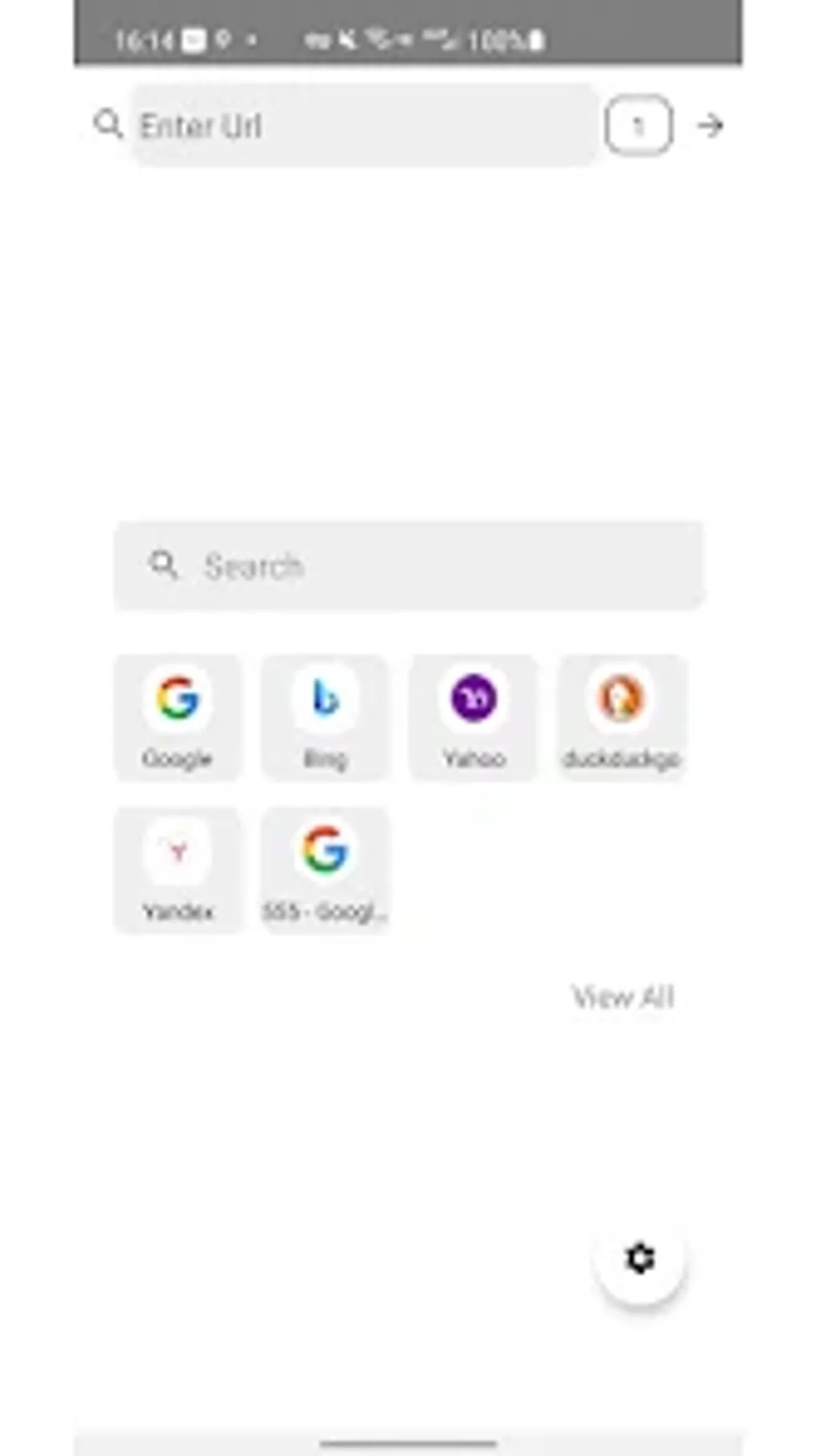
- Multi-Tab Support: Efficiently manage multiple websites simultaneously. This is crucial for multitasking, allowing users to research, compare, and navigate different sites without constantly closing and reopening tabs. The intuitive tab management system allows for easy navigation between open pages.
-
Bookmarking: Save favorite websites for quick access. This eliminates the need to repeatedly type URLs, streamlining the process of revisiting frequently used resources. Dock Browser’s bookmark management system is user-friendly, allowing for easy organization and categorization of saved websites.
-
Save as PDF: Capture webpages for offline reading. This functionality is particularly useful for articles, research papers, or other online content that needs to be accessed without an internet connection. This ensures that important information remains accessible even in areas with limited or no network connectivity.
-
Material Design Interface: The browser boasts a clean and modern design, adhering to Google’s Material Design guidelines. This results in a visually appealing and intuitive user interface, providing a consistent and enjoyable browsing experience. The emphasis on a clean design minimizes visual clutter, focusing attention on the content being viewed.
-
Security and Privacy: Dock Browser is designed with security as a priority. While specific details about its security protocols are not explicitly stated, the emphasis on speed and lightweight performance suggests that unnecessary processes that could compromise security are avoided. This commitment to security, coupled with its user-friendly interface, makes it a safe and reliable choice for users who prioritize online privacy.
-
Fullscreen Browsing: Immerse yourself completely in the content by eliminating distracting UI elements. This maximizes screen real estate for a more enjoyable viewing experience, particularly beneficial when consuming multimedia content or reading articles.
-
Lightweight Performance: Dock Browser is optimized for speed and efficiency, making it suitable for devices with limited resources. This ensures that browsing remains a smooth experience even on older or lower-powered Android devices.
Dock Browser for Android: A Detailed Look at the Android Version
The Android version of Dock Browser inherits all the key features mentioned above, specifically tailored for the Android operating system. Its seamless integration with the Android ecosystem ensures a smooth and intuitive user experience. The app’s lightweight nature ensures minimal impact on device performance, even on budget-friendly devices or those with less powerful processors. The simple, clean interface ensures easy navigation, regardless of the user’s experience with mobile browsers. Further, the app benefits from regular updates, ensuring continuous improvement and the integration of the latest security patches, safeguarding user data and online activities. The availability of the app on Google Play provides an additional layer of trust and security for users.
Dock Browser: For Business Use
In the business environment, Dock Browser offers several distinct advantages. The multi-tab functionality allows for efficient management of numerous business-related websites, enhancing productivity. The ability to save pages as PDFs is particularly valuable for archiving important documents and presentations, ensuring easy access and quick retrieval of critical information. The browser’s security features are a key consideration for businesses that handle sensitive data, ensuring a secure platform for accessing company resources and conducting online transactions. The user-friendly interface makes Dock Browser accessible to all employees, regardless of their technical expertise. Moreover, its integration with other business apps within the Android ecosystem further enhances its value as a versatile and dependable tool for business users. The lightweight nature of the app also means that it won’t overload company devices, ensuring smooth operation irrespective of device specifications.
Utilities & Tools: Dock Browser in Context
Within the broader landscape of Android utilities and tools, Dock Browser distinguishes itself through its focus on a user-centric approach to web browsing. While many utilities concentrate on specific tasks, Dock Browser offers a comprehensive and versatile browsing solution. Its combination of speed, security, and ease of use sets it apart from other less refined browsers. Compared to more resource-intensive browsers, Dock Browser’s lightweight design is a significant advantage, ensuring that device resources are not unnecessarily consumed. This makes it a valuable asset in the toolkit of any Android user seeking a fast, secure, and reliable web browsing experience. Furthermore, its intuitive design simplifies complex tasks, making it accessible to both novice and experienced users.
User Reviews and Community Feedback
Currently, there are no user reviews available for Dock Browser on PhanMemFree.org or similar platforms. This lack of public feedback presents an opportunity for future users to share their experiences, allowing prospective users to gain valuable insights into the browser’s real-world performance and user satisfaction. As more users adopt Dock Browser, user reviews will become a crucial aspect of assessing its overall usability and efficacy. The absence of initial reviews does not necessarily reflect negatively on the browser itself but rather highlights its relative newness in the market.
Conclusion: Is Dock Browser Right for You?
Dock Browser presents a strong case for itself as a viable and efficient web browser for Android users. Its combination of speed, security, and a user-friendly interface caters to a broad range of needs. The multi-tab support, bookmarking feature, and the ability to save webpages as PDFs are significant advantages, particularly for users who require an efficient and organized browsing experience. While the absence of initial user reviews limits immediate assessments of long-term performance and user satisfaction, the browser’s inherent features suggest that it could quickly become a preferred choice for many Android users. Its focus on speed, security, and a user-friendly experience positions Dock Browser well within the competitive landscape of Android web browsers. The potential for future development and updates further strengthens its outlook, making it a browser worth considering for anyone seeking a fast, secure, and personalized online experience.
File Information
- License: “Free”
- Version: “v3.0.0”
- Latest update: “November 24, 2024”
- Platform: “Android”
- OS: “Android 13.0”
- Language: “English”
- Downloads: “6.6K”
- Download Options: “Google Play”


