
Docs - Document Editor is a collaborative document editing tool designed to streamline teamwork and enhance real-time document modification. This review will explore its features, benefits, limitations, and overall usability, providing a comprehensive understanding of its capabilities.
Collaborative Editing Features: Real-Time Synchronization and Version Control
Docs - Document Editor distinguishes itself through its robust collaborative editing capabilities. Multiple users can simultaneously edit the same document, witnessing each other’s changes in real time. This real-time synchronization ensures everyone remains on the same page, fostering seamless collaboration. The software thoughtfully incorporates a “Show editors” option, allowing users to selectively focus on the edits made by specific individuals, including themselves. This feature is particularly beneficial when working on complex documents with numerous contributors.
Beyond real-time collaboration, the application meticulously tracks every change made to the document. Each revision is timestamped, providing an accurate audit trail of all modifications. This version history feature empowers users to pinpoint the exact contributor responsible for specific changes, facilitating accountability and easing the process of identifying and resolving conflicts. This detailed version control is a powerful asset for project management and ensures that no edits are lost or overwritten inadvertently. The transparent history minimizes the confusion often associated with multiple edits to a single file, facilitating efficient troubleshooting and collaboration.
The immediate feedback mechanism provided by the software’s real-time updates ensures that all participants are consistently informed of any alterations made to the document. This prevents the need for constant email exchanges or other communication methods to check on the progress of document modifications. The integrated approach streamlines the collaboration process and maintains the flow of work without interruptions.
Beyond Basic Editing: Enhanced Functionality and Workflow
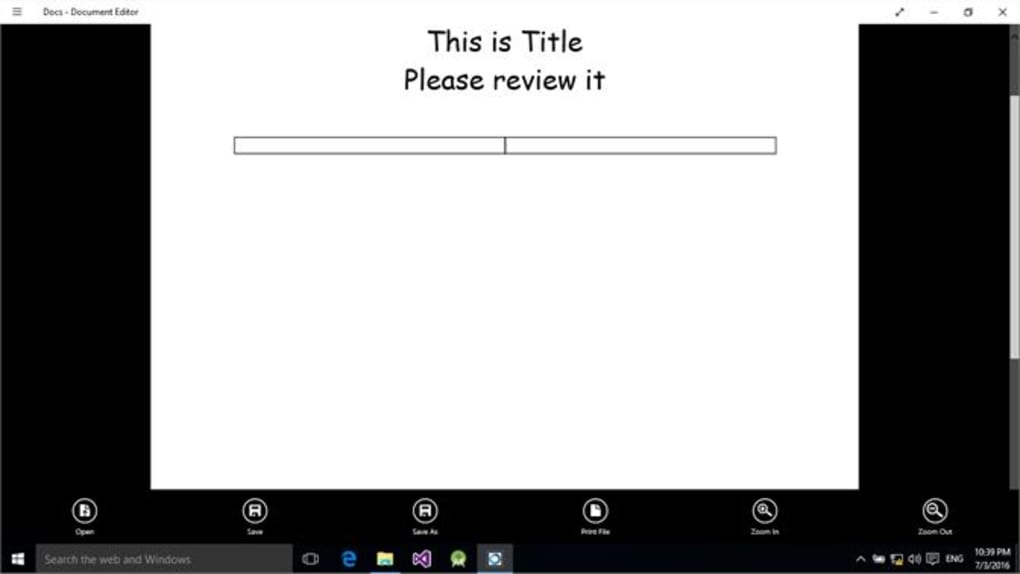
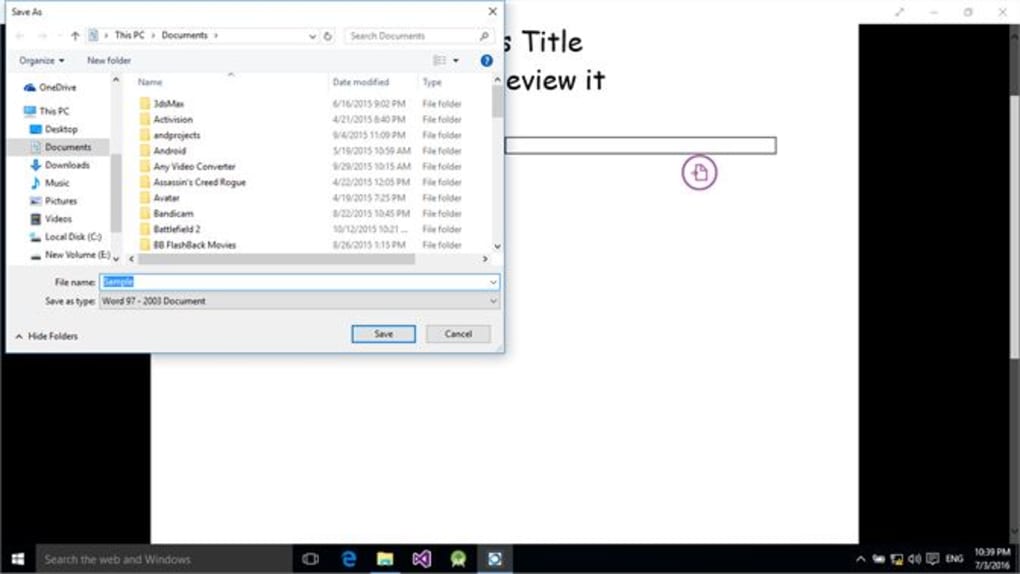
While its core functionality revolves around collaborative editing, Docs - Document Editor extends beyond the basics by offering features designed to enhance workflow efficiency. The ability to send and receive documents easily, as well as easily share documents between collaborators, promotes seamless transitions between individual work and collaborative editing sessions.
However, the software’s collaborative nature necessitates a strategic approach to document management, especially when dealing with large files. While the real-time editing allows for immediate feedback and collaboration, very large documents might experience performance issues. The developers suggest uploading smaller, manageable sections of larger documents to circumvent any potential slowdowns, a practical approach to maintaining optimal collaborative efficiency. This approach allows for focused feedback and comments on specific sections, leading to more effective and targeted revisions.
The collaborative editing features offered by Docs - Document Editor stand in stark contrast to the complexities and potential version control issues that can arise when using traditional email-based document sharing. The constant back-and-forth exchange of multiple document versions can easily lead to confusion and the loss of previous edits. Docs - Document Editor streamlines this process by centralizing all changes and revisions in a single, readily accessible location.
The benefit of this real-time collaborative approach is not just about speed and efficiency. It also improves team communication. The ability to instantly see what others are doing encourages more proactive communication. Team members can ask questions, offer suggestions, and resolve issues in a streamlined, collaborative environment. This makes Docs - Document Editor far more than just a document editor; it’s a team communication tool.
Ease of Use and User Interface: A Smooth Collaborative Experience
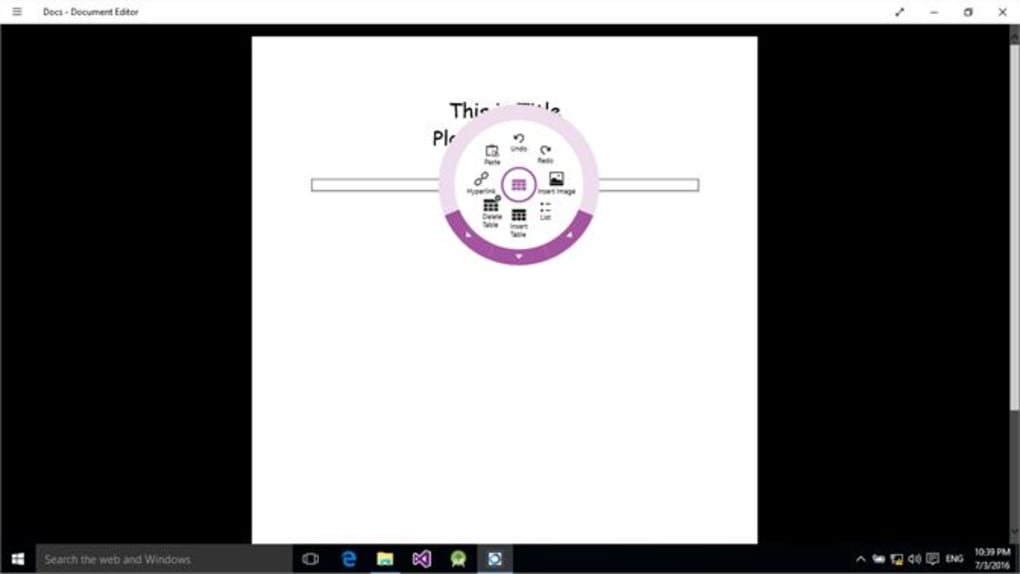
The software prioritizes user-friendliness, making the collaborative editing process intuitive and accessible. While a detailed analysis of the user interface requires hands-on experience, the overall feedback suggests a user-friendly design. The clear presentation of version history and real-time updates contributes significantly to a smooth collaborative editing experience. The intuitive controls and straightforward navigation are designed to minimize the learning curve and maximize user efficiency.
The simplicity of the interface contrasts sharply with more complex document management systems which may overwhelm users with too many features or overly complex controls. The clean and organized presentation of information ensures that users can quickly and efficiently locate necessary features and tools. This simplified approach enhances productivity by removing obstacles that could hinder the collaborative process.
The simplicity doesn’t compromise functionality; instead, it enhances it. By focusing on a core set of powerful tools presented in an intuitive way, Docs - Document Editor removes the complexity often associated with document collaboration and focuses on providing a streamlined and efficient user experience.
System Requirements and Compatibility: Ensuring Broad Accessibility
The software is designed for a wide range of operating systems, catering to a broad user base. The compatibility across multiple platforms is a major benefit for teams using different systems and devices. The support for different languages further underscores its accessibility and suitability for international collaboration. The developer’s commitment to supporting multiple languages demonstrates a dedication to inclusivity and a global perspective on collaborative work. This global reach makes it an ideal tool for multinational teams or for collaborations involving participants from various linguistic backgrounds.
Conclusion: An Effective Tool for Streamlined Collaboration
Docs - Document Editor presents a compelling solution for individuals and teams needing a robust, user-friendly collaborative document editing tool. Its real-time synchronization, comprehensive version control, intuitive interface, and cross-platform compatibility contribute to a seamless and efficient collaborative experience. While it might necessitate a strategic approach to managing very large files, its strengths significantly outweigh this minor limitation. The software stands as a valuable tool for improving workflow, enhancing communication, and increasing the overall efficiency of collaborative document editing projects. The focus on real-time collaboration, version control, and an intuitive user interface results in a superior user experience compared to traditional methods of document sharing. Its ease of use and focus on simplicity makes it an accessible option for both experienced and novice users, further expanding its utility and appeal.
File Information
- License: “Free”
- Version: “2.2.1.0”
- Latest update: “July 15, 2022”
- Platform: “Windows”
- OS: “Windows 11”
- Language: “English”
- Downloads: “1.8K”


