
Documents by Readdle is a versatile file manager application designed for iOS devices, offering a robust solution for handling various file types and cloud storage services. This review delves into its functionalities, performance, strengths, and weaknesses, providing a comprehensive assessment of its capabilities and user experience.
Apps: Navigating the Multi-Cloud Landscape
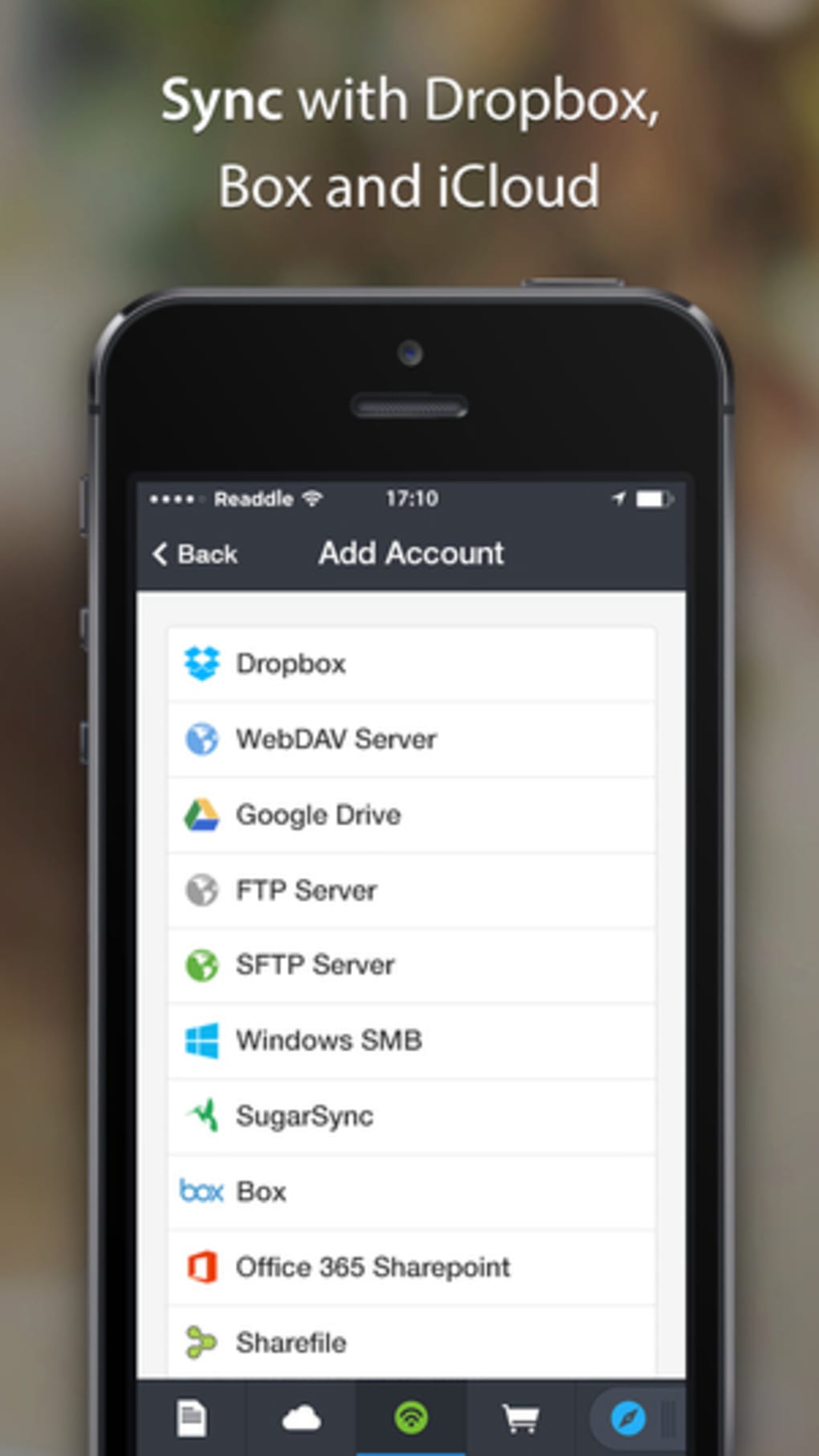
In today’s digital world, juggling multiple cloud storage services (like Dropbox, Google Drive, iCloud, and Box) has become commonplace. The need for a centralized platform to manage files across these platforms is increasingly critical. Documents by Readdle aims to address this precise need, providing a unified interface for accessing and managing files stored in various cloud accounts. Its strength lies in its ability to consolidate these disparate file locations into a single, easily navigable space, simplifying file organization and access. Users can seamlessly view, download, and upload files to each service without needing to switch between individual applications. This streamlined approach saves valuable time and effort, particularly for users dealing with numerous files across different cloud platforms. The intuitive design, detailed below, makes this complex process remarkably straightforward.
File Management and Supported Formats: Beyond Just PDFs
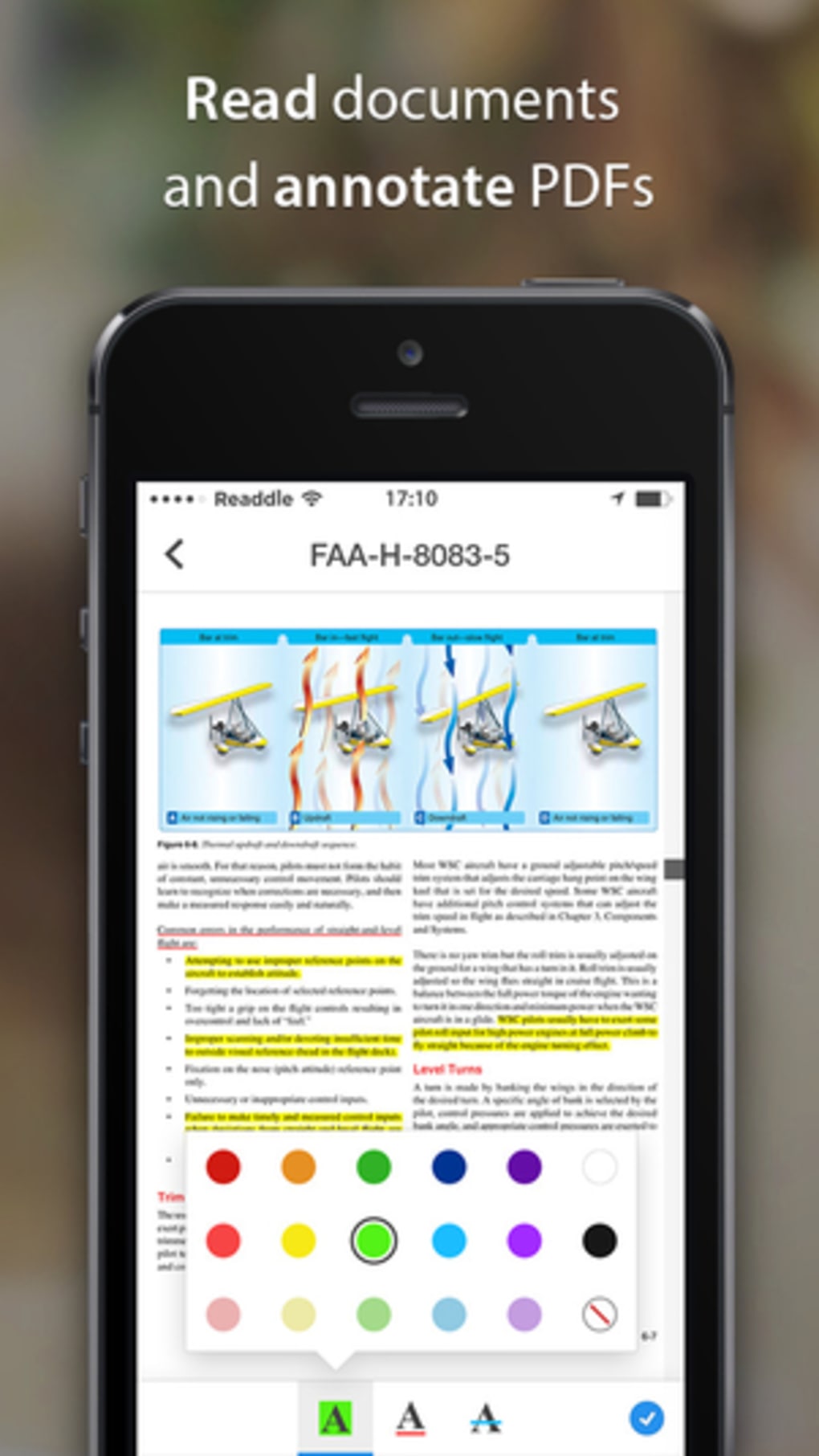
While often categorized as a PDF reader, Documents by Readdle’s functionality extends far beyond PDF handling. It supports a wide range of file formats, including documents (Word, Excel, PowerPoint), spreadsheets, audio files, and more. This broad compatibility makes it a highly versatile tool for managing diverse file types, reducing the need for multiple applications. The app’s ability to handle various formats effectively streamlines workflows, allowing users to manage all their digital files within one application, irrespective of the format. This centralized approach enhances organization and accessibility significantly. The speed of file loading, while generally good, does show some variability depending on file size and network conditions, as discussed in the performance section.
Performance and Stability: A Mixed Bag
While Documents by Readdle boasts a generally positive performance profile, some stability issues were observed during testing. PDF rendering is swift and flawless in most cases, indicative of efficient internal processing. However, the downloading of larger files can occasionally prove time-consuming, a factor likely influenced by network bandwidth and the size of the files being transferred. More significantly, intermittent crashes occurred during testing, particularly when navigating the app’s interface before all components had fully loaded. These stability concerns detract from the otherwise positive user experience, highlighting a need for further optimization and bug fixing in subsequent updates. While the core functionality is robust, these stability inconsistencies need to be addressed to enhance the overall reliability and smoothness of the application.
Interface and User Experience: Intuitiveness and Aesthetics
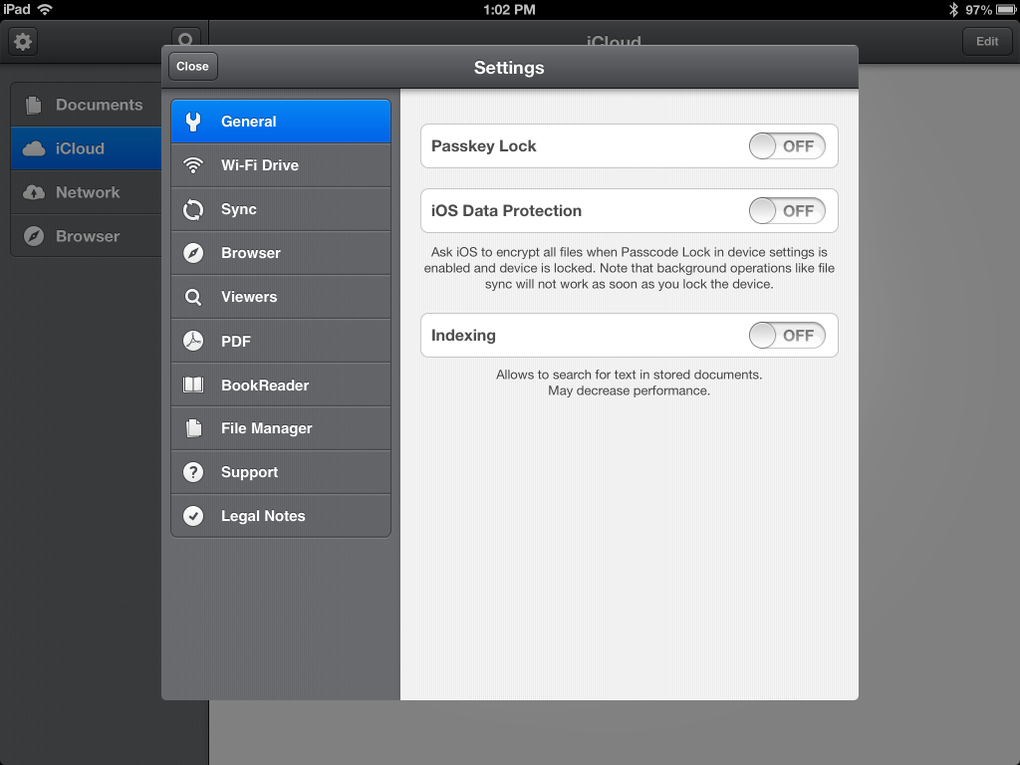
Documents by Readdle is praised for its visually appealing and intuitive interface. The app’s design is both aesthetically pleasing and functional, making navigation simple and efficient. The controls are logically laid out, allowing for easy access to features and functionalities. The overall user experience is positive, even for users unfamiliar with similar file management applications. This intuitive design promotes seamless interaction, allowing users to focus on their tasks rather than struggling with complicated navigation. However, the crashes mentioned earlier directly impact the user experience and negate the benefits of the well-designed interface. A stable application is essential to ensure a positive user experience, regardless of its aesthetic appeal.
Limitations: The Missing Piece of the Puzzle
Despite its numerous strengths, Documents by Readdle has a significant limitation: the inability to directly move files between different cloud services within the app. While it’s possible to transfer files, this process requires downloading the file from one service and then uploading it to the desired destination—a cumbersome workaround that detracts from the efficiency of the application. This limitation is a significant drawback, particularly for users who frequently need to move files between various cloud accounts. The lack of direct file transfer functionality is a missed opportunity to enhance the app’s user-friendliness and efficiency. Adding this feature would considerably improve the app’s overall functionality and user experience, putting it on par with its competitors.
Documents: Files PDF Browser for iPhone: A Mobile-First Experience
The iPhone version of Documents by Readdle maintains the core functionality of its iPad counterpart, offering a comprehensive file management solution optimized for mobile devices. The interface adapts seamlessly to the smaller screen, ensuring an intuitive and uncluttered experience. The ease of navigation is maintained, and all core features remain readily accessible, ensuring a consistent user experience across both platforms. The mobile-optimized version of Documents by Readdle effectively caters to the specific needs of iPhone users, providing a portable and efficient means of managing files on the go. The app’s responsiveness and efficient performance make it a valuable tool for those managing files while on the move.
Documents by Readdle: The Verdict
Documents by Readdle offers a powerful and versatile solution for managing files across various cloud services and handling numerous file types. Its intuitive interface and broad format support make it a compelling choice for users seeking a unified file management system. However, the stability issues and the lack of direct file transfer between cloud services are significant drawbacks that need addressing. The app’s overall performance is positive, although the occasional delays and crashes compromise the overall user experience. The development team should prioritize resolving these stability concerns and adding the missing inter-service file transfer functionality to elevate Documents by Readdle to a truly exceptional file management application. While the app currently provides a valuable service, addressing its limitations would significantly enhance its usability and solidify its position as a leading file manager in the mobile marketplace. Despite its drawbacks, the app’s strengths in file handling and its visually appealing interface make it worth considering for users seeking a versatile cloud file manager.
Alternative Apps: Exploring the Competition
The market offers several alternative apps with similar functionalities to Documents by Readdle. A comparison of features, performance, and user experience would be beneficial in assisting users in making an informed decision. Considering the specific needs and priorities of individual users, alternative apps might offer superior performance or features in certain areas. Researching alternatives is essential to determine which app best aligns with individual requirements. Considering pricing models, supported cloud services, and overall user reviews can be helpful in selecting the ideal application for specific user needs.
User Reviews: A Collective Perspective
User reviews provide valuable insights into the real-world experience of using Documents by Readdle. Positive reviews often highlight the app’s intuitive interface, broad file support, and efficient PDF rendering. However, negative reviews frequently mention the stability issues and the lack of direct file transfer capabilities. Analyzing user feedback offers a balanced perspective on the app’s strengths and weaknesses, supplementing the technical review with the lived experiences of actual users. Taking these reviews into account alongside technical assessment provides a holistic view of the application’s overall effectiveness and user satisfaction.
Conclusion: A Promising App with Room for Improvement
Documents by Readdle is a powerful file management tool with a user-friendly interface and broad file compatibility. While its core functionality is robust, addressing the stability issues and adding direct file transfer capabilities between cloud services would dramatically enhance its usability. These improvements would elevate Documents by Readdle from a good file manager to a truly outstanding one. The app’s current strengths make it a viable option, but future updates focusing on stability and functionality enhancements will determine its long-term success and competitiveness in the ever-evolving mobile file management landscape. Ultimately, the decision of whether to use Documents by Readdle depends on individual user priorities and tolerance for the app’s current limitations.
File Information
- License: “Free”
- Version: “8.17.4”
- Latest update: “July 25, 2025”
- Platform: “iPhone”
- OS: “iOS 16.4”
- Language: “English”
- Downloads: “32.4K”


