
Draw a Name is a free, user-friendly Android application designed to simplify the process of creating random teams for various activities. Developed by Sylvain Lagache and falling under the Lifestyle category, this app offers a quick and efficient solution for anyone needing to divide individuals into groups fairly and easily. Whether you’re organizing a casual sports game, a complex group project, or a family gathering requiring team assignments, Draw a Name streamlines the entire process.
Effortless Team Creation: How Draw a Name Works
The core functionality of Draw a Name centers around its intuitive team generation algorithm. Users simply input the names of all participants involved in the activity. The app then employs a random selection process to assign each individual to a specific team. This ensures a fair and unbiased distribution, eliminating the potential for disputes or perceived favoritism during team formation. The randomness inherent in the app’s algorithm promotes inclusivity and ensures every participant has an equal opportunity to be placed in any team.
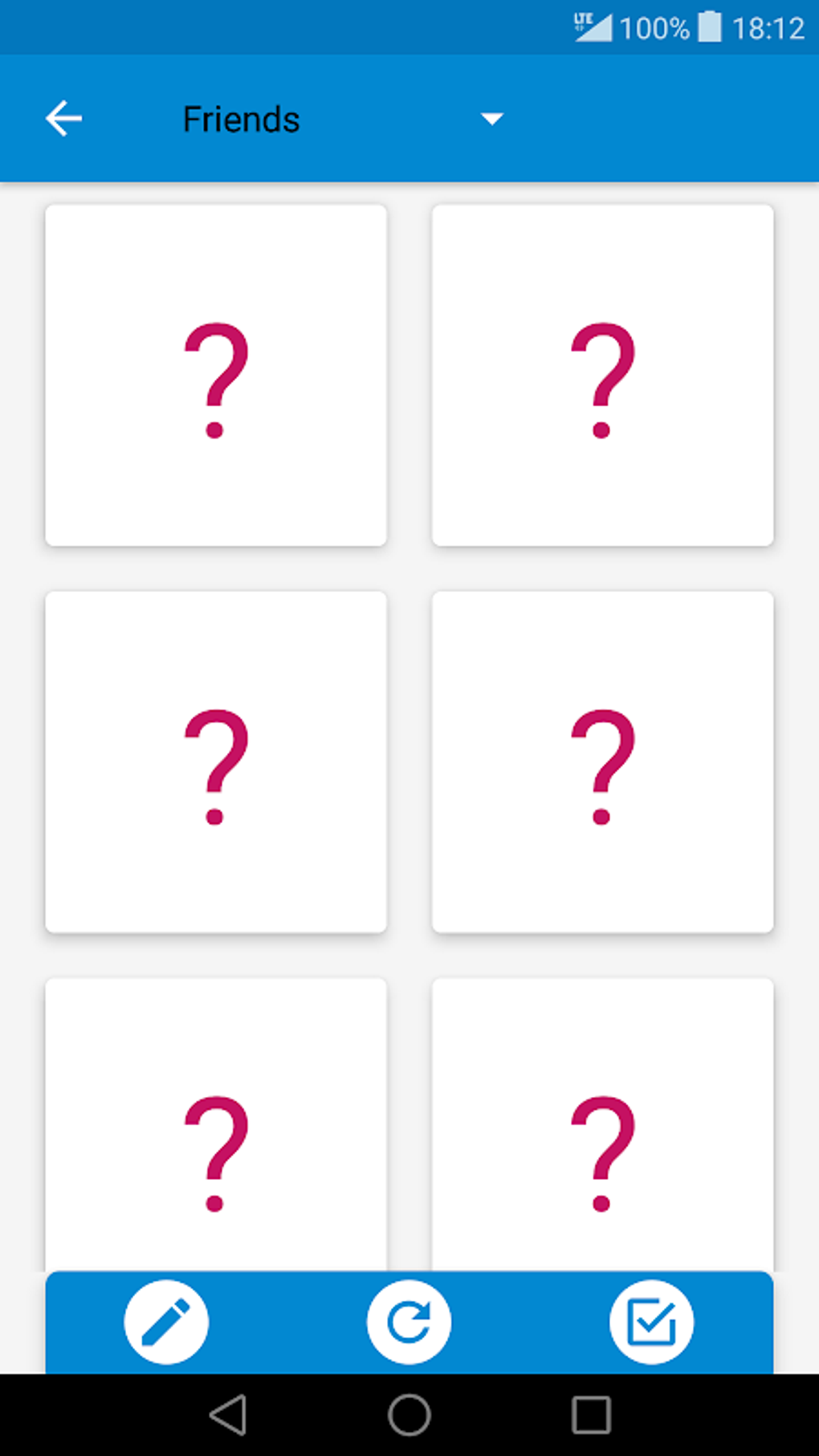
Beyond the basic team creation, Draw a Name offers customizable options to tailor the team generation to specific needs. Users have the flexibility to adjust the number of teams created, as well as the number of participants within each team. This level of customization makes the app adaptable to a wide range of scenarios, from small gatherings to larger events requiring multiple, equally-sized teams. This feature is particularly useful for scenarios where the number of participants isn’t evenly divisible by the desired number of teams. The app handles these situations gracefully, ensuring that team sizes are as close to equal as possible.
User Interface and Ease of Navigation
Draw a Name prioritizes a user-friendly experience. The app’s interface is designed for simplicity and ease of navigation, regardless of the user’s technological proficiency. The straightforward layout ensures that even users unfamiliar with similar applications can quickly understand and utilize the app’s core functionalities. The absence of complex menus or unnecessary features keeps the focus on the primary function: efficient and equitable team creation. The clean design minimizes distractions, allowing users to concentrate on entering participant names and configuring their team settings. The app’s focus on simplicity is a significant asset, making it accessible to users of all ages and technical skill levels.
The input process for participant names is intuitive and streamlined. Typically, users can simply type in names directly, potentially with options to edit or delete entries if needed. The app’s responsiveness minimizes input delays, allowing for quick and efficient team generation, even when dealing with a larger number of participants. Once all names are entered and the desired number of teams and team size (or a target team size) is set, the process of generating the teams is typically instantaneous, instantly displaying the resulting teams in a clear and easy-to-understand format.
Applications and Use Cases
The versatility of Draw a Name makes it a valuable tool across a diverse range of situations. Its primary use lies in efficiently creating balanced teams for:
-
Sports and Recreational Activities: Organizing a friendly game of basketball, soccer, volleyball, or any other team sport is significantly simplified. The app eliminates the need for manual team selection, removing the possibility of subjective bias in choosing team members.
-
Group Projects and Assignments: In educational or professional settings, Draw a Name assists in fairly assigning students or colleagues to group projects. This promotes equal distribution of workload and ensures a balanced skillset within each group.
-
Family Gatherings and Games: Planning family events, such as board game tournaments or holiday celebrations, becomes effortless. The app ensures fair division of family members into teams, preventing disputes and ensuring everyone gets equal participation.
-
Workplace Team Building Activities: Companies can use Draw a Name to randomly assign employees to teams for team-building exercises, promoting collaboration and cross-departmental interaction.
-
Random Pairings: While primarily focused on teams, the app’s principles can be adapted for random pairing activities. By adjusting the number of teams to match the number of participants, one can achieve random pairs for activities such as partner exercises or ice-breaker games.
The app’s adaptability extends beyond these typical use cases. Its core functionality of random assignment can be creatively applied to various other situations where a fair and impartial division of individuals is desired.
Technical Specifications and Availability
Draw a Name is available for free on the Android platform. The app requires Android 9.0 (Pie) or higher, ensuring compatibility with a wide range of Android devices. The relatively small file size (2.86 MB) minimizes storage requirements and ensures quick download and installation. The application is developed and maintained by Sylvain Lagache, reflecting an individual developer’s commitment to providing a practical and useful tool.
The app’s regular updates demonstrate ongoing maintenance and improvements, with the latest update as of [Insert Date] addressing bug fixes, performance enhancements, or potentially the addition of new features. The active development further solidifies the app’s reliability and longevity as a solution for random team generation. The availability through various app stores, including Google Play, provides easy access and ensures a trustworthy download process.
Community and User Feedback
While the provided text doesn’t contain user reviews, the inclusion of a review section within the app or on the hosting platform suggests the developer encourages user feedback. This feature allows users to share their experiences and provide valuable input, contributing to the app’s improvement over time. The availability of such a feedback mechanism suggests that the developer actively seeks to address user concerns and make the app as effective and enjoyable as possible. Future updates could directly address any issues raised by users.
Conclusion: A Simple Solution for Complex Team Needs
Draw a Name emerges as a practical and effective solution for the common problem of creating random teams. Its intuitive interface, customizable options, and broad applicability make it a useful tool for individuals and organizations alike. The app’s focus on simplicity, paired with its core functionality, positions it as an efficient and reliable choice for anyone requiring an easy way to divide individuals into groups fairly and quickly. The commitment to regular updates and user feedback underscores the developer’s dedication to maintaining a high-quality and useful application. Draw a Name effectively fills a niche by providing a straightforward solution for a task that can often be complex and time-consuming otherwise.
File Information
- License: “Free”
- Version: “2.5.3”
- Latest update: “February 16, 2024”
- Platform: “Android”
- OS: “Android 9.0”
- Downloads: “6.2K”
- Size: “2.86 MB”
- Download Options: “APK, Google Play”
- Filename: “com-tirage-au-sort-10-52508545-00c5ac8909075f572f2a2e38c0b6b81e.apk”


