
The digital age has revolutionized the art world, offering artists unprecedented tools and techniques. However, the transition from traditional to digital art can present challenges, particularly for those accustomed to the immediacy and tactile feedback of pen and paper. One common hurdle is maintaining accuracy and proportion in digital sketches. This is where apps like “Drawing Grid for the Artist” aim to bridge the gap, providing a digital equivalent of the traditional grid method used by artists for centuries. This guide explores the functionalities of such apps, highlighting their benefits and limitations for both aspiring and experienced digital artists.
Understanding the Power of the Grid
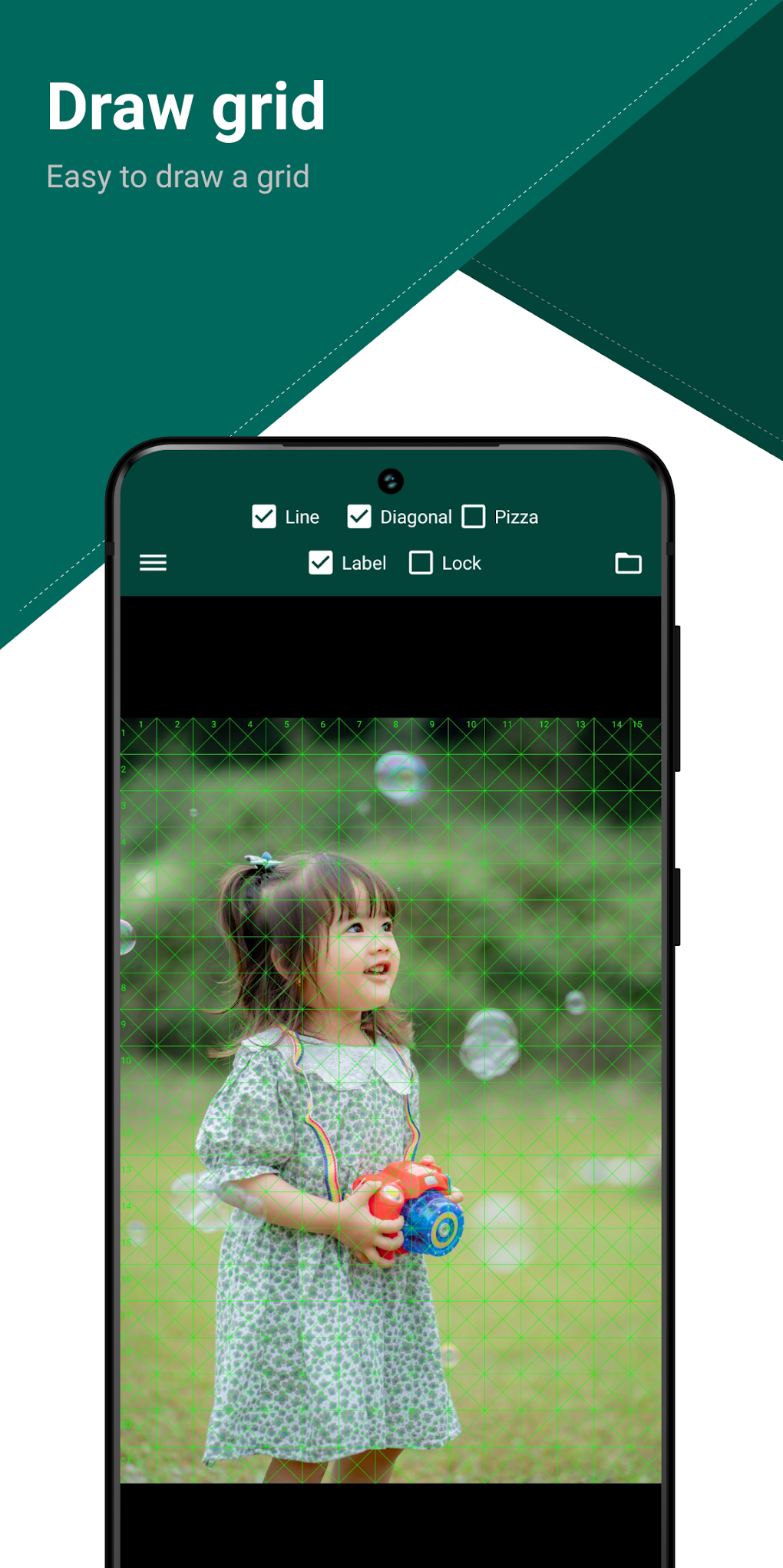
The grid method is a fundamental technique in art, employed to ensure accuracy and consistency in drawing and painting. By overlaying a grid on a reference image and then replicating that grid on the drawing surface, artists can accurately transfer proportions and details from the reference to their artwork. This approach is particularly valuable when working with complex subjects, such as portraits, landscapes, or intricate still lifes. The grid acts as a guide, breaking down the complex image into smaller, more manageable sections, simplifying the drawing process and reducing the likelihood of errors in perspective and proportion.
Traditional grids involved painstakingly drawing lines on both the reference and drawing surface. The process, while effective, could be time-consuming and prone to inaccuracies if the grids weren’t perfectly aligned. Digital grid apps, like “Drawing Grid for the Artist,” offer a streamlined and more precise approach, automating much of the tedious work and allowing artists to focus on the creative aspects of their art.
Key Features of Digital Grid Apps
Apps like “Drawing Grid for the Artist” typically offer a range of features designed to simplify and enhance the grid drawing process. These commonly include:
- Grid Creation and Customization: The app allows users to create custom grids, adjusting the number of rows and columns to suit the complexity of the reference image and the artist’s preference. Different grid types might be offered, such as square, isometric, or perspective grids, catering to various artistic styles and drawing approaches. The ability to adjust grid opacity is another important feature, allowing artists to balance the visibility of the grid with the clarity of their artwork.
-
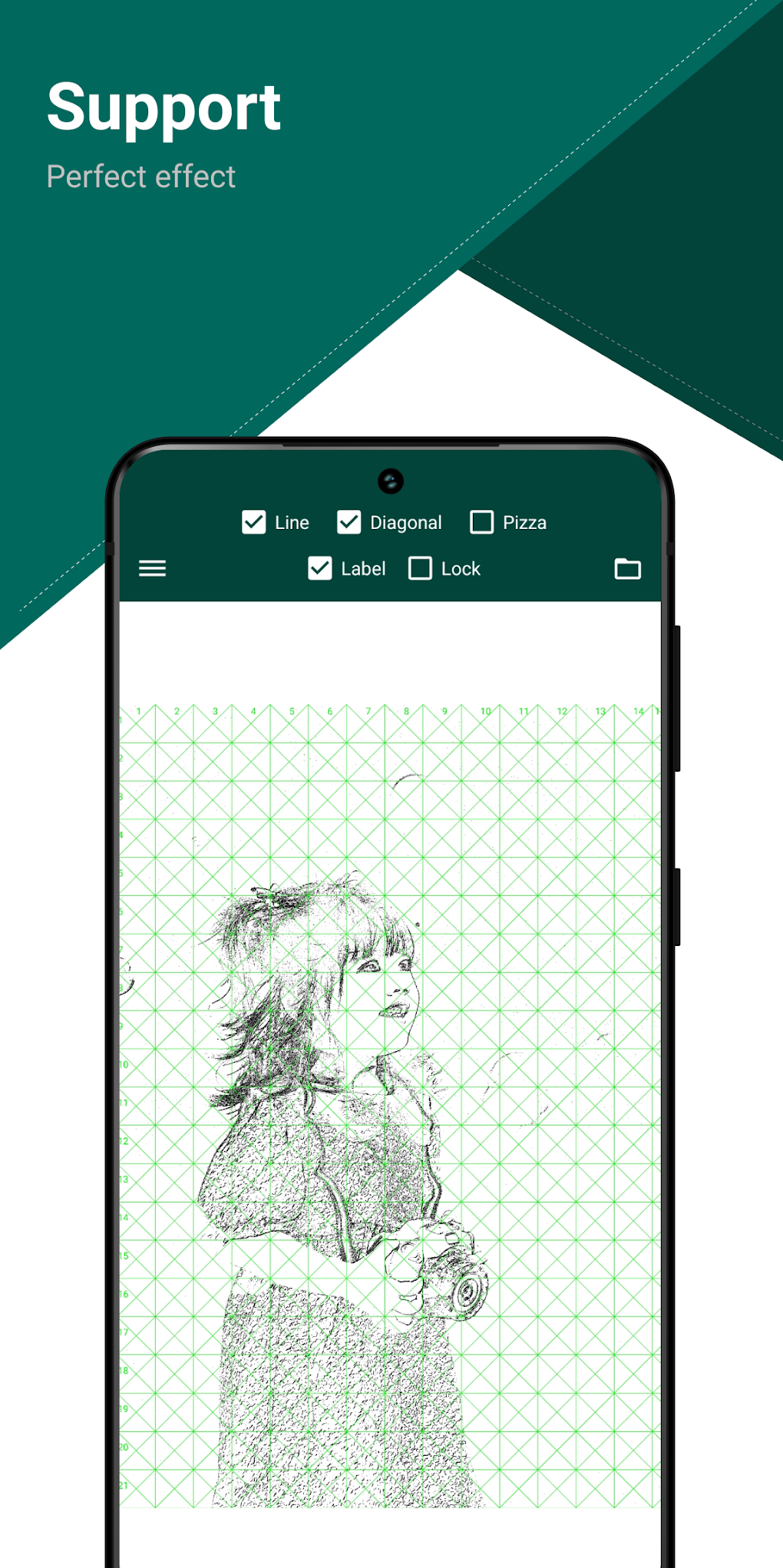
Image Import and Conversion: The app likely supports the import of images from various sources, including the device’s gallery, cloud storage, or even directly from a camera. The ability to convert color images to monochrome is a crucial feature, simplifying the reference image and improving focus on the underlying form and values. This conversion process is essential because color can be distracting when the primary focus is on accurate linework and proportion.
-
Color Extraction and Adjustment: While not the core functionality, some apps offer tools for extracting colors from the reference image. This allows artists to maintain consistency in color palettes when working digitally, ensuring that the final artwork accurately reflects the hues and tones of the reference. Additional features might include tools for brightness and contrast adjustments, providing artists with greater control over the overall appearance of their reference image.
-
Adjustable Grid Size and Spacing: The flexibility to adjust the grid size and spacing is essential for adapting the grid to various reference images and personal artistic preferences. A finer grid provides greater precision for intricate details, while a coarser grid might be more appropriate for broader strokes and simpler compositions. This adaptability ensures that the grid effectively aids the drawing process without becoming overly cumbersome or interfering with the artistic vision.
-
User-Friendly Interface: A well-designed interface is crucial for the usability of any art application. An intuitive layout allows artists to easily navigate the app’s features and focus on the creative process rather than wrestling with the software. A clean, uncluttered design helps avoid distractions and keeps the artist’s attention centered on the artwork.
Benefits of Using a Digital Grid App
The advantages of utilizing a digital grid app, compared to traditional methods, are numerous. These include:
- Increased Accuracy and Precision: Digital grids eliminate the potential for human error associated with manually drawing grids, ensuring perfect alignment and consistency in proportion. The app automatically handles the grid generation, freeing up the artist to concentrate on drawing.
-
Time Efficiency: The automation of grid creation and adjustments significantly reduces the time spent on preparatory work, allowing artists to focus their efforts on the actual drawing process. This enhanced efficiency enables artists to complete projects faster and with greater ease.
-
Versatility and Flexibility: Digital grids offer greater versatility than traditional methods. Artists can easily adjust grid parameters, experiment with different grid types, and seamlessly integrate the grid with their digital art workflow. This flexibility fosters experimentation and creative exploration.
-
Non-Destructive Editing: Digital grids are non-destructive, meaning the artist can easily adjust or remove the grid at any stage without affecting the underlying artwork. This flexibility allows artists to refine their drawings and experiment with different grid configurations without the risk of damaging their work.
Limitations and Considerations
Despite the advantages, digital grid apps have certain limitations that artists should be aware of:
-
Feature Limitations: Not all digital grid apps provide the same range of features. Some apps may be more basic, offering only essential grid functions, while others might include advanced features like perspective correction or layer management. It is important to choose an app that meets the specific needs and skill level of the artist.
-
Device Compatibility: Ensure that the chosen app is compatible with the artist’s device. Some apps might require specific operating systems or hardware specifications. Compatibility issues can hinder the usability of the app, making it difficult to leverage its features effectively.
- Learning Curve: While many apps are designed with user-friendly interfaces, there may still be a learning curve involved in mastering the app’s features and functionalities. Prior experience with digital art software can significantly ease the transition.
“Drawing Grid for the Artist” – A Case Study
While the specifics of the “Drawing Grid for the Artist” app are limited in the provided text, based on the description, it appears to be a straightforward tool geared towards basic functionalities. Its strengths lie in its ease of use for beginners and its role in assisting artists in mastering the essential principles of proportion and accuracy in digital drawing. However, its lack of advanced features might limit its appeal to more experienced digital artists who require more sophisticated tools and options. For beginners, this simplicity can be advantageous, allowing them to learn the core principles of grid drawing without being overwhelmed by complex interfaces or unnecessary features.
Conclusion
Digital grid apps represent a significant advancement in digital art tools. They provide artists with a precise, efficient, and versatile method for creating accurate and well-proportioned artwork. Apps like “Drawing Grid for the Artist,” despite their potential limitations in advanced features, offer a valuable resource for both novice and experienced digital artists seeking to enhance their creative workflow. By understanding the functionalities and limitations of these apps, artists can effectively integrate them into their creative process, improving the accuracy, efficiency, and overall quality of their digital artwork. The choice of a specific app should depend on the artist’s individual needs, skill level, and the complexity of their projects. The ability to easily switch between the reference image and the drawing canvas while maintaining a clear visual representation of the grid is key to a positive and productive user experience.
File Information
- License: “Free”
- Version: “3.0.6”
- Latest update: “June 6, 2023”
- Platform: “Android”
- OS: “Android 9.0”
- Language: “English”
- Downloads: “361.7K”
- Size: “47.30 MB”
- Download Options: “APK, Google Play”
- Filename: “com.tungnv.pdsupport.apk”


