
Driver Booster Pro, the premium version of IObit’s popular driver updater, offers a significant upgrade over its free counterpart. While the free version provides a solid foundation for driver maintenance, Driver Booster Pro unlocks a suite of advanced features designed to enhance PC performance, stability, and especially gaming experiences. This review delves deep into the features, pros, cons, and overall value of Driver Booster Pro, comparing it to the free version and exploring its suitability for various user needs.
Enhanced Features and Functionality: Beyond the Basics
Driver Booster Pro distinguishes itself from its free sibling through a substantial expansion of capabilities. These enhancements cater to users seeking a more comprehensive and proactive approach to driver management, particularly those prioritizing gaming performance and system stability.
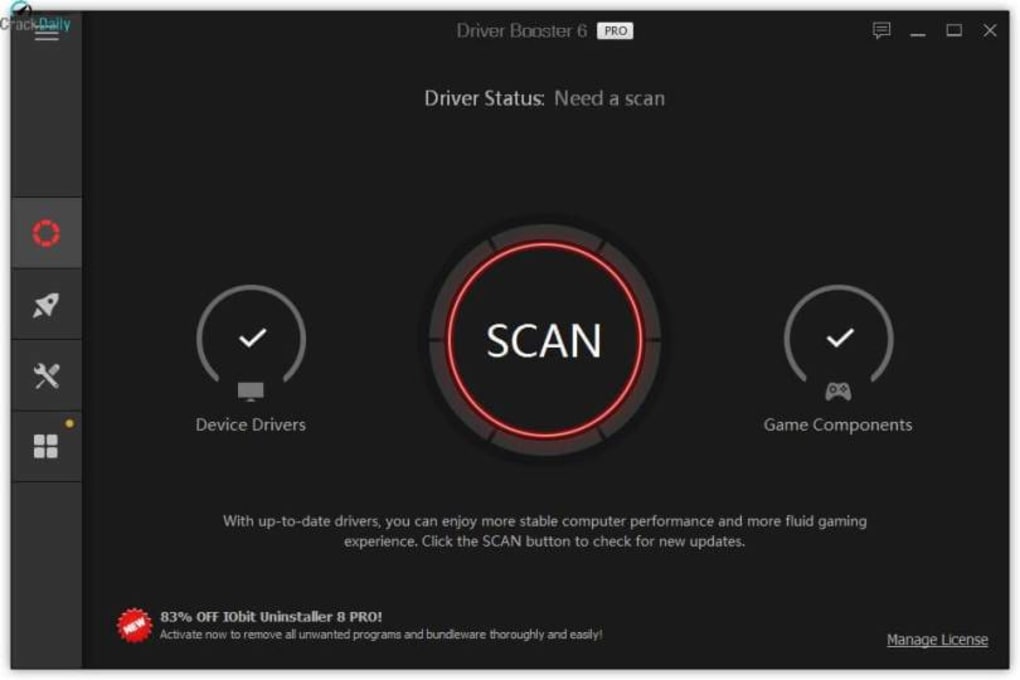
One key difference lies in the sheer number of drivers supported. While the free version boasts a respectable driver database, Driver Booster Pro boasts access to over 4.5 million drivers, significantly expanding its compatibility and ensuring support for even the most obscure or rarely used hardware components. This extensive database translates to a higher likelihood of finding and updating outdated or problematic drivers that might otherwise be missed by less comprehensive tools.
Another significant advantage is the automated driver update feature. While manual updates are possible, Driver Booster Pro offers scheduled automatic updates during periods of system inactivity. This automated process ensures your system remains consistently up-to-date without requiring constant user intervention. This is particularly beneficial for users who may not be tech-savvy or who lack the time to manually manage driver updates.
Furthermore, Driver Booster Pro implements a robust backup system. Before installing any driver updates, the program automatically creates a backup of your existing drivers. This ensures a safe and straightforward rollback process in case a new driver causes unexpected issues or conflicts. This safety net is invaluable for users concerned about potential system instability after driver updates.
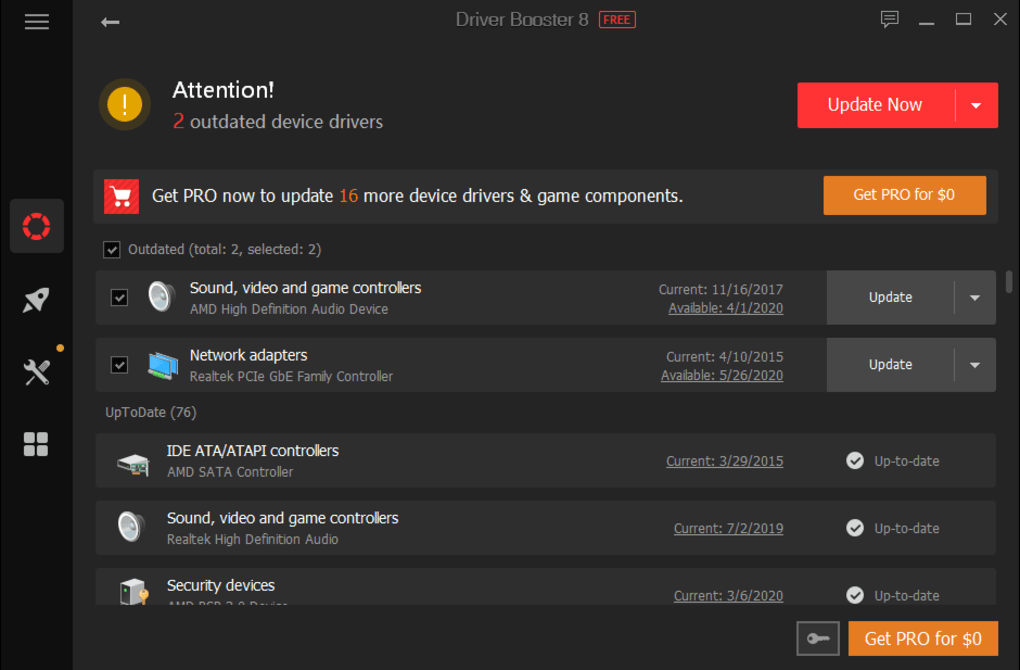
The increased database also extends to support for drivers even when offline. This offline capability is crucial for users with unreliable or intermittent internet connections, enabling them to update crucial drivers even without an active internet connection.
The speed of driver updates is also enhanced. Driver Booster Pro prioritizes the update of “Game Ready” drivers. This ensures that critical drivers for gaming applications receive immediate attention, leading to faster game launches, improved performance, and smoother gameplay. This feature is a significant draw for gamers seeking to optimize their gaming rigs.
Beyond the core functionality, Driver Booster Pro provides access to IObit’s premium customer support, offering 24/7 technical assistance. This dedicated support is a valuable asset for users encountering problems or requiring assistance with driver installation or troubleshooting. Finally, Driver Booster Pro automatically updates itself to the latest version, ensuring access to the most recent features, bug fixes, and performance improvements.
In summary, Driver Booster Pro’s enhanced features deliver a more comprehensive, efficient, and safer driver update experience than its free counterpart. The larger database, automated updates, backup functionality, offline capabilities, prioritization of game-ready drivers, and dedicated customer support elevate the user experience and provide added peace of mind.
Performance Boost and Game Optimization: A Gamer’s Best Friend?
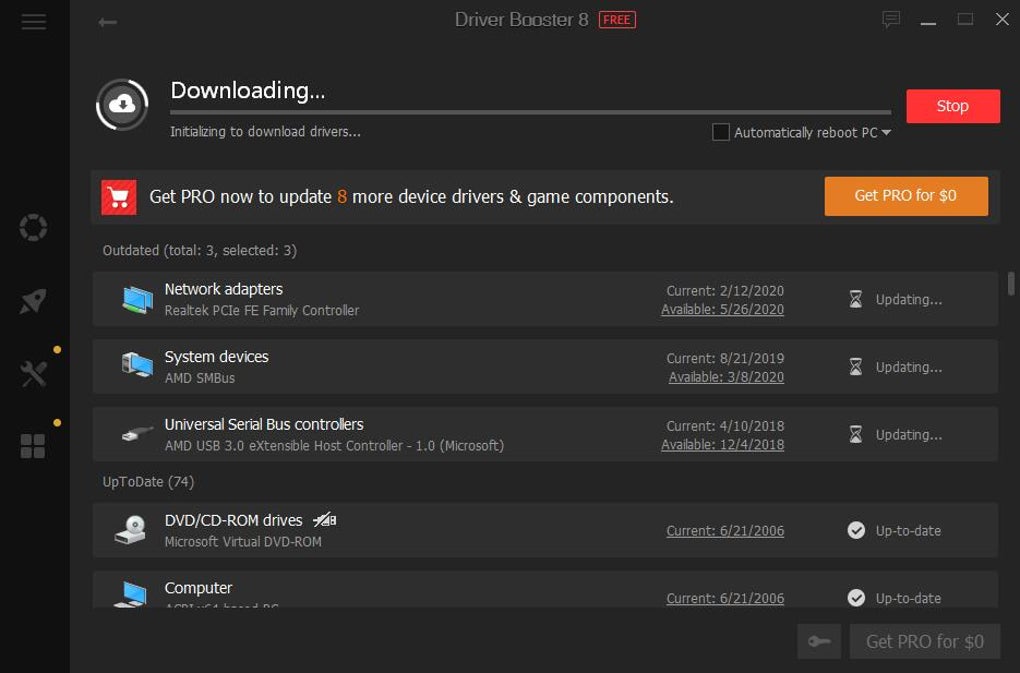
For gamers, Driver Booster Pro offers a compelling suite of features designed to maximize in-game performance and overall system stability. The prioritization of Game Ready drivers ensures that essential drivers related to graphics cards and other gaming-related components are updated immediately. This prompt updating often results in faster loading times, improved frame rates, and a smoother overall gaming experience.
The reduction of driver-related issues can also significantly enhance gaming stability. Outdated or corrupted drivers are often the culprits behind unexpected crashes, glitches, or performance dips during gameplay. Driver Booster Pro helps mitigate these problems by proactively identifying and updating outdated drivers, minimizing the likelihood of game-related issues.
Beyond driver updates, Driver Booster Pro contributes to overall system optimization, indirectly impacting game performance. By ensuring that all drivers are up-to-date and functioning correctly, Driver Booster Pro ensures that the system runs efficiently, freeing up resources and maximizing available processing power for games. This holistic approach to system optimization, beyond just focusing on game-related drivers, translates into a noticeable performance boost in many gaming scenarios.
In essence, Driver Booster Pro positions itself as a valuable tool for gamers seeking to optimize their gaming experience. The combination of prioritization of gaming-related drivers, proactive driver updates, and overall system optimization contributes to a smoother, more stable, and high-performing gaming environment.
Business Applications and Deployment: Scaling Driver Management
While Driver Booster Pro is primarily marketed towards individual users, its features also offer advantages for businesses, especially those managing multiple PCs or networks. The ability to manage driver updates across multiple systems efficiently and consistently is crucial for maintaining system stability and productivity. The capability to deploy Driver Booster Pro to multiple machines simplifies the management of drivers for a company’s computer network.
The automated update functionality ensures that all company PCs remain up-to-date with the latest drivers, minimizing the risk of compatibility issues and enhancing system stability across the board. Furthermore, the backup feature provides a critical safety net, allowing for easy recovery in case a driver update causes unexpected problems. The ability to install updates even offline is crucial in locations with unreliable internet connectivity.
However, businesses with very large networks or highly specialized hardware might find the need for more advanced, enterprise-grade driver management solutions. Driver Booster Pro may not completely replace sophisticated IT management tools but could act as a supplementary tool for efficient driver updates in smaller to medium-sized business environments. For businesses prioritizing security, careful consideration should be given to the security implications of using any third-party software, including Driver Booster Pro.
Pricing and Value: Is Premium Worth the Price?
Driver Booster Pro is a paid application, requiring a subscription for continued use. While the pricing model may be a deterrent to some users, the premium features justify the cost for certain users, particularly gamers and those seeking a more comprehensive and automated driver update solution.
The price point should be considered relative to the potential cost of driver-related problems. The cost of downtime, lost productivity, or the need for IT support due to outdated or corrupted drivers can significantly outweigh the cost of a Driver Booster Pro subscription, making it a worthwhile investment for many users.
Considering the added benefits of automated updates, driver backups, offline capabilities, and premium support, many users find the subscription cost justified by the increased convenience, enhanced safety, and improved system stability.
Conclusion: Driver Booster Pro’s Place in the Market
Driver Booster Pro sits firmly within the premium segment of driver update software, offering a compelling alternative to the free version and competing products. Its enhanced features, including a larger driver database, automated updates, proactive backups, and prioritization of Game Ready drivers, appeal to users who value convenience, stability, and performance. The cost of the subscription is offset for many by the improved efficiency and the reduced risk of driver-related issues.
While the free version of Driver Booster serves as a capable driver updater, Driver Booster Pro stands out as a robust and effective solution for those who demand a more comprehensive and proactive approach to driver management, especially gamers and businesses managing a network of computers. The enhanced features, coupled with proactive customer support, provide a significantly improved experience over the free offering. The overall value proposition hinges on the user’s prioritization of convenience, stability, and performance. If these are top priorities, the investment in Driver Booster Pro may well be justified.


