
DriverTuner is a Windows-based application designed to detect and update outdated or missing device drivers. While marketed as a system optimizer with both free and paid features, its functionality and user experience present a mixed bag. This review examines DriverTuner’s features, pros, cons, user reviews, and alternatives, offering a comprehensive assessment of its value and potential drawbacks.
Understanding DriverTuner’s Functionality
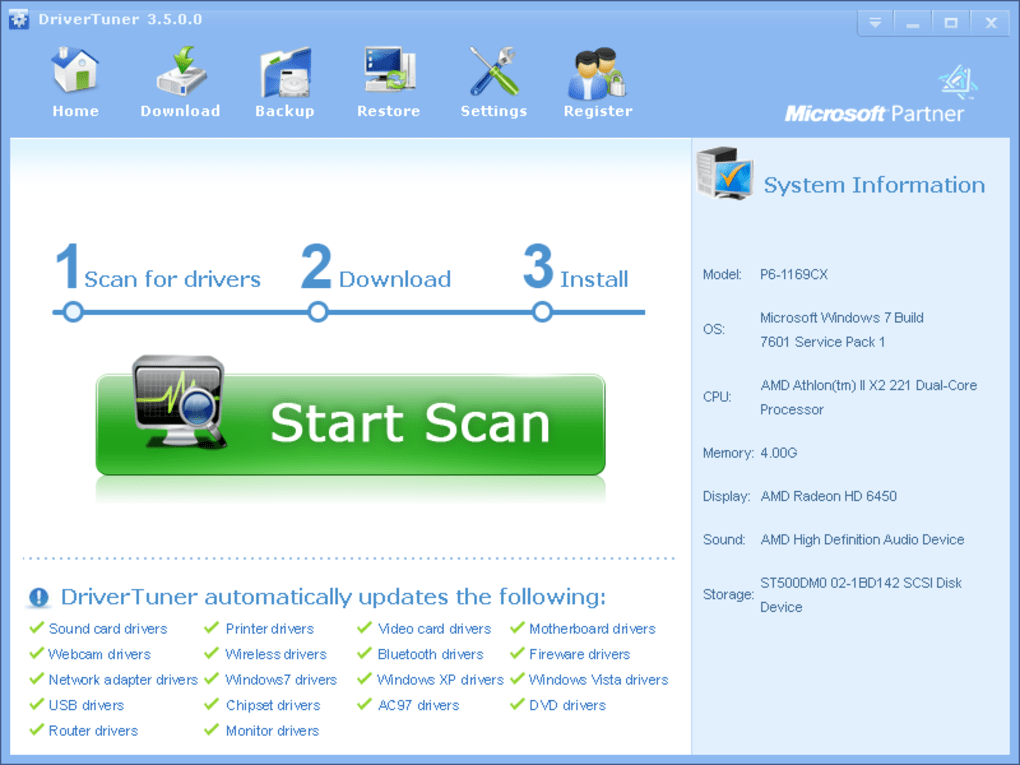
At its core, DriverTuner aims to simplify the often-complex process of driver management. It scans your computer system, identifying installed drivers and comparing their versions against a database of the latest available versions. If outdated drivers are found, the software alerts the user and offers to update them. This process is intended to improve system performance, resolve compatibility issues, and enhance the overall stability of the computer. The software’s interface is relatively straightforward, using color-coded blocks to visually represent the scan results and driver update recommendations.
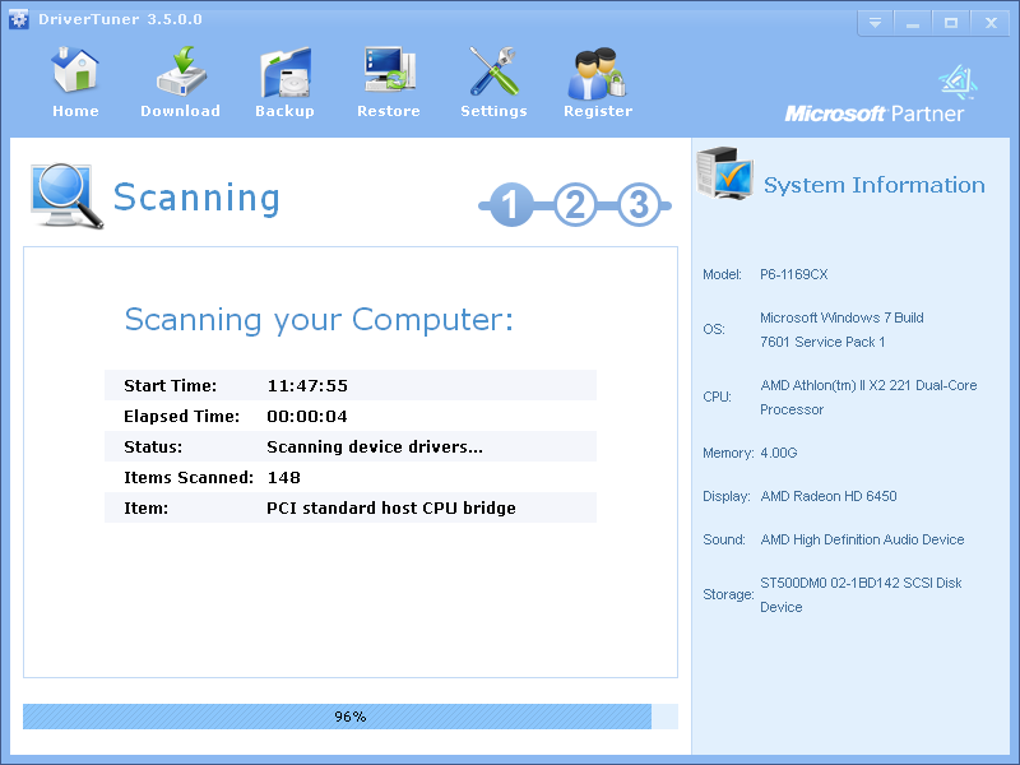
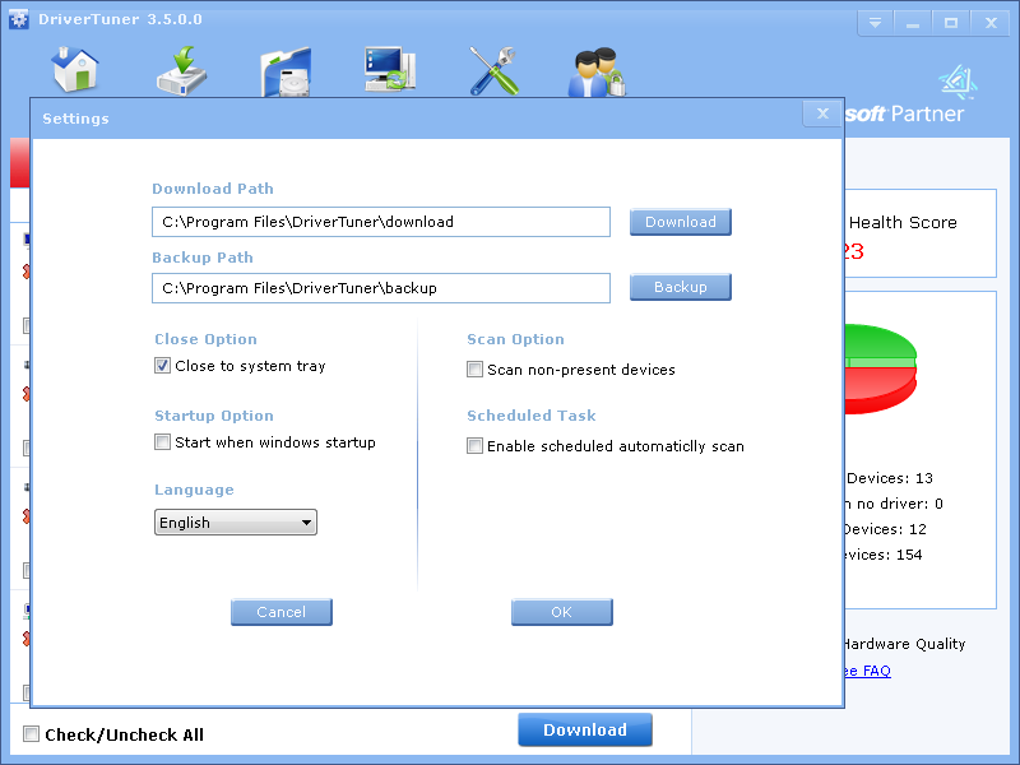
The free version of DriverTuner offers a limited functionality, likely only performing a scan and identifying outdated drivers. The full capabilities, including the actual downloading and installation of the updated drivers, are typically reserved for the paid version, requiring a purchase after the initial trial period. This freemium model is a common strategy in software distribution but can be frustrating for users expecting a completely free solution. The transition from free trial to paid service is not always explicitly clear, potentially leading to confusion and dissatisfaction.
User Interface and Experience
DriverTuner boasts a user-friendly interface designed for ease of use. The primarily white interface with strategically placed colored blocks effectively communicates the scan results. This simplicity is a significant advantage, making it accessible to users with varying levels of technical expertise. However, the simplicity might also be perceived as somewhat basic compared to more sophisticated driver management utilities that offer more detailed information and advanced customization options.
The software’s frequent warnings regarding outdated drivers, while intended to be helpful, can become intrusive for some users. The constant notifications and sound alerts, coupled with the aggressive marketing of the paid version, can be perceived as annoying and overwhelming. This aggressive approach might be counterproductive, pushing away potential users who are seeking a more subtle and less insistent driver management solution. A more refined notification system, allowing users to customize the frequency and type of alerts, would significantly improve the user experience.
Performance and System Impact
While DriverTuner’s primary function is driver management, it’s crucial to assess its impact on overall system performance. The software’s resource consumption should be minimal, given that its primary operation involves scanning and comparing driver versions. However, the frequency of background processes and notifications could potentially impact system responsiveness, especially on older or lower-specification machines. A comprehensive performance analysis comparing system resource usage before and after DriverTuner installation would be beneficial to fully understand its impact.
The installation process itself is generally straightforward, although some users have reported conflicts with antivirus software. This incompatibility underscores the importance of verifying the software’s legitimacy and ensuring that it does not conflict with existing security measures. A smooth and hassle-free installation experience is crucial for a positive initial user impression, and any reported conflicts should be addressed promptly by the developers.
Security and Privacy Concerns
Several user reviews highlight security concerns related to DriverTuner’s compatibility with antivirus software and its potential classification as “potentially unwanted.” These reports raise concerns regarding the software’s security and potential for introducing unwanted programs or malware. Addressing these concerns through thorough security audits and improved software design is paramount to rebuilding user trust and confidence.
The software’s data collection practices should also be transparently disclosed to users. Information regarding the type of data collected, its intended use, and the measures taken to protect user privacy are essential for establishing a positive relationship between developers and users. Transparency regarding data collection and handling is crucial for ensuring user privacy and meeting growing expectations regarding data security.
User Reviews and Feedback
User reviews provide valuable insight into the real-world experience with DriverTuner. While some users report positive outcomes, successfully updating their drivers and resolving system issues, others express dissatisfaction with the software’s aggressive marketing tactics, compatibility issues, and high cost of the full version. Negative feedback often revolves around the software’s intrusive notifications, perceived as spammy and annoying. The inconsistency in user reviews reflects a lack of a consistently positive experience, suggesting room for significant improvements.
The discrepancies between positive and negative reviews emphasize the importance of balancing effective marketing with a respectful and user-friendly approach. Aggressive marketing tactics can backfire, undermining the software’s potential value and leading to negative user perceptions. A more balanced approach, focusing on clearly communicating the software’s value proposition without resorting to intrusive marketing, is highly recommended.
Alternatives and Comparison
Numerous alternative driver update utilities are available, offering comparable functionality with different approaches and features. Some offer more comprehensive driver databases, while others focus on advanced features like automated driver backups and restoration. Comparing DriverTuner to these alternatives, based on factors such as price, features, user interface, and security, would allow users to make informed decisions based on their individual needs and preferences. This comparison should be presented in a fair and objective manner, highlighting the strengths and weaknesses of each option. The availability of a free and paid tier in DriverTuner could be compared to similar models in other comparable software.
Conclusion
DriverTuner offers a simple solution for managing device drivers, particularly beneficial for users unfamiliar with manual driver updates. However, the software’s limitations, including aggressive marketing, compatibility issues with antivirus software, and mixed user reviews, raise concerns regarding its overall value and reliability. Addressing these issues, improving transparency around data collection practices, and implementing a less intrusive user experience are crucial for enhancing the software and building user trust. Before considering DriverTuner, users should carefully weigh its advantages and disadvantages against available alternatives, ensuring that the chosen solution meets their specific needs and expectations while respecting their security and privacy. The freemium model should be clearly communicated to potential users to avoid misleading expectations.
File Information
- License: “Trial version”
- Latest update: “July 19, 2024”
- Platform: “Windows”
- OS: “Windows 98”
- Language: “English”
- Downloads: “160K”
- Size: “3.02 MB”


