
Dual Space Pro - Multiple Accounts App Cloner is a free utility app for Android devices developed by Dualspace. It’s a powerful app-cloning tool enabling users to create and manage multiple instances of their favorite applications, all from a single device. This functionality allows simultaneous logins to various accounts, bypassing the typical “one account per device” restriction imposed by many apps and services. This detailed guide explores the features, benefits, limitations, and alternatives to Dual Space Pro, helping you determine if it’s the right solution for your multi-account needs.
Overcoming the Single-Account Limitation
Modern apps and services often enforce a strict one-account-per-device policy. While this measure enhances security and protects user data, it presents significant practical limitations. Managing multiple accounts (for personal, professional, or other reasons) requires multiple devices, increasing costs and complexity. Dual Space Pro effectively addresses this challenge by allowing users to clone their apps, creating independent instances that run concurrently without interfering with each other. This means you can effortlessly switch between your personal and work social media accounts, gaming profiles, or any other app requiring separate logins, all within the convenience of a single device.
Seamless Multi-Account Management and Enhanced Productivity
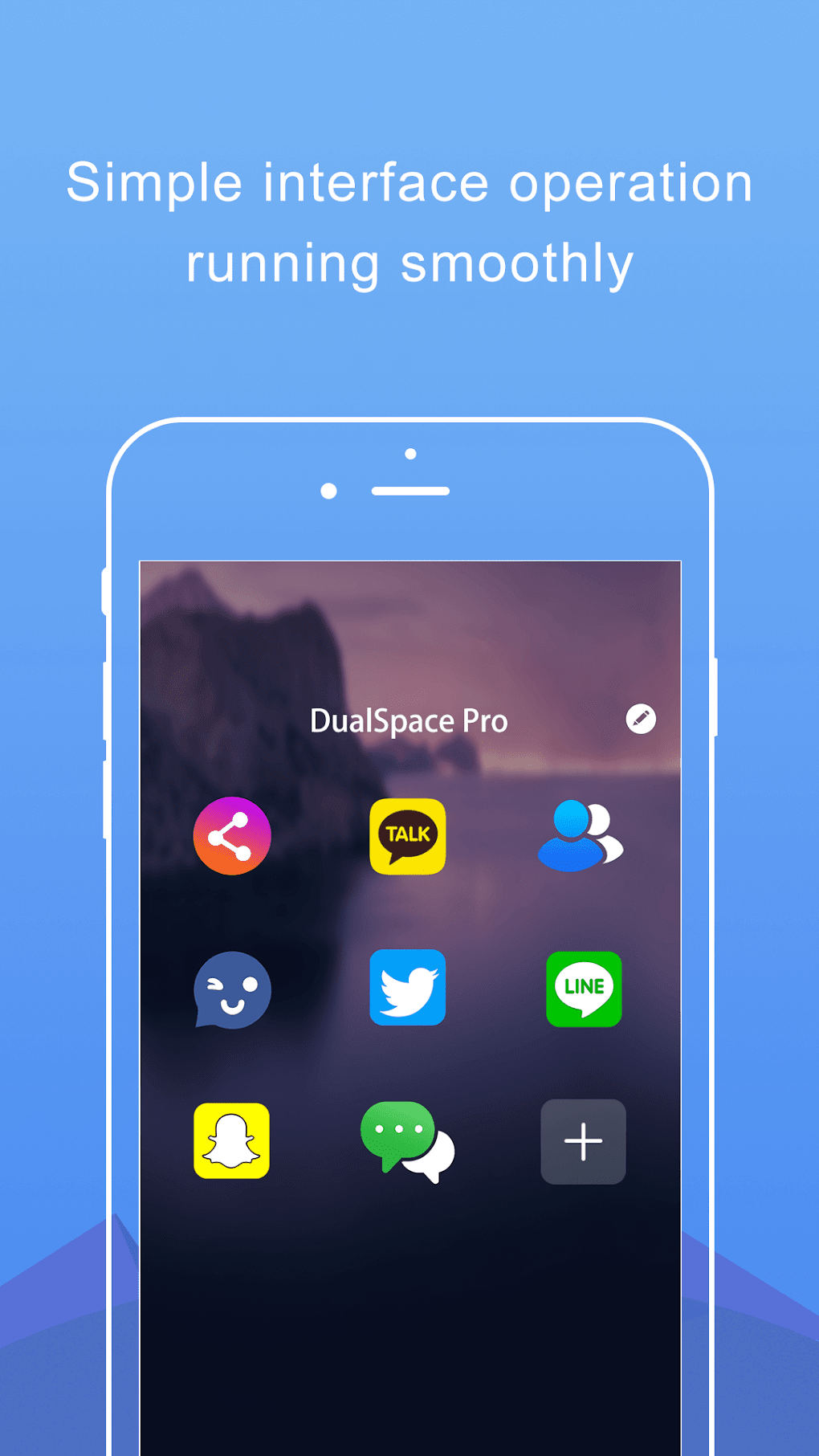
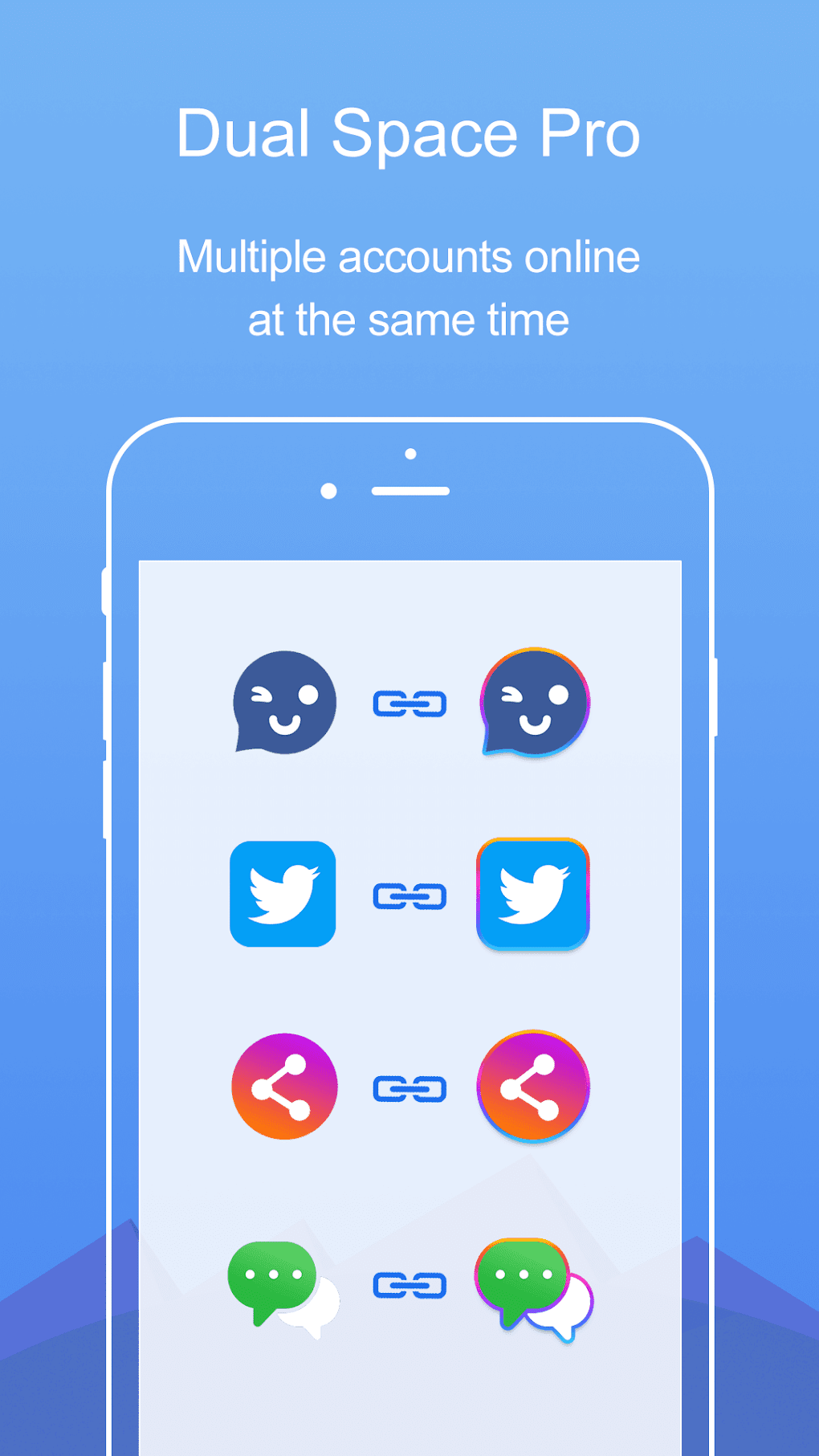
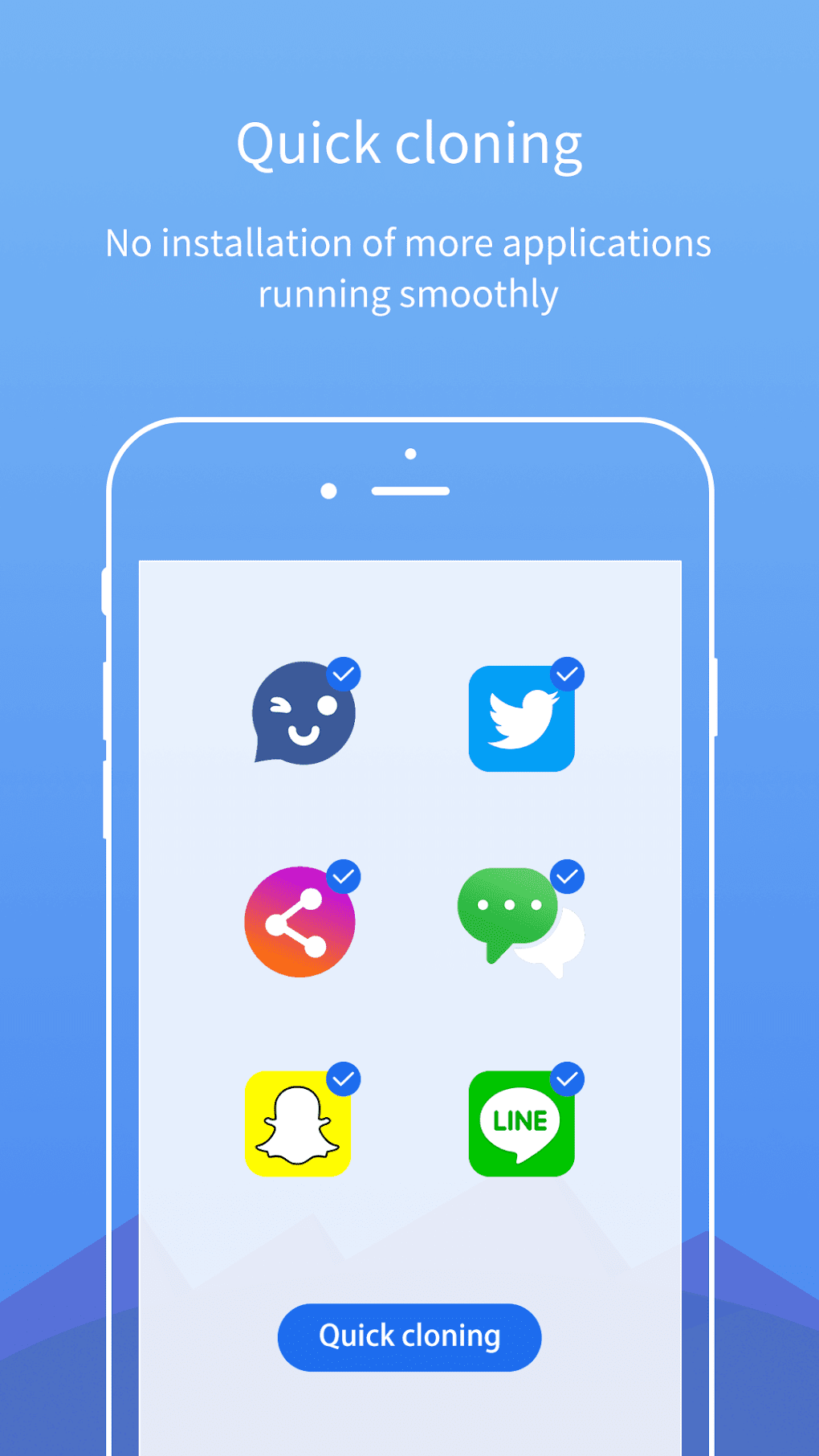
Dual Space Pro’s core function is to clone applications. This means you can essentially have two or more identical applications installed on your phone or tablet, allowing independent logins to different accounts. This eliminates the hassle of constantly logging in and out of various accounts, significantly boosting efficiency. The cloned apps function independently, ensuring that data and settings for each instance remain separate and distinct. You can seamlessly switch between these cloned apps using your device’s standard multitasking interface, making the transition smooth and intuitive.
The app isn’t limited to just cloning a single app multiple times. You can create separate instances for different applications simultaneously. For instance, you can have one instance for your personal Instagram account and another for your business Instagram account, or maintain separate accounts for different messaging applications. This versatility makes it an incredibly useful tool for managing diverse online identities and activities without the need for additional devices.
Privacy and Security Features
Beyond its core functionality, Dual Space Pro incorporates features focused on user privacy and security. The app includes a “Privacy Zone” which allows you to conceal your cloned app sessions. This feature is particularly useful for individuals who want to maintain the privacy of certain accounts or avoid unwanted visibility on their device. This discreet management adds an extra layer of security, preventing unauthorized access or unwanted scrutiny of your multiple accounts.
Addressing Limitations: Push Notifications and Potential Issues
While Dual Space Pro offers significant advantages, it’s crucial to acknowledge its limitations. One commonly reported issue concerns push notifications. While generally functional, the reliability of receiving notifications in cloned apps can be inconsistent. This means you might occasionally miss important alerts or messages in your secondary app instances. It’s important to note that this is a common problem within the app-cloning category and is not exclusive to Dual Space Pro. Hopefully, future updates will address and improve this aspect.
Exploring Dual Space Pro’s User Experience and Interface
Dual Space Pro’s interface is designed for simplicity and ease of use. The app is straightforward to navigate, even for users unfamiliar with app cloning tools. The setup process is quick and requires minimal technical expertise. Users can easily select apps for cloning and manage their cloned app instances directly within the app’s intuitive interface.
Alternatives to Dual Space Pro: A Comparative Overview
While Dual Space Pro is a popular and effective app cloning solution, several alternatives exist, each with its own strengths and weaknesses. Consider these options when making your decision:
-
Multi Parallel - Multiple Accounts App Clone: A similar app-cloning tool that provides many overlapping features. Comparing user reviews and features between Dual Space Pro and Multi Parallel can assist in choosing the best fit.
-
Super Clone - App Cloner for Multiple Accounts: Another popular choice offering comparable functionality. A thorough comparison of features, user experience, and performance may influence your preference between this and Dual Space Pro.
-
Parallel Space: A well-established and widely used app cloning tool with a substantial user base. This option may offer more advanced features, but perhaps with a less intuitive interface than Dual Space Pro.
Carefully comparing the features, user reviews, and compatibility of each app is crucial before deciding. Consider factors such as ease of use, reliability of push notifications, app compatibility, and privacy features to determine the best option for your specific requirements.
Conclusion: Is Dual Space Pro Right for You?
Dual Space Pro offers a convenient and effective way to manage multiple accounts on a single Android device. Its intuitive interface, wide app support, and privacy features make it an appealing choice for users needing to access various apps and accounts without the need for multiple devices. However, the occasional unreliability of push notifications should be considered. If this limitation is a major concern, exploring alternative app cloning tools might be warranted.
Ultimately, the decision of whether Dual Space Pro is the right tool depends on your individual needs and priorities. Weighing the pros and cons against the alternatives and reading user reviews will help you determine if this app aligns perfectly with your requirements for multi-account management. Remember to always download applications from reputable sources to protect your device from potential malware or unwanted software.
Frequently Asked Questions (FAQs)
Q: Is Dual Space Pro safe to use?
A: Dual Space Pro is generally considered safe when downloaded from reputable sources like the Google Play Store or PhanMemFree.org. Always be cautious when downloading apps from untrusted websites or third-party app stores.
Q: Does Dual Space Pro consume significant battery life or storage space?
A: Like any app that runs multiple instances of other applications, Dual Space Pro can consume some additional battery and storage resources. However, the impact is generally minimal, particularly compared to the convenience it provides.
Q: Can I use Dual Space Pro with all my apps?
A: Dual Space Pro supports a wide range of apps, but compatibility isn’t guaranteed for every single application. Some apps may have limitations or restrictions that prevent cloning.
Q: How do I report bugs or provide feedback on Dual Space Pro?
A: The methods for providing feedback or reporting bugs will vary depending on where you downloaded the application. Check the application’s settings or refer to the developer’s website for contact information or feedback mechanisms.
Q: What are the system requirements for Dual Space Pro?
A: Dual Space Pro’s system requirements are relatively modest. It works on most modern Android devices running a reasonably up-to-date Android version. However, it’s always a good idea to check the app’s information page on the relevant app store for the most up-to-date specifications.
This guide provides a thorough overview of Dual Space Pro and offers valuable insights into its strengths, weaknesses, and available alternatives. Remember to conduct your research, read user reviews, and compare options before making your decision. This will ensure you choose the best multi-account management tool to enhance your productivity and meet your specific needs.
File Information
- License: “Free”
- Latest update: “July 17, 2025”
- Platform: “Android”
- OS: “Android 13.0”
- Language: “English”
- Downloads: “100.4K”
- Size: “19.84 MB”
- Download Options: “APK, Google Play”
- Filename: “com.ludashi.dualspaceprox_3.1.0.apk”


